MolyPix.AI
Prompt-based graphic design generator that outputs layered, editable posters, invitations, logos and images.
MolyPix.AI is an AI graphic design generator. MolyPix.AI takes a one-sentence prompt and a chosen format, such as a poster, invitation or logo, and returns layered designs whose text and elements can be edited in an online editor. A Brand Kit, remixable templates and a free credit allowance are included.
Best for Small businesses and marketers who need quick posters or invitations and want to correct text and layout without starting over.
- Listed in
- Graphic DesignAI Image Generator
- Platforms
- Web
- Pricing model
- Freemium
- Free plan
- Yes
- Added
Last verified: . Information taken from molypix.ai.
What is MolyPix.AI?
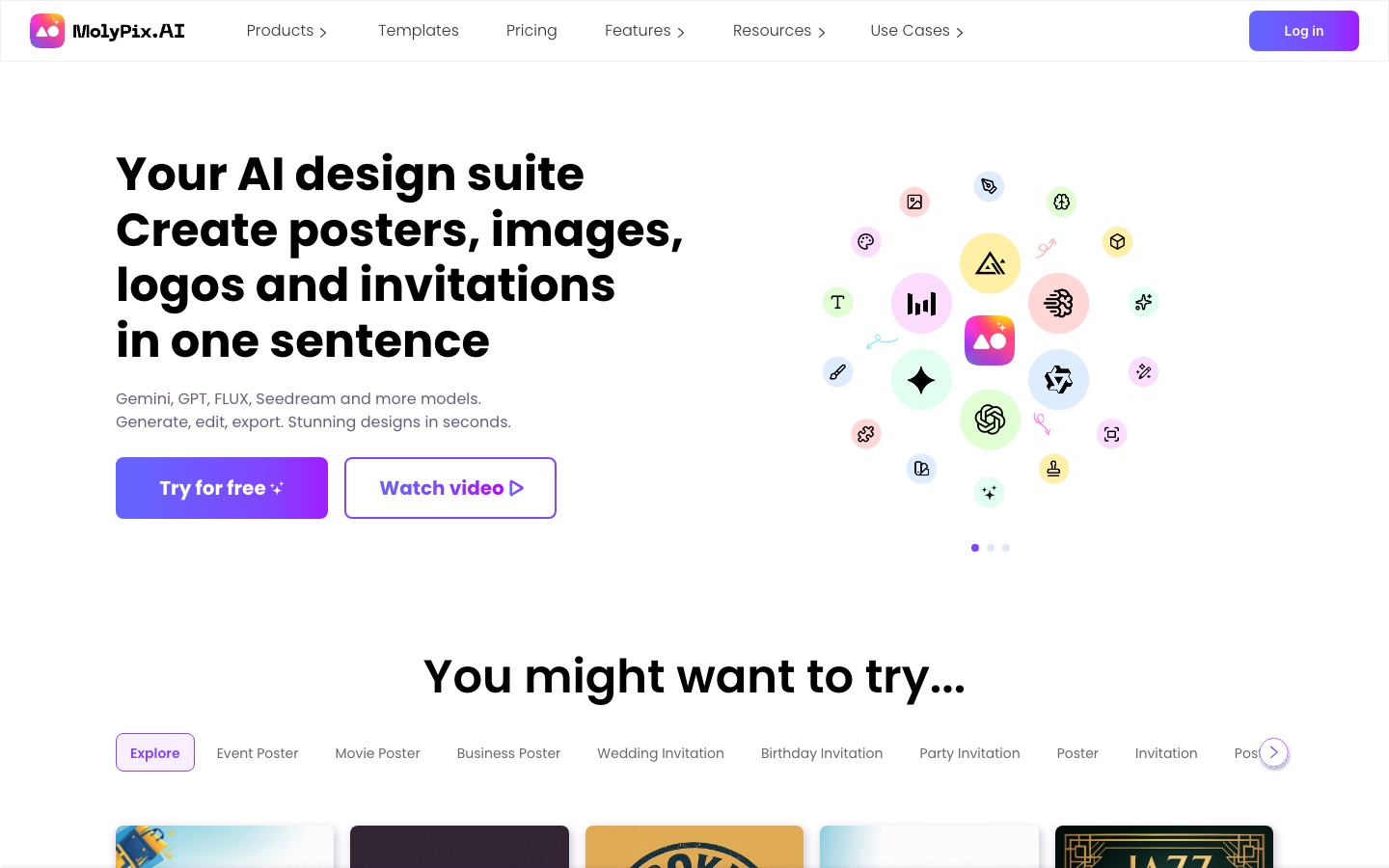
MolyPix.AI is an online design generator that produces finished graphics from a one-sentence description. You pick a product type, such as a poster, invitation, postcard, logo, LinkedIn visual or plain image, type a prompt, and the service returns several candidates; the site says four posters take about a minute. Results arrive as layered designs, so text, layout and individual elements can be changed afterwards in the built-in editor instead of regenerating the whole picture. An Enhance Prompt option expands a short idea, a Remix button turns any design into a reusable template that keeps its layout, and a Brand Kit applies your logo and colours automatically. The site names Gemini, GPT, FLUX and Seedream among the underlying models. A free allowance of credits is available, and designs are saved to a history panel.
Key Features
Prompt-to-Design Generation
Creates posters, invitations, logos and other graphics from a single sentence, with text rendered as part of the design.
Layered Editing
Keeps text, elements and backgrounds on separate layers so each can be moved, rewritten or resized in the editor.
AI Edit Tools
Regenerates or erases a brushed area, expands the canvas, removes an image background and raises resolution.
Remix Templates
Saves a design's layout and prompt as a template, then generates variations when the prompt is changed.
Brand Kit
Stores a logo and colour palette and applies them to new designs without manual adjustment.
Enhance Prompt
Rewrites a brief idea into a more detailed, structured prompt before generation.
How MolyPix.AI works
Choose a product type
Start from DesignGPT, posters, invitations, postcards, logos, images or another format.
Describe the design
Enter one sentence, optionally expanding it with Enhance Prompt, and generate.
Edit and download
Adjust text, layers and elements in the editor, apply AI Edit where needed, then download the file.
Use Cases
- Store Promotions
- Produce a sale poster for a local shop without hiring a designer.
- Event Invitations
- Generate an invitation and correct the date and venue text by hand.
- Social Media Campaigns
- Make a series of matching visuals from one remixed template.
- Product Launch Graphics
- Create announcement artwork that carries the brand's logo and colours.
- Logo Drafts
- Explore logo directions from a short description.
Things to know
- Free allowance is stated two ways
- The home page mentions 20 free credits, while the pricing page describes a daily credit allowance on the free plan.
- Advanced AI tools are paid
- Basic editing is free, but the site says some advanced features such as AI Tools are limited to paid users.
- You are responsible for lawful use
- Commercial use is permitted, subject to the terms of service and content guidelines.
FAQs
What is MolyPix.AI?
MolyPix.AI is an AI graphic design tool that turns a text prompt into an editable, layered design such as a poster, invitation or logo.
What is MolyPix.AI used for?
MolyPix.AI is used to create marketing and event graphics quickly, then refine the text and layout in its online editor.
Is MolyPix.AI free?
Yes, MolyPix.AI has a free plan that grants a limited number of credits for generating designs. Some advanced AI tools are reserved for paying users.
How much does MolyPix.AI cost?
MolyPix.AI offers a free plan and paid memberships with monthly or yearly billing. See the official pricing page for current figures.
Can I use MolyPix.AI designs commercially?
Yes. MolyPix.AI says you keep the rights to designs you create and may sell or distribute them, while remaining responsible for legal compliance and third-party rights.
Can I upload my own logo to MolyPix.AI?
Yes. MolyPix.AI lets you upload images through My Media or the Elements panel and place them on the canvas.
Which AI models does MolyPix.AI use?
MolyPix.AI names Gemini, GPT, FLUX and Seedream among the models behind its generation.
Who it's for
- Small business owners
- Marketers
- Content creators
- Retailers
- Event organisers
Used in these workflows
- What it takes to start a podcast, and where AI tools save the most timeStage 8: Cover art
Each guide lists the stages of one job and the tools that help at each stage. All guides
Comments
No comments yet. If you have used MolyPix.AI, tell other readers how it went.
Alternatives to MolyPix.AI
| Tool | Free plan | Starting price | API |
|---|---|---|---|
 CanvaBrowser-based design suite for social posts, presentations, video and print, with built-in AI tools. |
Yes | — | — |
Template.netAI generator and template library that turns prompts into editable documents, designs, slides and charts. |
Yes | — | — |
 Lovart AIDesign agent that turns a prompt or brand guide into sets of editable, on-brand visuals on one canvas. |
— | — | — |
 MiriCanvasTemplate-based online design tool with AI helpers for slides, images, video and photo clean-up. |
Yes | — | — |
 PosterMyWallTemplate-based design tool with social scheduling, email campaigns, event pages and a set of AI helpers. |
Yes | — | — |
Listed in the same categories as MolyPix.AI. A starting price appears only where we checked it on the maker’s pricing page; a dash means not checked or not published. All Graphic Design tools