
LALAL.AI
AI audio tools that split songs into vocal and instrument stems and clean, change or clone voices.
LALAL.AI is an AI audio processing service that separates vocals and instruments in songs and videos. LALAL.AI is used by uploading an audio or video file, previewing the separated stems and downloading the ones needed. The suite also covers noise, echo and reverb removal, lead and backing vocal splitting, voice changing and voice cloning.
Best for Musicians, remixers and content creators who need instrumentals, acapellas, individual instrument stems or cleaner voice tracks from existing recordings.
- Platforms
- Web, Windows, macOS, Linux, iOS, Android, Plugin, API
- Pricing model
- Freemium
- Free plan
- Yes
- API
- Yes
- Made by
- OmniSale GMBH
- Added
Last verified: . Information taken from lalal.ai.
What is LALAL.AI?
LALAL.AI is an audio processing service that began as a vocal remover and now offers a set of related products. Its core function is stem separation: a song or video is analysed and divided into vocals and instrumental, or into single instruments such as drums, bass, piano, synthesizer, strings, wind and electric or acoustic guitar. Other products clean speech by taking out background music and noise, reduce echo and reverb, split lead vocals from backing vocals, change a voice, and build a voice model from a person's own recordings. The service runs in a browser and also ships as desktop software for Windows, macOS and Linux, mobile apps for iOS and Android, VST plugins that work locally inside a DAW, and an API. Usage is measured in processing minutes, with a free Starter tier for testing.
Key Features
Vocal Remover
Separates the sung part from the backing track in a song, clip or video and returns both as files.
Stem Splitter
Extracts single instruments, including drums, bass, piano, synthesizer, guitars, strings and wind.
Voice Cleaner
Takes out background music, plosives, microphone rumble and other noise from speech recordings.
Echo and Reverb Remover
Reduces room echo on vocals and voice recordings to make speech clearer.
Lead and Backing Split
Divides the main vocal from harmony layers and can output a backing-plus-instrumental mix.
Voice Changer and Cloner
Transforms a voice in a recording, or creates a personal voice model from your own audio samples.
How LALAL.AI works
Upload a file
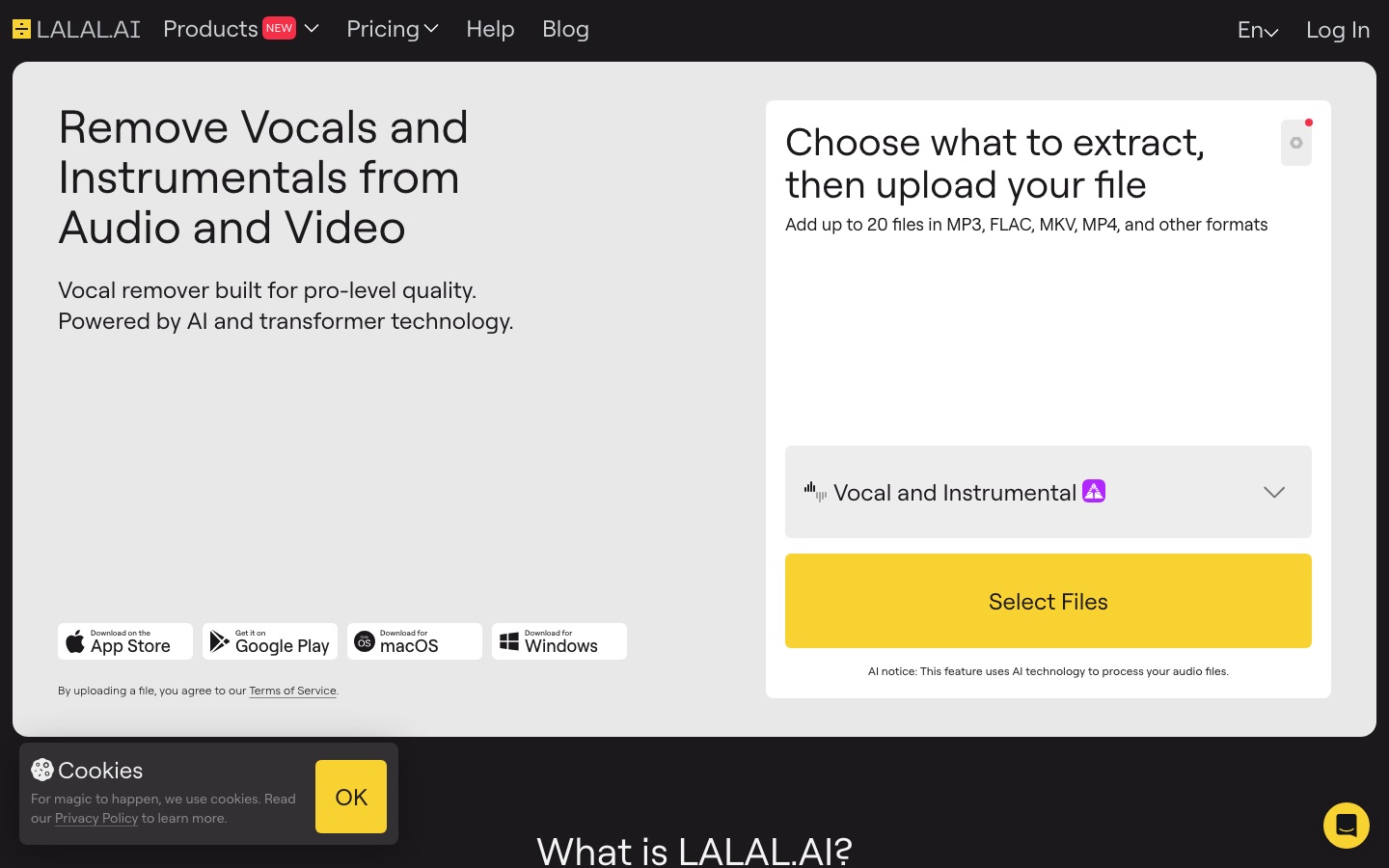
Open the vocal remover and add an audio or video file.
Let it analyse the track
The service detects which parts are voice and which are instruments.
Preview the result
Listen to the separated snippets to judge the quality.
Download the stems
Process the whole file and save the instrumental, the vocal, or both.
Use Cases
- Making Karaoke Tracks
- Strip the vocal from a song and keep the instrumental.
- Extracting Acapellas for Remixes
- Download the isolated vocal stem to reuse in a new arrangement.
- Cleaning Podcast Audio
- Remove background music and noise from a spoken recording.
- Practising an Instrument
- Remove the drum or bass part and play along with the rest of the mix.
- Processing Audio at Scale
- Send files through the API for bulk separation in another product.
Things to know
- Minutes multiply by separation type
- The minutes deducted equal the file length times the number of separation types chosen, so a 5-minute file split three ways uses 15 minutes.
- Fast minutes do not roll over
- Fast-mode minutes reset each month; after they run out, files are handled in the slower relaxed queue.
- Subscriptions are not refundable
- A cancelled subscription stays active until the period ends and, according to the site FAQ, is not refunded.
- One separation type per pass
- Each pass applies a single separation type and returns two stems, such as drums and a drumless track.
FAQs
What is LALAL.AI?
LALAL.AI is an AI audio service for removing vocals, splitting music into stems and cleaning or transforming voice recordings.
What is LALAL.AI used for?
LALAL.AI is used to create instrumentals and acapellas, isolate single instruments, remove noise or echo from speech, and change or clone a voice.
Is LALAL.AI free?
LALAL.AI has a free Starter plan intended for testing. It gives 10 relaxed-queue minutes with a 200 MB cap per upload, but full results cannot be downloaded on that plan.
How much does LALAL.AI cost?
LALAL.AI lists a free Starter plan and paid Lite and Pro subscriptions, plus one-time top-ups of extra minutes. See the official site for current prices.
What file formats does LALAL.AI support?
LALAL.AI accepts MP3, OGG, WAV, FLAC, AIFF, AAC and M4A audio, and AVI, MP4, MKV, MOV and M4V video.
Does LALAL.AI have an API?
Yes. LALAL.AI offers an API for developers and custom enterprise integrations for bulk processing.
Does LALAL.AI work on mobile?
Yes. LALAL.AI has apps for iPhone, iPad and Android devices, alongside desktop apps and the web version.
Who makes LALAL.AI?
The LALAL.AI site carries the copyright notice of OmniSale GMBH.
Who it's for
- Music producers
- DJs
- Podcasters
- Video editors
- Karaoke creators
- Developers
Used in these workflows
- From lyric to release: AI tools for producing a music trackStage 4: Stems and arrangement
- What it takes to start a podcast, and where AI tools save the most timeStage 4: Audio cleanup
Each guide lists the stages of one job and the tools that help at each stage. All guides
Comments
No comments yet. If you have used LALAL.AI, tell other readers how it went.
Alternatives to LALAL.AI
| Tool | Free plan | Starting price | API |
|---|---|---|---|
 Kits AIAI audio tools for music producers: voice cloning, singing voice conversion, stem splitting and mastering. Kits AIAI audio tools for music producers: voice cloning, singing voice conversion, stem splitting and mastering. |
Yes | — | Yes |
 Audio EnhancerOnline AI tool that cleans up recordings by removing noise and echo, fixing loudness and tidying speech. Audio EnhancerOnline AI tool that cleans up recordings by removing noise and echo, fixing loudness and tidying speech. |
Yes | — | Yes |
 Cleanvoice AIAI podcast editor that removes filler words, background noise and dead air from audio and video recordings. Cleanvoice AIAI podcast editor that removes filler words, background noise and dead air from audio and video recordings. |
— | — | Yes |
 ListnrAI voice generator for text to speech, voice cloning and narration in a browser-based studio. ListnrAI voice generator for text to speech, voice cloning and narration in a browser-based studio. |
Yes | — | Yes |
 Voice.aiAI voice platform combining a real-time voice changer, voice cloning, text to speech and phone voice agents. Voice.aiAI voice platform combining a real-time voice changer, voice cloning, text to speech and phone voice agents. |
Yes | — | Yes |
Listed in the same categories as LALAL.AI. A starting price appears only where we checked it on the maker’s pricing page; a dash means not checked or not published. All Audio Editing & Enhancement tools