
Google Flow
Google's AI creative studio for generating and editing video and images, with an agent and custom tools.
Google Flow is an AI creative studio from Google for making and editing videos and images. Google Flow runs on Google's generative models, including Gemini Omni, Veo 3.1 and Nano Banana, and adds an agent that helps plan and iterate on a project. Users sign in with a Google Account and work with daily or monthly credits.
Best for Filmmakers, artists and other creators who want to generate, edit and assemble video and image projects with Google's models in one workspace.
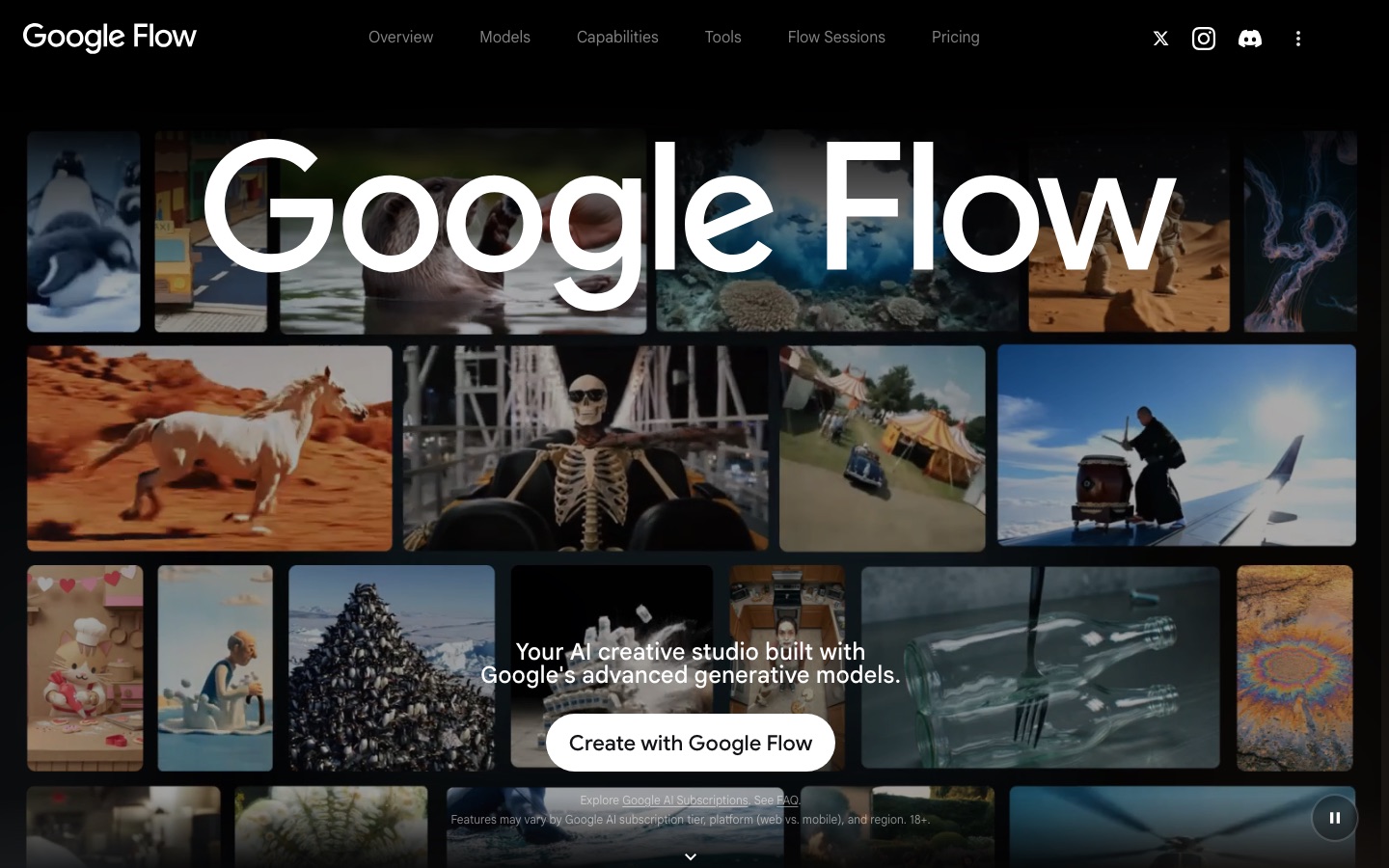
- Platforms
- Web
- Pricing model
- Freemium
- Free plan
- Yes
- Made by
- Added
Last verified: . Information taken from flow.google.
What is Google Flow?
Google Flow is a creative studio in which video and images are produced with Google's generative models. Three model families are presented: Gemini Omni, which creates and edits video from text, image or video references; Veo 3.1, a video model with native audio; and Nano Banana, for image generation and editing. An agent built on Gemini follows the project and helps explore and revise ideas. Edits are requested in plain language and can be applied across a whole project. Users can also build small tools by describing them, then share or remix them; examples on the site include a video resizer, animated type overlays, a layered image editor and a storyboard builder. Access starts free with a Google Account and expands with Google AI subscription tiers, each carrying a credit allowance.
Key Features
Video Generation
Produces clips from text, from start and end frames or from reference ingredients, and can extend an existing video.
Image Generation and Editing
Uses the Nano Banana models to create images and edit them, including text rendering and consistent subjects.
Creative Agent
Provides a Gemini-based assistant that knows the project and helps develop and iterate on ideas.
Natural-Language Editing
Applies described changes to images and videos and scales them across the assets in a project.
Custom Tools
Lets users describe a workflow tool, such as a video effect or layering utility, and build, share and remix it inside the studio.
Upscaling
Raises output resolution, with 2K images on the free level and 1080p or 4K options on subscription tiers.
Use Cases
- Short Films
- Develop a personal film from concept to finished scenes.
- Music Videos
- Generate and edit visuals to accompany a track.
- Storyboarding
- Write a script, create a cast and lay out the shots with the storyboard tool.
- Reformatting Video
- Resize a finished clip into another aspect ratio for a different platform.
- Concept Art
- Explore visual ideas for a new project through generated images.
Things to know
- Credits govern usage
- Free users receive 50 credits a day, and each subscription tier has a monthly allowance; the cost of a generation depends on the model chosen.
- Availability varies
- Features depend on the Google AI subscription tier, on web versus mobile and on the region.
- Age requirement
- The site states that Google Flow is for users aged 18 and over.
- Output disclaimer
- Google notes that AI outputs may be offensive or inaccurate.
FAQs
What is Google Flow?
Google Flow is an AI creative studio from Google for generating and editing video and images with Google's generative models.
Who is Google Flow for?
Google Flow is aimed at anyone turning visual ideas into finished work; the site mentions films, music videos and new forms of art.
Is Google Flow free?
Google Flow can be tried free of charge with a Google Account, which includes 50 daily credits. Larger allowances come with Google AI Plus, Pro and Ultra subscriptions.
How much does Google Flow cost?
Google Flow is included in Google AI subscription tiers, and the site notes that prices vary by market. See the official Google Flow page for the rate in your region.
Which models does Google Flow use?
Google Flow uses Gemini Omni and Veo 3.1 for video and Nano Banana for images.
Where is Google Flow available?
Google Flow is available in a list of countries published by Google, and features can differ by subscription tier, platform and region. Users must be 18 or older.
Can I build my own tools in Google Flow?
Yes. Google Flow lets you create tools by describing them in natural language; tool creation is listed from the Google AI Plus tier, while free users can run existing tools.
Who it's for
- Filmmakers
- Video creators
- Artists
- Designers
- Creative studios
Used in these workflows
- AI tools for making a film, stage by stageStage 4: Generating or shooting footage
Each guide lists the stages of one job and the tools that help at each stage. All guides
Comments
No comments yet. If you have used Google Flow, tell other readers how it went.
Alternatives to Google Flow
| Tool | Free plan | Starting price | API |
|---|---|---|---|
 PikaAI creative platform with task-specific apps and a range of models for generating video, images and audio. PikaAI creative platform with task-specific apps and a range of models for generating video, images and audio. |
Yes | $10/mo | Yes |
 FlexClipOnline video maker and editor with templates, stock media and AI tools for text-to-video, subtitles and voice. FlexClipOnline video maker and editor with templates, stock media and AI tools for text-to-video, subtitles and voice. |
— | — | — |
 Kling AIAI video and image generator with a creative studio, agent-driven canvas, API and desktop and mobile apps. Kling AIAI video and image generator with a creative studio, agent-driven canvas, API and desktop and mobile apps. |
— | — | Yes |
 Magic HourOnline studio of AI video, image and audio tools, with templates and a developer API. Magic HourOnline studio of AI video, image and audio tools, with templates and a developer API. |
Yes | — | Yes |
 RenderforestOnline platform for making videos, images, logos, mockups and websites with templates and AI models. RenderforestOnline platform for making videos, images, logos, mockups and websites with templates and AI models. |
Yes | — | — |
Listed in the same categories as Google Flow. A starting price appears only where we checked it on the maker’s pricing page; a dash means not checked or not published. All AI Video Generator tools