Image prompt Branding & UI Customizable Add your photo
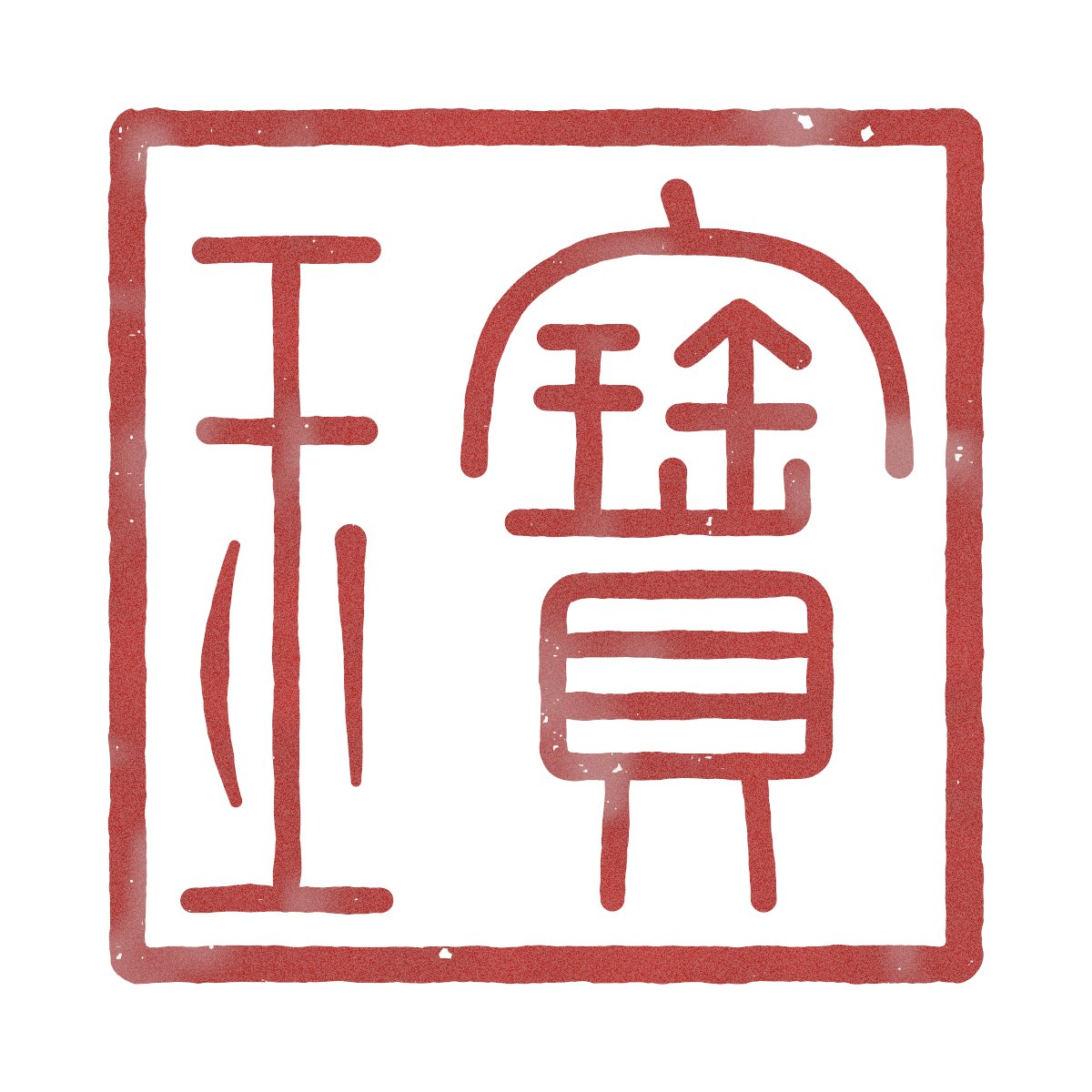
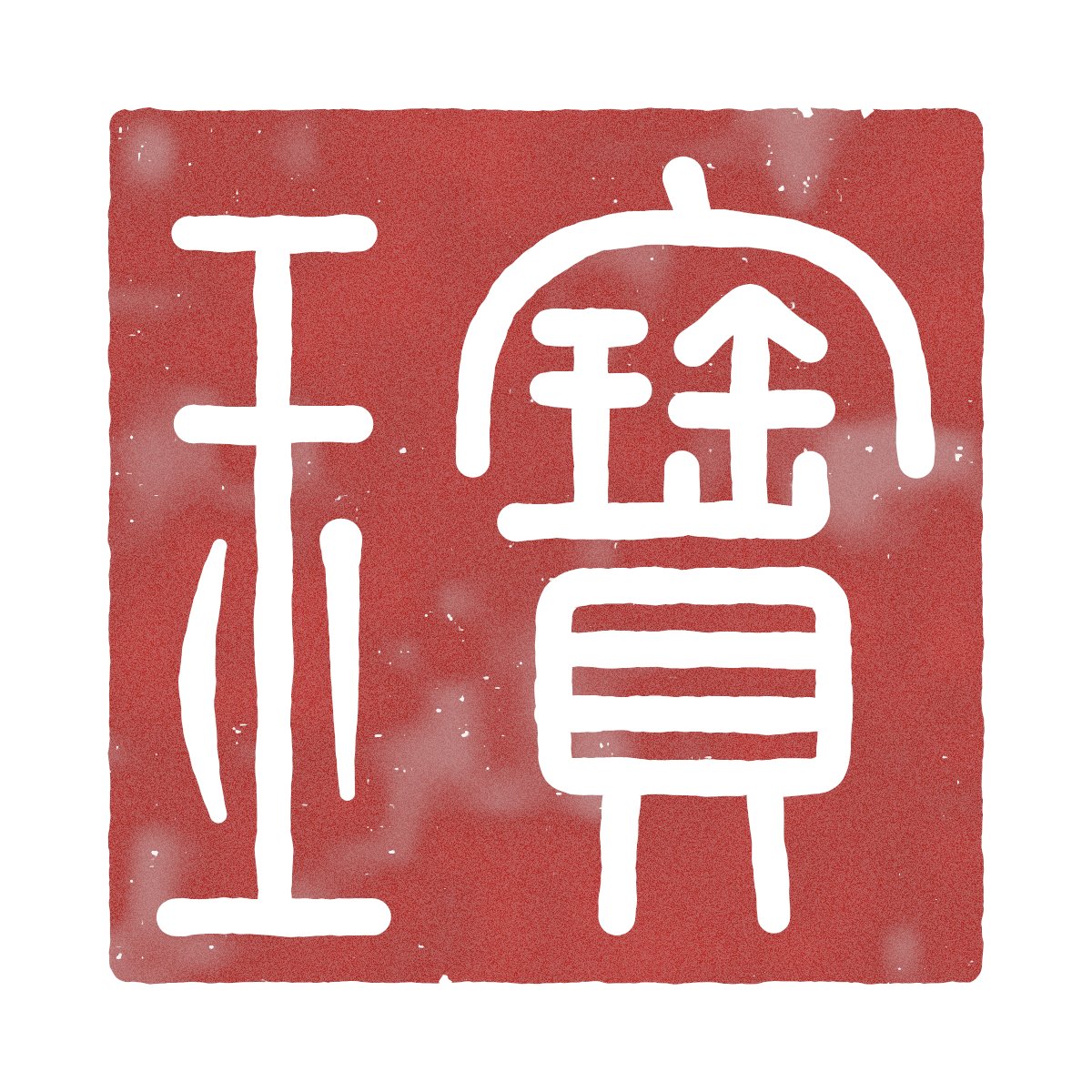
Seal-Script Baoyu Stamp Drawn with Canvas
A square seal face carrying the characters 宝玉 in small seal script, rendered in both white-on-red and red-on-white versions. The strokes are built from coordinate paths, then thickened, so the stamp reads as carved rather than typed.

- Model
- GPT Image 2
- Type
- 2 images
- Aspect ratio
- 1:1
- Shared
- 6 Oct 2026
- Likes on X
- 67
Image prompt
878 charactersUse JS + Canvas to draw a seal-script stamp bearing the traditional Chinese inscription “宝玉”, read from right to left. Base the character forms on the small seal script found in the Shuowen Jiezi; if I provide a reference image, follow it. Do not use a font. Draw every stroke with coordinates and then increase its thickness. Before drawing, list the components that make up each character and specify where each component will be placed on the seal face. Create both white-character and red-character versions. Use cinnabar-colored seal paste, add a subtle carved texture and chipped edges, and use a xuan-paper texture for the background. Export the result as a 1200 × 1200 PNG with a transparent background. When finished, take a screenshot and check whether each character is recognizable and whether the stroke spacing is even; revise the design if any problems are found.
How to use it
If you have a seal-script reference you like, attach it so the prompt can follow its stroke shapes. It was shared as a GPT Image 2 prompt, and the coordinate-based approach is what gives the strokes their even, hand-cut feel. To make it yours, swap the 宝玉 inscription for another two-character name and keep the instruction to list components before drawing, since that step keeps the characters legible. The result works as a logo mark or a signature stamp on a branding mockup.
Shared publicly on X on 6 Oct 2026. All credit for this prompt and its result goes to its creator. Is this yours? Ask for an update or removal.