Prompt studio
Make “Seal-Script Baoyu Stamp Drawn with Canvas” yours
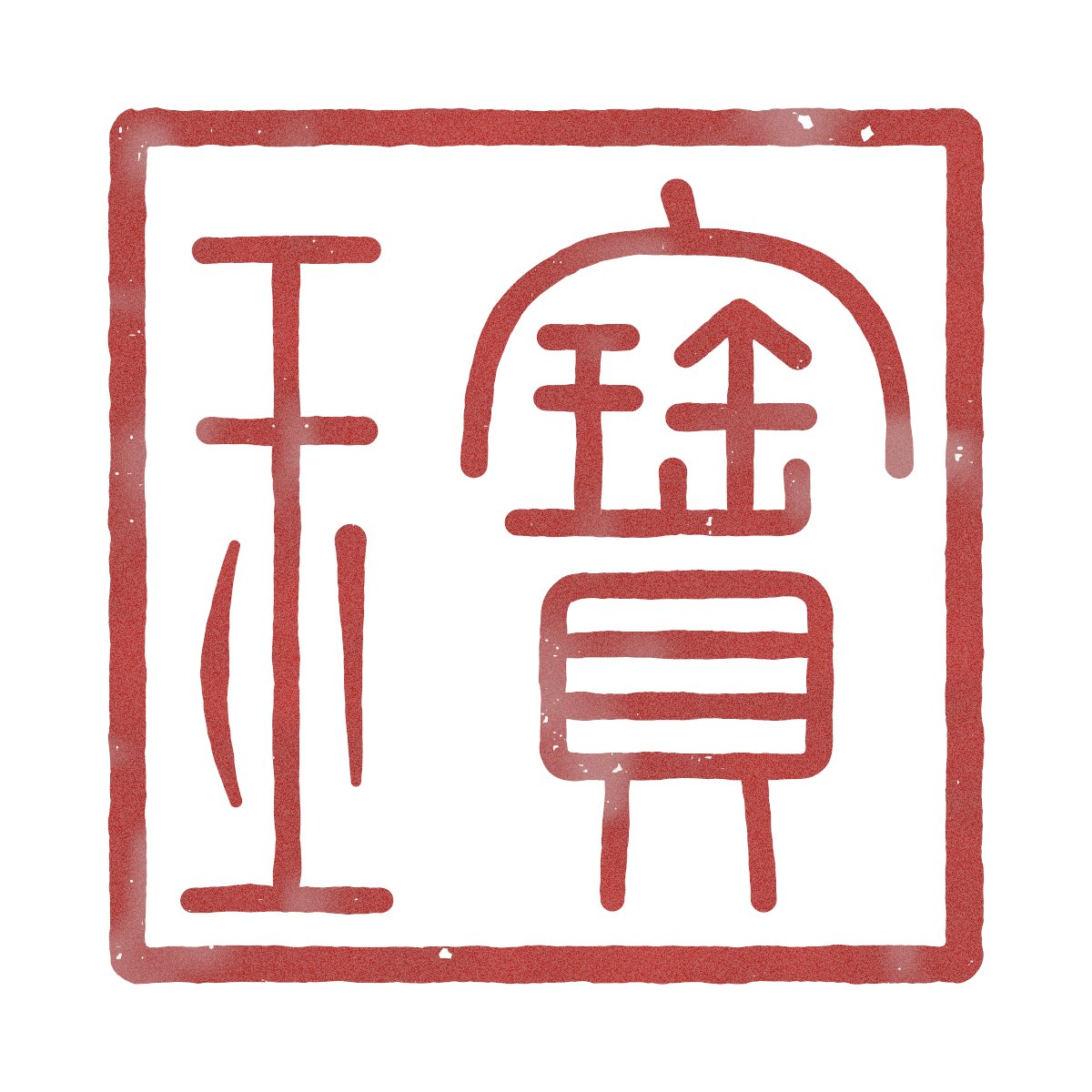
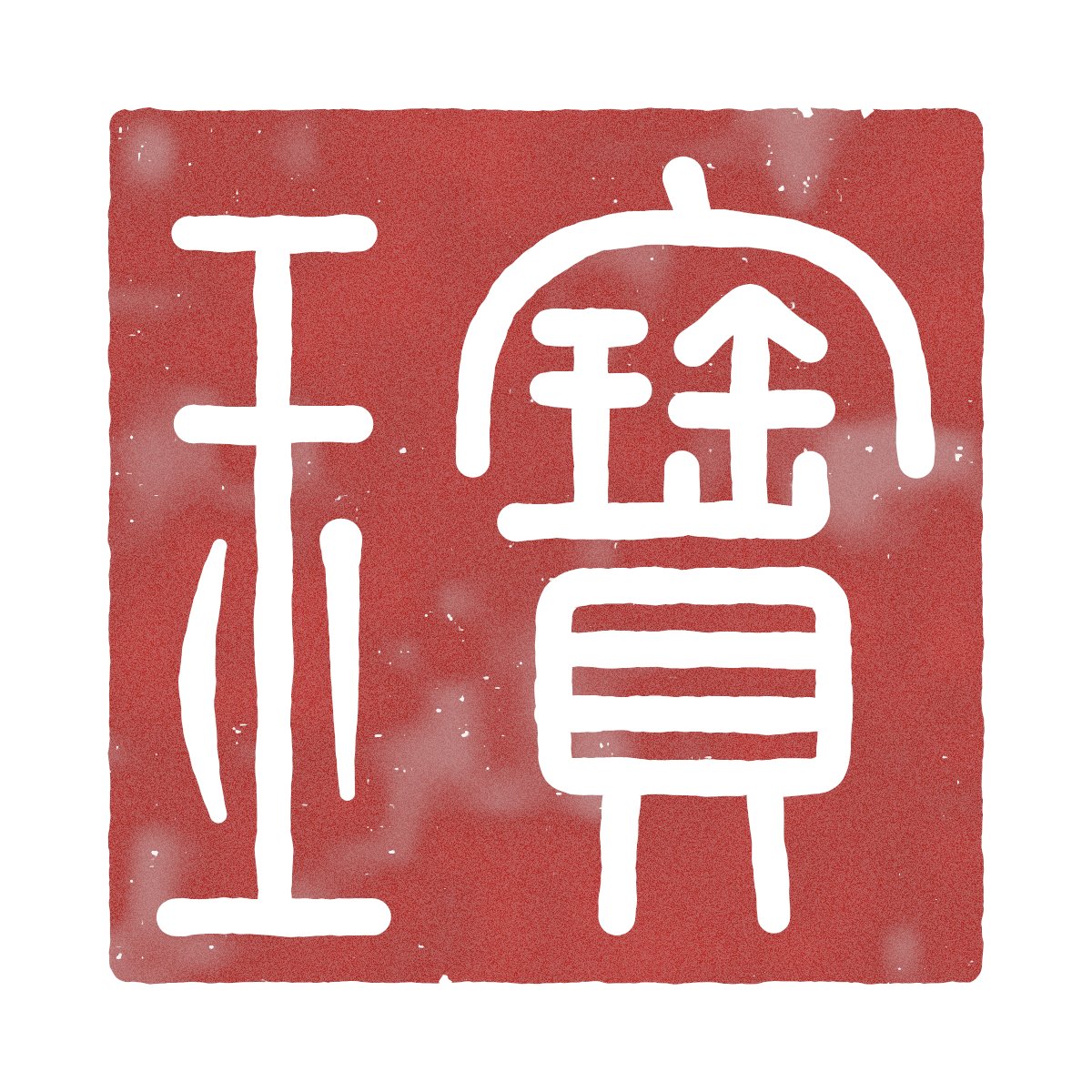
A square seal face carrying the characters 宝玉 in small seal script, rendered in both white-on-red and red-on-white versions. The strokes are built from coordinate paths, then thickened, so the stamp reads as carved rather than typed.
 Prompt by @dotey
- Fill in the blanks below.
- Watch the prompt update on the right.
- Copy it, or open it in an image tool.
Image prompt
Use JS + Canvas to draw a seal-script stamp bearing the traditional Chinese inscription “宝玉”, read from right to left. Base the character forms on the small seal script found in the Shuowen Jiezi; if I provide a reference image, follow it. Do not use a font. Draw every stroke with coordinates and then increase its thickness. Before drawing, list the components that make up each character and specify where each component will be placed on the seal face. Create both white-character and red-character versions. Use cinnabar-colored seal paste, add a subtle carved texture and chipped edges, and use a xuan-paper texture for the background. Export the result as a 1200 × 1200 PNG with a transparent background. When finished, take a screenshot and check whether each character is recognizable and whether the stroke spacing is even; revise the design if any problems are found.
Prompt shared on X by @dotey. All credit goes to its creator.
More prompts you can customize
 Add your photoPalm and Face Metaphysical Analysis Report Poster
 Chinese Poem Poster in Gongbi Style
 Warm Textured Slide Deck Prompt for Chinese Culture Courseware
 Country Beauty Phone Wallpaper With Landmarks and Patterns
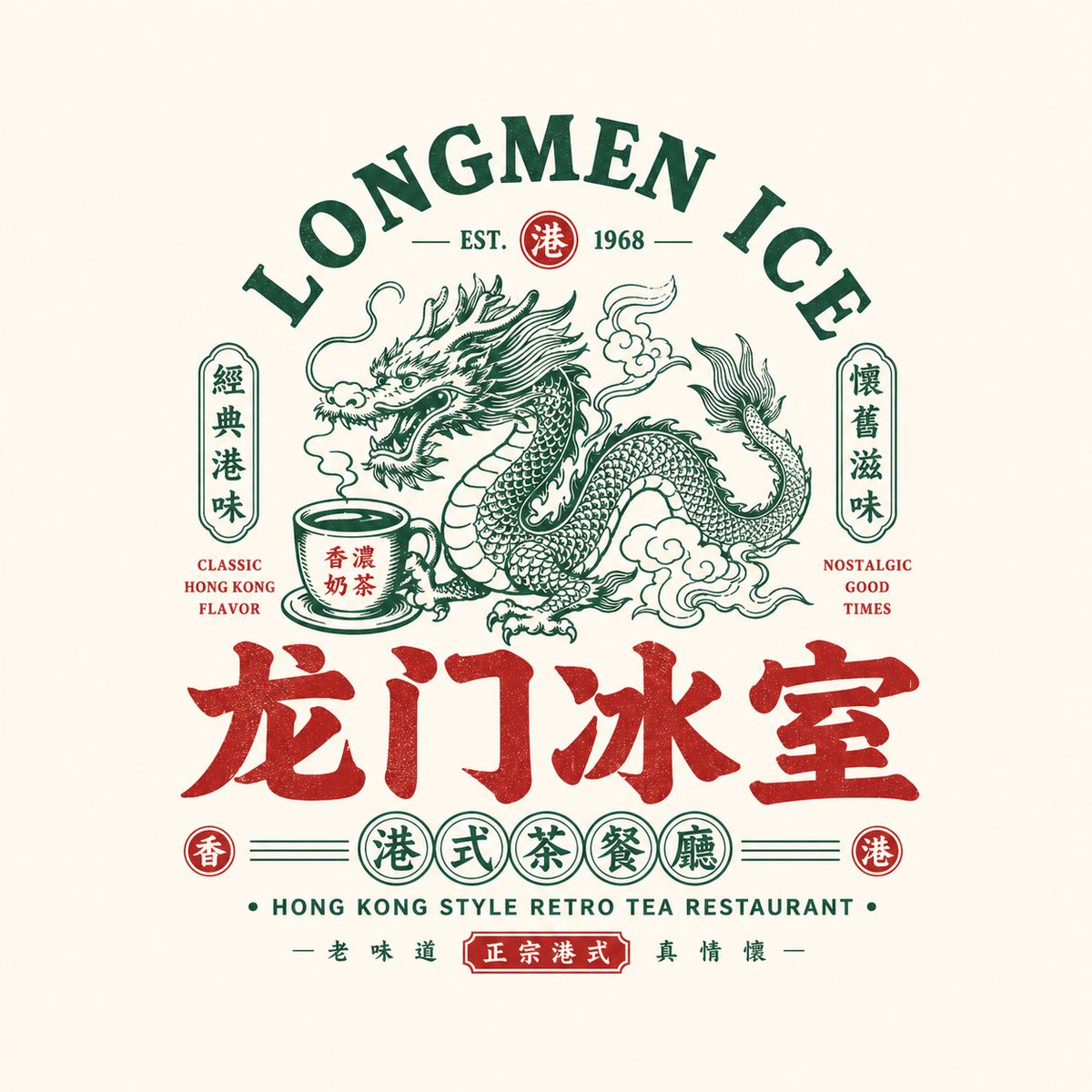 Retro Chinese Food Brand Emblem Logo Template
 Ink Wash Editorial Cover With Gold Accents
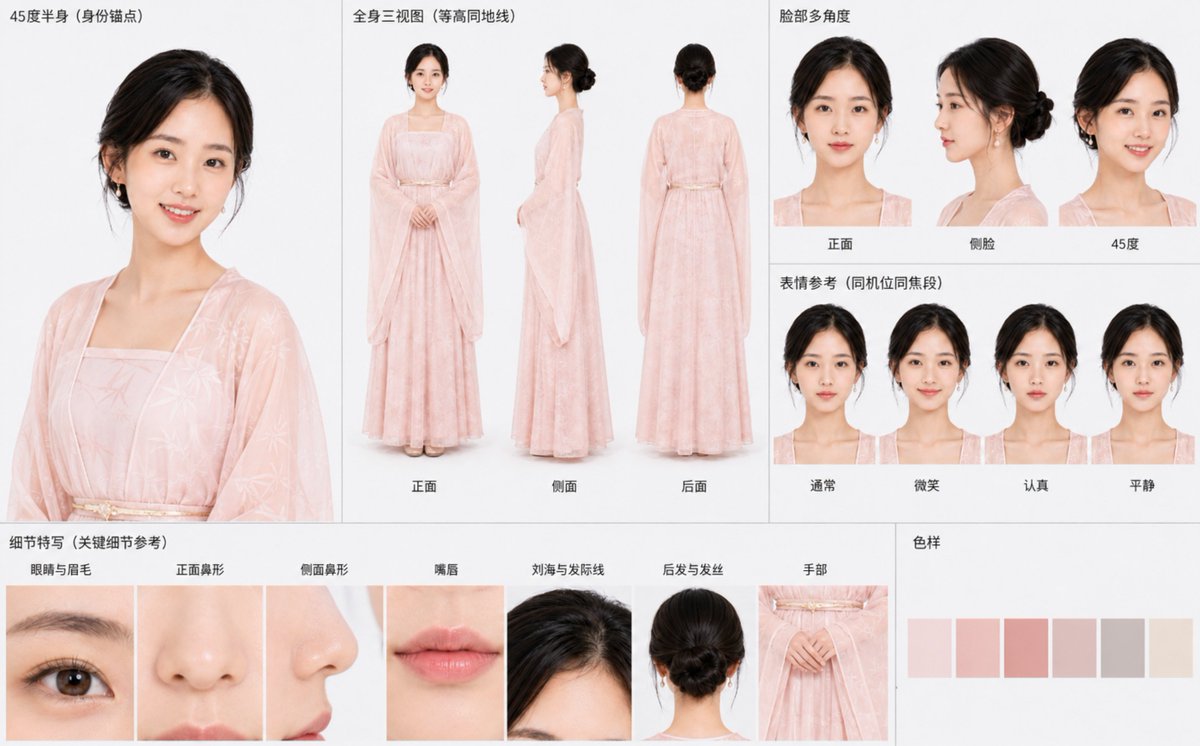 Hanfu Character Sheet Multi-View Consistency Prompt
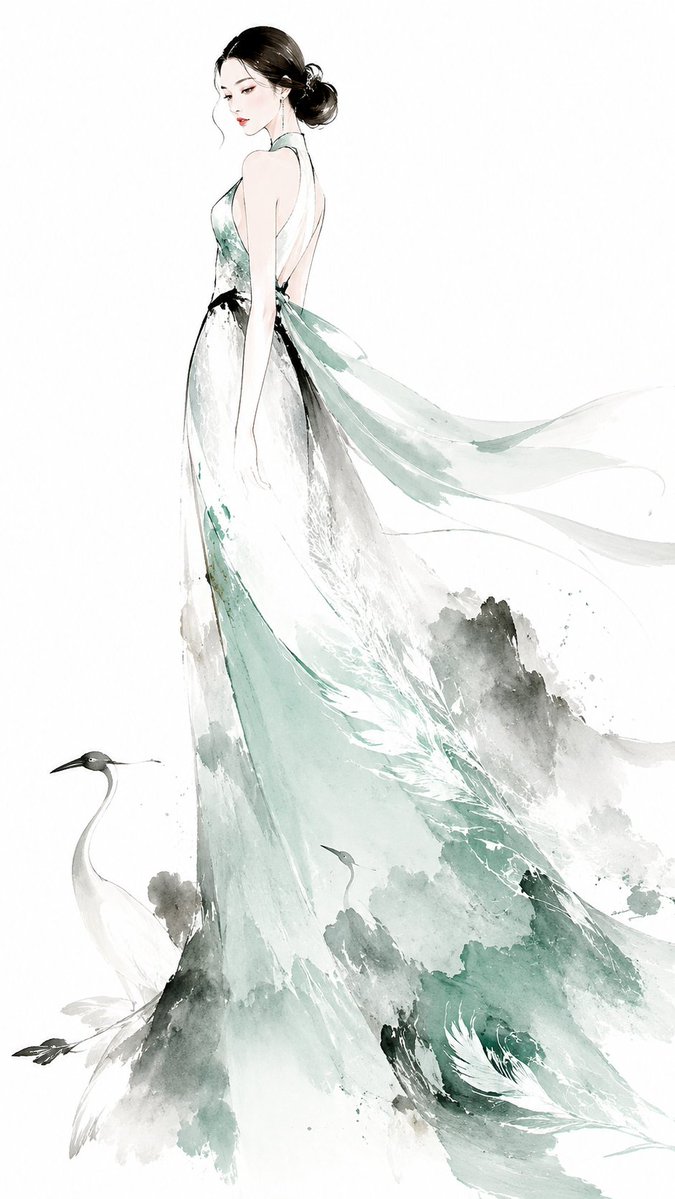 Ink Wash Eastern Couture Muse Fashion Illustration