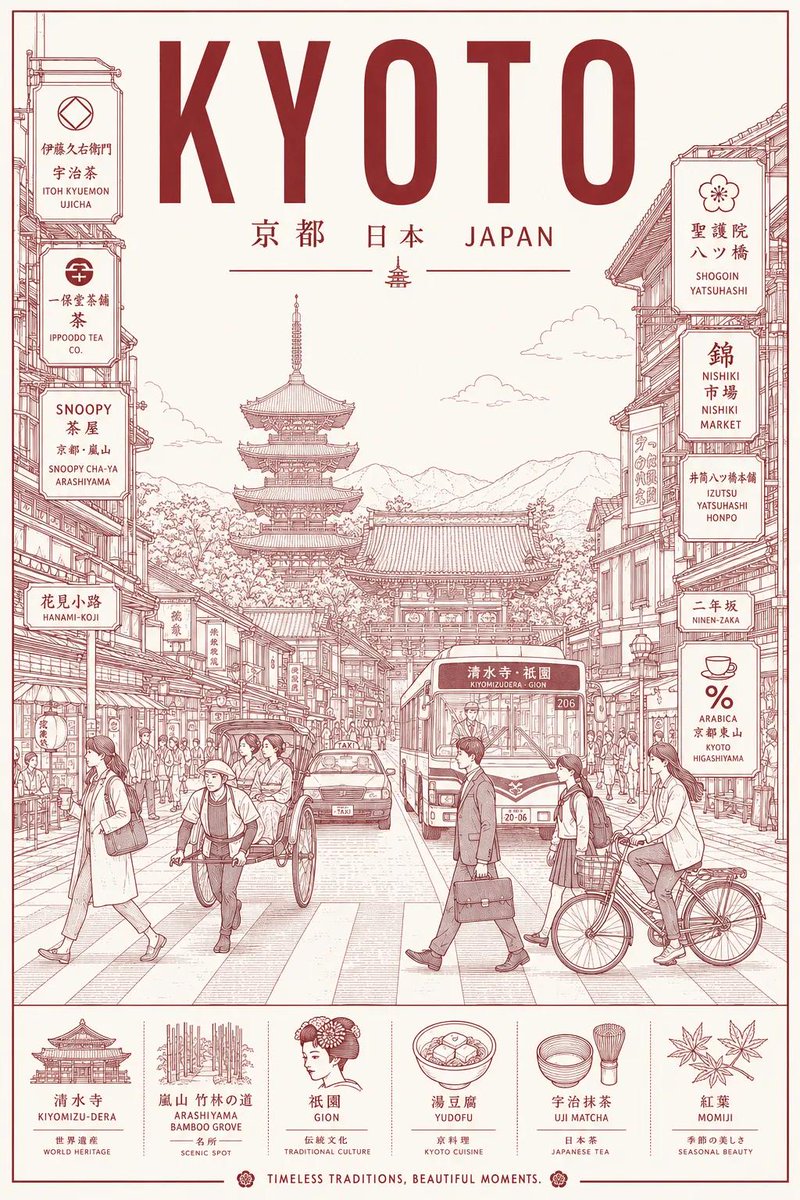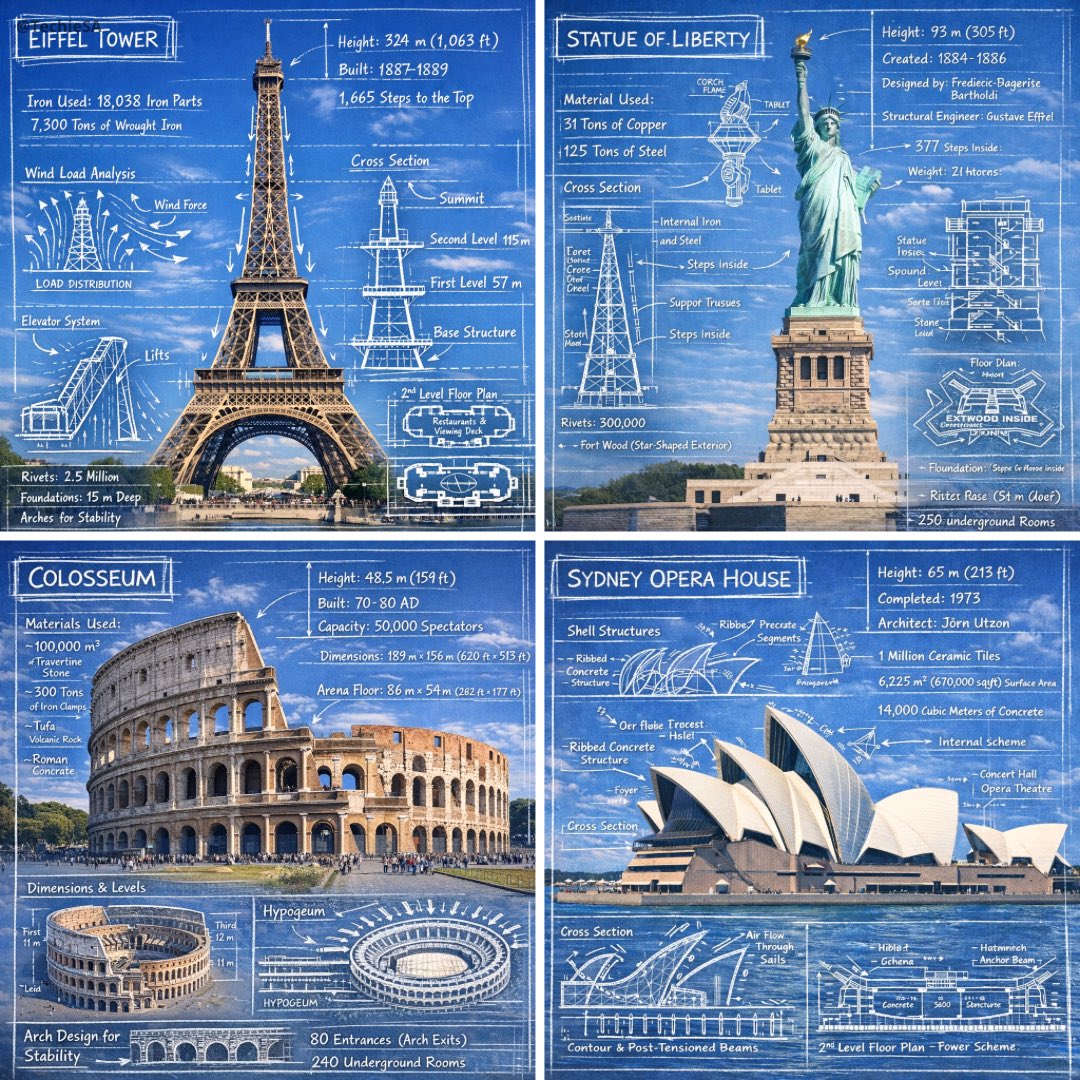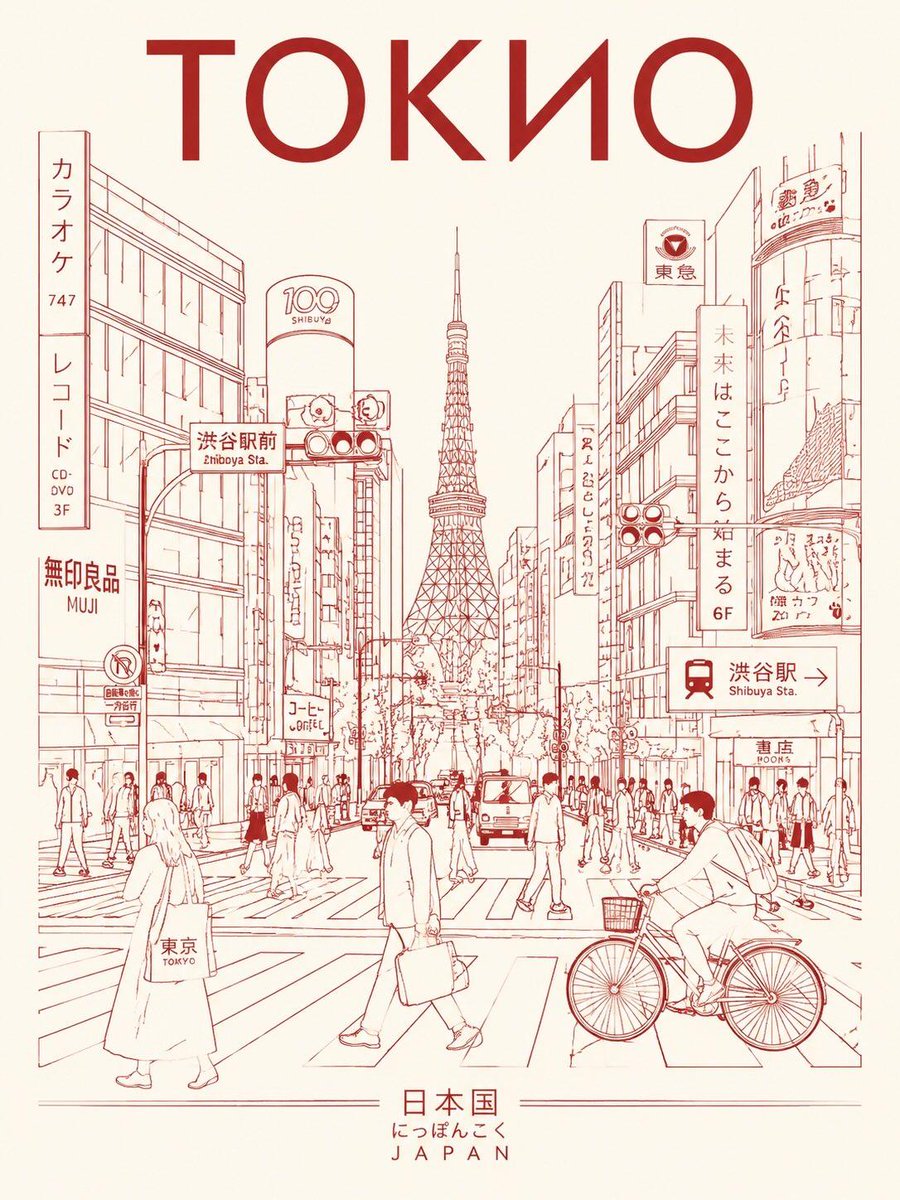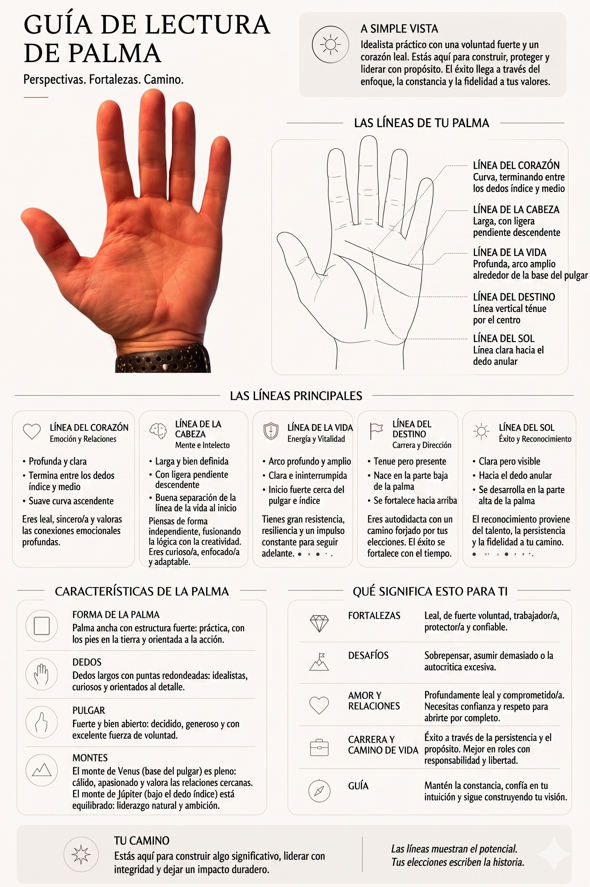
Image prompt Branding & UI Customizable
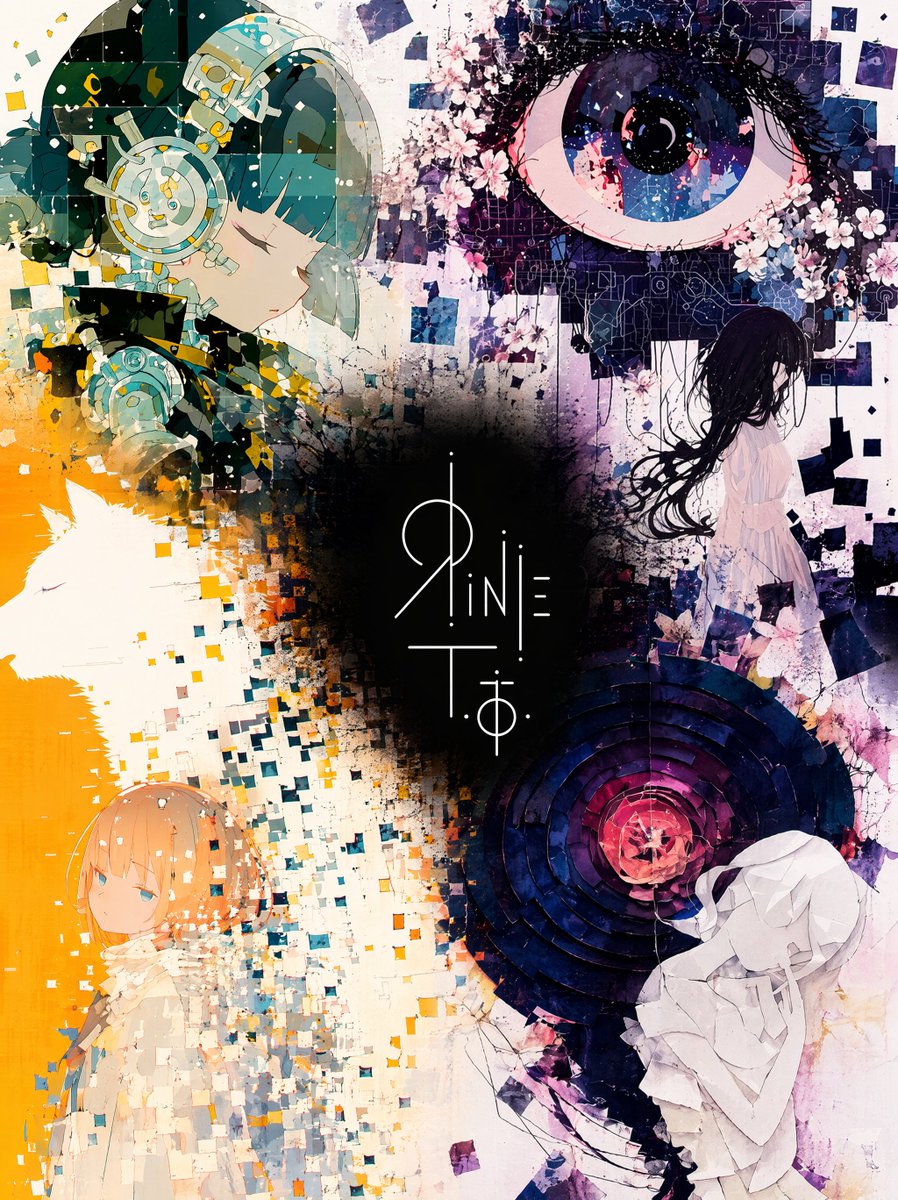
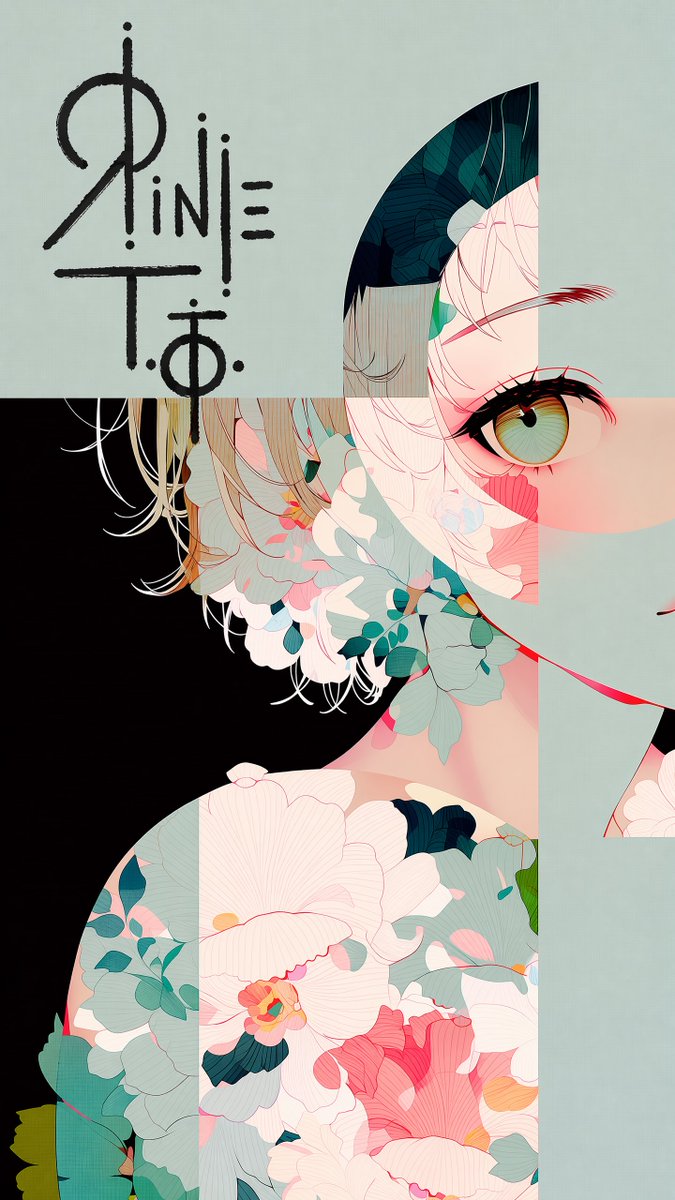
Hand-Drawn Marker Logo Placed on Illustration
A reference logo is signed onto an illustration with thick, rough marker strokes, as if drawn by hand across the open part of the artwork. The contrast rule keeps the mark readable against every background tone it touches.

- Model
- GPT Image 2
- Type
- Image
- Aspect ratio
- 9:16
- Shared
- 12 Jun 2026
- Likes on X
- 65
Image prompt
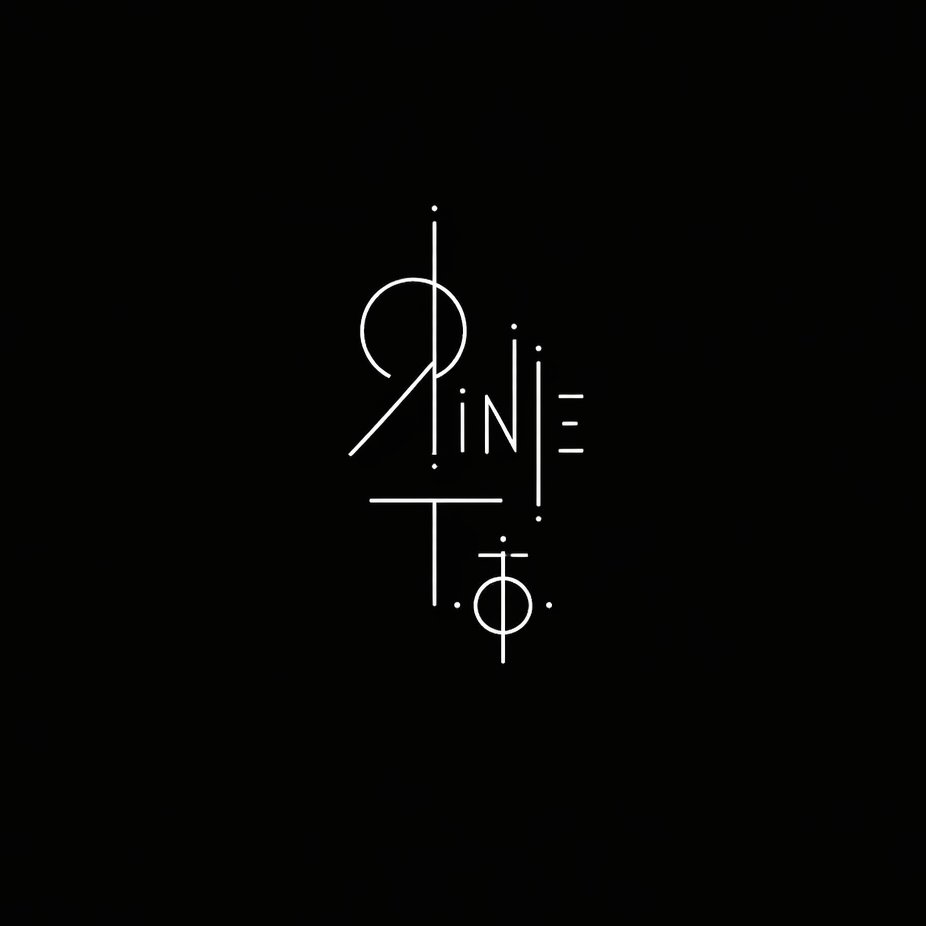
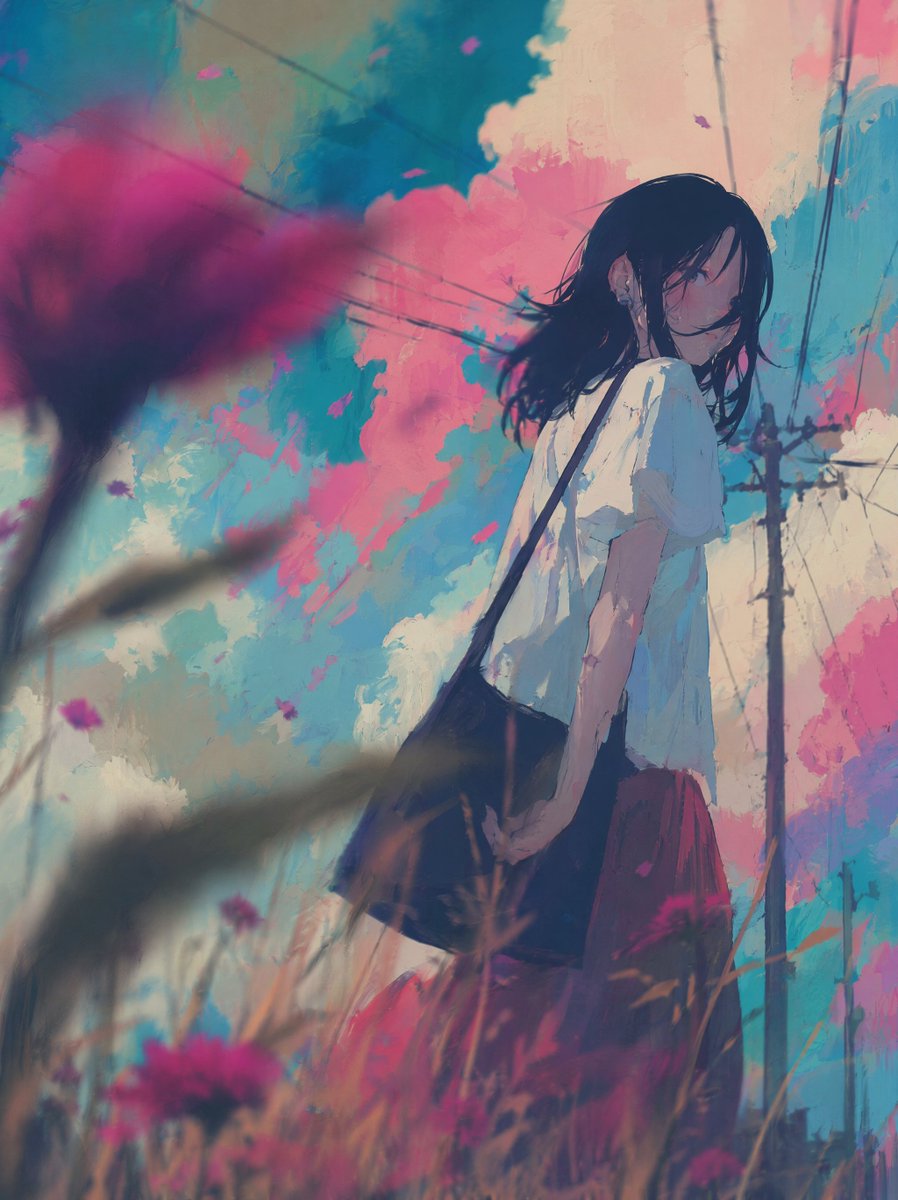
946 charactersThe first image is an illustration. The second image contains a logo design on a black background. Place the logo in the largest open, uncluttered area of the illustration — the zone with the fewest lines, shapes, and visual elements. [※ add the placement location in one phrase here] Reproduce the exact logo design from the second image. Render it bold and large, with rough hand-drawn strokes — as if signed directly onto the surface with a thick marker. Allow it to overflow slightly beyond the open area into adjacent illustrated content. Color rule: The logo color must always contrast against the background directly beneath it. Use dark lines over light backgrounds, light lines over dark backgrounds. Shift color mid-stroke if the logo crosses multiple background tones. Never let the logo blend into the surrounding color. Do not alter the illustration in any other way. Preserve all original colors, lines, and composition exactly.
How to use it
This prompt needs two uploads: an illustration first, then your logo on a black background, in that order. Replace the bracketed placement phrase with a spot in your artwork, such as the upper left sky or the empty wall, so the mark sits where the image is quietest. It was shared as a GPT Image 2 prompt, and keeping the rule about preserving the illustration unchanged is what protects the original art.
Shared publicly on X on 12 Jun 2026. All credit for this prompt and its result goes to its creator. Is this yours? Ask for an update or removal.