Image prompt Branding & UI Customizable Add your photo
Logo Centered Illustration Fusion Collage
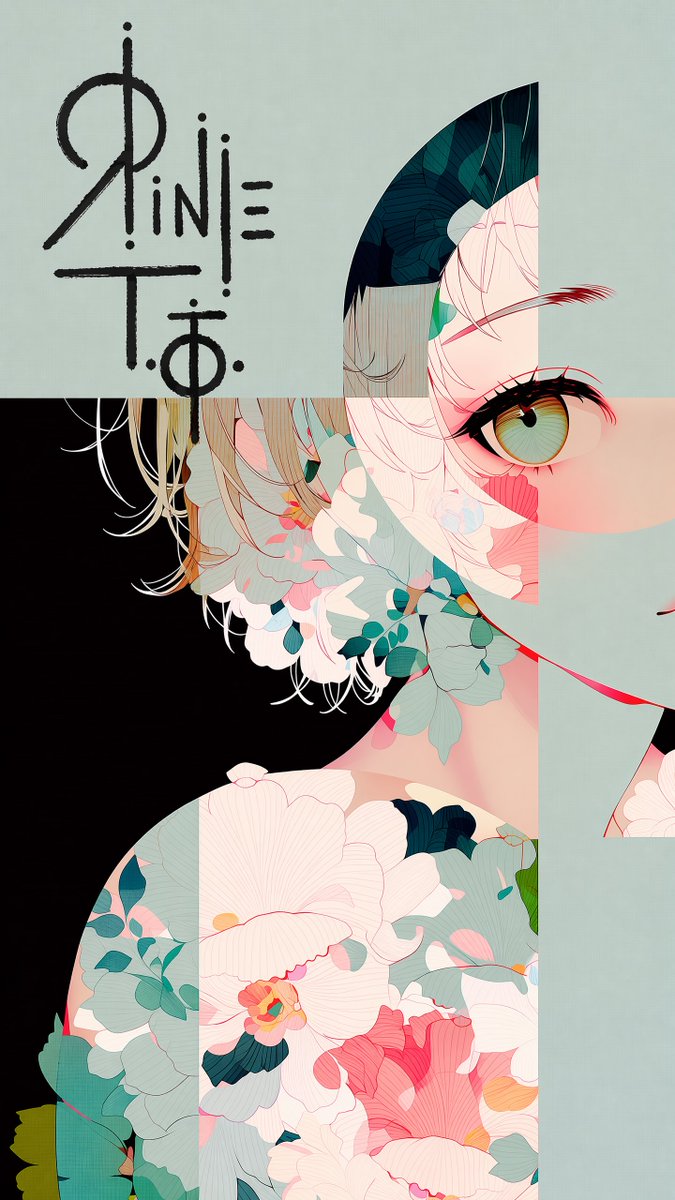
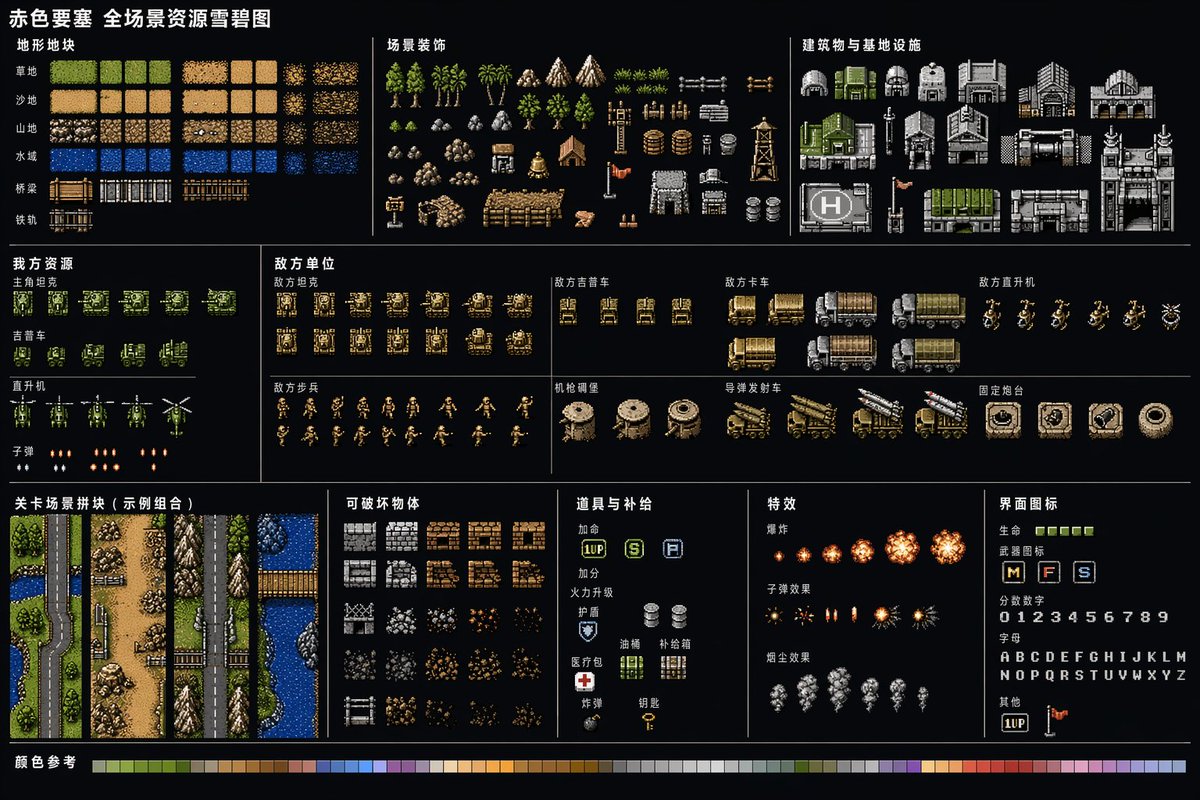
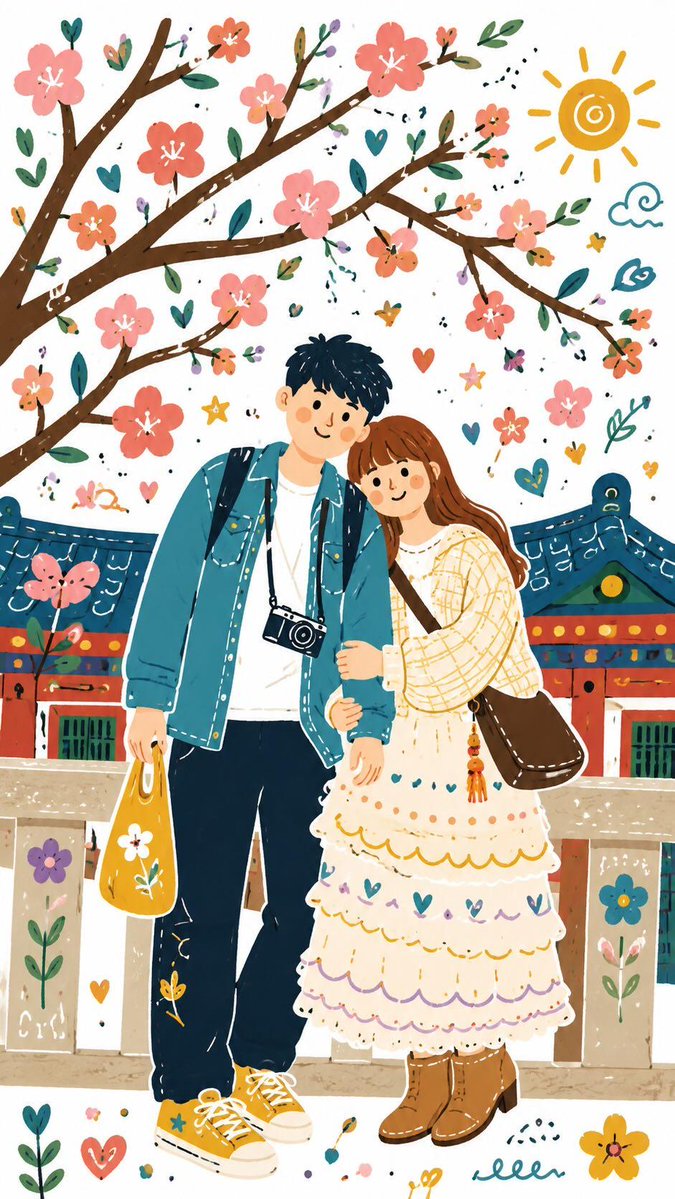
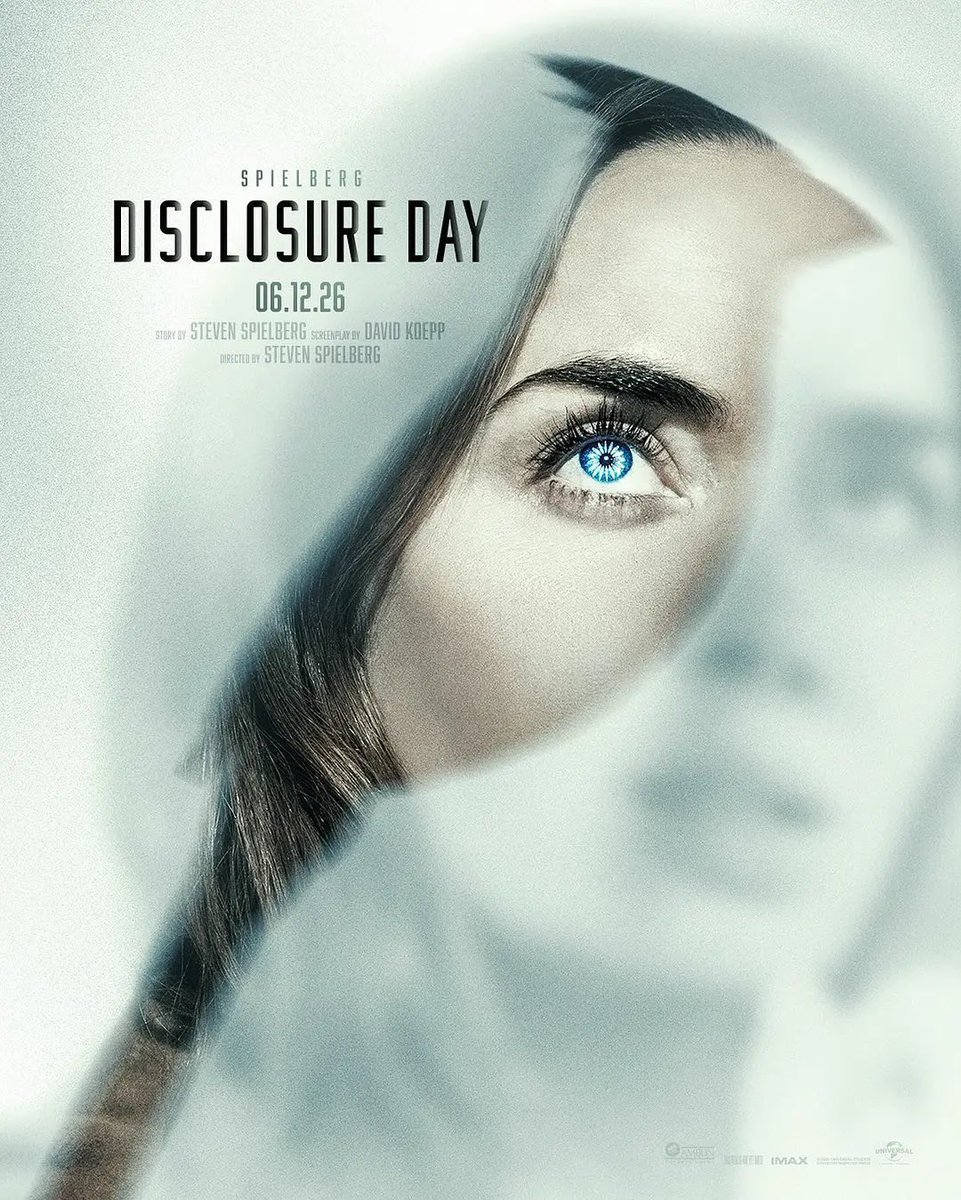
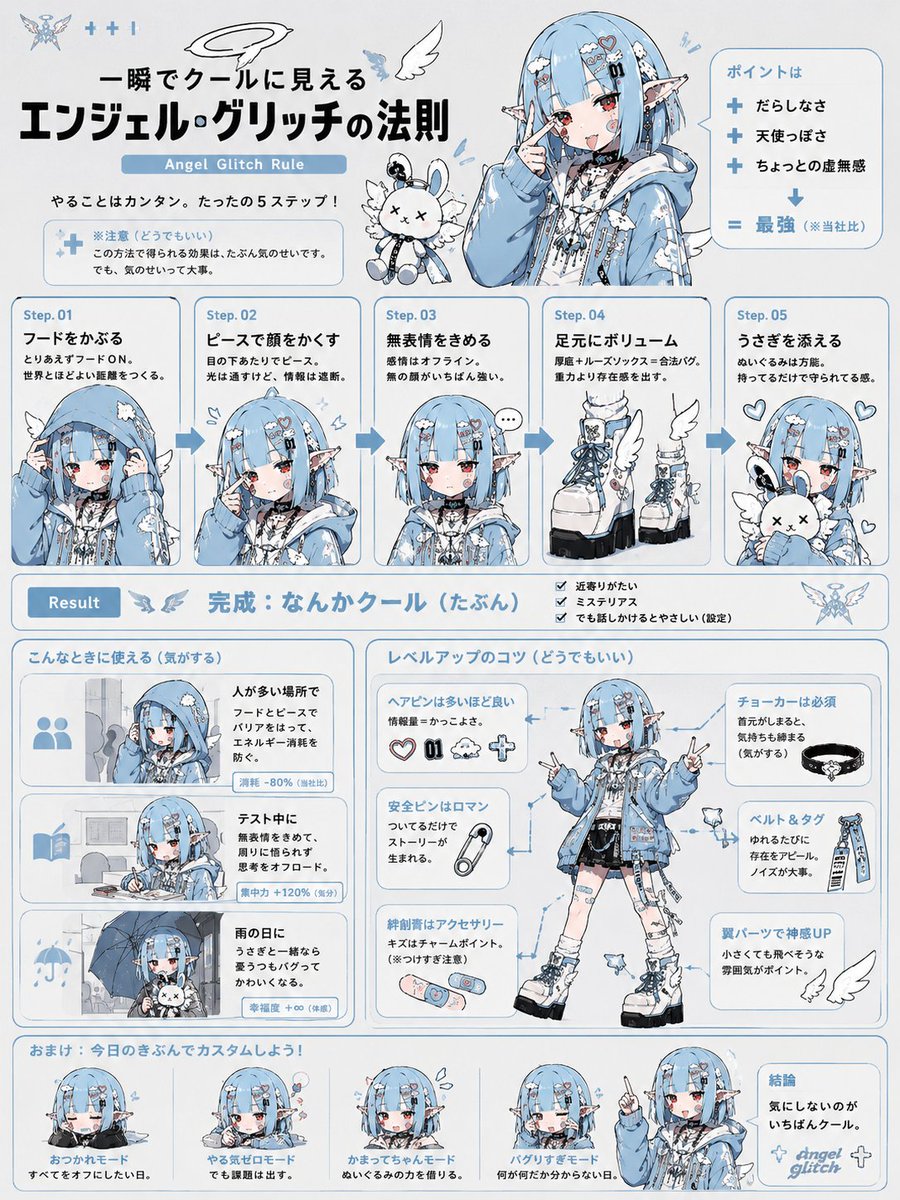
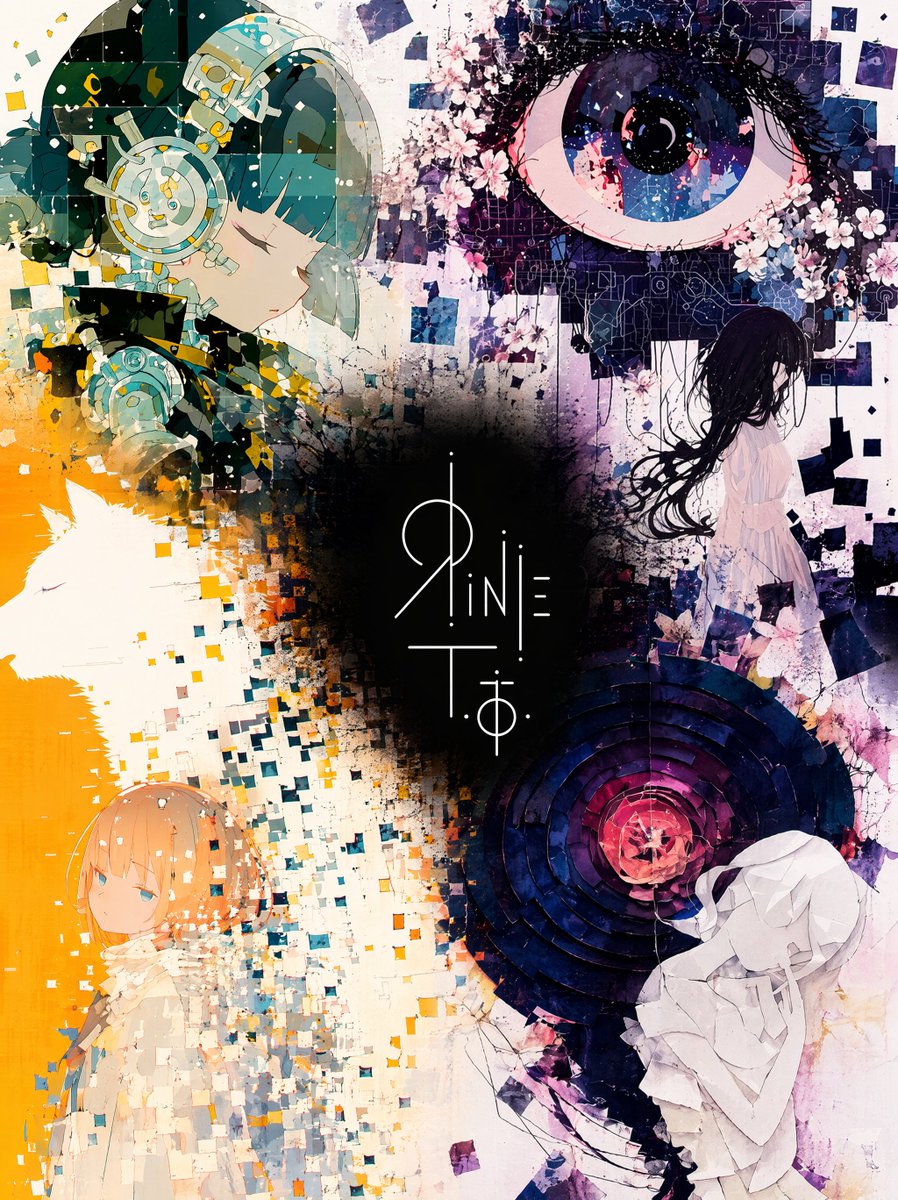
Four illustrations by one artist blend into a single painterly field, with a logo sitting at the center on a dark pool of shadow. The surrounding art stays vivid and warm, so the contrast makes the mark feel like the heart of the piece.

- Model
- GPT Image 2
- Type
- Image
- Aspect ratio
- 3:4
- Shared
- 15 Jun 2026
- Likes on X
- 53
Image prompt
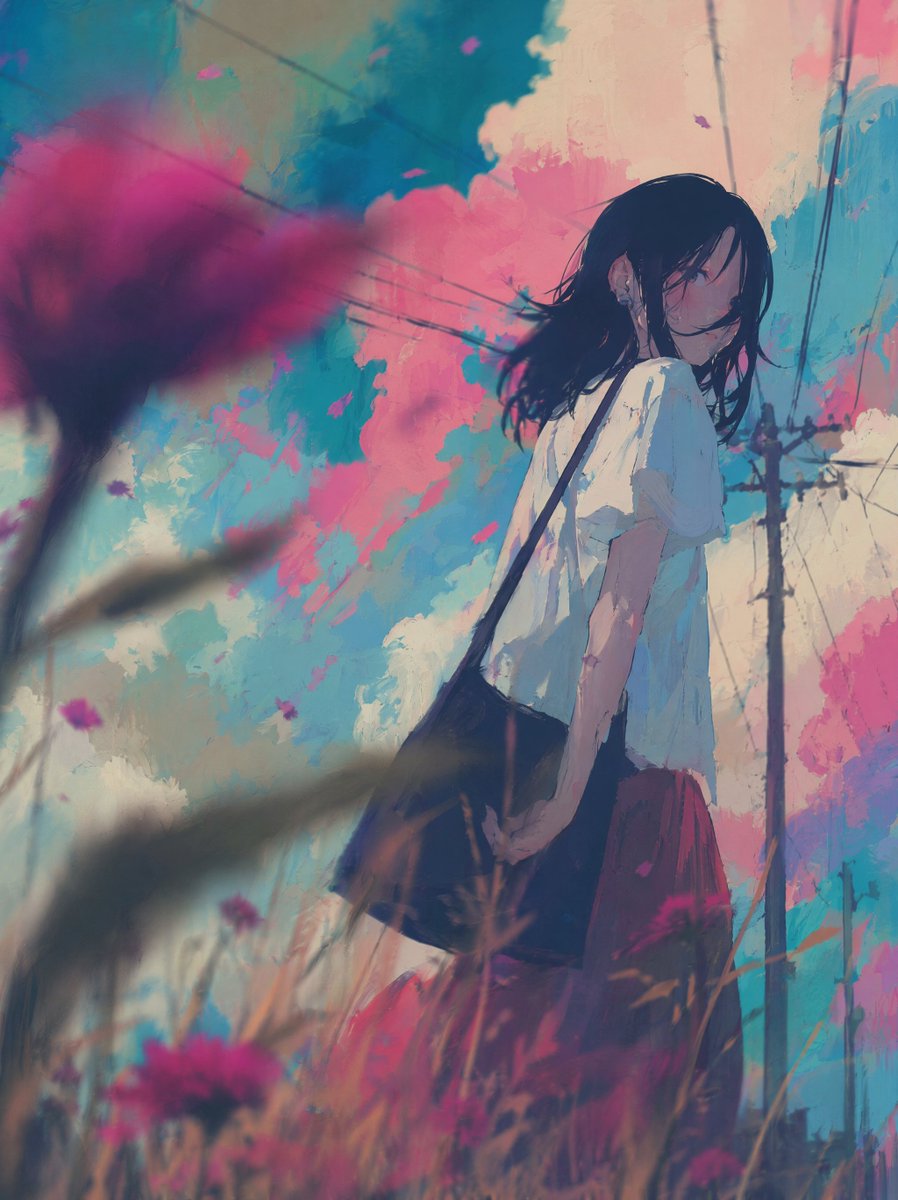
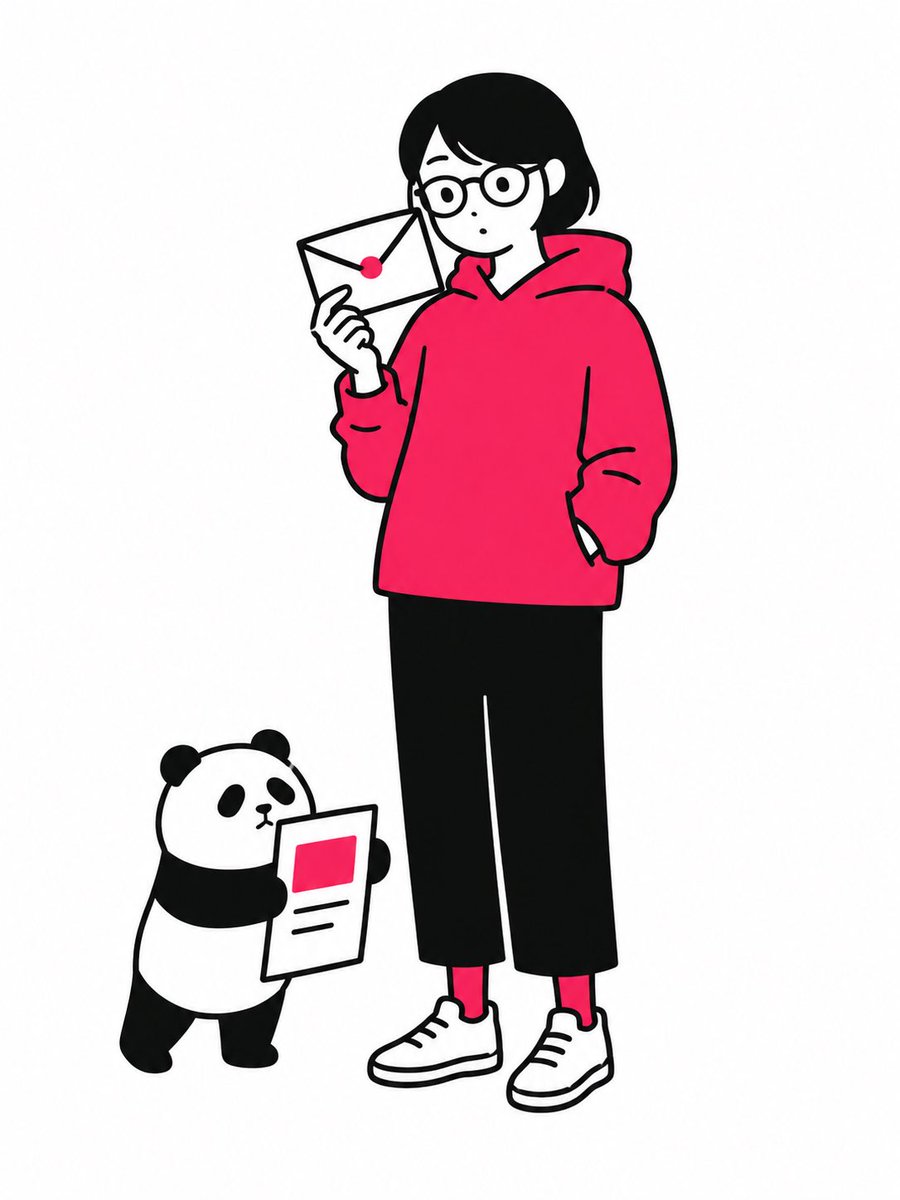
2,039 charactersFive images are attached. Images 1–4 are illustrations by the same artist. Image 5 is a logo design on a black background. Merge the four illustrations into a single unified composition, with the logo from Image 5 placed at the visual center as the anchor element. [Fusion Rules] - Each illustration appears as a partial glimpse — show faces and key elements only, not full compositions - Blend the boundaries between illustrations naturally — no hard edges or visible seams - Each illustration remains recognizable but flows into the next - Generous negative space between elements — let the composition breathe - The result should feel elegant, curated, and intentional — not busy or cluttered [Composition] - The logo occupies the center of the frame as the dominant focal point - The four illustrations are distributed around the logo with natural visual balance - No grid layout — the arrangement should feel painterly and intentional - Clean, minimal background between the illustrations to create breathing room [Color & Brightness] - The illustrations surrounding the logo must be vivid and fully saturated - Boost the brightness and chromatic richness of all illustration areas outside the logo zone - Colors should feel alive, warm, and luminous — not muted or dark - The contrast between the dark logo zone and the bright surrounding illustrations is intentional and dramatic [Logo Integration] - Reproduce the exact logo design from Image 5 - Place it at the center of the composition, large and prominent - The logo should feel embedded in the artwork — not floating on top - Create a subtle dark void or negative space directly behind the logo - The dark zone is strictly limited to the immediate area behind the logo — it must not bleed into the surrounding illustrations [Style Preservation] - Maintain the original art style of the source illustrations exactly - Do not introduce new elements, characters, or backgrounds not present in the originals - Preserve the color palette and line quality of the source images
How to use it
Upload four illustrations by the same artist and a logo on a black background, then keep the instruction that the logo stays exactly as drawn. It was shared as a GPT Image 2 prompt, and the fusion works best when the source art shares a palette and line style. Swap the artwork and logo for your own brand, then use the result as a hero banner or cover.
Shared publicly on X on 15 Jun 2026. All credit for this prompt and its result goes to its creator. Is this yours? Ask for an update or removal.