Image prompt Branding & UI Customizable
Chalk Sketch Annotations on Landmark Photos
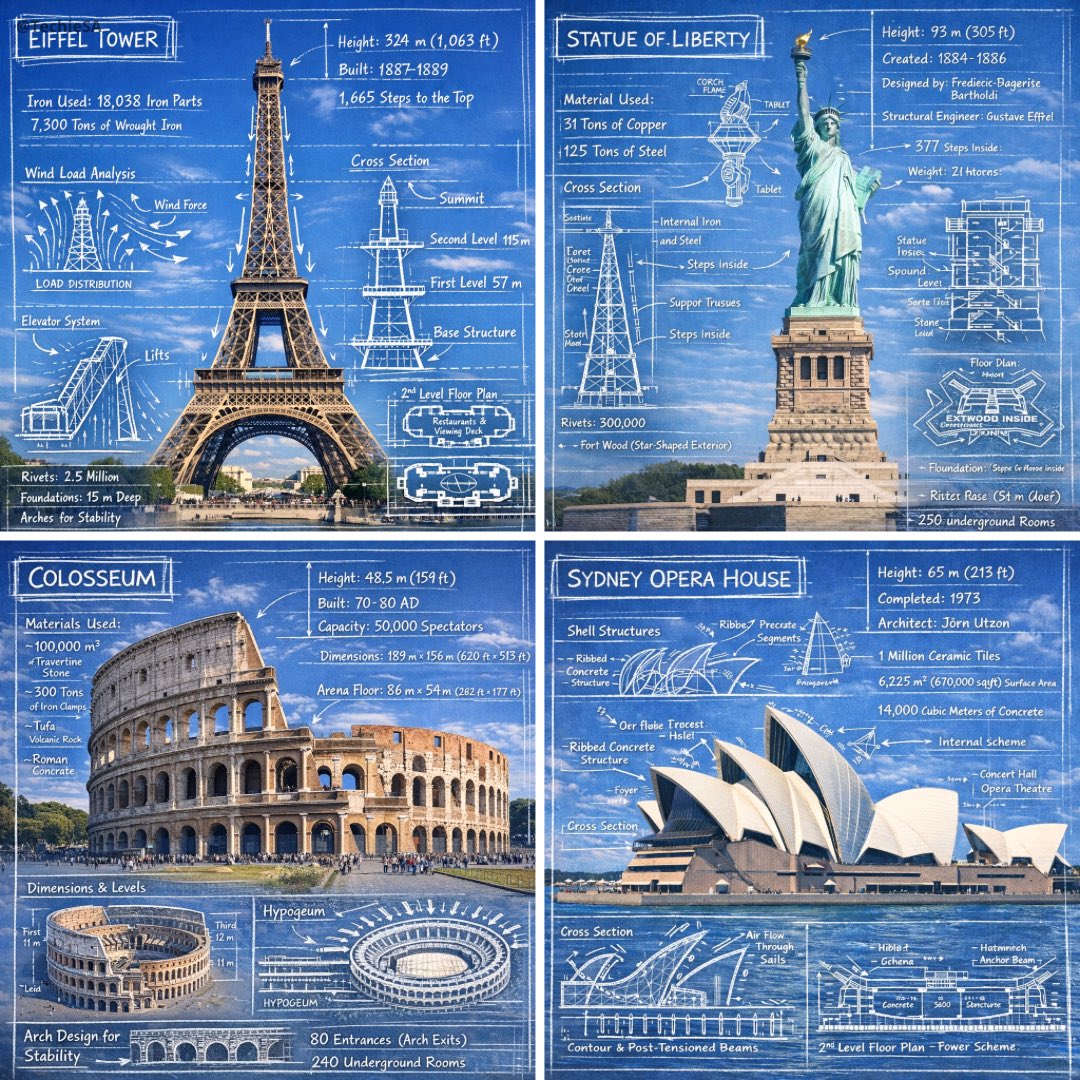
A real photo of a famous building or monument, overlaid with white chalk drawings of floor plans, cross-sections, measurements and load arrows. It reads like a field sketch by an engineer who loves the place.

- Model
- GPT Image 2
- Type
- Image
- Aspect ratio
- 1:1
- Shared
- 3 Jan 2026
- Likes on X
- 1,396
Image prompt
654 charactersCreate an infographic image of [LANDMARK], combining a real photograph of the landmark with blueprint-style technical annotations and diagrams overlaid on the image. Include the title "[LANDMARK]" in a hand-drawn box in the corner. Add white chalk-style sketches showing key structural data, important measurements, material quantities, internal diagrams, load-flow arrows, cross-sections, floor plans, and notable architectural or engineering features. Style: blueprint aesthetic with white line drawings on the photograph, technical/architectural annotation style, educational infographic feel, with the real environment visible behind the annotations.
How to use it
Swap the landmark name for any building or structure you can photograph, and keep the blueprint and chalk wording so the annotation style holds. The title box in the corner is a useful slot for your own project name. It was shared as a GPT Image 2 prompt, so use an uploaded photo of the site if you want the real environment behind the drawings.
Featured inArchitecture AI prompts
Shared publicly on X on 3 Jan 2026. All credit for this prompt and its result goes to its creator. Is this yours? Ask for an update or removal.