
Wispr Flow
Voice dictation that turns speech into cleaned-up text in any app, plus an AI meeting notetaker.
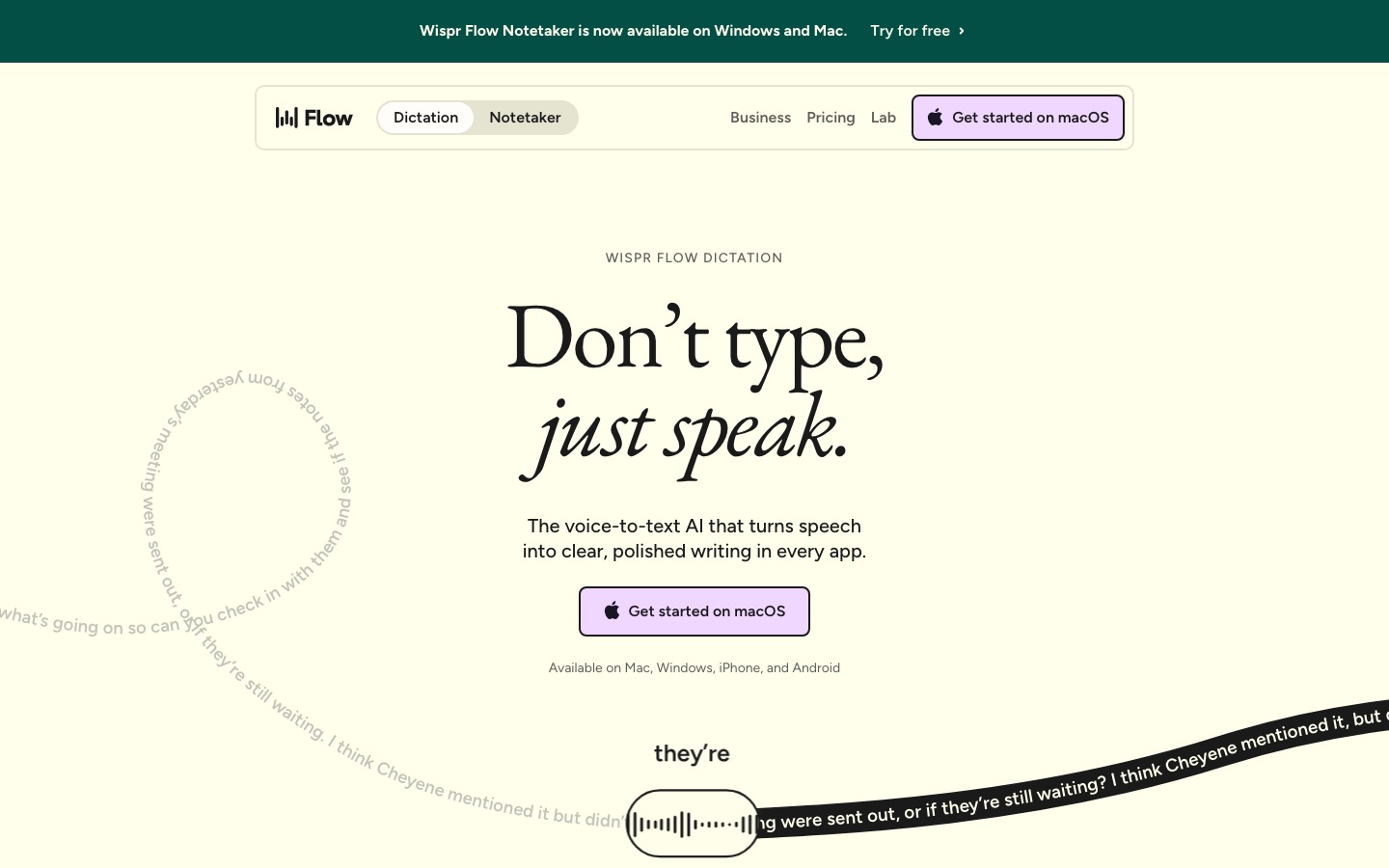
Wispr Flow is a dictation app that converts speech into edited text wherever the cursor is, on Mac, Windows, iPhone and Android. Wispr Flow strips filler words, applies punctuation and formatting, and adapts tone per app. The same subscription includes Wispr Notetaker, which records meetings on desktop and produces transcripts, summaries and next steps.
Best for People who write a lot of messages, emails, notes or prompts and would rather speak them, and teams that want meeting notes without a bot joining the call.
- Platforms
- macOS, Windows, iOS, Android, MCP
- Pricing model
- Freemium
- Free plan
- Yes
- Made by
- Wispr
- Added
Last verified: . Information taken from wisprflow.ai.
What is Wispr Flow?
Wispr Flow is a voice-to-text application that types what you say into whichever app has focus, with no plugin or integration to set up. Rather than transcribing word for word, it edits while you talk: hesitations and repeated words are dropped, self-corrections are resolved, and lists or paragraphs are formatted. It recognises more than 100 languages, learns names and jargon into a personal dictionary, expands spoken shortcuts into saved snippets, and lets you set a different writing style for chats, email and other contexts. A second product, Wispr Notetaker, captures meetings on Mac and Windows and returns a speaker-labelled transcript, a topic-based summary and action items. There is a free tier with weekly limits, paid Pro and Growth tiers and an Enterprise option. The company states that it holds ISO 27001, HIPAA and SOC 2 Type II credentials.
Key Features
Dictation in Any App
Inserts text at the cursor in email, chat, documents, terminals, code editors and AI assistants.
Automatic Clean-Up
Deletes filler sounds and repetitions, keeps only the corrected version of a phrase and adds punctuation.
Personal Dictionary
Picks up unusual names and terms on its own and accepts words you add by hand, which can be shared with a team.
Snippets
Expands a short spoken cue into a longer saved text such as an address, link or bio.
Per-App Styles
Applies a formal, casual or very casual register depending on where you are writing.
Meeting Notetaker
Records calls and in-person meetings on the device and delivers named speakers, a summary and next steps.
How Wispr Flow works
Speak naturally
Talk as you think, including pauses and changes of mind.
Flow edits the text
Fillers are removed and punctuation and formatting are added while you speak.
Use it wherever you type
The finished text lands in the active app, and settings sync across your devices.
Screenshots
Use Cases
- Replying to Messages
- Speak a rambling thought and send a tidy reply in Slack or iMessage.
- Drafting Long Emails
- Dictate structured emails with paragraphs and lists instead of typing them.
- Prompting Coding Tools
- Talk instructions into an editor or AI assistant, including file names.
- Meeting Records
- Keep a transcript and summary of Zoom, Google Meet or Teams calls.
- Multilingual Writing
- Change the dictation language from the Flow bar when you switch tongues during the day.
Things to know
- Free plan has weekly caps
- The free tier allows 2,000 words a week on desktop and 1,000 on mobile, plus a weekly meeting limit for the Notetaker.
- Notetaker is desktop only
- Meeting capture currently runs on Mac and Windows; mobile support is described as planned.
- Bluetooth earbuds are discouraged
- The company advises against AirPods and similar earbuds for dictation because compressed audio can lower accuracy.
- Discounts for education and nonprofits
- Pro is half price for educators and students who sign up with an education email address, and nonprofits receive a reduced rate.
FAQs
What is Wispr Flow?
Wispr Flow is a voice dictation app that turns spoken words into edited, formatted text in any application on Mac, Windows, iPhone and Android.
Is Wispr Flow free?
Yes. Wispr Flow has a free plan that needs no credit card and is capped at 2,000 words a week on desktop. Unlimited dictation requires the paid Pro plan.
How much does Wispr Flow cost?
Wispr Flow offers Free, Pro, Growth and Enterprise plans, with a discount for annual billing. This page does not quote figures; see the official pricing page for current prices.
Does Wispr Flow work on mobile?
Yes. Wispr Flow dictation runs on iPhone and Android as well as Mac and Windows. The Notetaker is limited to Mac and Windows for now.
Which languages does Wispr Flow support?
Wispr Flow supports more than 100 languages. The company recommends selecting only the language you are speaking at that moment for higher accuracy.
Does the Wispr Flow Notetaker join meetings as a bot?
No. The Wispr Flow Notetaker works on your own device, so no bot enters the call, and it also handles in-person conversations.
Is Wispr Flow private?
Wispr Flow says it never sells user data and lets users decide whether their data helps improve the product. It lists ISO 27001, HIPAA and SOC 2 Type II certifications.
Who it's for
- Professionals
- Developers
- Customer support teams
- Students
- Lawyers
- Sales teams
Comments
No comments yet. If you have used Wispr Flow, tell other readers how it went.
Alternatives to Wispr Flow
| Tool | Free plan | Starting price | API |
|---|---|---|---|
 Read AIAI meeting notetaker that creates summaries, transcripts and action items and searches across meetings, email and chat. Read AIAI meeting notetaker that creates summaries, transcripts and action items and searches across meetings, email and chat. |
Yes | $15/mo | Yes |
 CalendlyMeeting scheduling software with an AI email assistant, a notetaker, contact profiles and built-in payments. CalendlyMeeting scheduling software with an AI email assistant, a notetaker, contact profiles and built-in payments. |
Yes | $10/mo | Yes |
 Fathom AI NotetakerAI meeting notetaker that records, transcribes and summarises calls on Zoom, Google Meet and Microsoft Teams. Fathom AI NotetakerAI meeting notetaker that records, transcribes and summarises calls on Zoom, Google Meet and Microsoft Teams. |
Yes | — | Yes |
 Fireflies.aiAI meeting assistant that records, transcribes, summarises and makes team conversations searchable. Fireflies.aiAI meeting assistant that records, transcribes, summarises and makes team conversations searchable. |
Yes | — | Yes |
 NottaAI meeting notetaker that records, transcribes, translates and summarises conversations in 58 languages. NottaAI meeting notetaker that records, transcribes, translates and summarises conversations in 58 languages. |
Yes | $8.17/mo | — |
Listed in the same categories as Wispr Flow. A starting price appears only where we checked it on the maker’s pricing page; a dash means not checked or not published. All Transcription & Captions tools