
Cloudairy
AI workspace that combines diagramming canvas, docs, screen recordings, project boards, forms and published sites.
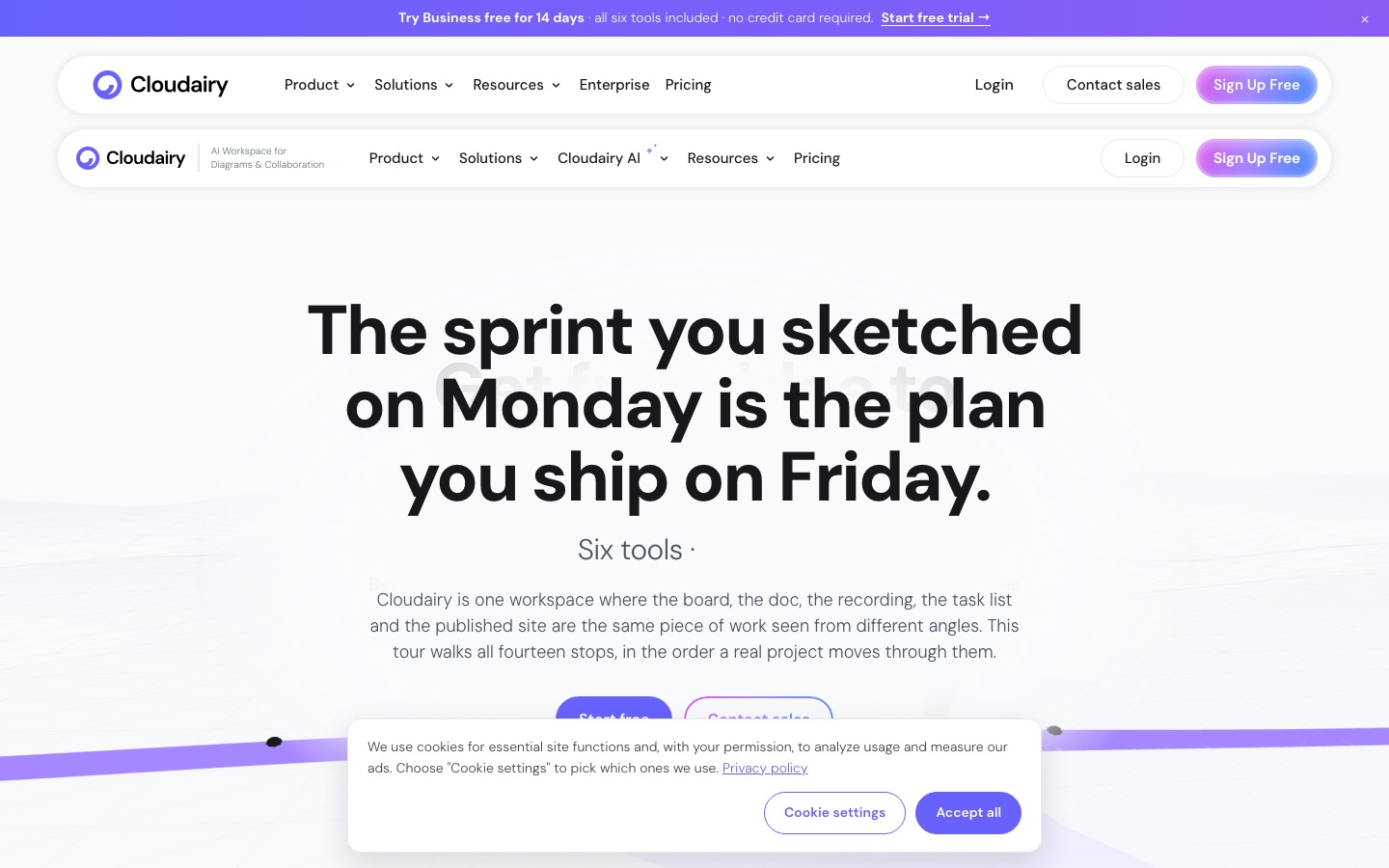
Cloudairy is a collaborative workspace made of six connected tools: Canvas for whiteboards and diagrams, Docs, Clips for screen recording, Projects, Forms and Sites. Cloudairy's AI can generate boards, documents, diagrams, task checklists and websites from a description. Teams work in the browser in real time, and Cloudairy has a free plan alongside Starter, Business and Enterprise tiers.
Best for Teams that want diagramming, documentation and project tracking in one workspace instead of paying for a whiteboard tool and a project tool separately.
- Platforms
- Web
- Pricing model
- Freemium
- Free plan
- Yes
- Free trial
- Yes
- Made by
- Cloudairy
- Added
Last verified: . Information taken from cloudairy.com.
What is Cloudairy?
Cloudairy is an online workspace that treats a board, a document, a recording, a task list and a published page as views of the same piece of work. Canvas is an infinite whiteboard with sticky notes, connectors, voting and timers, more than 50,000 icons and shape libraries for AWS, Azure and Google Cloud. Notes on the canvas can be converted into tasks, which then appear in Kanban, List, Table, Timeline, Calendar and Gantt views with dependencies, subtasks and logged hours. Docs is a block editor with inline comments and an option to publish a portal. Clips records screen and camera, Forms turns outside requests into tasks, and Sites publishes pages to a cloudairy.site address. AI features build a populated project board from one sentence, write task descriptions and acceptance criteria, and draft a site page by page.
Key Features
Diagram Canvas
Provides an infinite board with drag-and-drop shapes, cloud architecture libraries, sticky notes, voting and a timer.
Project Views
Shows one task set as Kanban, List, Table, Timeline, Calendar or Gantt, with dependencies that shift when a bar moves.
AI Generation
Creates a filled-in project board from a short prompt and writes descriptions, acceptance criteria or checklists on tasks.
Docs and Portals
Offers block-based documents with inline comments, folders, export and a browsable portal for outside readers.
Clips
Captures the screen together with your camera and attaches the resulting clip to a board, doc or task.
Forms and Sites
Collects requests that arrive as tasks with fields set, and publishes project pages to a live URL.
Screenshots
Use Cases
- Sprint Planning
- Sketch a sprint as notes on the canvas, convert them to tasks and run them on a board.
- Cloud Architecture Diagrams
- Draw infrastructure with the AWS, Azure and GCP icon sets and review it with comments on each shape.
- Asynchronous Walkthroughs
- Record a screen explanation and leave it next to the work it describes.
- Request Intake
- Send a form link to people outside the team and triage their answers as tasks.
- Client or Stakeholder Updates
- Publish a project hub or handbook as a web page that changes as the work does.
Things to know
- Free plan cap
- The free tier allows three editable items in total, counted across boards, docs and projects.
- AI runs on credits
- Each plan includes a monthly AI credit allowance: 30 on Free, 600 on Starter and 2,000 per member on Business.
- Refund window
- Cloudairy advertises a 30-day money-back period on paid plans.
- Custom domains
- Published sites use a cloudairy.site address; attaching your own domain is reserved for Enterprise.
FAQs
What is Cloudairy?
Cloudairy is an AI workspace that combines six tools: a diagramming canvas, docs, screen clips, projects, forms and sites.
What is Cloudairy used for?
Cloudairy is used for diagramming and whiteboarding, writing specs, recording walkthroughs and managing projects with board, Gantt and timeline views.
Is Cloudairy free?
Yes. Cloudairy has a free plan with three editable items, 30 AI credits a month, Kanban and List views and unlimited members, and no card is needed.
How much does Cloudairy cost?
Annual billing lowers the Starter and Business rates.
Does Cloudairy have a free trial?
Yes. Cloudairy lets you try the Business plan for 14 days without a card, after which the workspace returns to the free plan unless you pay.
What can Cloudairy's AI generate?
Cloudairy's AI can generate boards, documents, diagrams, project plans, task checklists and website pages from a text description.
Is Cloudairy secure for enterprise use?
Cloudairy states that it is SOC 2 Type II and ISO 27001 certified and GDPR compliant, and Enterprise adds SSO, SCIM and audit logs.
Who it's for
- Product teams
- Engineering teams
- Project managers
- Agencies
- Small teams
- Enterprises
Comments
No comments yet. If you have used Cloudairy, tell other readers how it went.
Alternatives to Cloudairy
| Tool | Free plan | Starting price | API |
|---|---|---|---|
 Edraw.AIOnline visual collaboration platform with AI tools for generating diagrams, mind maps, charts and slides. Edraw.AIOnline visual collaboration platform with AI tools for generating diagrams, mind maps, charts and slides. |
Yes | — | — |
 MiroShared visual canvas for diagrams, whiteboards and planning, with AI generation, workflows and an MCP server. MiroShared visual canvas for diagrams, whiteboards and planning, with AI generation, workflows and an MCP server. |
Yes | — | — |
 MuralVisual collaboration workspace with an infinite canvas, facilitation tools, templates and AI features for teams. MuralVisual collaboration workspace with an infinite canvas, facilitation tools, templates and AI features for teams. |
Yes | $9.99/mo | Yes |
 Oreate AIAll-in-one AI workspace for slides, spreadsheets, writing, images, video and design, driven by a chat-style agent. Oreate AIAll-in-one AI workspace for slides, spreadsheets, writing, images, video and design, driven by a chat-style agent. |
— | — | — |
 WPS OfficeOffice suite for documents, spreadsheets, slides and PDFs with a built-in AI assistant and cloud collaboration. WPS OfficeOffice suite for documents, spreadsheets, slides and PDFs with a built-in AI assistant and cloud collaboration. |
Yes | — | — |
Listed in the same categories as Cloudairy. A starting price appears only where we checked it on the maker’s pricing page; a dash means not checked or not published. All Presentations & Diagrams tools