
Pica AI
Online photo tools for face swapping, old photo restoration, image enhancement and AI headshots.
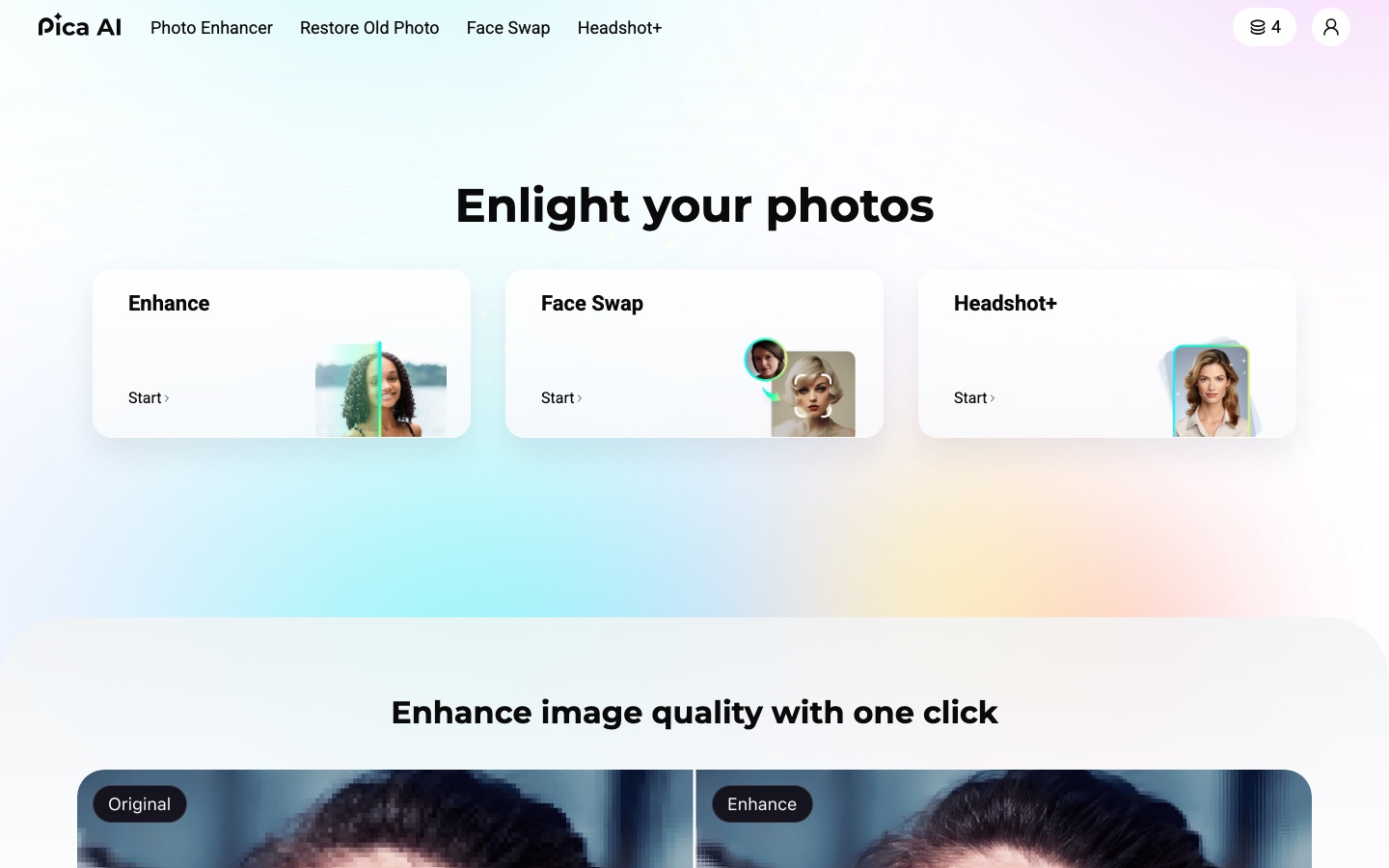
Pica AI is an online collection of AI photo tools. Pica AI swaps faces in photos and videos, restores old photographs and generates headshots from selfies; its photo enhancer has moved to a sister service called Artguru. Pica AI is used in the browser by uploading a picture and choosing a tool.
Best for People who want quick browser-based edits such as a headshot from a selfie, a restored family photo or a consensual face swap.
- Platforms
- Web
- Added
Last verified: . Information taken from pica-ai.com.
What is Pica AI?
Pica AI is a website that groups several AI photo tools under one account. Its face swap tool replaces faces in a photo or a video with faces from pictures you upload, handles up to three faces in a single file and offers ready-made templates; finished videos download as GIF or MP4. A restoration tool is aimed at old photographs, and a headshot generator turns selfies into portrait-style pictures in a chosen style for profiles and resumes. The site also lists a photo enhancer, although a notice on the home page says that tool was upgraded to a separate service called Artguru on 31 October 2025. The interface is offered in a range of languages.
Key Features
Photo Face Swap
Replaces a face in a photo, cartoon or artwork with one taken from another uploaded picture.
Video Face Swap
Applies the swap across a video clip and exports the result as GIF or MP4.
Multi-Face Swap
Swaps up to three faces at once in a group photo or video.
Old Photo Restoration
Processes aged photographs to improve how they look.
Headshot Generator
Creates professional-style portraits from selfies in styles you select.
Photo Enhancer
Improves image quality in one click; this tool has been moved to the Artguru service.
How Pica AI works
Upload the original
Select the image or video to change, or pick one of the templates.
Add the faces
Upload one or more photos containing the faces to insert.
Run the swap
Start processing and come back to download the result when it is ready.
Use Cases
- Memes and Party Pictures
- Make humorous group images by exchanging faces between friends who agreed to it.
- Profile Portraits
- Produce a headshot for LinkedIn or a resume from a casual selfie.
- Family Archives
- Clean up old printed photos that have been scanned.
- Template-Based Edits
- Drop your own face into one of the supplied scene templates.
- Short Social Clips
- Create a face-swapped video and download it for posting.
Things to know
- Uploads are deleted after a day
- The face swap FAQ says photos are removed within 24 hours of upload.
- Terms of Service apply
- The face swap page promotes swapping in celebrity faces; the site links Terms of Service and a Privacy Policy that govern how the tools and uploaded faces may be used.
- Enhancer has moved
- The photo enhancer now opens on Artguru, a separate site with its own terms and pricing.
FAQs
What is Pica AI?
Pica AI is an online set of AI photo tools covering face swap, old photo restoration, image enhancement and headshot generation.
How many faces can Pica AI swap at once?
Pica AI's face swap FAQ says up to three faces can be swapped in a single photo or video.
Does Pica AI swap faces in videos?
Yes. Pica AI accepts video uploads for face swapping and lets you download the result as a GIF or MP4.
What does Pica AI do with uploaded photos?
Pica AI states that photos are used only for the face swap and are deleted within 24 hours of upload.
What happened to the Pica AI photo enhancer?
A notice on the Pica AI home page says the photo enhancer was upgraded to Artguru on 31 October 2025.
How do I swap a face with Pica AI?
In Pica AI you upload the original image or video, upload the face or faces to insert, and start the swap; photos finish in seconds and videos can take minutes.
Who it's for
- Casual photo editors
- Social media users
- Job seekers
- Families
Comments
No comments yet. If you have used Pica AI, tell other readers how it went.
Alternatives to Pica AI
| Tool | Free plan | Starting price | API |
|---|---|---|---|
 Artguru AIOnline AI enhancer for photos, video and documents: upscaling, old photo restoration, denoising and sharper scans. |
— | — | Yes |
 AVCLabs AIAI software and online tools for upscaling, restoring, blurring and editing videos and photos. |
— | — | — |
 ImgUpscalerBrowser-based AI image upscaler from LinoCut AI with output up to 16K, batch mode and related enhancement tools. |
Yes | — | — |
 PFPMakerProfile picture maker that turns a single selfie into headshots, lifestyle shots and edited portraits. |
Yes | — | — |
 PicWishAI photo editor for cutting out backgrounds, sharpening blurry shots and retouching product images. |
Yes | — | Yes |
Listed in the same categories as Pica AI. A starting price appears only where we checked it on the maker’s pricing page; a dash means not checked or not published. All Image Editing tools