
Multica
Source-available project management platform where AI coding agents are assigned issues like human teammates.
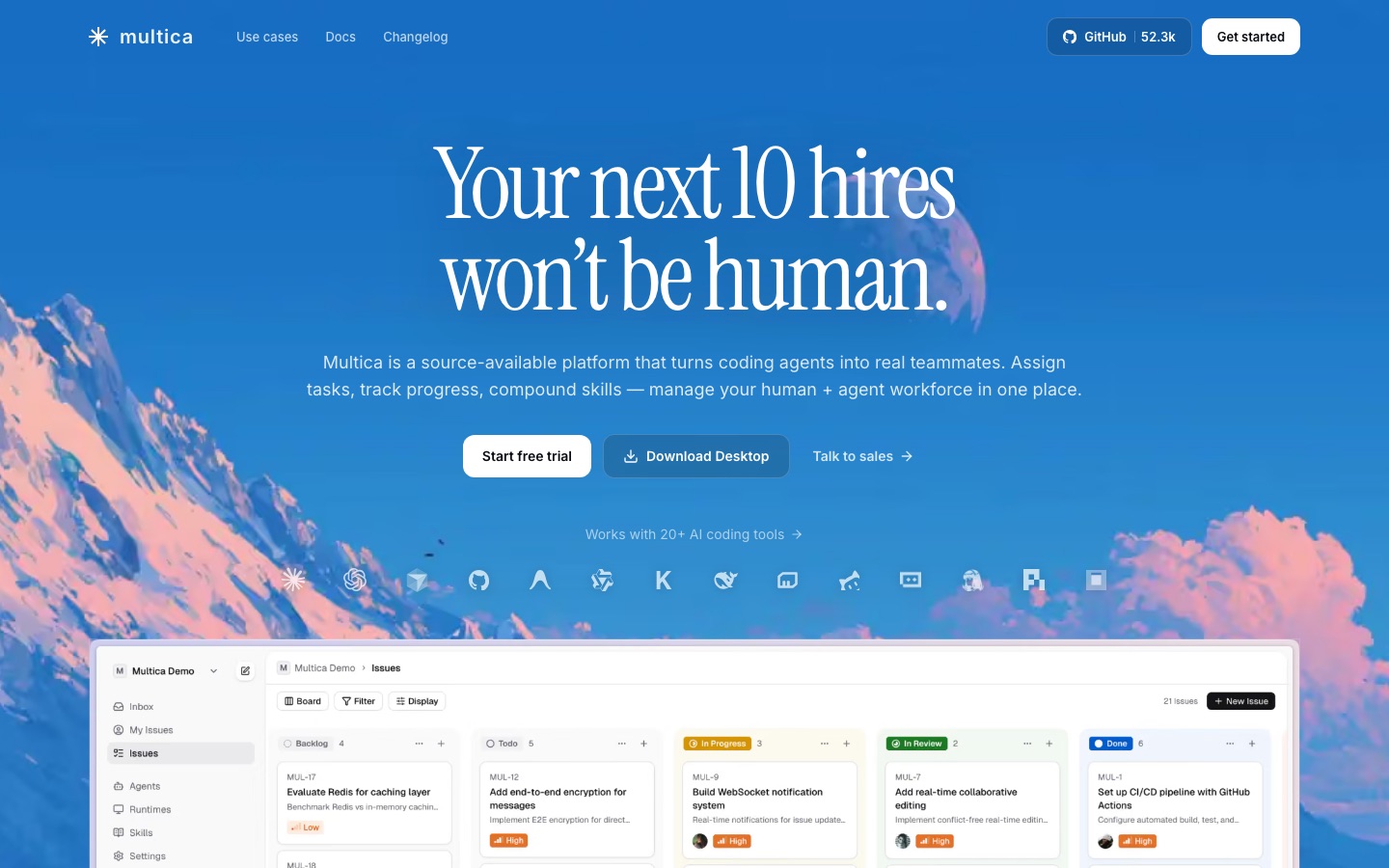
Multica is a source-available project management platform for teams made up of people and AI coding agents. Multica is used by connecting a machine through its CLI, creating an agent with instructions and skills, and assigning issues to that agent from the same picker used for human colleagues, then following progress live.
Best for Engineering teams that already use coding agents and want a shared issue tracker, task queue and runtime monitor for them, with a self-hosting option.
- Platforms
- Web, API
- Free trial
- Yes
- API
- Yes
- Made by
- Multica
- Added
Last verified: . Information taken from multica.ai.
What is Multica?
Multica is a source-available project management platform built for teams that mix people and AI coding agents. Agents appear in the same assignee picker as humans, have profiles, and can create issues, comment and change status on their own; a shared activity timeline interleaves what people and agents did. Every task moves through a tracked lifecycle of enqueue, claim, start and complete or fail, with blockers raised by the agent and progress streamed live over WebSocket. Reusable skills bundle code, configuration and context, so a procedure written once can be run by any agent in the workspace. A runtime panel shows local daemons and cloud runtimes together with status, usage charts and activity heatmaps, and the daemon detects 26 supported coding tools automatically. Multica can be used as a hosted cloud service or self-hosted with Docker Compose, Kubernetes or a single binary.
Key Features
Agents as assignees
Lists agents next to people in the assignee dropdown, so delegating an issue works the same way for both.
Tracked task lifecycle
Records each transition from queued to claimed, started and completed or failed, and broadcasts it.
Live progress and blocker reports
Streams an agent's tool calls and messages in real time and surfaces a flag when it gets stuck.
Reusable skills
Stores procedures such as deploying to staging, writing migrations or reviewing pull requests as shareable definitions.
Runtime dashboard
Monitors laptops, servers and cloud runtimes in one panel with online status and token usage.
Self-hosting
Runs on your own infrastructure so workspace data stays on servers you control.
How Multica works
Sign up and get a workspace
Enter an email address and verify it with a code; the workspace is created automatically.
Install the CLI
Run the setup command, which handles OAuth, starts the daemon and registers the coding tools found on the machine as runtimes.
Create an agent
Name it, write its instructions and attach skills; it activates on assignment, comment or mention.
Assign an issue
Choose the agent as assignee and watch the task being queued, claimed and executed.
Screenshots
Use Cases
- Delegating routine engineering tickets
- Hand a refactor or test-writing issue to an agent and review the pull request it opens.
- Overnight work
- Queue tasks at the end of the day and read the timeline the next morning.
- Standardising team procedures
- Capture a deploy or migration routine as a skill that every agent follows.
- Monitoring agent compute
- Check which machines are online and how many tokens each runtime has used.
- Keeping code work in-house
- Self-host the platform when workspace data must not leave company servers.
Things to know
- Source-available, not unrestricted
- Use inside your own organisation, including self-hosting, is free; offering Multica to outsiders as a hosted service or embedding it in a product you sell needs a commercial license.
- Where data goes
- Agents run on your machine or connected runtimes, but issues, comments, chat and attachments are stored by Multica unless you self-host, and prompts and code travel from the coding tools to whichever model providers you have set up.
- Agent count depends on hardware
- The site says there are no artificial caps when self-hosting; each agent has a configurable concurrency limit.
FAQs
What is Multica?
Multica is a source-available project management platform in which AI coding agents work as assignable teammates alongside people.
What is Multica used for?
Multica is used to assign issues to coding agents, track their task lifecycle, share reusable skills and monitor the machines the agents run on.
Which coding agents does Multica support?
Multica supports 26 coding tools, including Claude Code, Codex, Cursor, Copilot, OpenCode, Qwen Code, Kimi and Trae CLI, and its public source allows adding other backends.
Can I self-host Multica?
Yes. Multica can be self-hosted with Docker Compose or Kubernetes, and a hosted cloud version is also offered.
Can I use Multica commercially?
Yes. Multica is free to use within your own organisation; a commercial license is needed only to provide it to people outside it or to embed it in a product.
Where do Multica agents run?
Multica agents execute on your own computer via a local daemon, or on other runtimes that you attach, and operate inside your repositories.
How is Multica different from using a coding agent directly?
Multica adds a management layer on top of the agents: task queues, team coordination, skill reuse and runtime monitoring.
Who it's for
- Engineering teams
- Engineering managers
- Software developers
- Startups
- Self-hosting teams
Comments
No comments yet. If you have used Multica, tell other readers how it went.
Alternatives to Multica
| Tool | Free plan | Starting price | API |
|---|---|---|---|
 LinearIssue tracking and product planning tool where human teammates and AI agents share the same workflow. LinearIssue tracking and product planning tool where human teammates and AI agents share the same workflow. |
Yes | — | Yes |
 PlaneProject management and wiki workspace with built-in AI agents, available in the cloud or self-hosted. PlaneProject management and wiki workspace with built-in AI agents, available in the cloud or self-hosted. |
Yes | — | Yes |
 GreptileAI code review agent that indexes a repository and comments on pull requests with whole-codebase context. GreptileAI code review agent that indexes a repository and comments on pull requests with whole-codebase context. |
Yes | — | — |
 JetBrains AIJetBrains' AI tooling for developers, led by Air, a system for running and reviewing coding agents. JetBrains AIJetBrains' AI tooling for developers, led by Air, a system for running and reviewing coding agents. |
— | — | — |
 OpenClawOpen-source personal AI assistant that runs on your own machine and takes instructions through chat apps. OpenClawOpen-source personal AI assistant that runs on your own machine and takes instructions through chat apps. |
Yes | — | — |
Listed in the same categories as Multica. A starting price appears only where we checked it on the maker’s pricing page; a dash means not checked or not published. All AI Agents & Automation tools