
GoEnhance AI
AI video and image platform that gathers many generation models and tools such as video-to-video, face swap and lip sync.
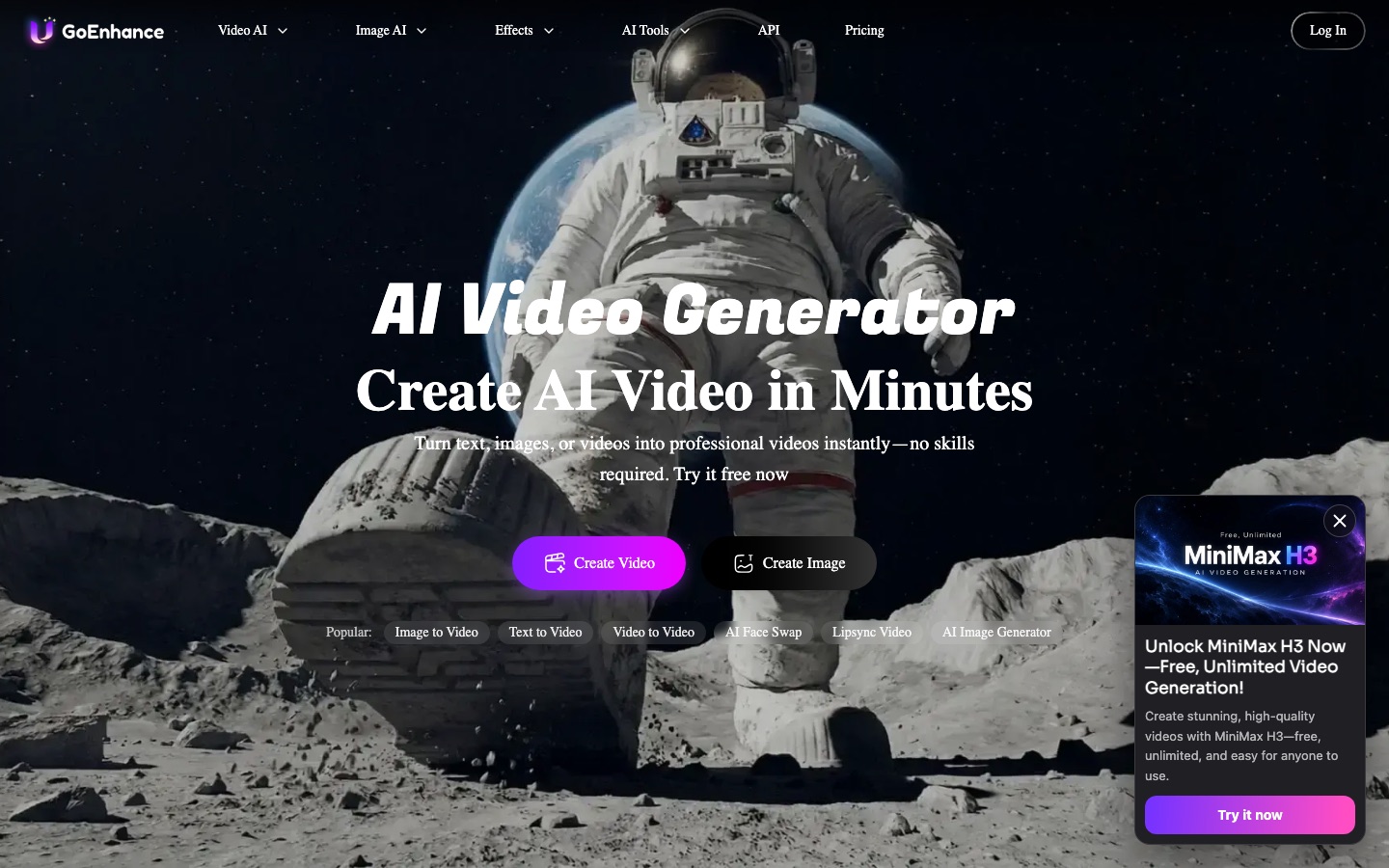
GoEnhance AI is a web platform for making AI video and images. GoEnhance AI turns text, pictures or existing footage into new clips, restyles video as animation, and offers face swap, lip sync, avatars and upscaling. Users pick from many video and image models and pay with tokens, with a free tier available.
Best for Creators who make short videos and want text-to-video, restyling, face swap and lip sync tools plus a choice of models in one account.
- Platforms
- Web, iOS, API
- Pricing model
- Freemium
- Free plan
- Yes
- API
- Yes
- Made by
- MewX LLC
- Added
Last verified: . Information taken from goenhance.ai.
What is GoEnhance AI?
GoEnhance AI is an online platform for generating and transforming video and images with AI. It began with converting footage into anime-style animation and now covers text-to-video, image-to-video, video-to-video restyling, character animation from a single picture, talking avatars, lip syncing, face swapping and video upscaling. Instead of relying on one engine, the service lets you pick from a long list of third-party video and image models, including Kling, Veo, Sora, Wan, Flux and Midjourney, next to its own. More than a hundred preset effects produce clips shaped for TikTok, Reels and Shorts, and image tools handle generation, editing, enhancement and old photo restoration. Music and text-to-speech generators are listed as well. Usage is paid for in tokens: a free tier includes some, while subscriptions raise the allowance and add faster processing.
Key Features
Video Generation
Creates clips from a text prompt or a still image, with output offered in HD and 4K.
Video to Video
Restyles existing footage into anime, cartoon or other looks while keeping the motion.
Model Selection
Lets you choose among many external video and image models as well as GoEnhance's own.
Avatars and Lip Sync
Animates a face from one photo and matches mouth movement to an audio track.
Face Swap
Replaces a face in a photo, GIF or video with another.
Image Tools
Generates, edits, upscales and restores still images, and converts an image into a prompt.
Use Cases
- Anime-Style Conversions
- Turn a filmed dance or scene into an animated version.
- Short Social Clips
- Apply a preset effect to a photo or clip for TikTok, Reels or Shorts.
- Talking Character Videos
- Make a still portrait speak using an uploaded voice track.
- Upscaling Old Footage
- Raise the resolution of a low-quality video.
- Comparing Models
- Run the same prompt through several video models to see which result fits.
Things to know
- Tokens and two speed modes
- Fast Mode spends tokens for immediate GPU access; Relax Mode costs none but is queued, and is limited to Standard, Pro and Mega subscribers on supported features.
- Commercial rights depend on plan
- Free and Basic accounts are restricted to personal use of what they create.
- Protected likenesses
- The site asks users not to work with copyrighted or trademarked material, naming celebrities and cartoon characters as examples.
- No refunds
- The company says it is unable to refund purchases because of the computing cost of generation.
FAQs
What is GoEnhance AI?
GoEnhance AI is an online AI platform for creating and editing video and images, covering text-to-video, image-to-video, video-to-anime conversion, face swap and more.
Is GoEnhance AI free?
GoEnhance AI has a free tier that comes with some tokens usable across its features. Paid subscriptions add more tokens, faster generation, more simultaneous jobs and premium features.
How much does GoEnhance AI cost?
GoEnhance AI sells Basic, Standard, Pro and Mega subscriptions. For current figures, see the official pricing page.
Can I use GoEnhance AI output commercially?
Commercial use of GoEnhance AI creations is allowed only for Standard, Pro and Mega subscribers; free and Basic users are limited to personal use.
Does GoEnhance AI work on mobile?
Yes. GoEnhance AI says the platform is available on PC and mobile devices, and it refers to subscriptions bought through an iOS app.
Does GoEnhance AI have an API?
Yes. GoEnhance AI links to an API and API documentation from its website.
Does GoEnhance AI give refunds?
No. GoEnhance AI states that it cannot offer refunds because of the GPU processing costs involved in generation.
Who makes GoEnhance AI?
GoEnhance AI is operated by MewX LLC, the company named in the site's copyright notice.
Who it's for
- Short-form video creators
- Animators
- Social media marketers
- Hobbyists
- Developers
Comments
No comments yet. If you have used GoEnhance AI, tell other readers how it went.
Alternatives to GoEnhance AI
| Tool | Free plan | Starting price | API |
|---|---|---|---|
 A2EAI video and image toolset covering image to video, face and head swap, lip sync, voice cloning and avatars. |
Yes | — | Yes |
 Google FlowGoogle's AI creative studio for generating and editing video and images, with an agent and custom tools. |
Yes | — | — |
 PikaAI creative platform with task-specific apps and a range of models for generating video, images and audio. |
Yes | $10/mo | Yes |
 DeeVid AIAll-in-one AI studio for generating videos, images, avatars, voice and music from text, photos or clips. |
Yes | $10/mo | — |
 DomoAIAI video studio that generates clips from text, images or footage and restyles existing video into other looks. |
Yes | — | Yes |
Listed in the same categories as GoEnhance AI. A starting price appears only where we checked it on the maker’s pricing page; a dash means not checked or not published. All AI Video Generator tools