
Morphic
Browser-based AI studio for generating, animating and editing images and video with consistent characters.
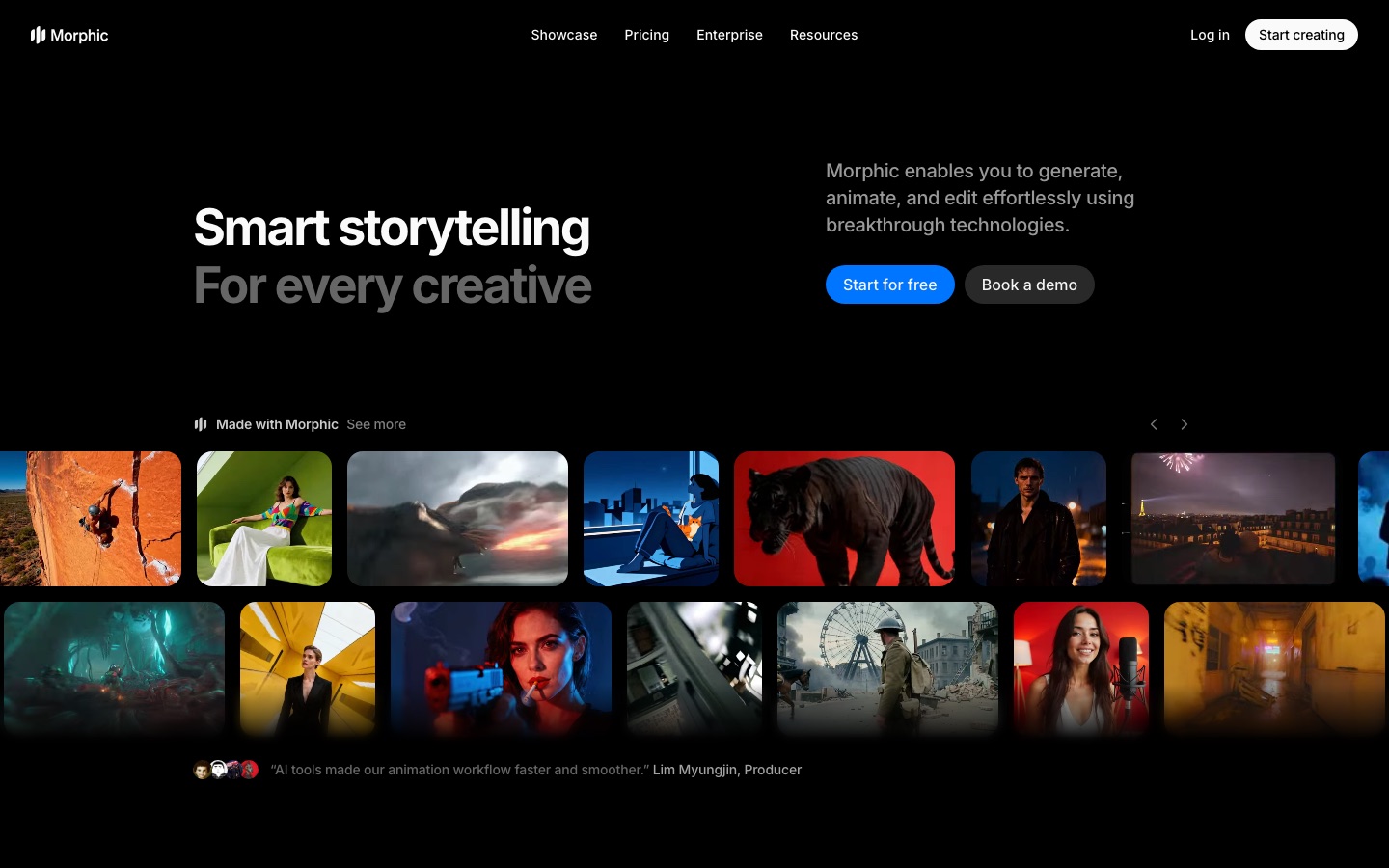
Morphic is a browser-based AI studio for creating images, video and short films. Morphic is used by generating visuals from prompts, adding motion and sound, and refining them with inpainting, upscaling and camera controls, while saved references keep characters and style consistent. It runs on credits and has a limited free plan.
Best for Filmmakers, animators, marketers and game teams who want to plan and produce AI-generated scenes with consistent characters in one workspace.
- Platforms
- Web
- Pricing model
- Freemium
- Free plan
- Yes
- Made by
- Morphic, Inc.
- Added
Last verified: . Information taken from morphic.com.
What is Morphic?
Morphic is a web-based creative studio from Morphic, Inc. for producing images, video and short films with generative AI. Work happens in three connected spaces: Canvas for laying out and developing ideas, Copilot for chatting through a project, and Compose for arranging shots into a sequence. Users generate images, add motion and attach sound, then refine results by selecting objects, inpainting, upscaling or resizing beyond the original frame. Saved references keep characters and visual style the same from scene to scene. Other controls include camera moves such as pan, tilt and zoom, 3D camera placement on a still image, and filling in video between two to five chosen frames. A library of ready-made workflows covers jobs like storyboards, UGC-style ads, virtual try-on and style transfer. Morphic gives access to third-party video, image and audio models and offers team workspaces.
Key Features
Canvas, Copilot and Compose
Three workspaces for exploring ideas visually, chatting with an assistant and assembling scenes into a story.
References
Stores characters and styles so later generations keep the same look.
Frames to Video
Takes two to five frames of a scene and generates the motion between them.
Inpainting and Resizing
Adds, removes or changes objects with a prompt and extends images or video past their borders.
Camera Control
Sets pans, tilts, zooms and pedestal moves, or positions camera angles in 3D space on a still.
Workflow Library
Runs prebuilt pipelines such as storyboard grids, motion transfer and short film creation.
Screenshots
Use Cases
- Short Films
- A creator goes from an idea to scenes, video and music inside one project.
- Game Assets
- A studio produces concept art and asset variations during pre-production.
- Product Ads
- A marketer turns a product photo into a UGC-style advert.
- Storyboarding
- A director converts a scene description and character references into a board with shot angles.
- Music Videos
- A musician supplies lyrics and a visual style and receives a scene for each verse.
Things to know
- Everything runs on credits
- Each plan carries a monthly credit allowance, and the site notes that credit use varies by operation.
- Free plan is restricted
- The Free plan offers up to 20 credits and a limited set of models for one user.
- Credit packs need a subscription
- Extra credit packs are shown with an upgrade prompt, so they are bought on top of a paid plan.
- Security attestation
- The site footer states that Morphic is AICPA SOC 2 Type 1 certified.
FAQs
What is Morphic?
Morphic is a browser-based AI studio for generating, animating and editing images and video, aimed at storytelling work such as films, ads and animation.
What is Morphic used for?
Morphic is used to create images, video clips, storyboards and short films, and to keep characters and style consistent across scenes.
Is Morphic free?
Yes, in a limited form. Morphic's pricing page lists a Free plan with up to 20 credits, one user and limited models.
How much does Morphic cost?
Morphic sells Basic, Standard, Pro and Max subscriptions with monthly credit allowances, plus credit packs and custom enterprise terms. See the official pricing page for current prices.
Do I need to install Morphic?
No. Morphic says it requires no downloads or installs and runs in the browser.
Can teams use Morphic?
Yes. Morphic has shared workspaces, and the Pro and Max plans allow extra users at additional cost.
Does Morphic have a plan for students?
Yes. Morphic lists an Education plan for students and teachers that requires a valid school email address.
Which models does Morphic offer?
Morphic lists third-party video, image and audio models, including Seedance, Wan, Flux, Seedream, Ideogram and ElevenLabs models.
Who it's for
- Filmmakers
- Animators
- Marketing teams
- Game studios
- Content creators
Comments
No comments yet. If you have used Morphic, tell other readers how it went.
Alternatives to Morphic
| Tool | Free plan | Starting price | API |
|---|---|---|---|
 GoEnhance AIAI video and image platform that gathers many generation models and tools such as video-to-video, face swap and lip sync. |
Yes | — | Yes |
 Google FlowGoogle's AI creative studio for generating and editing video and images, with an agent and custom tools. |
Yes | — | — |
 PikaAI creative platform with task-specific apps and a range of models for generating video, images and audio. |
Yes | $10/mo | Yes |
 FocalAI video creation platform that turns an idea or script into multi-scene videos with chat and timeline editing. |
Yes | — | — |
 ImagineArtAI creative suite that generates images, video and audio from prompts, with studios for ads, film and fashion. |
— | — | — |
Listed in the same categories as Morphic. A starting price appears only where we checked it on the maker’s pricing page; a dash means not checked or not published. All AI Video Generator tools