
Command Code
Terminal coding agent tuned for open models that learns a developer's coding preferences from accepted and rejected edits.
Command Code is a terminal-based AI coding agent that writes, fixes, tests and refactors software, with a harness tuned for open models. Command Code learns a developer's preferences from accepted and rejected edits and stores them as reusable skills. Command Code is used by installing it with npm, signing in and prompting from a project folder.
Best for Developers who work from the command line, want to use lower-cost open models for coding and prefer an agent that picks up their conventions.
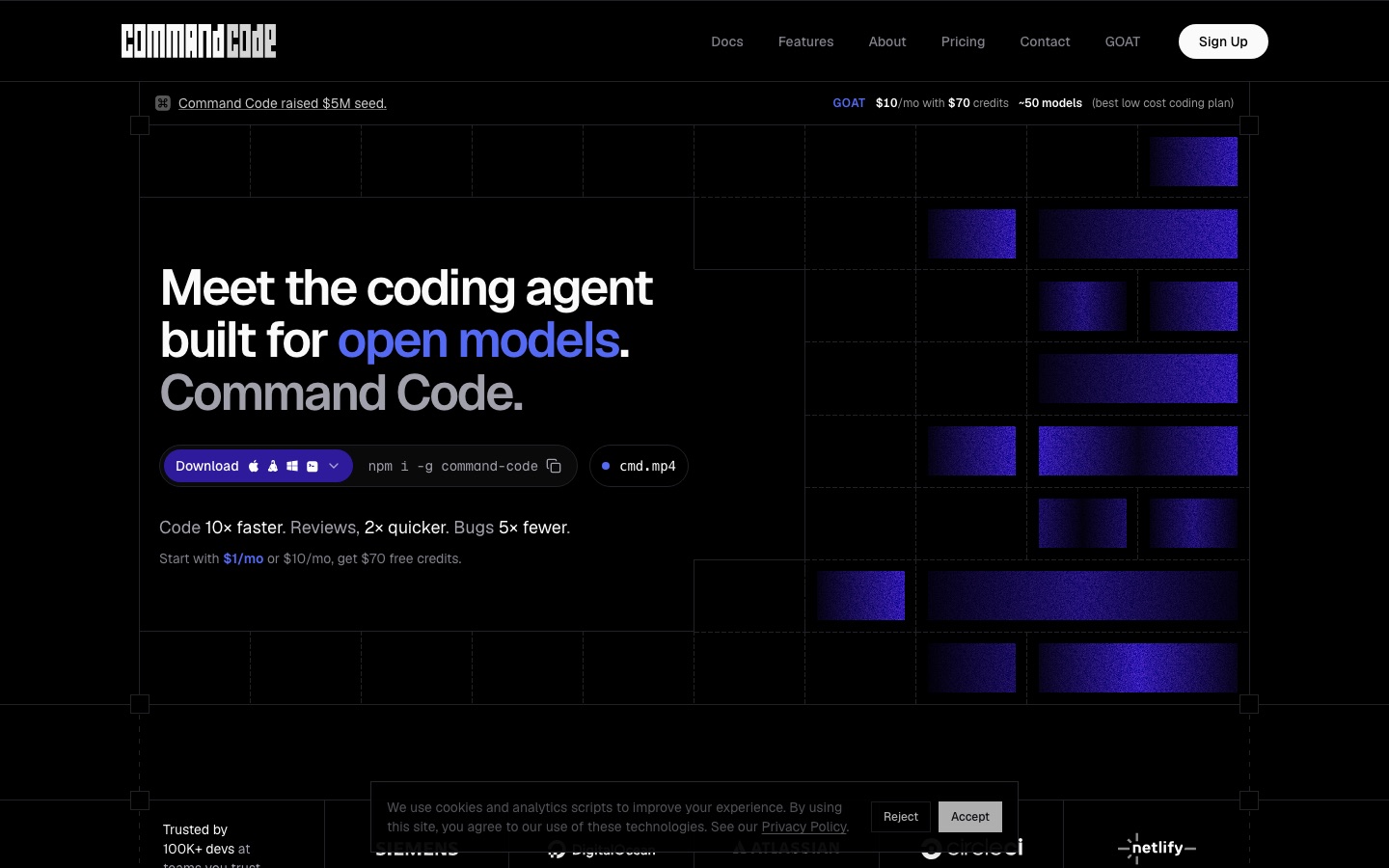
- Platforms
- macOS, Linux, Windows, API, MCP
- Pricing model
- Subscription
- API
- Yes
- Made by
- Command Code
- Added
Last verified: . Information taken from commandcode.ai.
What is Command Code?
Command Code is a coding agent that runs in the terminal and is installed through npm. It writes, fixes, tests and refactors code, and its harness is built around open models such as DeepSeek, Kimi, GLM, Qwen and MiniMax, checking and repairing malformed tool calls as they occur. A component named taste-1 treats each accepted, rejected or edited suggestion as a signal and distils those signals into skills kept at project level and into personal memory, so later sessions follow the same conventions. The agent can run interactively, headless or in a background sandbox, and it supports custom agents, reusable commands, MCP servers and plugins. A desktop app for macOS, Linux and Windows adds a workspace for reviewing changes and previewing an app. Subscriptions include model credits, and an OpenAI- and Anthropic-compatible API is offered.
Key Features
Taste learning
Turns your accepts, rejects and edits into skills stored in the project so future output matches your habits.
Tool call repair
Validates each tool call from the model and corrects faulty ones during the run.
Multiple run modes
Works as an interactive CLI, in headless mode for scripts or as a background sandbox agent.
Agents and memory
Supports custom agents and persistent memory that carry over between sessions.
Extensibility
Accepts reusable skills, slash commands, MCP servers and plugins.
Team sharing
Shares sessions with colleagues and pushes or pulls learned skills with a single command.
How Command Code works
Install
Add the command-line tool globally with npm.
Sign in
Authenticate with your Command Code account.
Code
Open a project folder and prompt the agent; it learns from each accept, reject and edit.
Screenshots
Use Cases
- Building a CLI tool
- A developer asks for a command-line utility and gets it in their preferred stack.
- Codebase onboarding
- An engineer has the agent explain an unfamiliar repository.
- Writing tests
- A team generates test files that follow existing project patterns.
- Plan review before changes
- A developer comments on and approves a plan before code is written.
- Standardising team conventions
- A lead publishes project skills so every teammate's agent follows them.
Things to know
- Plans are built on credits
- Each subscription includes a pool of model credits; extra credits can be bought on demand and those top-ups do not expire.
- Go plan has no API access
- The compatible API endpoints are included on every plan other than Go.
- Taste data stays local
- Learning data from taste is kept on the developer's own machine, according to the site.
- Model hosting regions
- Commercial models run on US infrastructure with EU on demand, while open-source models route through the US, EU and Singapore.
FAQs
What is Command Code?
Command Code is an AI coding agent that runs in the terminal. It builds, fixes, tests and refactors software and adapts to the developer's coding style over time.
What is Command Code used for?
Command Code is used for everyday development tasks such as implementing features, writing tests, refactoring and reviewing code from the command line.
How much does Command Code cost?
Command Code sells monthly subscriptions named Go, GOAT, Pro, Max 10× and Max 20×, plus a pay-as-you-go API plan, Teams and Enterprise. See the official pricing page for current prices.
Which models can I use with Command Code?
Command Code supports models from OpenAI, Anthropic, Google and xAI as well as open models such as DeepSeek, Kimi, Qwen, GLM and MiniMax. Which ones are included depends on the plan.
Does Command Code have an API?
Yes. Command Code provides OpenAI- and Anthropic-compatible endpoints on every plan except Go, and a separate pay-as-you-go Provider plan for API use.
Is my code used for training by Command Code?
No. Command Code states that it never trains on user code and that taste data is stored only on the user's machine.
What platforms does Command Code run on?
Command Code is a command-line tool installed with npm, and its desktop app is available for macOS, Linux and Windows.
How do teams share taste in Command Code?
Teams run a push command to publish a project skill and a pull command to install it. Skills are plain files in the repository that can be reviewed in pull requests.
Who it's for
- Software developers
- Engineering teams
- Open-source developers
- API builders
Comments
No comments yet. If you have used Command Code, tell other readers how it went.
Alternatives to Command Code
| Tool | Free plan | Starting price | API |
|---|---|---|---|
 Claude CodeAnthropic's AI coding agent that plans, edits code, runs tests and opens pull requests from your terminal or IDE. Claude CodeAnthropic's AI coding agent that plans, edits code, runs tests and opens pull requests from your terminal or IDE. |
— | — | — |
 CursorAI coding agent and editor that plans, writes and reviews code on the desktop, in the terminal and in the cloud. CursorAI coding agent and editor that plans, writes and reviews code on the desktop, in the terminal and in the cloud. |
Yes | — | — |
 OpenCodeOpen source AI coding agent for the terminal, desktop and IDE that works with models from many providers. OpenCodeOpen source AI coding agent for the terminal, desktop and IDE that works with models from many providers. |
Yes | — | — |
 DevinAutonomous AI software engineer from Cognition that plans, writes, tests and reviews code and opens pull requests. DevinAutonomous AI software engineer from Cognition that plans, writes, tests and reviews code and opens pull requests. |
Yes | — | Yes |
 GreptileAI code review agent that indexes a repository and comments on pull requests with whole-codebase context. GreptileAI code review agent that indexes a repository and comments on pull requests with whole-codebase context. |
Yes | — | — |
Listed in the same categories as Command Code. A starting price appears only where we checked it on the maker’s pricing page; a dash means not checked or not published. All AI Code Assistant tools