
CodeGPT
AI coding agent for VS Code and JetBrains IDEs that works with many models, including your own API keys.
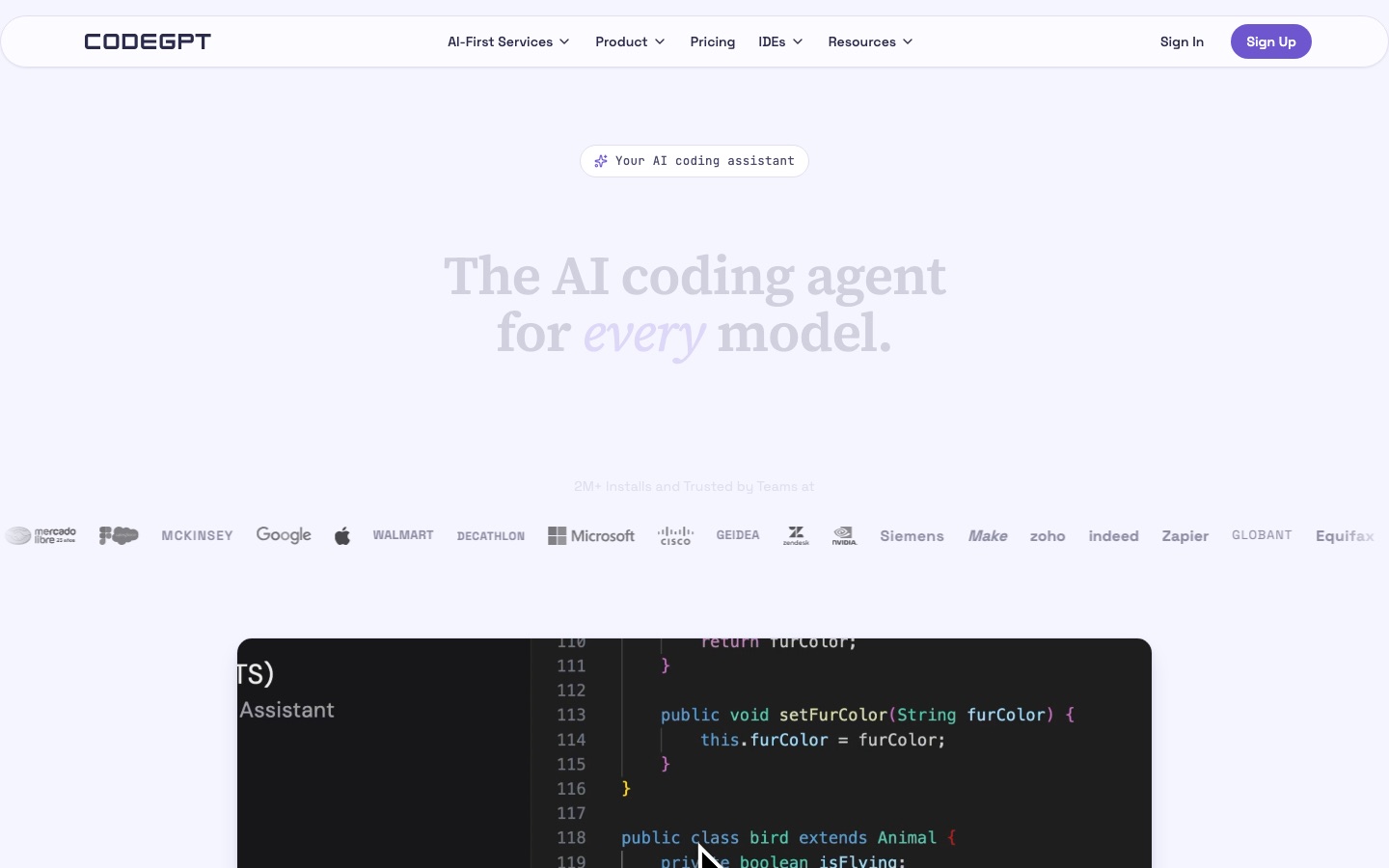
CodeGPT is an AI coding agent for Visual Studio Code and JetBrains IDEs that reads a codebase, proposes a plan and then writes code with the developer's approval. CodeGPT works with Claude, GPT, Gemini, Grok and local models. CodeGPT is used by installing the extension and adding API keys or credits.
Best for Developers and teams who want an in-editor coding agent that is not locked to one model provider and can run on their own API keys.
- Platforms
- Plugin, MCP
- Pricing model
- Freemium
- Free plan
- Yes
- Made by
- CodeGPT LLC
- Added
Last verified: . Information taken from codegpt.co.
What is CodeGPT?
CodeGPT is an AI coding agent delivered as an extension for Visual Studio Code and a plugin for JetBrains IDEs such as IntelliJ and PyCharm. Before writing anything it reads the codebase and drafts a plan that the developer can edit; changes and terminal commands then wait for approval. The agent is not tied to one model. Users can pick Claude, GPT, Gemini or Grok, run open models locally through Ollama or LM Studio, and either supply their own provider API keys or spend CodeGPT credits. Further tools include MCP connections to external APIs, documentation and databases, project rules that enforce coding standards, a live view of context usage and code autocomplete. CodeGPT LLC, the company behind it, also sells custom AI agent services to businesses.
Key Features
Plan-first agent
Reads the project, proposes an editable plan and only afterwards starts changing code.
Multi-model support
Switches between Claude, GPT, Gemini, Grok and local models per task without moving the code.
Bring your own keys
Uses API keys from your own provider accounts, so usage is billed by that provider.
MCP connections
Links the agent to external APIs, documentation sources and databases.
Project rules
Applies rules you define so generated code follows team conventions.
Approved terminal commands
Runs commands in the terminal but pauses for confirmation before anything is modified.
Screenshots
Use Cases
- Implementing a feature
- A developer reviews the agent's plan, adjusts it and lets it write the code across files.
- Refactoring
- A team restructures a module with every edit shown for approval.
- Debugging
- An engineer has the agent read the files involved and suggest a fix.
- Working with local models
- A privacy-conscious developer runs an open model through Ollama.
- Team rollout
- A company gives developers a shared credit balance and tracks usage from an admin dashboard.
Things to know
- One interactive session per account
- Unlimited Economy usage applies to a single person coding interactively and is not meant for parallel automation or batch jobs.
- Autocomplete is included in the plan
- Autocomplete is served by CodeGPT itself and does not draw on your API keys or purchased credits.
- Premium models need credits or Professional
- Free users see premium models but must use credits, the welcome credit or their own keys to run them.
- Plan changes apply next cycle
- Upgrades and downgrades take effect when the following billing period begins.
FAQs
What is CodeGPT?
CodeGPT is an AI coding agent that runs inside VS Code and JetBrains IDEs. It plans changes, writes code and runs commands with the developer's approval.
What is CodeGPT used for?
CodeGPT is used for code generation, refactoring, debugging and autocomplete inside the editor. Teams also use it to manage shared AI credits.
Is CodeGPT free?
Yes, CodeGPT has a free plan. It gives 10 interactions a day on Economy models and unlimited use when you connect your own API keys.
How much does CodeGPT cost?
CodeGPT: a free plan is available. Paid plan rates are published on codegpt.co. Check the official pricing page for current amounts.
Which AI models does CodeGPT support?
CodeGPT supports models from OpenAI, Anthropic, Google, xAI, Meta, Mistral and Cohere, among others. Local models run through Ollama and LM Studio.
Which editors does CodeGPT work in?
CodeGPT is available as a Visual Studio Code extension and a JetBrains plugin for IDEs such as IntelliJ and PyCharm.
Can I use CodeGPT with AWS, Azure or Google Cloud?
Yes. CodeGPT integrates with AWS Bedrock, Azure OpenAI Service and Vertex AI on Google Cloud.
Who makes CodeGPT?
CodeGPT is made by CodeGPT LLC, which holds the CodeGPT trademark.
Who it's for
- Software developers
- Engineering teams
- Enterprises
- Students
Comments
No comments yet. If you have used CodeGPT, tell other readers how it went.
Alternatives to CodeGPT
| Tool | Free plan | Starting price | API |
|---|---|---|---|
 Claude CodeAnthropic's AI coding agent that plans, edits code, runs tests and opens pull requests from your terminal or IDE. Claude CodeAnthropic's AI coding agent that plans, edits code, runs tests and opens pull requests from your terminal or IDE. |
— | — | — |
 Command CodeTerminal coding agent tuned for open models that learns a developer's coding preferences from accepted and rejected edits. Command CodeTerminal coding agent tuned for open models that learns a developer's coding preferences from accepted and rejected edits. |
— | — | Yes |
 CursorAI coding agent and editor that plans, writes and reviews code on the desktop, in the terminal and in the cloud. CursorAI coding agent and editor that plans, writes and reviews code on the desktop, in the terminal and in the cloud. |
Yes | — | — |
 DevinAutonomous AI software engineer from Cognition that plans, writes, tests and reviews code and opens pull requests. DevinAutonomous AI software engineer from Cognition that plans, writes, tests and reviews code and opens pull requests. |
Yes | — | Yes |
 GreptileAI code review agent that indexes a repository and comments on pull requests with whole-codebase context. GreptileAI code review agent that indexes a repository and comments on pull requests with whole-codebase context. |
Yes | — | — |
Listed in the same categories as CodeGPT. A starting price appears only where we checked it on the maker’s pricing page; a dash means not checked or not published. All AI Code Assistant tools