
Pokecut
Online AI photo editor and image generator with background removal, enhancement, portrait retouching and batch editing.
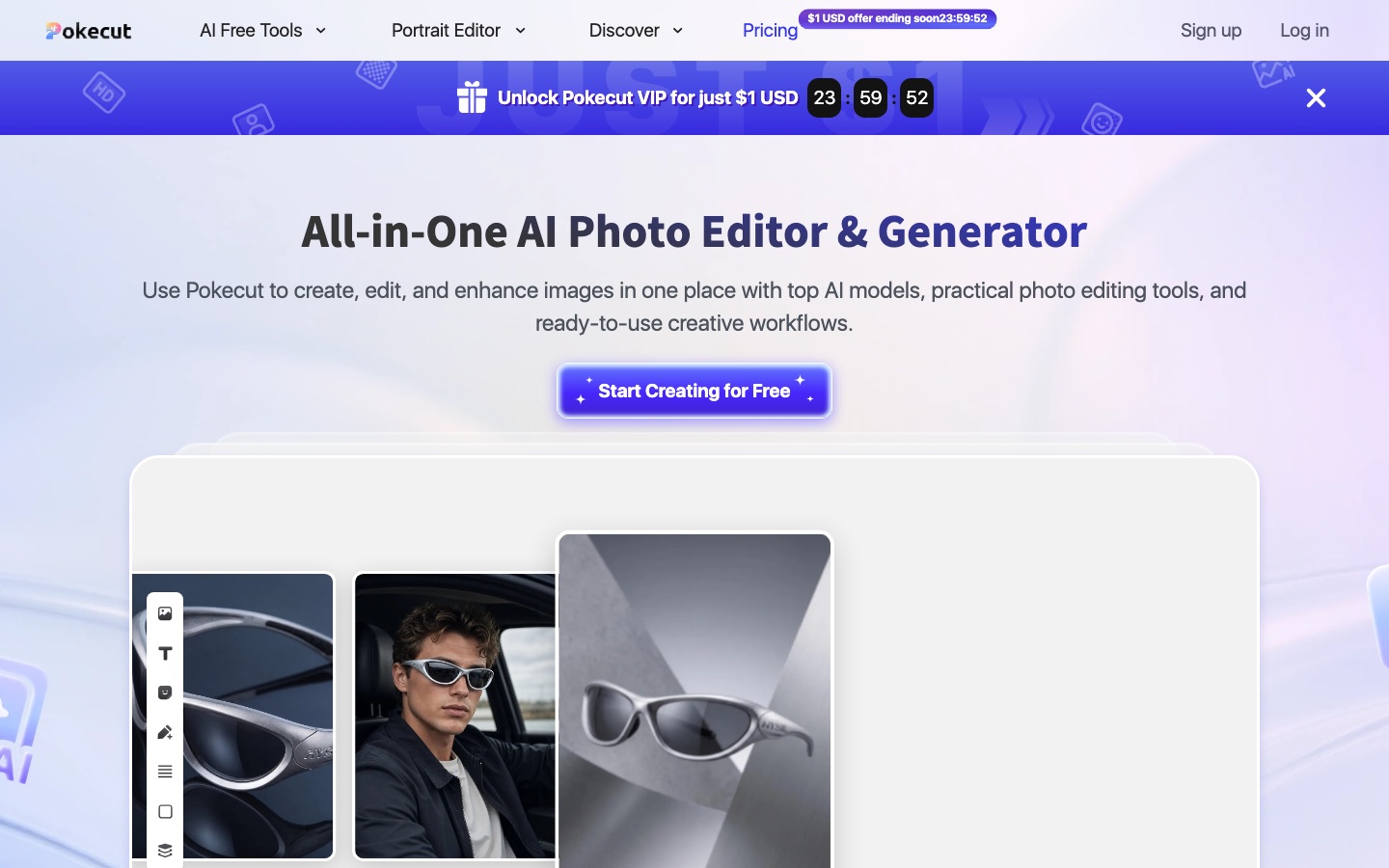
Pokecut is an online AI photo editor and image generator. Pokecut removes and replaces backgrounds, erases objects, enhances photo quality, retouches portraits and edits up to 50 images in a batch. Pokecut is used by uploading a photo or typing a prompt, adjusting the result in the editor and exporting it.
Best for Creators and online sellers who want background removal, enhancement, portrait retouching and image generation in one browser tool.
- Platforms
- Web, iOS, Android
- Pricing model
- Freemium
- Free plan
- Yes
- Free trial
- Yes
- Made by
- Pokecut
- Added
Last verified: . Information taken from pokecut.com.
What is Pokecut?
Pokecut is an online photo editing platform that pairs conventional editing tools with AI features and an image generator. Its catalogue of more than 200 tools covers background removal and replacement, object erasing, image extension, enhancement modes for general photos, portraits and text, collages, ID photos, filters, and a portrait editor for faces, hair and body shape. The generator offers a choice of AI models along with templates for portraits, products and social posts. A batch editor handles as many as 50 pictures in one go for resizing, enhancing or swapping backgrounds. Pokecut runs in the browser and can be tried without an account; free credits cover basic features with limited usage. Paid Premium Plans add a monthly credit allowance and wider tool access, and credits can also be bought on their own. Mobile apps are listed on the App Store and Google Play.
Key Features
Background Tools
Cuts the subject out of a photo, then leaves it transparent, blurs the backdrop or swaps in an AI-generated scene.
Enhancement Modes
Sharpens pictures with separate HD, portrait and ultra settings, and makes blurred text in an image legible again.
Portrait Editor
Retouches faces, changes hairstyles and hair colour, and adjusts body proportions in portraits.
AI Image Generator
Creates pictures from a prompt or a source image using a selectable model, with templates as a starting point.
Batch Photo Edit
Applies resizing, enhancement or background changes to a set of up to 50 photos together.
Eraser and Object Replace
Removes unwanted items from a shot or substitutes them with something else.
How Pokecut works
Start with a photo, a tool or a prompt
Upload a picture, select one of the AI tools, or enter a description in the generator.
Review and adjust
The editor opens with a preview, where the edit can be tuned.
Export
Download the finished image.
Screenshots
Use Cases
- Marketplace Product Photos
- Remove backgrounds and resize a whole product range for online listings in one batch.
- Fixing Low-Quality Pictures
- Raise the clarity of a blurry or low-resolution photo.
- Profile Portraits
- Tidy skin, hair and background before posting a portrait.
- ID Photos
- Produce an identity photo with the dedicated ID photo maker.
- Outfit Previews
- Try clothing templates on a photo of yourself for style ideas or product tests.
Things to know
- Web purchases stay on the web
- A plan or credits bought on the website cannot be used in the mobile app at present.
- Plan credits reset monthly
- Premium Plan credits are refreshed on the first of each month and unused ones are not carried forward.
- Short refund window
- Refund requests are generally considered only within one day of payment and with a valid reason.
- Subscriptions renew automatically
- A Premium Plan renews monthly or annually until auto-renewal is cancelled; benefits last until the next billing date.
FAQs
What is Pokecut?
Pokecut is an online AI photo editing platform that also includes an AI image generator.
What is Pokecut used for?
Pokecut is used to remove or change backgrounds, erase objects, enhance image quality, retouch portraits, build collages and generate new images from prompts.
Is Pokecut free?
Yes, with limits. Pokecut provides free credits for basic features such as enhancement and background removal; more edits, higher resolution and full access require a paid plan.
Do I need an account to use Pokecut?
No. Pokecut states that it works straight away, with no sign-up or login needed.
Does Pokecut work on mobile?
Yes. Pokecut has a mobile app listed on the App Store and Google Play, although plans or credits bought on the website cannot currently be used in the app.
Can I use Pokecut images commercially?
Yes. Pokecut permits commercial use of images made with its editor and generator, but it does not manage rights to design resources that it did not supply.
Can Pokecut edit photos in bulk?
Yes. Pokecut's batch tool processes up to 50 images at a time for background removal, resizing, enhancement or uniform backdrops.
Do Pokecut credits expire?
It depends on the type. Credits included in a Pokecut Premium Plan do not carry over between periods, while purchased credits stay valid indefinitely.
Who it's for
- Content creators
- Online sellers
- E-commerce teams
- Social media users
Comments
No comments yet. If you have used Pokecut, tell other readers how it went.
Alternatives to Pokecut
| Tool | Free plan | Starting price | API |
|---|---|---|---|
 Cutout.ProOnline toolbox for background removal, photo enhancement, AI image and video generation, with an API. |
— | — | Yes |
 PixlrBrowser-based photo editor with AI tools for generating images, video and audio and removing backgrounds. |
Yes | — | — |
 AirbrushAI photo editor for portrait retouching, object erasing and background changes on web, desktop and mobile. |
Yes | — | — |
 Artguru AIOnline AI enhancer for photos, video and documents: upscaling, old photo restoration, denoising and sharper scans. |
— | — | Yes |
 BeFunkyOnline photo editor, collage maker and graphic design tool with AI editing and batch processing. |
Yes | — | — |
Listed in the same categories as Pokecut. A starting price appears only where we checked it on the maker’s pricing page; a dash means not checked or not published. All Image Editing tools