Image prompt Branding & UI
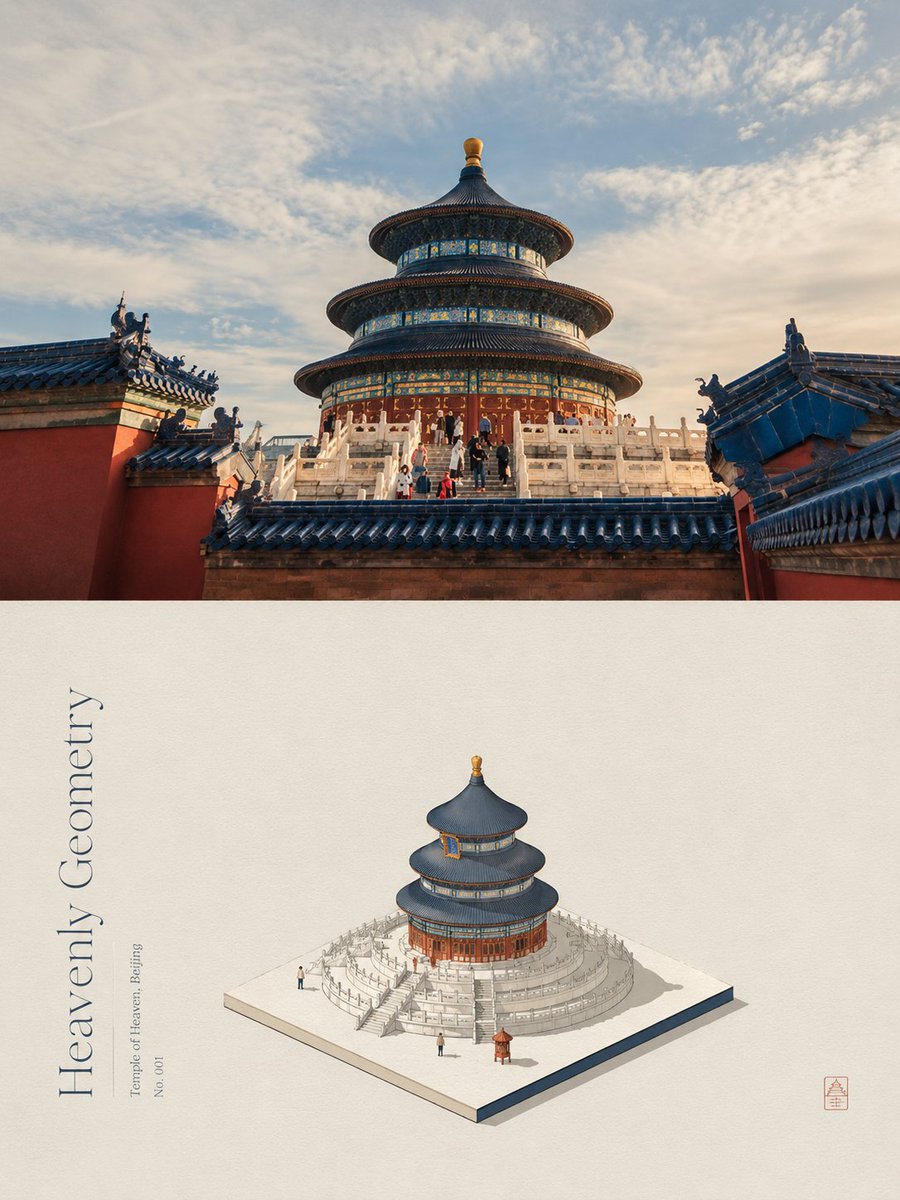
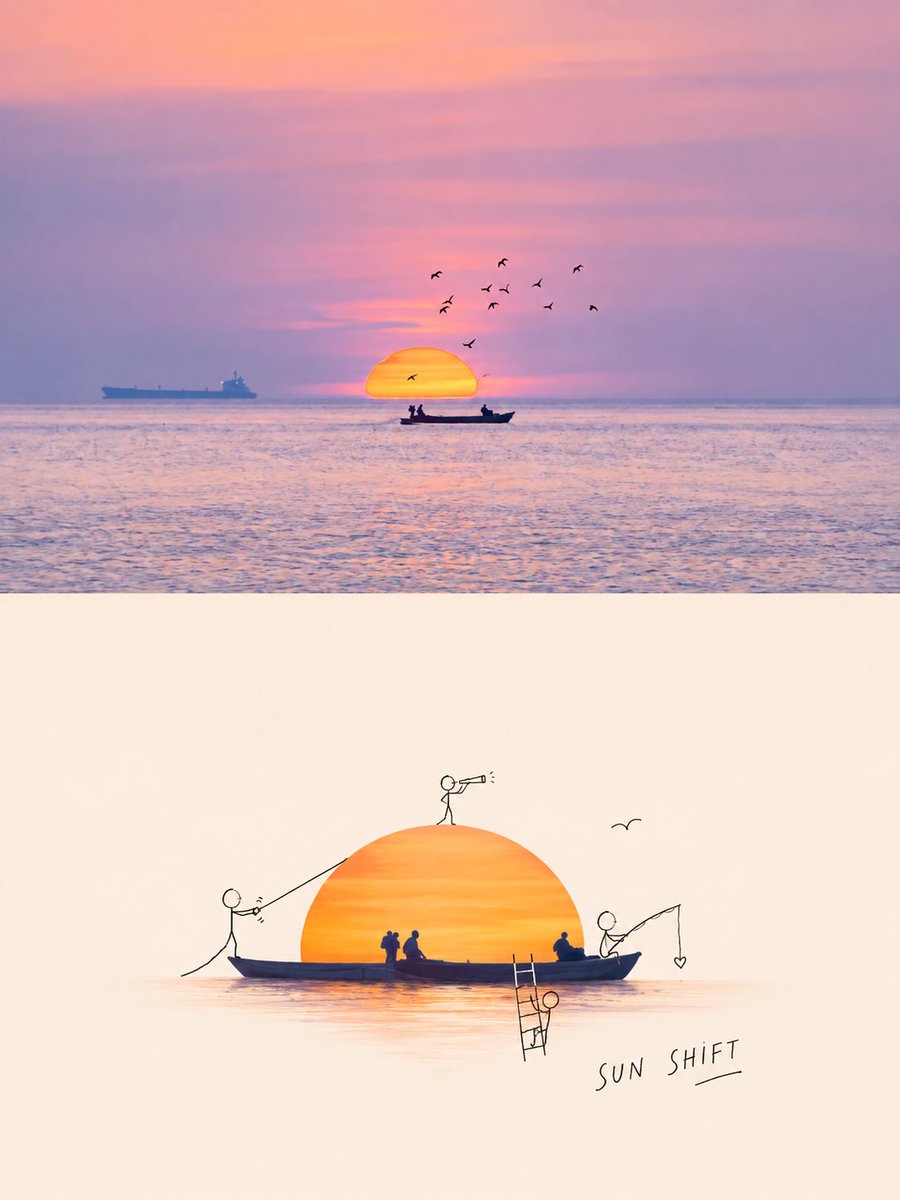
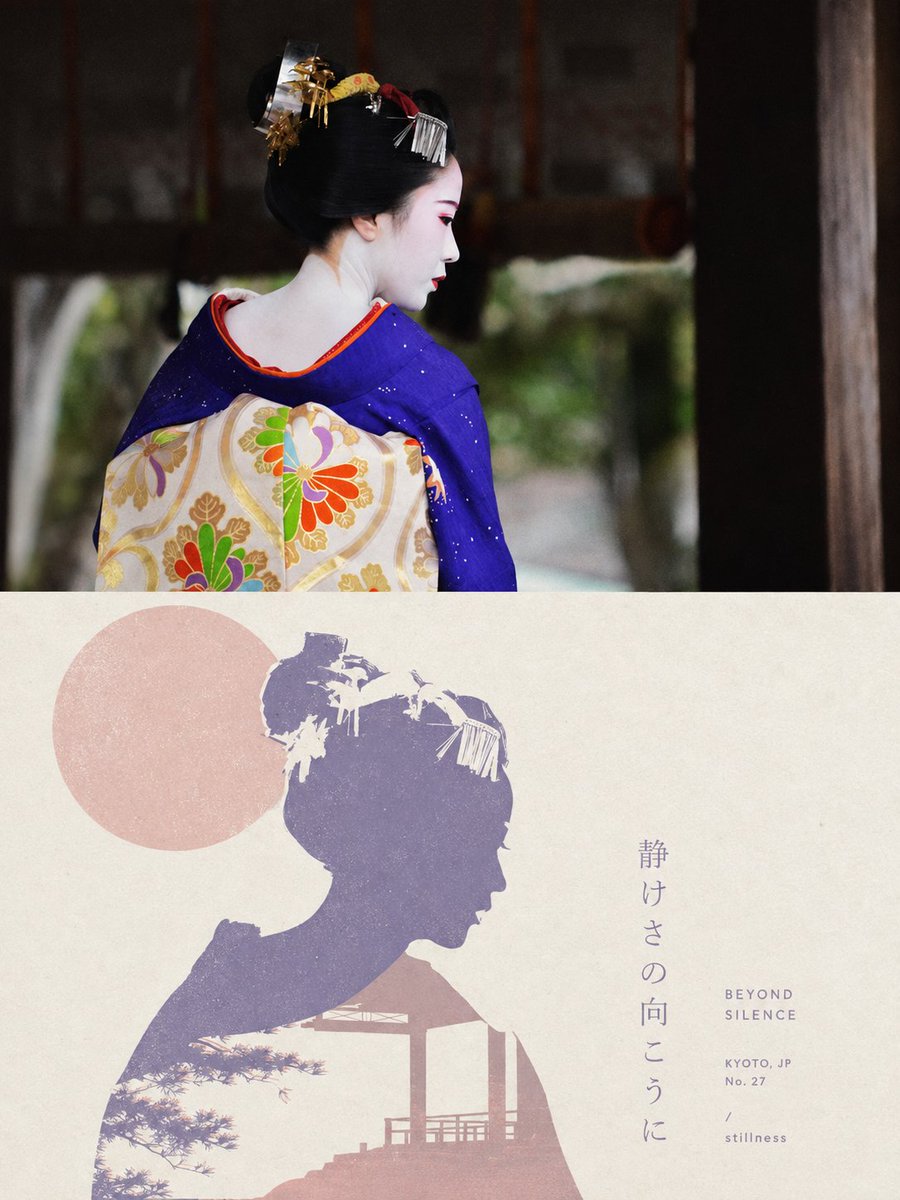
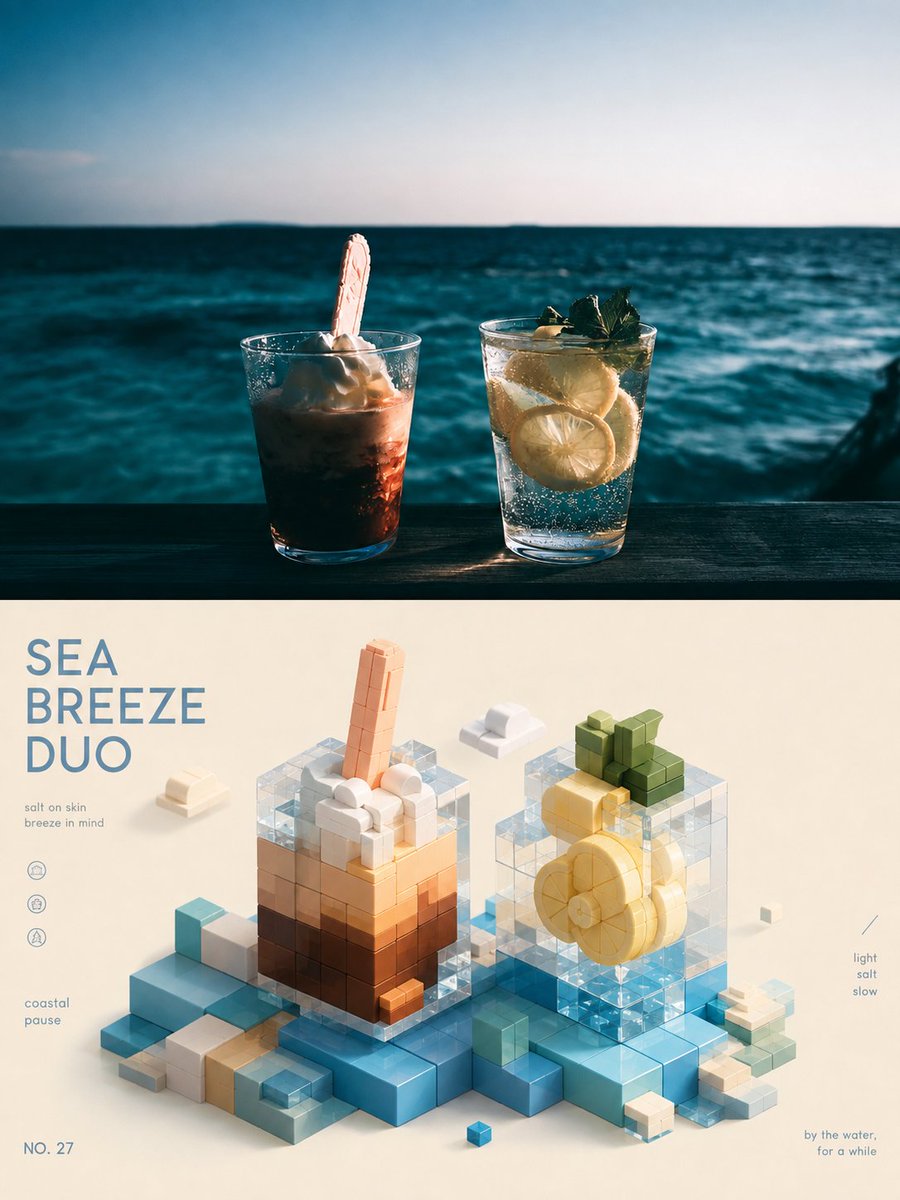
Photo To 3D Rounded Icon Poster
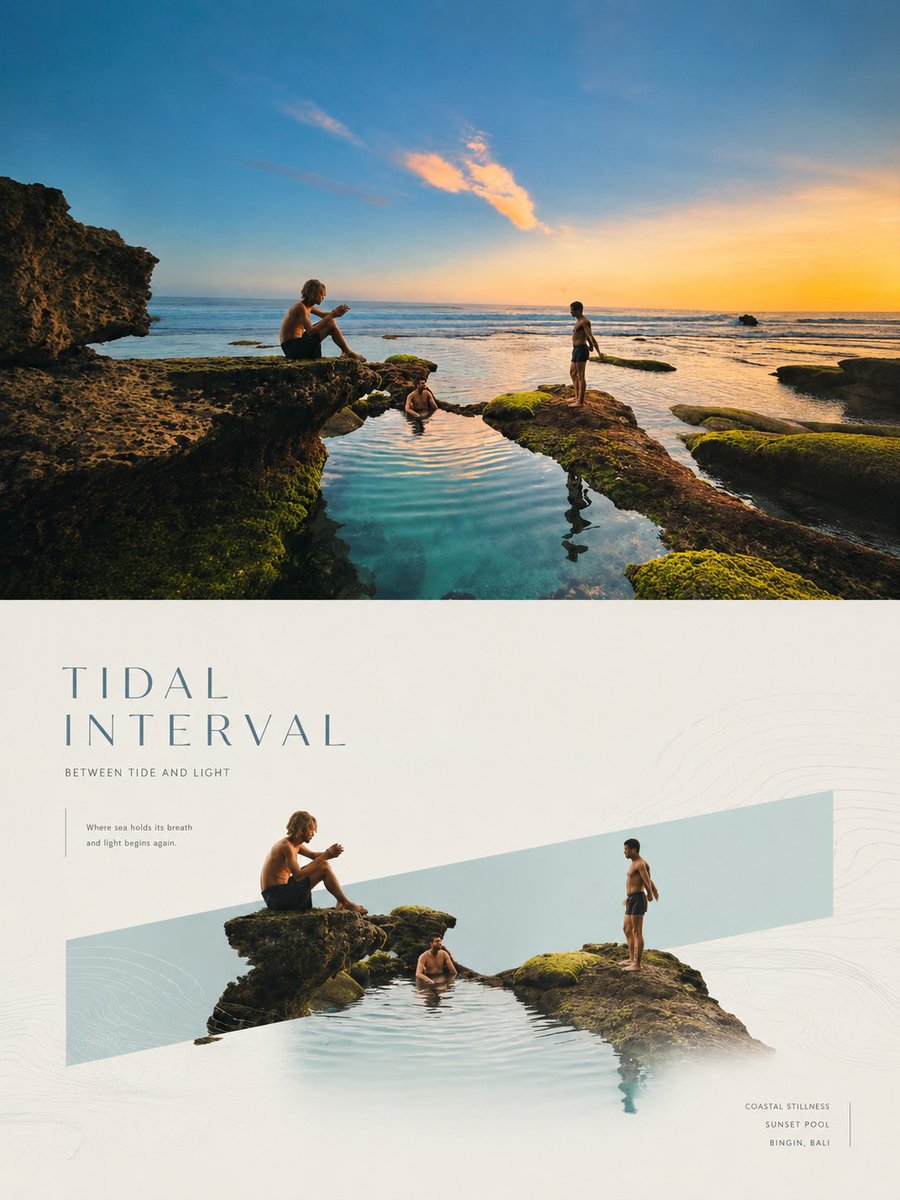
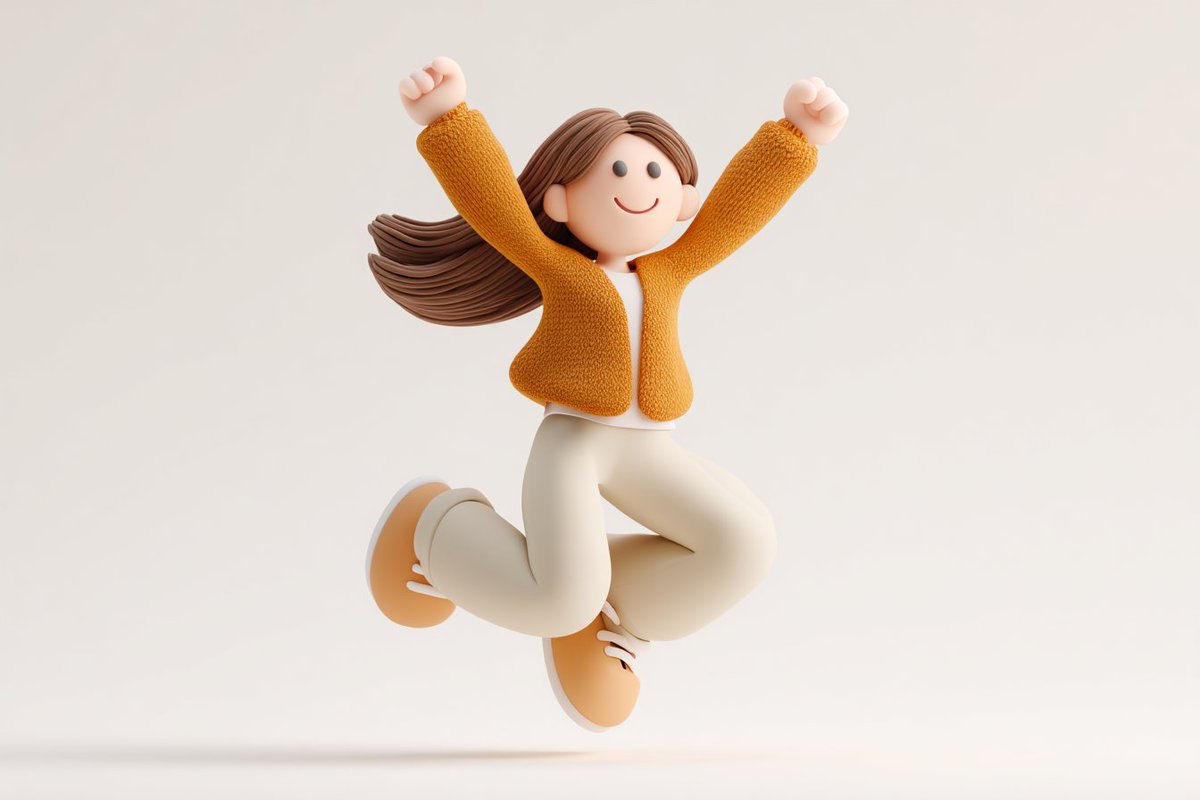
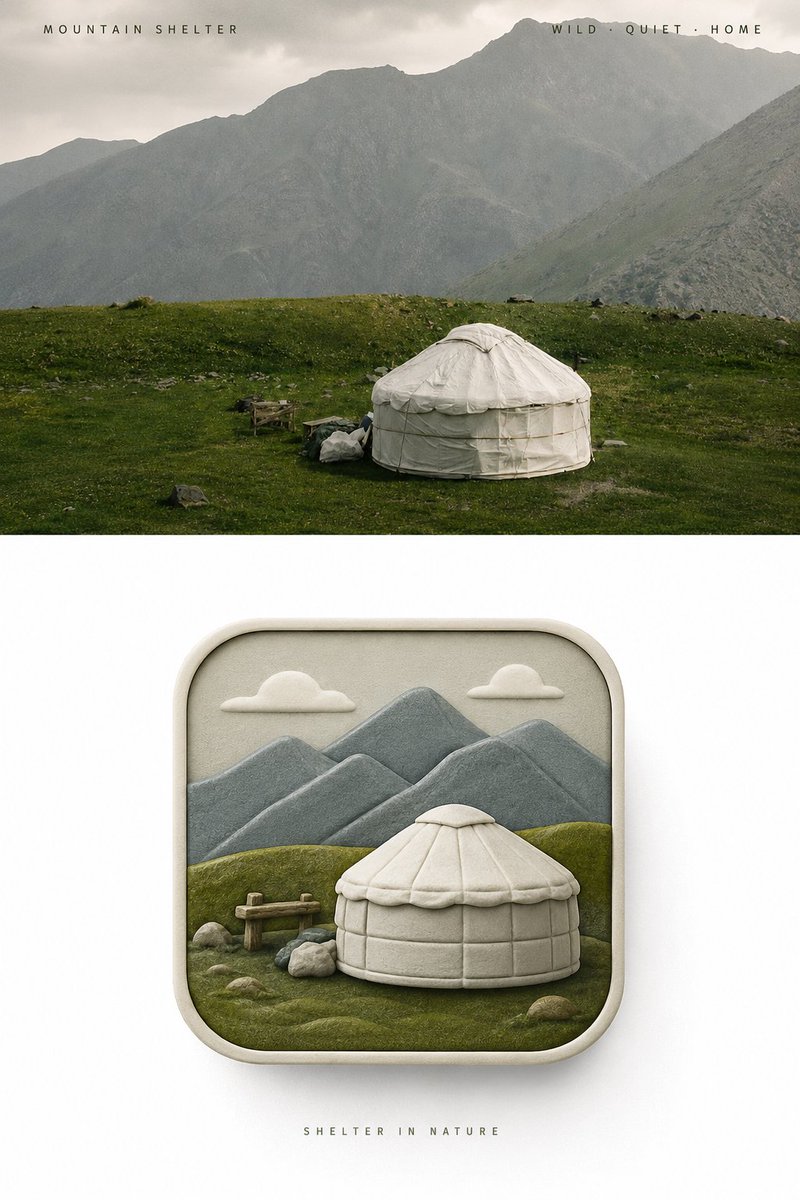
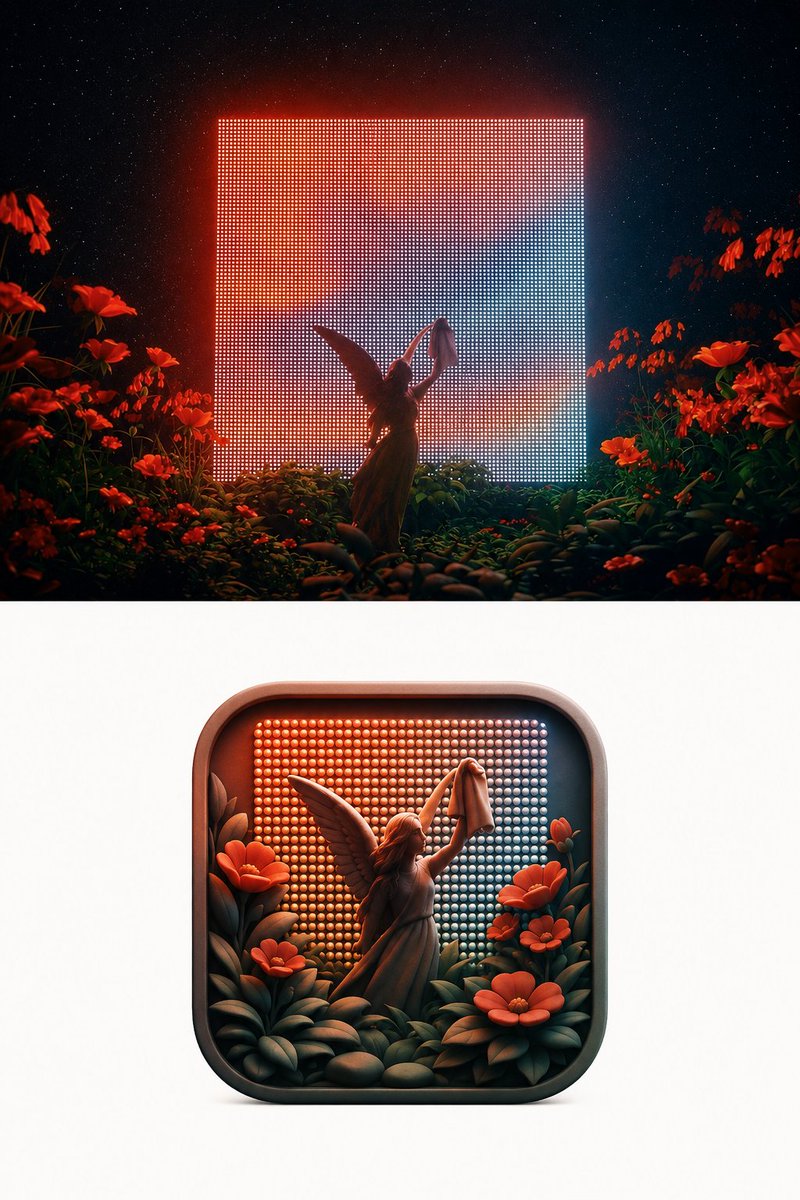
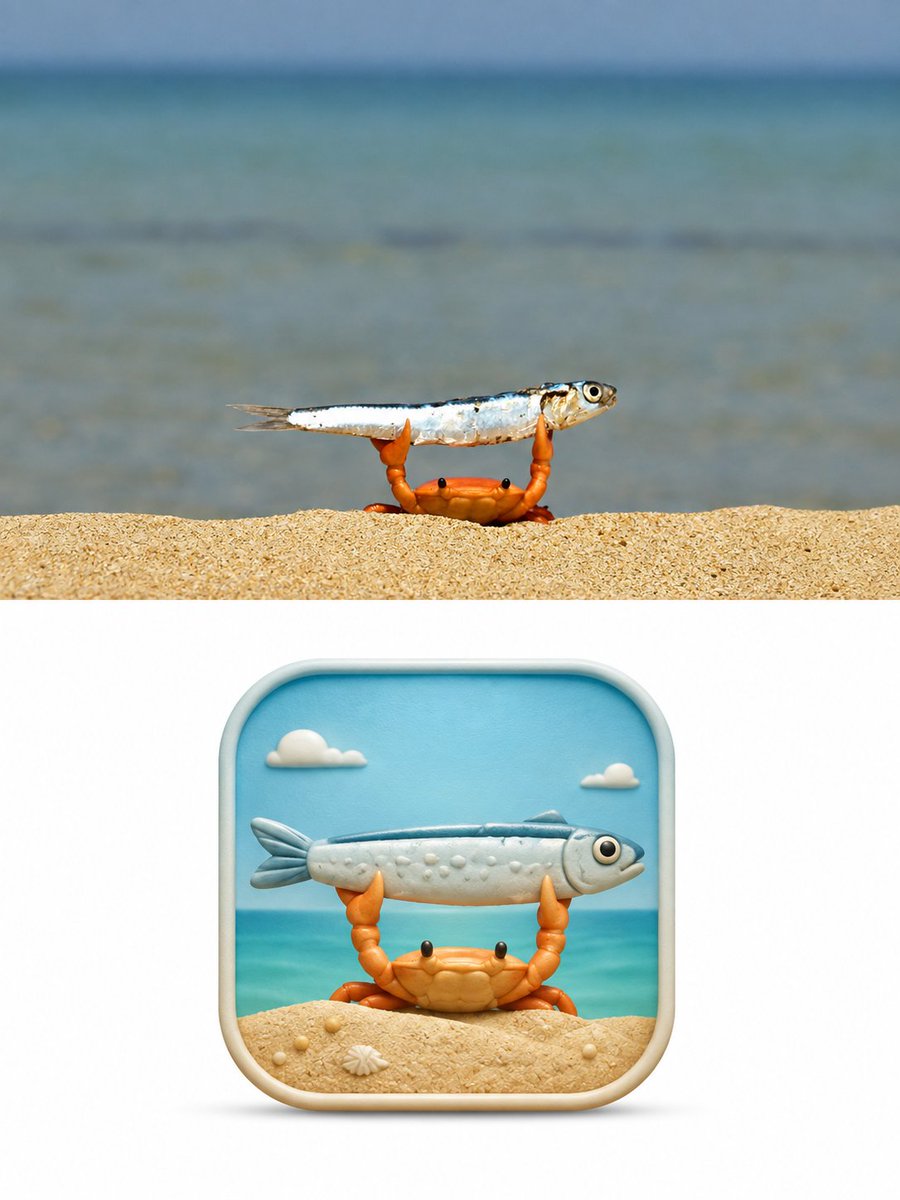
A poster with your photo kept whole on top and a frontal pseudo-3D rounded-square icon below, distilled from the photo's subject and mood. The icon reads at a glance and still holds its idea when shrunk to app size.

- Model
- GPT Image 2
- Type
- 3 images
- Aspect ratio
- 2:3
- Shared
- 28 Aug 2026
- Likes on X
- 17
Image prompt
4,829 charactersTurn each photo I upload into a separate high-end design poster, no multi-image collage; each photo is output individually. Overall a 3:4 vertical composition, with the top and bottom zones strictly 1:1, each occupying 50% of the frame. The top half keeps the original photo, preserving the subject's identity, structure, pose, real texture, natural light and shadow, and original color atmosphere, with only a slight high-end color grade, giving it the quality of an art magazine, independent publication, and exhibition image. To fit the aspect ratio, the environmental background may be naturally extended, but the subject must not be stretched, distorted, or altered. The bottom half extracts the most recognizable **subject, contour, structure, pose, and narrative relationship** from the photo: first understand the emotion, action, relationship, or visual metaphor truly worth preserving, then reorganize them into a **pseudo-3D rounded-corner icon visual with an original concept**. Don't simply shrink the photo into an icon; instead rebuild the original image's "soul" with the fewest but most essential elements, so the subject is recognized at first glance, the relationship read at the second, and the original scene's emotion felt at the third. The icon's outer contour must always remain a **standard 1:1 square rounded rectangle**, with equal sides, uniform rounding, frontal view, and stable proportions, like a complete, standardized premium App Icon. Elongating, flattening, tilting, perspective distortion, trapezoiding, or letting the subject alter the icon's outer contour is forbidden. The rounded square is only a fixed visual stage; all creativity, space, and narrative happen inside this boundary. The icon's interior uses a **frontal pseudo-3D / 2.5D spatial language**. The subject is the absolute visual core, surrounded by only a few minimal environmental relationships that reinforce the narrative; rich dimensionality is formed through real front-back occlusion, volumetric thickness, height layers, soft facets, local relief, and spatial distance. Multiple elements may have different depths but should grow naturally from the same continuous space, not stacked layer by layer like paper cutouts. Avoid isometric dioramas, top-down models, paper stacking, and complex realistic perspective. The composition prioritizes finding the original image's most powerful **core visual relationship**, and the metaphor can be strengthened through proportion exaggeration, local enlargement, front-back interweaving, form echoing, spatial compression, or symbolic transformation, but all changes must serve one clear theme. The image keeps a clear visual center of gravity, a distinct subject contour, and good negative space, so the icon retains strong recognizability and a unique memory point even when shrunk, rather than an ordinary "object-centered" template icon. The color scheme is **entirely derived from the original photo above, with no preset fixed color menu**. First identify the main color that best represents the subject's identity and emotion, the most vital bright color, and the auxiliary color that carries spatial balance, then remix them while keeping the original hue memory: moderately raise brightness, increase purity, remove dirty gray, organize warm-cool relationships, separate primary-secondary layers, and reinforce the most spirited color. The final colors can be more vivid, more translucent, and more full of life than the original photo, but should still feel as if they originate from it, not applied from another color template. Avoid darkness, aged look, average color sampling, focus-less multicolor, fluorescence, and cheap candy feel. The texture uses a **delicate, matte, soft modern pseudo-3D sculptural feel**, between high-end editorial illustration, miniature art model, and brand 3D visual. Forms have real volume and soft layers but are not overly smooth, reflective, or CG-like; avoid paper-cutout feel, plastic toy feel, glass jelly feel, metallic highlights, and game UI texture. The bottom half's periphery keeps a large clean white space, showing only this one complete rounded-square icon. If text is needed, use only a very small amount of refined editorial text placed outside the icon, establishing a quiet, restrained relationship with the overall layout, without adding peripheral decoration or visual noise. The overall pursuit is **a fixed rounded-square stage + distillation of the original image's soul + frontal pseudo-3D layering + artistic re-direction of the original image's colors + strong recognizability and original metaphor**. The final result should look like a work that could truly enter a brand visual proposal or icon creative review, not a photo thumbnail, cutout illustration, isometric model, or templated App Icon.
How to use it
Upload one photo; each image is meant to be processed on its own rather than as a collage. It was shared as a GPT Image 2 prompt, so keep the upload to a clear subject with a readable pose. Keep the strict 1:1 rounded-square icon and the frontal viewpoint, since those rules make the result feel like a brand asset. Swap the photo's own main subject and palette cues freely, but leave the layering and matte texture language intact.
Shared publicly on X on 28 Aug 2026. All credit for this prompt and its result goes to its creator. Is this yours? Ask for an update or removal.