

Image prompt Branding & UI Customizable
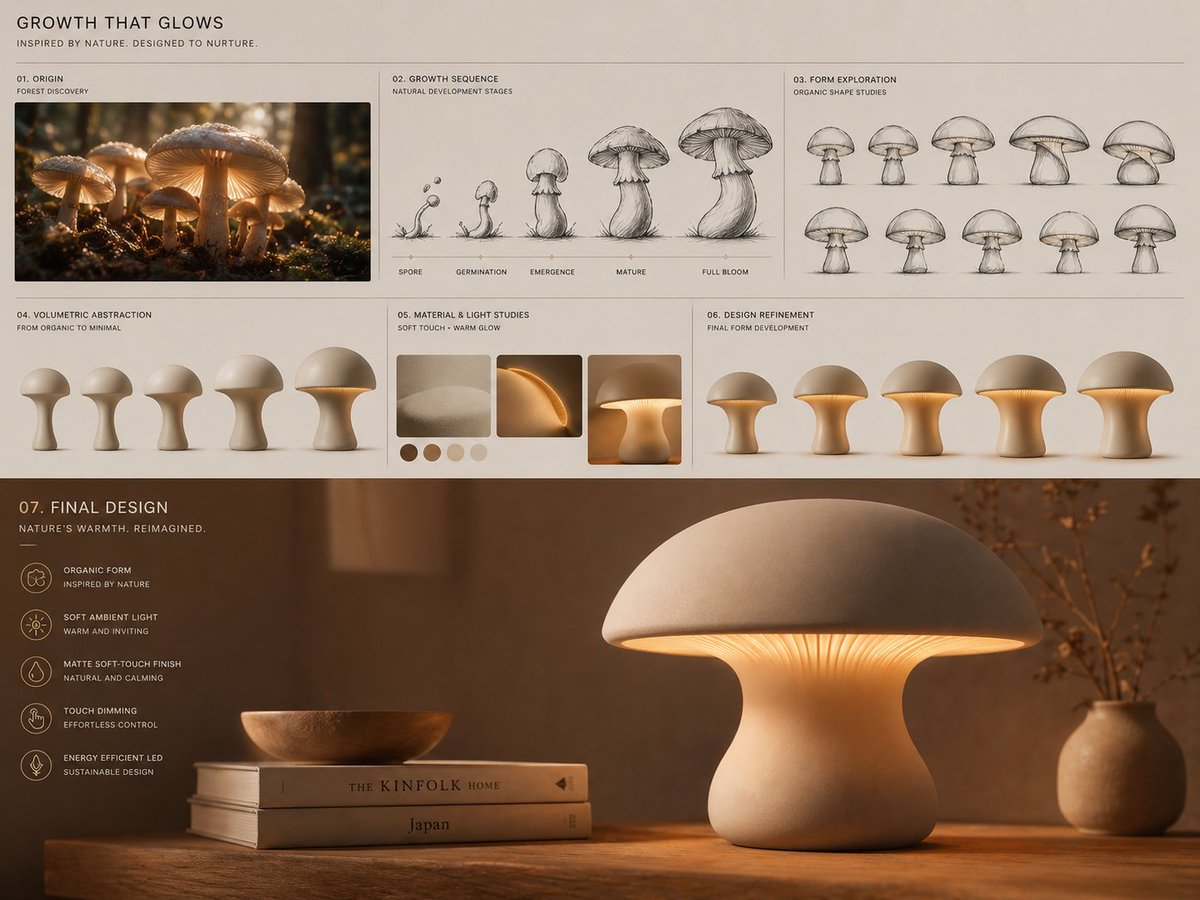
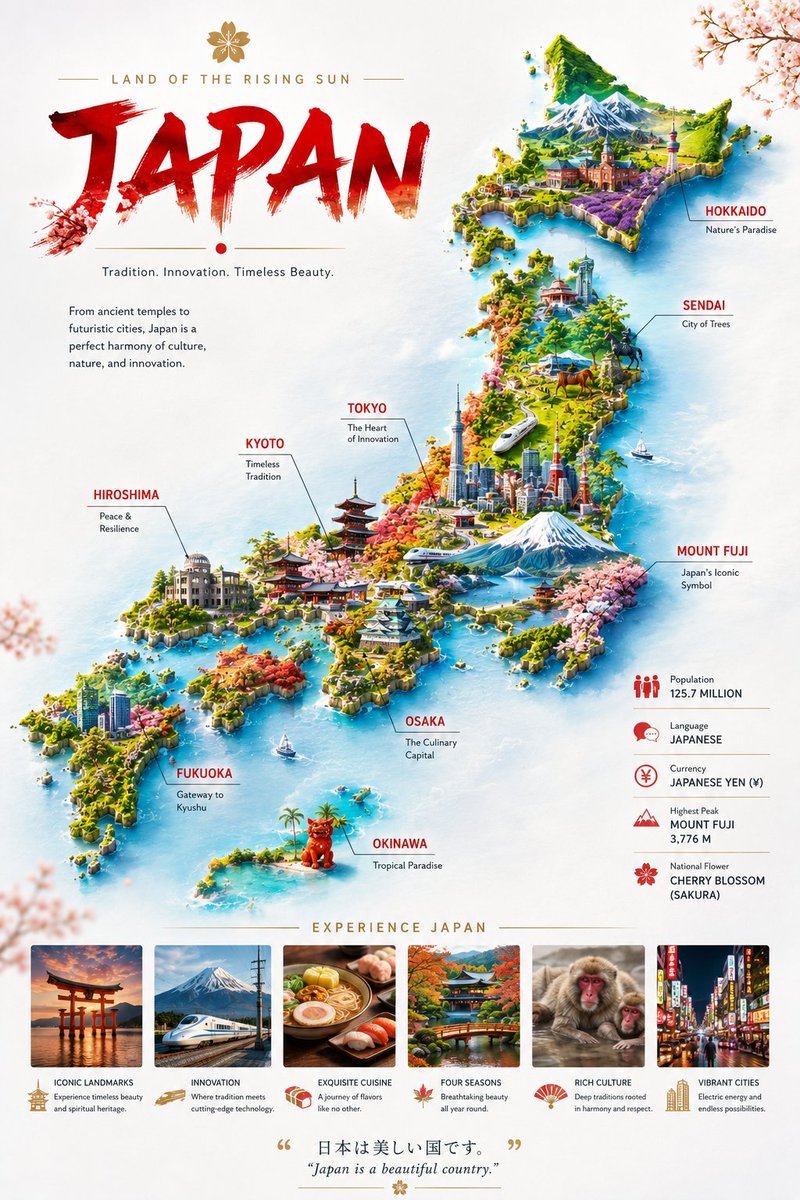
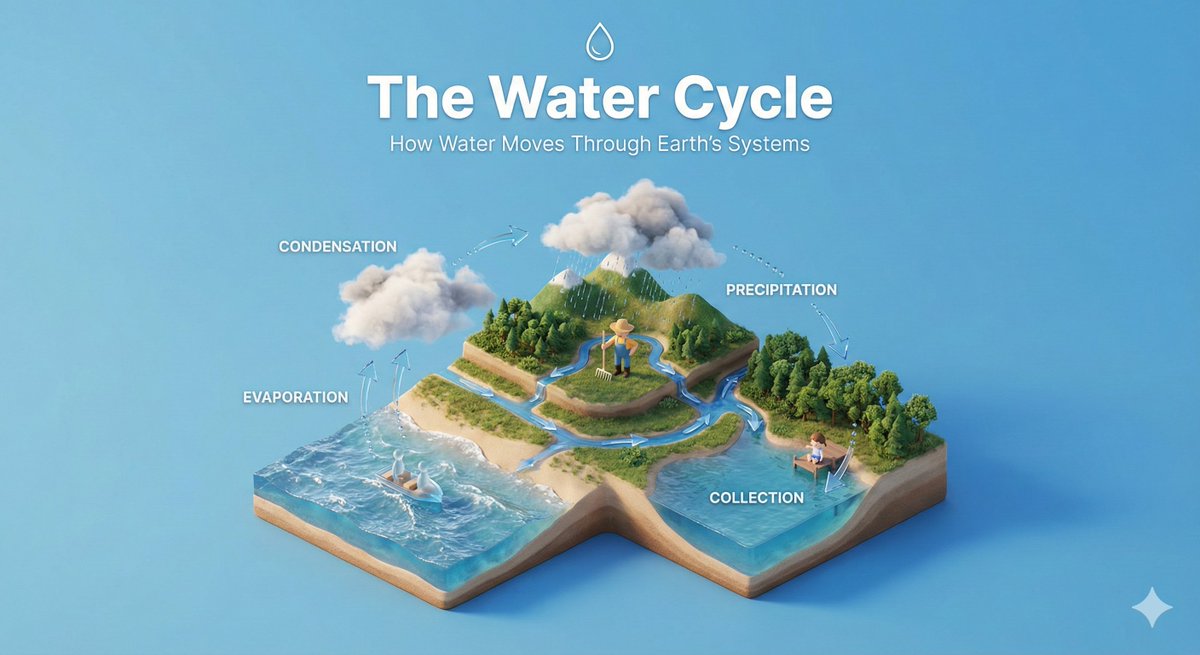
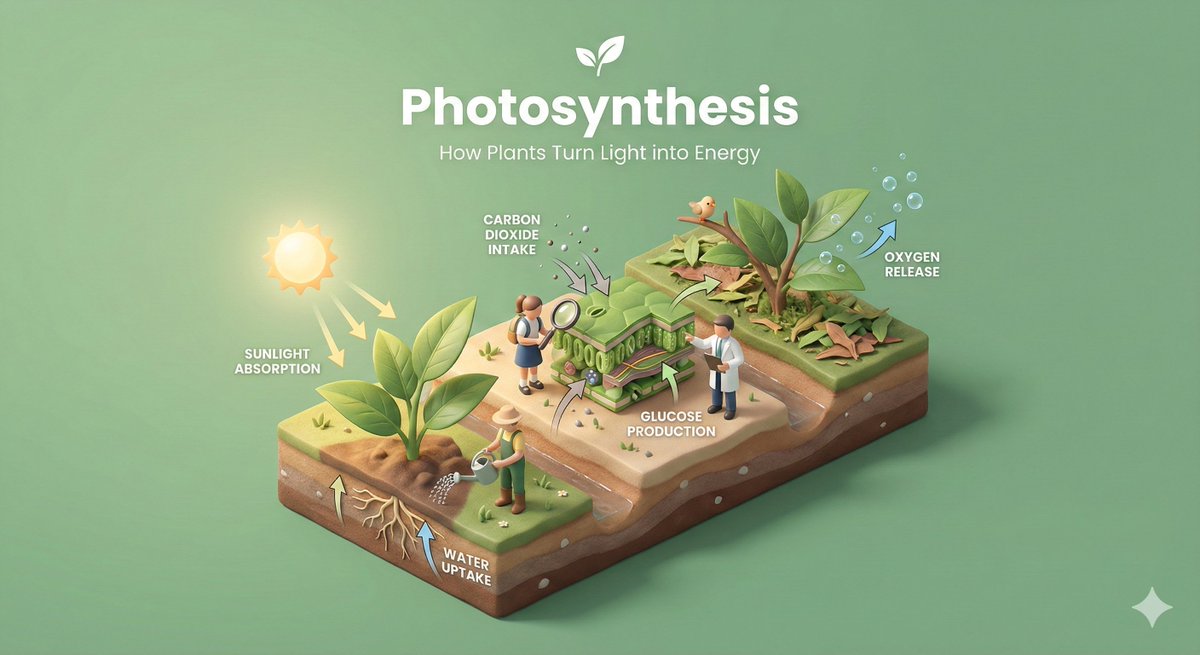
Isometric Process Diorama With Tiny Figures
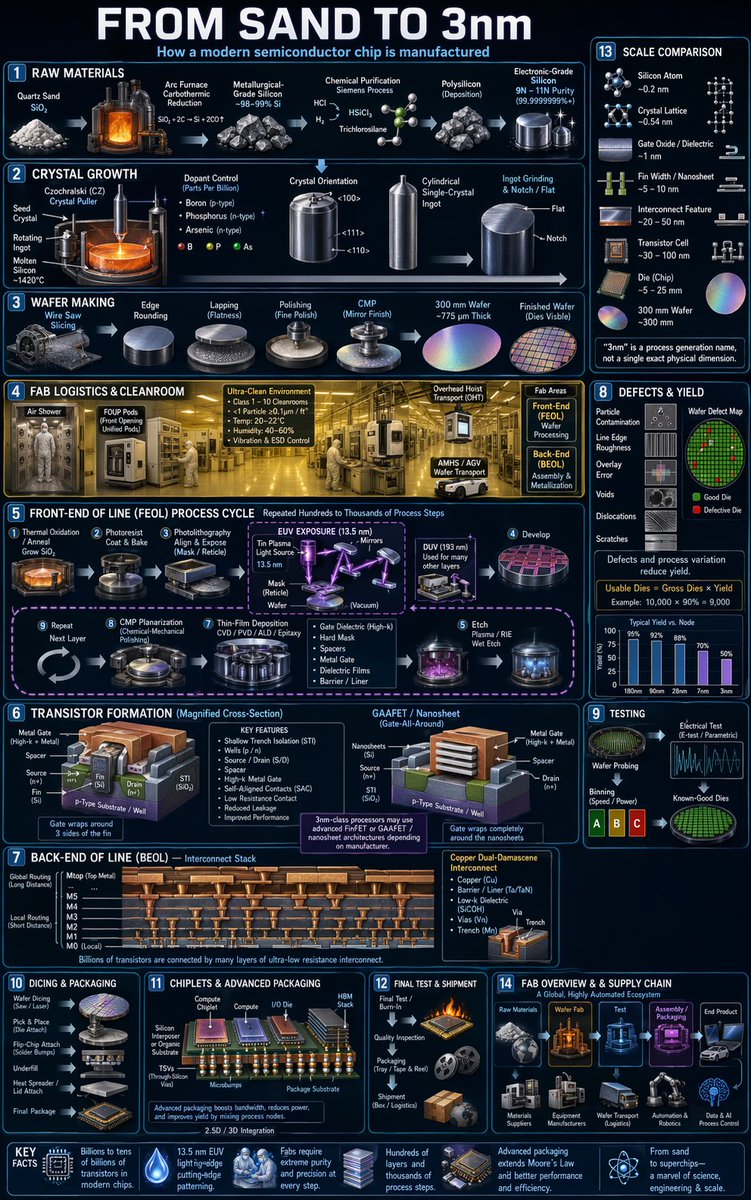
A 45-degree top-down miniature scene that walks through a process one stage at a time on a layered base. Tiny faceless figures work each step, linked by soft arrows, under a clean solid backdrop.

- Model
- GPT Image 2
- Type
- 4 images
- Aspect ratio
- 16:9
- Shared
- 20 Jan 2026
- Likes on X
- 1,172
Process / conceptBackground colorProcess name
Image prompt
655 charactersCreate a clear, 45° top-down isometric miniature 3D educational diorama explaining [PROCESS / CONCEPT]. Use soft refined textures, realistic PBR materials, and gentle lifelike lighting. Build a stepped or layered diorama base showing each stage of the process with subtle arrows or paths. Include tiny stylized figures interacting with each stage (no facial details). Use a clean solid [BACKGROUND COLOR] background. At the top-center, display [PROCESS NAME] in large bold text, directly beneath it show a short explanation subtitle, and place a minimal symbolic icon below. All text must automatically match the background contrast (white or black).
How to use it
Replace the bracketed placeholders with your own process name, a short concept such as a recipe or onboarding flow, and a background colour that suits your brand. Keep the isometric angle, the layered base and the PBR material wording, since those details give the scene its clean educational look. The result works well as a slide visual or an explainer post. It was shared as a GPT Image 2 prompt.
Shared publicly on X on 20 Jan 2026. All credit for this prompt and its result goes to its creator. Is this yours? Ask for an update or removal.