Image prompt Branding & UI Customizable
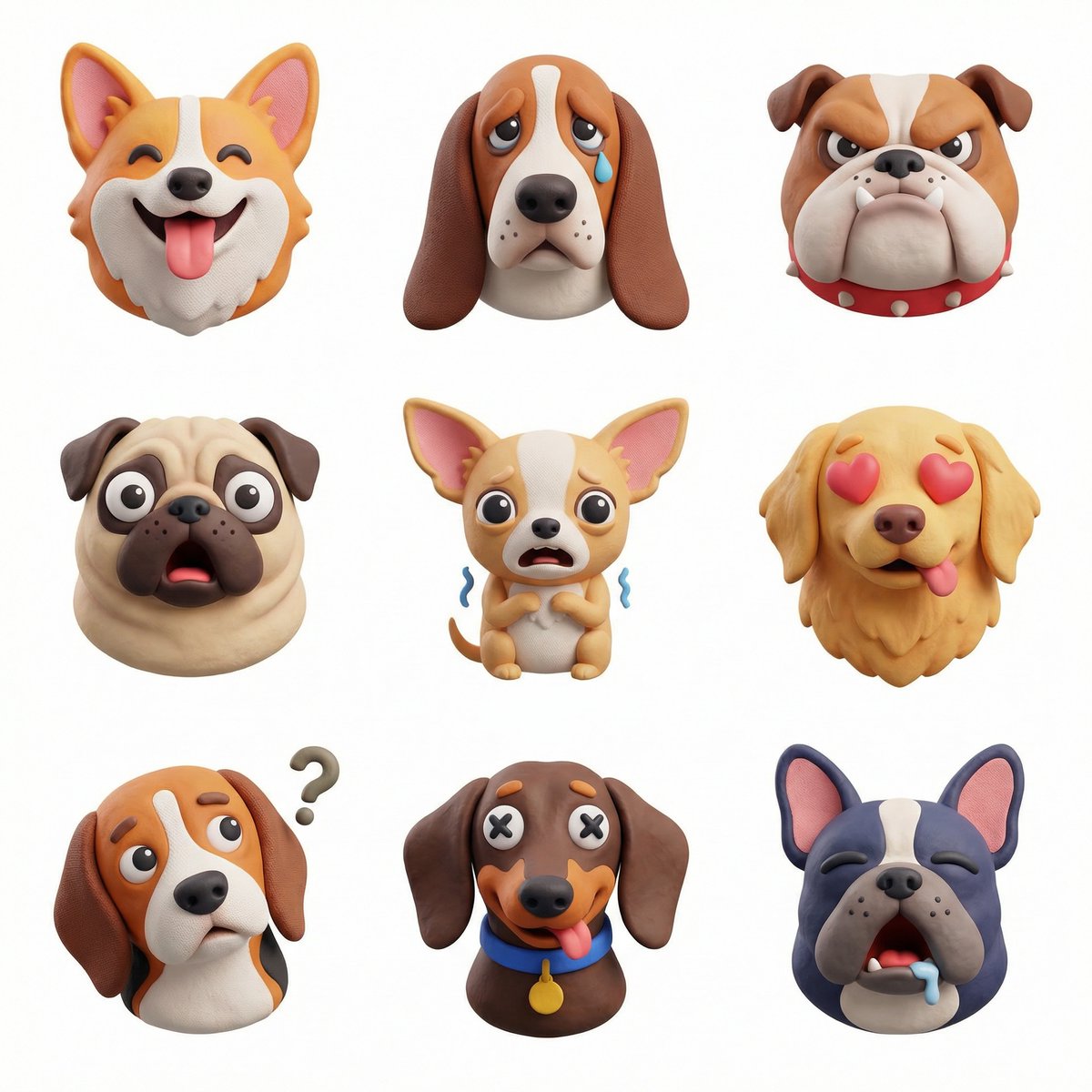
Cute 3D Clay Icon Character for Branding
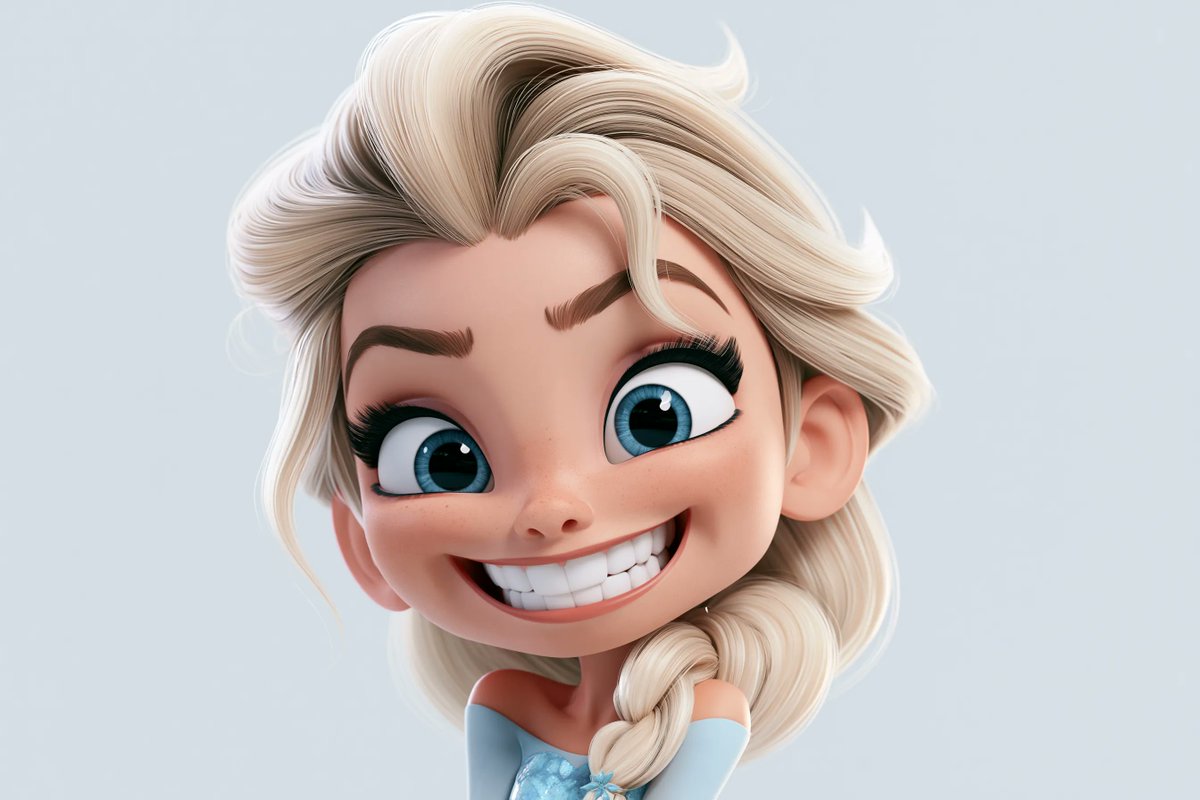
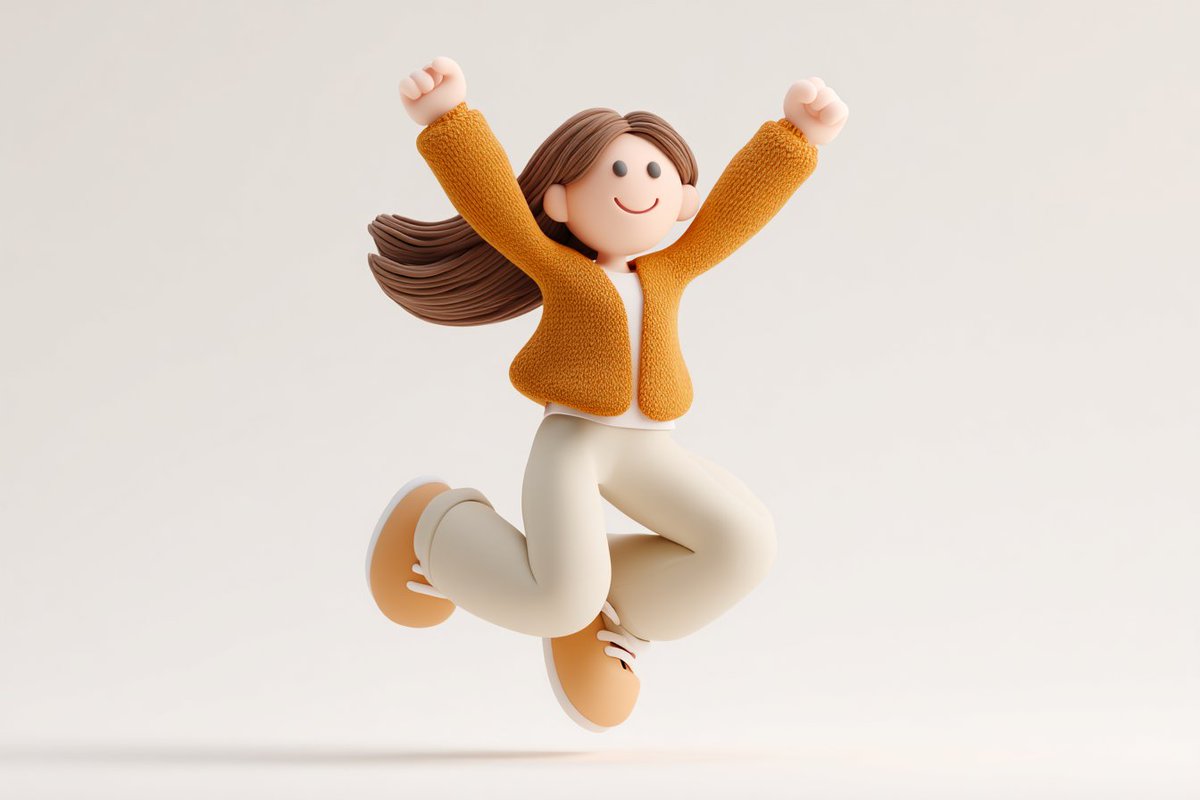
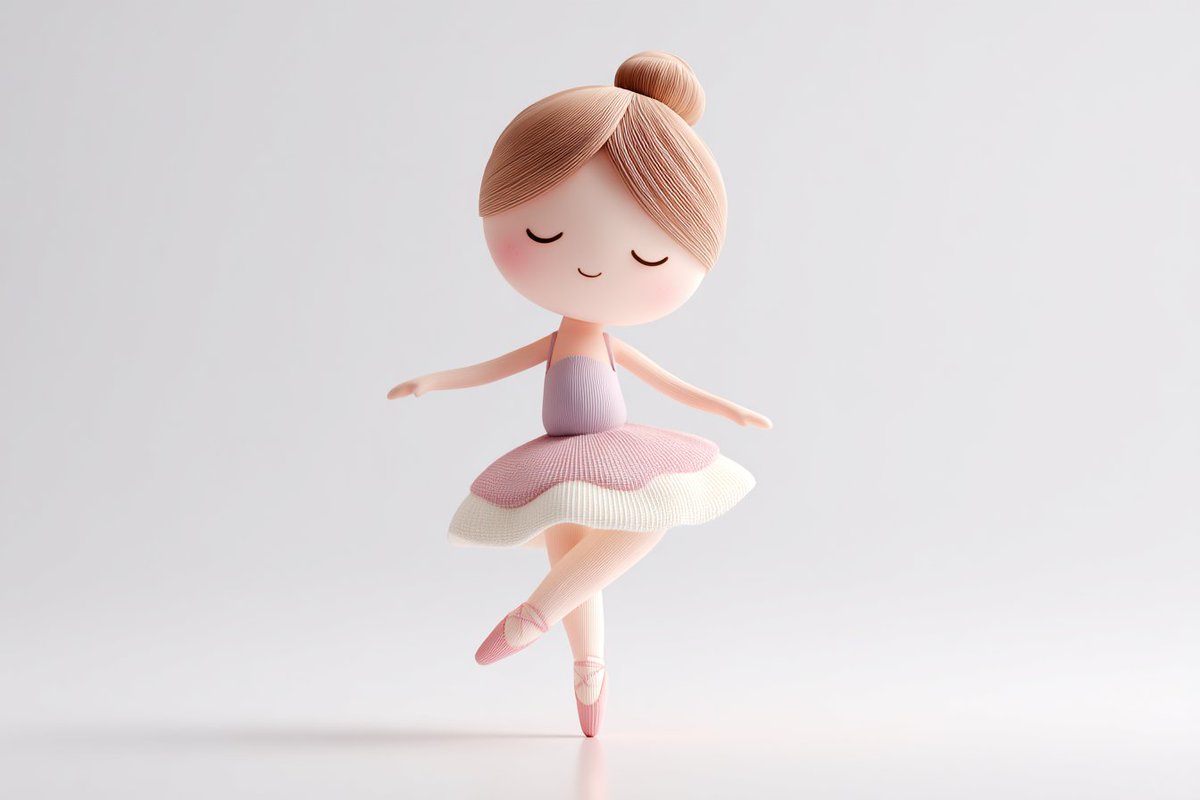
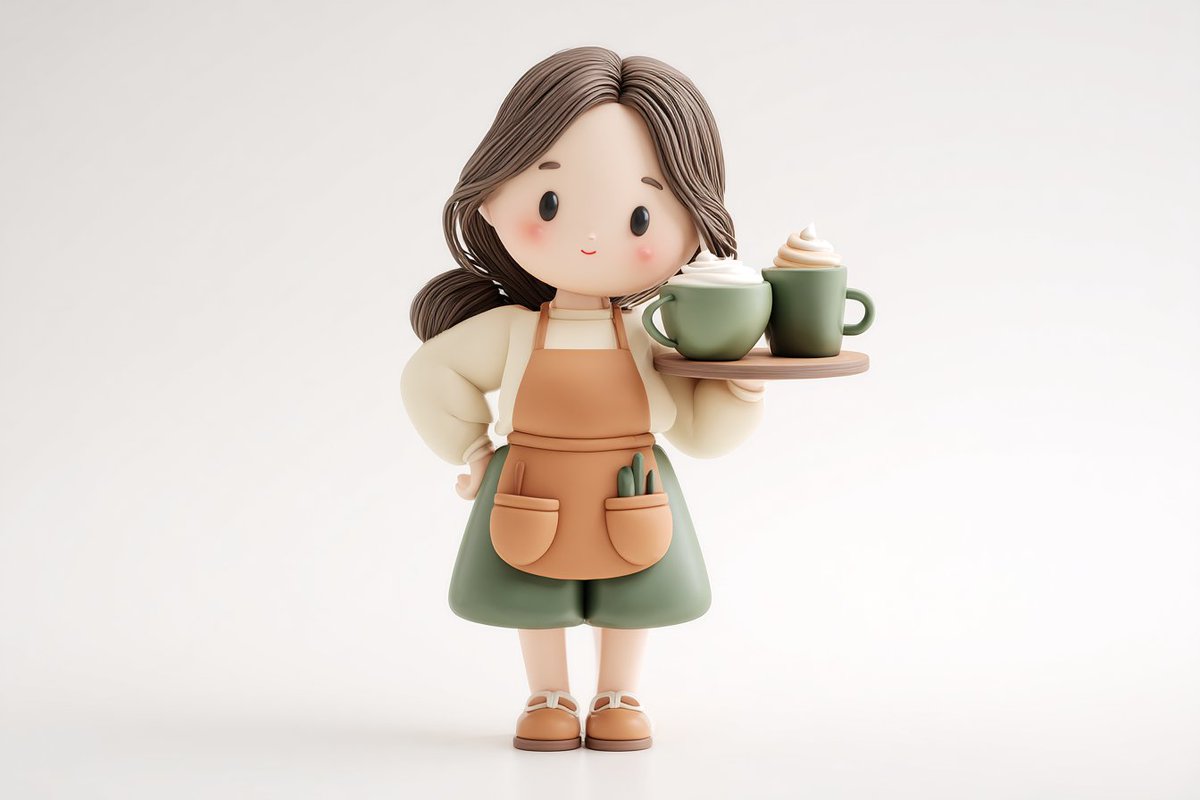
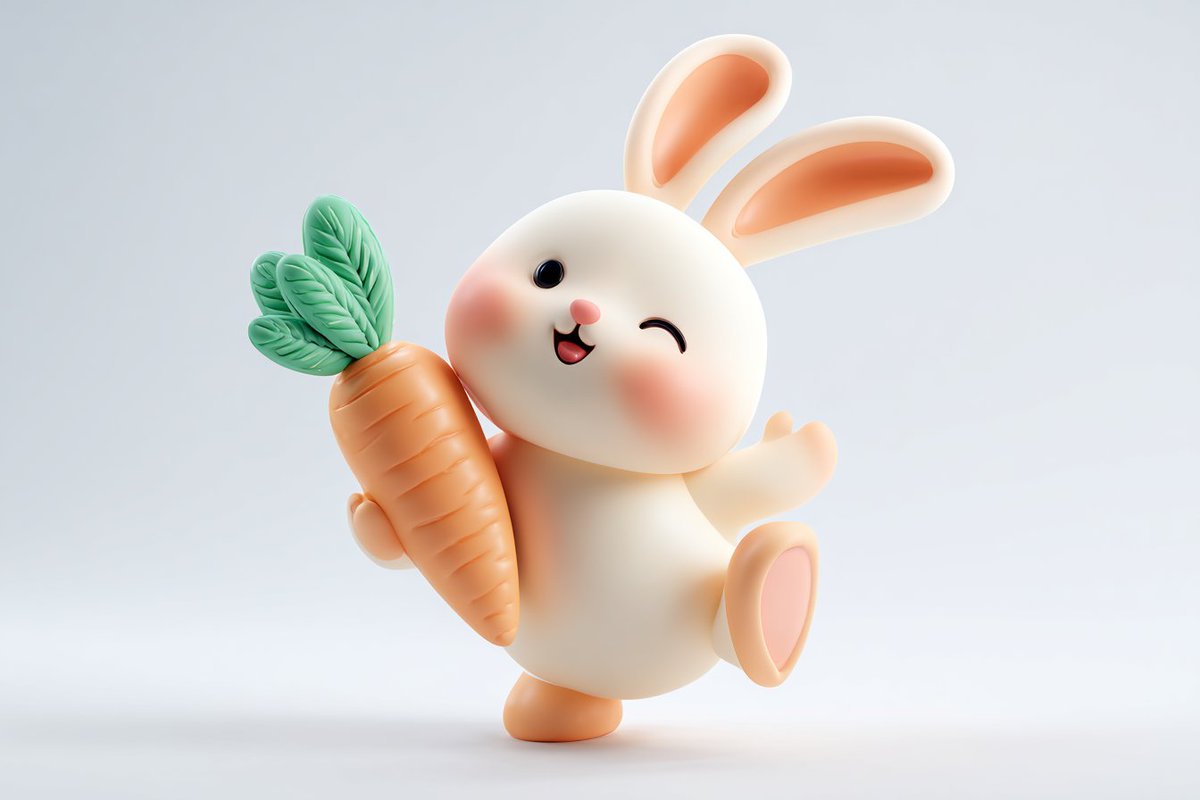
A soft, matte 3D character with rounded proportions and sculpted detail, shown alone on a clean white background. It reads like a handmade toy and works well as a friendly brand mascot or app icon.

- Model
- GPT Image 2
- Type
- 4 images
- Aspect ratio
- 3:2
- Shared
- 6 May 2026
- Likes on X
- 691
SubjectDoing actionEmotion or moodColor1Color2+1 more
Image prompt
401 charactersCute 3D render of a [subject], matte surface, kneaded clay icon style, simple stylized design, [doing action], [emotion or mood], rounded proportions, soft sculpted details, playful body language, vibrant [color1], [color2], and [color3] accents, clean white background, minimal composition, soft ambient lighting, subtle shadow, charming character design, high-resolution, polished toy-like aesthetic
How to use it
Replace the bracketed placeholders with your own subject, action, mood and three accent colours; keep the words matte, clay and rounded proportions, since they carry the tactile look. It was shared as a GPT Image 2 prompt, so keep the wording as written and expect the results to vary between runs. Use the output as a mascot, an onboarding illustration or a sticker for a product page.
Shared publicly on X on 6 May 2026. All credit for this prompt and its result goes to its creator. Is this yours? Ask for an update or removal.