Image prompt Branding & UI Customizable
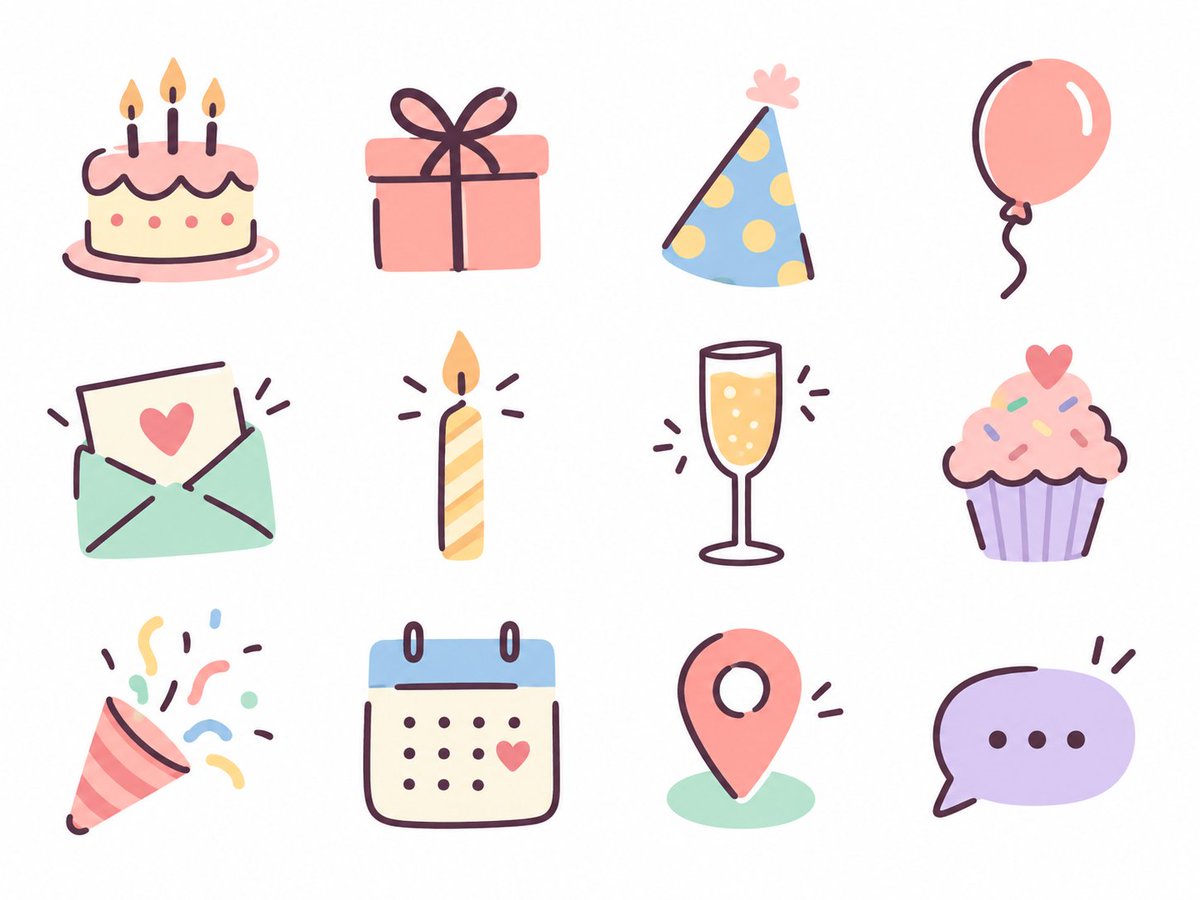
Pastel Birthday Hand-Drawn Icon Set
Twelve soft pastel icons for a birthday-themed menu, drawn with flat color shapes and loose dark pen lines. Each one reads clearly on its own, and together they feel like a set made by one hand.

- Model
- GPT Image 2
- Type
- Image
- Aspect ratio
- 4:3
- Shared
- 17 Sep 2026
- Likes on X
- 137
ThemeColor paletteUse case
Image prompt
1,672 charactersTheme: birthday Use: website/menu Colors: pastel colors In line with the above, use the image generation feature to create 12 "relaxed, hand-drawn icons where pen lines are added on top of color shapes," and output the following icon set as a single PNG image. [How to draw] Represent the body of the motif with simple, slightly rounded color shapes, then add its features on top with a dark pen. Don't outline the whole shape; draw only the part of the outline needed to convey the form, plus a minimum of interior lines. Compose it so the color shape and the lines each take responsibility for part of the form. Pen slightly thick, line ends rounded. With slight distortions of shape, natural asymmetry, and small offsets between color and line, bring out the warmth and easygoing feel of hand drawing. Flat fills, light lines. Don't over-detail; finish it cute and light. [Theme and consistency] Choose content that suits the use and does not overlap in meaning, with one main meaning per icon. Decorative motifs that symbolize the theme should only be added where they are cute in themselves and blend in naturally. They don't need to be in every icon. Unify line thickness, roundness of form, degree of simplification, and the balance of color and line, so they look like a series by the same hand. [Layout] Arrange them on an evenly spaced 4-column x 3-row grid. Center each icon at about half the size of its cell, match the apparent size, and leave generous spacing and outer margins. Background white. No text, frames, shadows, gradients, or textures. If there is a specification of types or quantity, give it priority, and actually generate the image.
How to use it
This was shared as a GPT Image 2 prompt for branding and UI work. To make it yours, swap the birthday theme for another occasion or change the pastel palette to match your brand colors, keeping the instruction about flat fills with pen lines on top. Keep the layout and line guidance, since those are what give the set its consistency. The result suits menu headers, website sections, or a social post about your event.
Featured inAI prompts for icon and emoji sets
Shared publicly on X on 17 Sep 2026. All credit for this prompt and its result goes to its creator. Is this yours? Ask for an update or removal.