Prompt collection
AI prompts for icon and emoji sets
Copy-ready prompts for matching icon grids, 3D app icons and emoji sticker packs, from clean line sets to expressive faces made from your own photo.
-
 Customizable
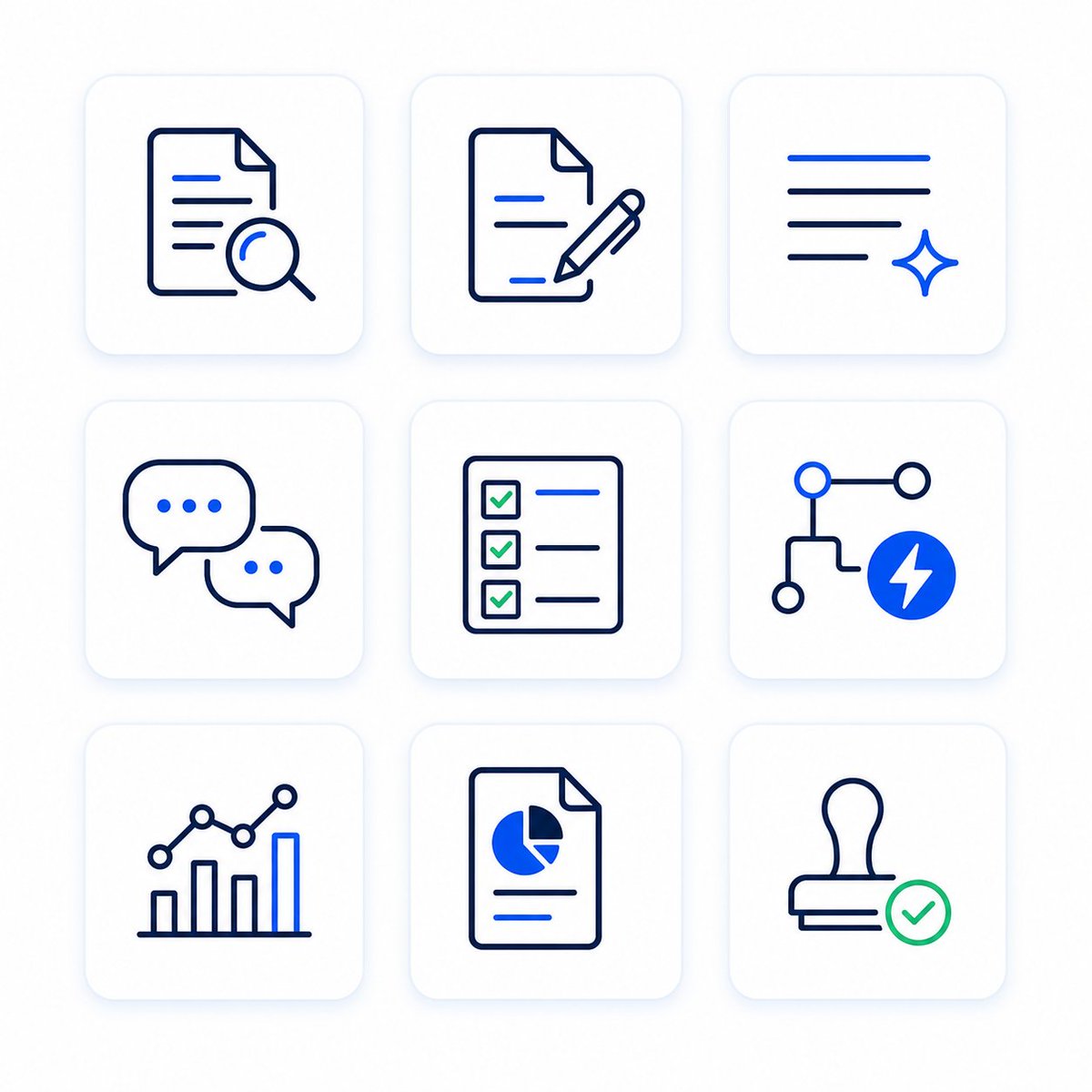
Monochrome AI Feature Icon Set Grid
A clean nine-icon line set with locked stroke weight and corner radius, ideal for UI work.
-
 Customizable
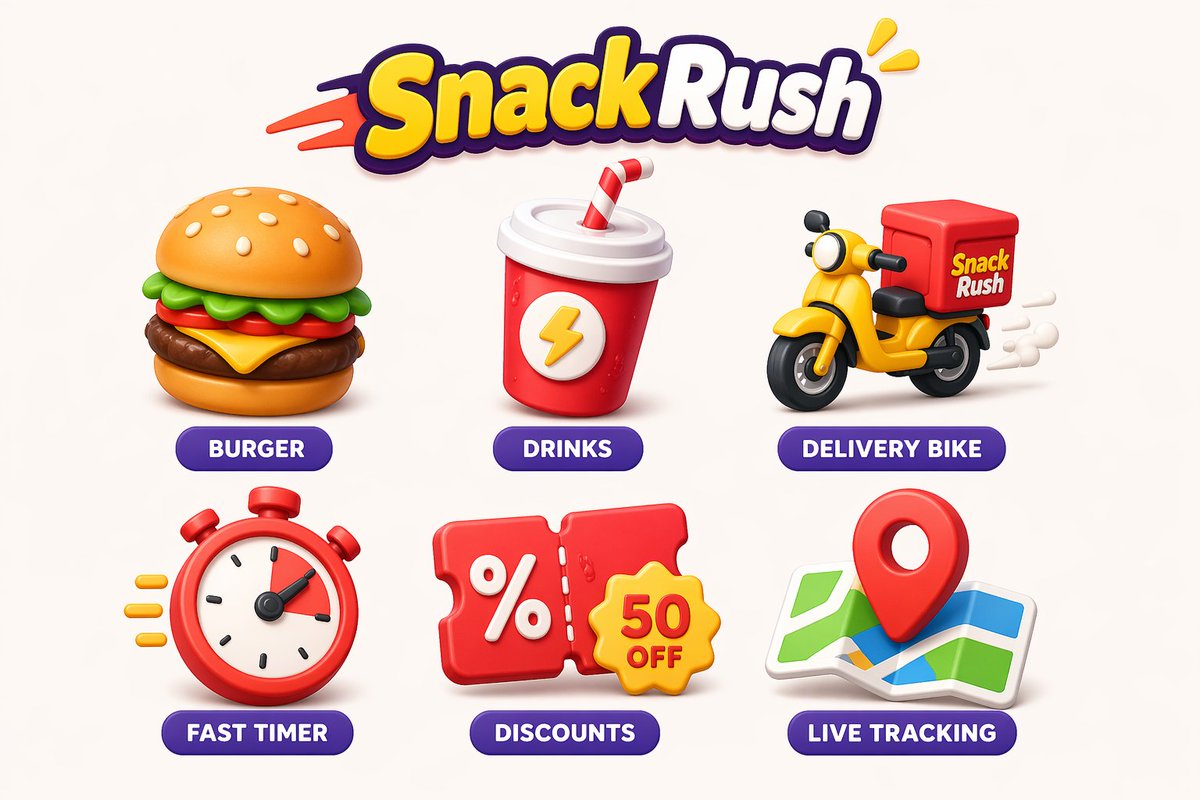
Playful Brand Icon Set for Apps and UI
A large 25 to 30 icon sheet with one palette and shadow style for full app sets.
-
 Customizable
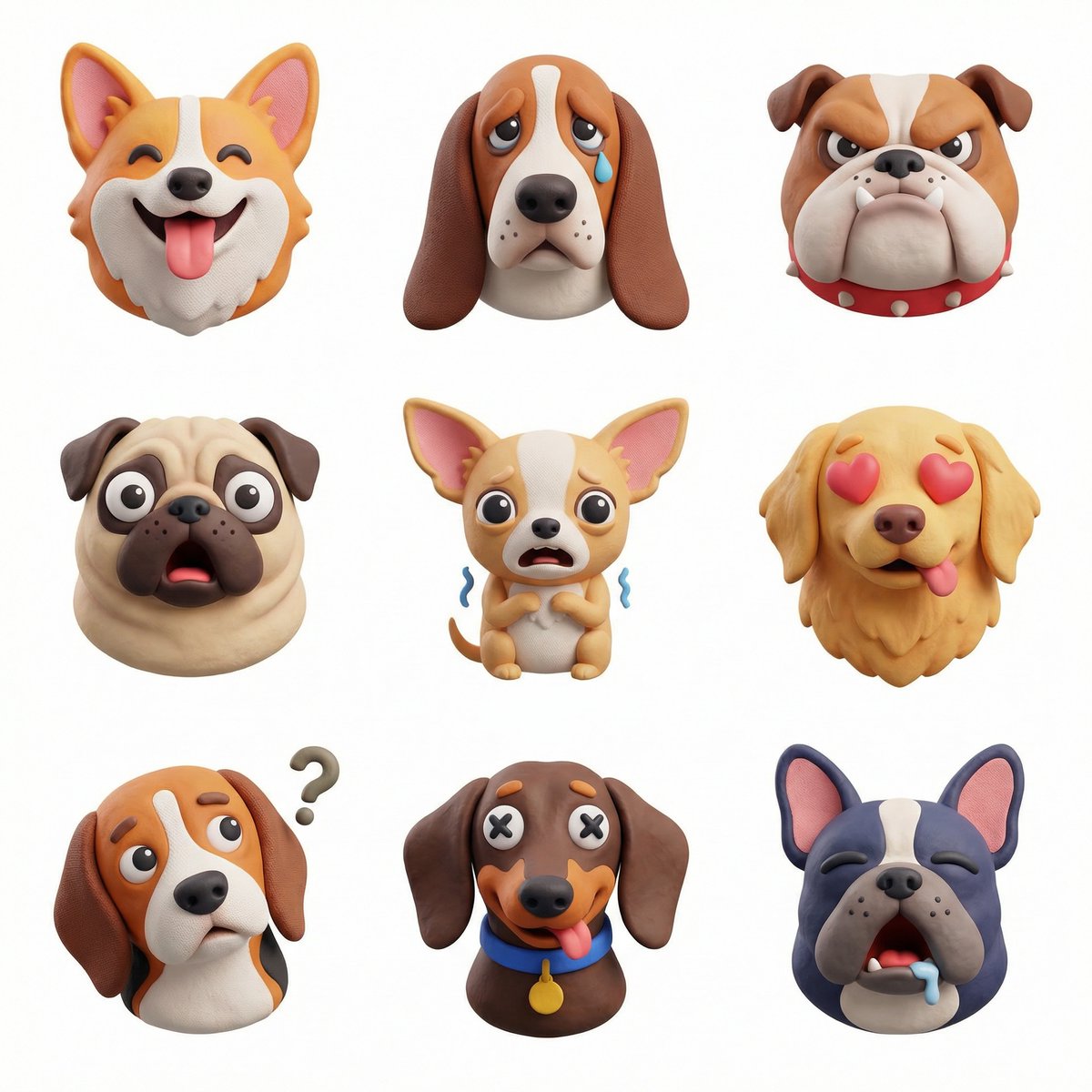
Themed 3D Icon Set in a 3x3 Grid
Glossy 3D icons tied together by a single theme, easy to retheme for any subject.
-
 Add your photo Customizable
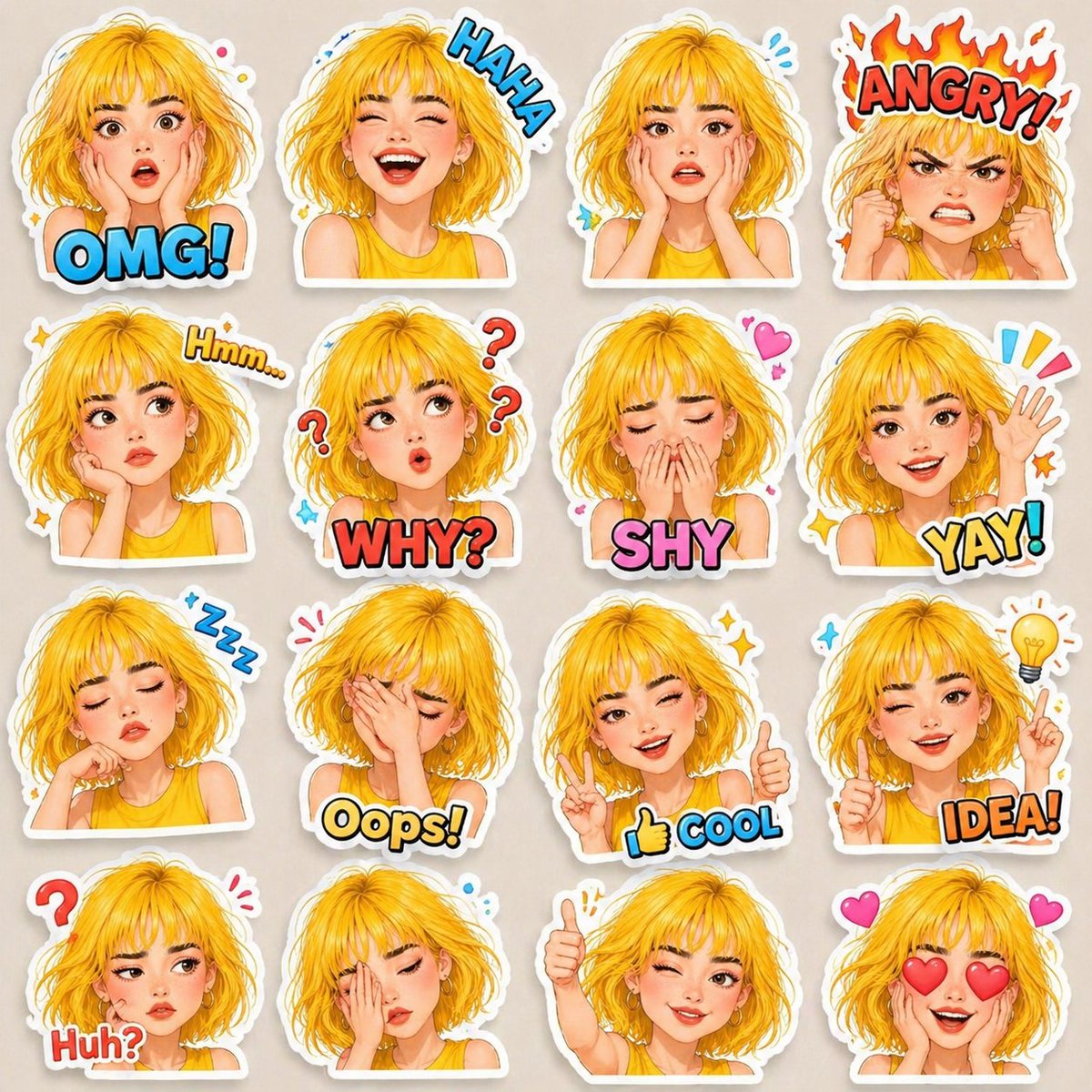
3D Emoji Sticker Pack With Expressive Faces
A 4x4 emoji sticker pack of one face with sixteen expressions and comic captions.
-
 Add your photo Customizable
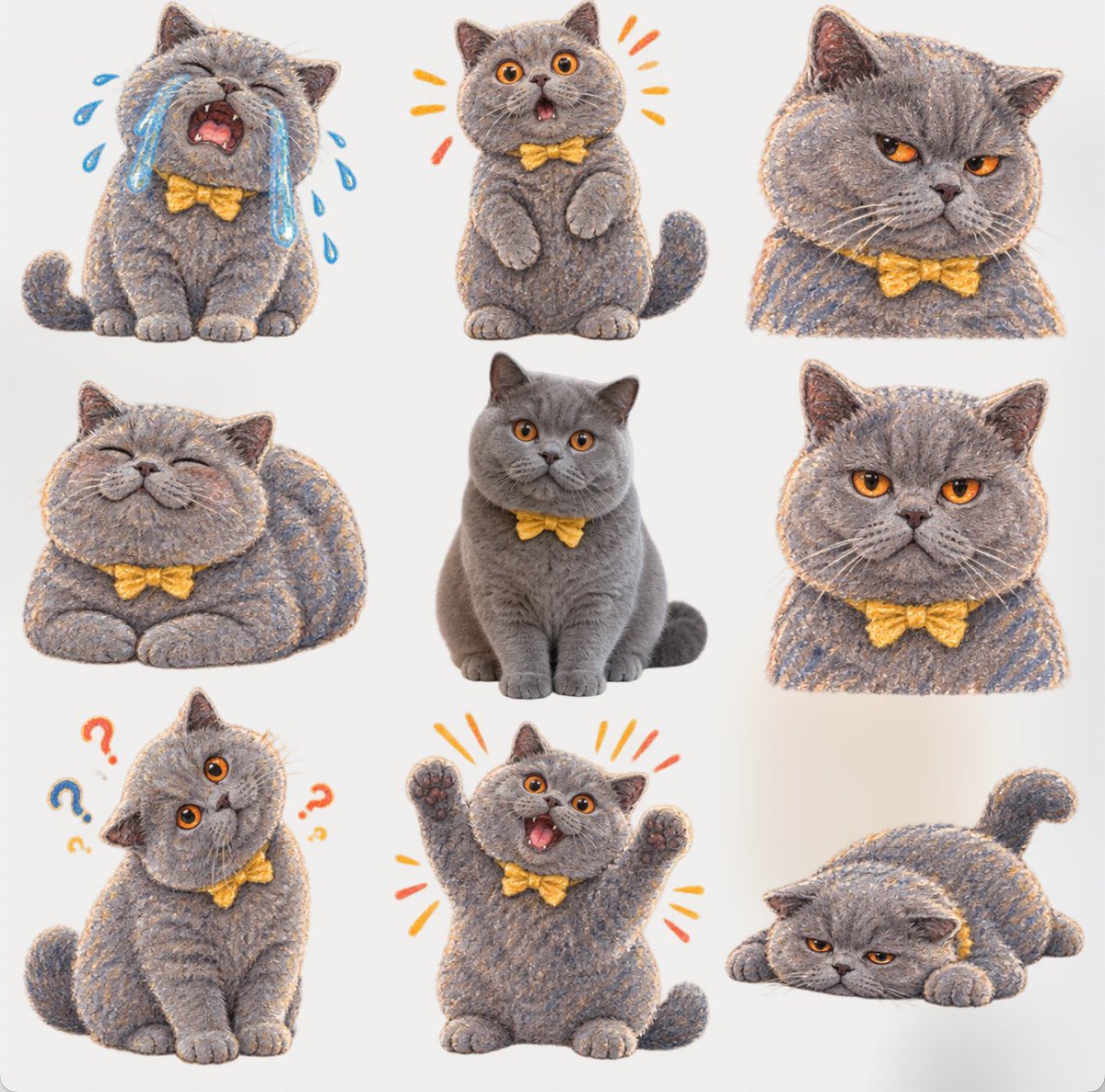
Crayon Meme Sticker Sheet From Your Photo
Crayon-drawn reaction stickers built around your own cutout, handy for chat and meme packs.
-
 Customizable
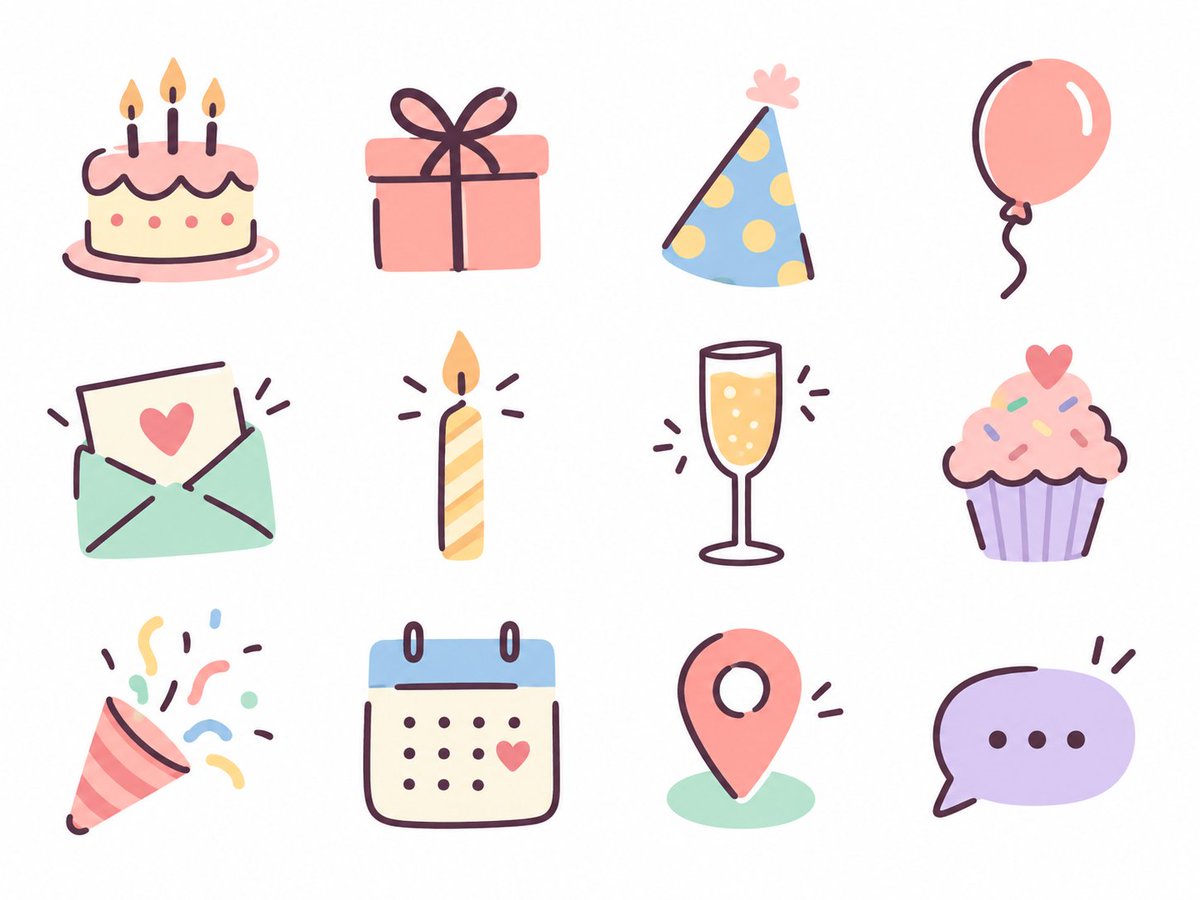
Pastel Birthday Hand-Drawn Icon Set
Twelve soft pastel hand-drawn icons for a themed menu, each readable on its own.
-
 Add your photo Customizable
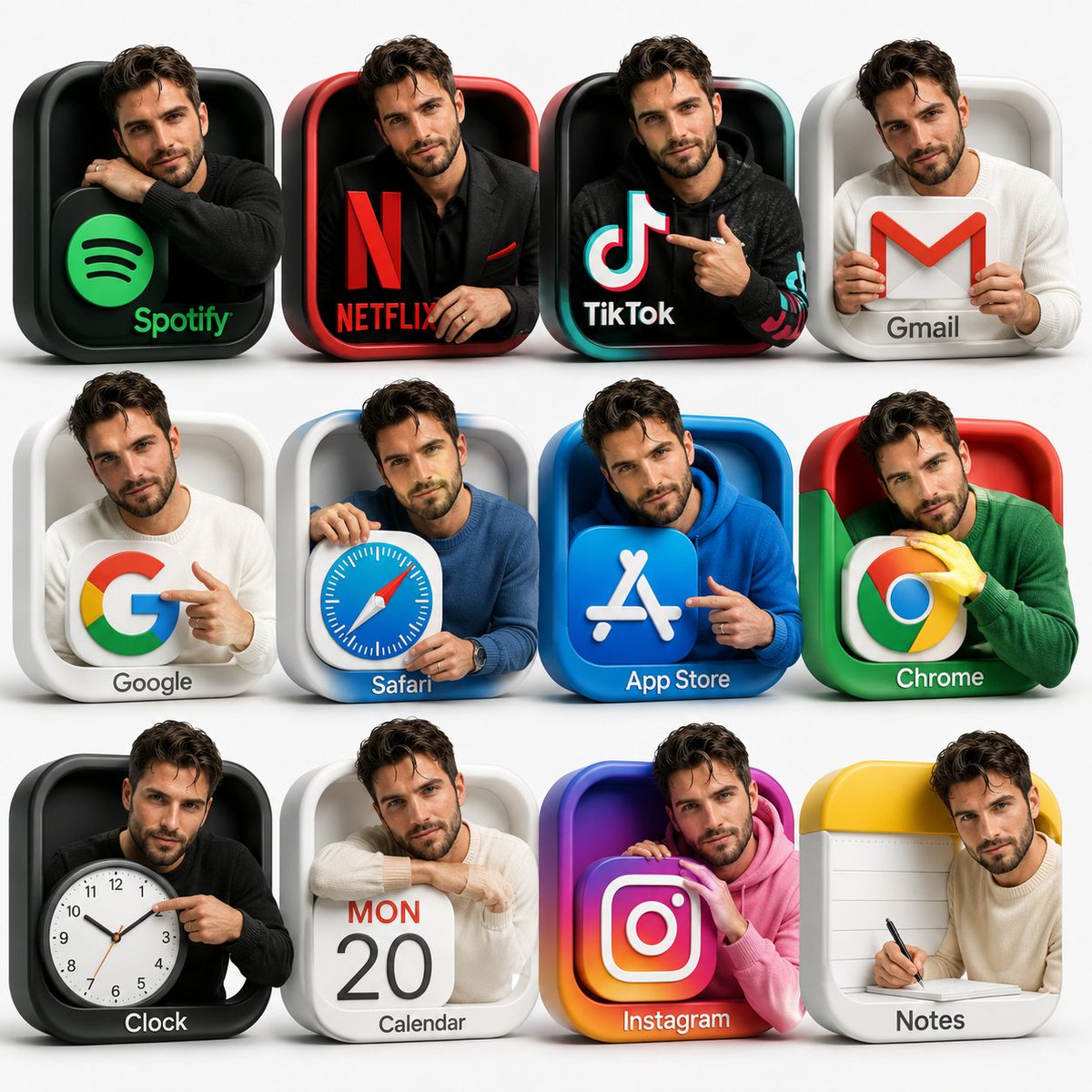
3D App Icon Grid With Person in Each Icon
Twelve 3D app icons with the same person posed in each, matched to the icon colors.
-
 Add your photo Customizable
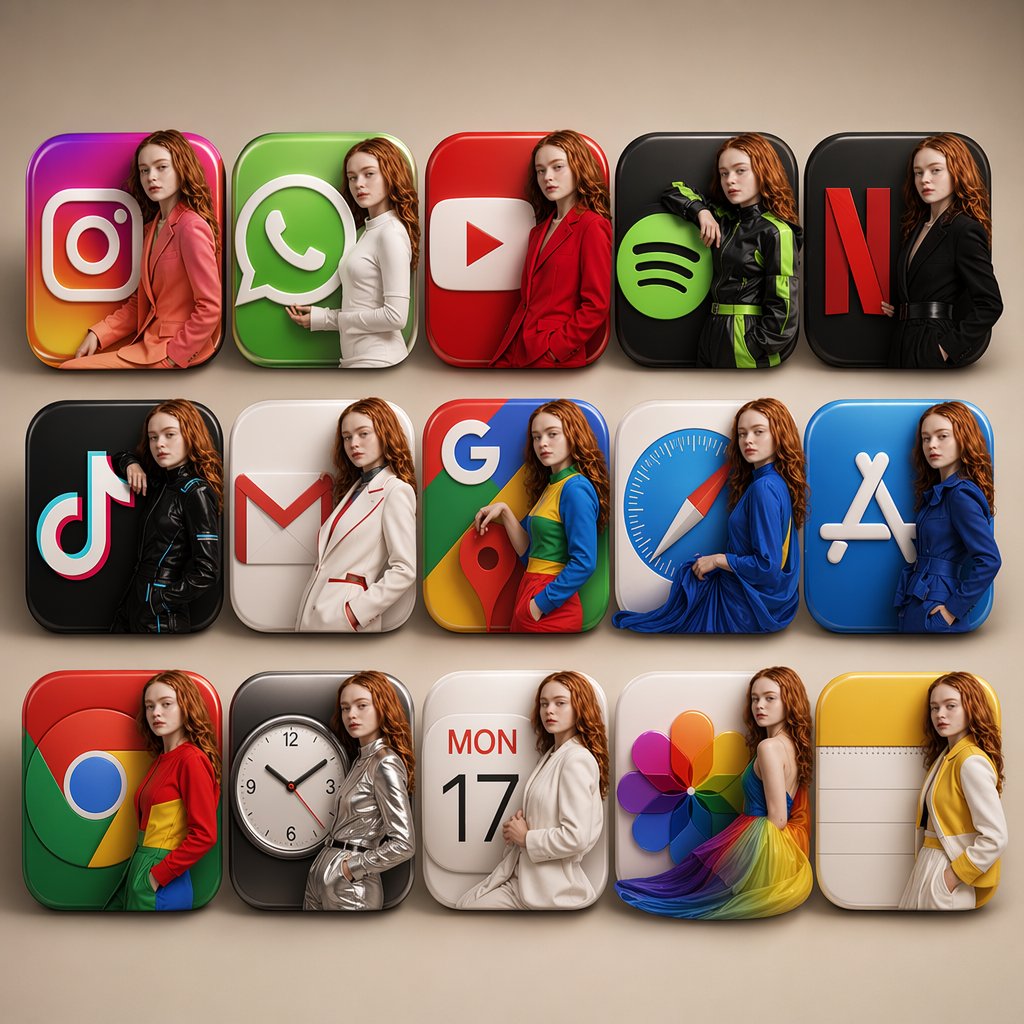
3D App Icon Grid With Matching Outfits
Rounded-square 3D app icons for familiar apps, each carrying a styled child model.
About this collection
This page gathers prompts that produce whole sets in one go: line icons for an app, glossy 3D tiles, pastel hand-drawn menu icons, and sticker packs with sixteen different expressions. People use them for app and website UI, brand kits, chat stickers, social highlight covers and menu design, and a few can be built around your own face.
What holds a set together is consistency. The best prompts fix stroke weight, corner radius, padding, palette and shadow style up front, name the grid size, and keep the background plain so each icon can be cut out. Sticker packs add one character, a clear emotion per cell and short captions. Every pick here was shared for GPT Image 2, OpenAI's image model inside ChatGPT, so you can paste the prompts straight into a chat.
Questions about these prompts
How do I get every icon in a set to look the same?
State the shared rules once in the prompt: stroke weight, corner radius, padding, palette and shadow or outline style. Then list the subjects one by one. If a single icon drifts, regenerate the sheet with the same rules rather than patching one cell, since mixing outputs usually shows.
Can I make an emoji or sticker pack from my own photo?
Yes, several prompts here are tagged to use your photo. Upload a clear, well-lit face shot, ask for the same person in every cell, and name the expression for each one. Results vary by photo, so expect to retry a few times for a likeness you like.
Can I use these icons in an app or on a website?
The prompts give you a starting design, not a finished production asset. Generated icons are usually raster images, so you may need to trace them to vectors and check the terms of the tool you used. Review any brand or app logos you reference before publishing.
How do I get icons with a transparent background?
Ask for a plain white or transparent field and generous spacing between icons. Many tools still return a flat background, so a background remover or a quick cutout in an image editor is often the final step before using the icons in a design.
More prompt collections
All collections- Logo design AI prompts16 prompts Copy-ready logo design AI prompts for concepts, wordmarks, monograms, 3D marks and full brand boards, with versions you can adapt to your own brand name.
- Brand identity board prompts18 prompts Copy-ready prompts that turn a logo or brand idea into a full identity board with palette, type, packaging mockups and app screens.
- Packaging design AI prompts16 prompts Copy-ready AI prompts for packaging design: boxes, cans, jars, bags and brand boards you can adapt to your own product, logo or photo.
- App and website UI mockup prompts18 prompts Copy-ready AI prompts for app screens, landing pages, icon sets and wireframe-to-design mockups, with examples for fashion, finance, food and games.
- Infographic AI prompts18 prompts Copy-ready AI prompts for infographics: process posters, field guides, exploded diagrams, recipe cards and travel guides, built to adapt to your own subject.
- Educational and science explainer prompts18 prompts AI prompts for science infographics, cutaway diagrams, field-guide pages and animated lessons that explain a subject clearly. Copy one and swap in your topic.