Image prompt Branding & UI Customizable
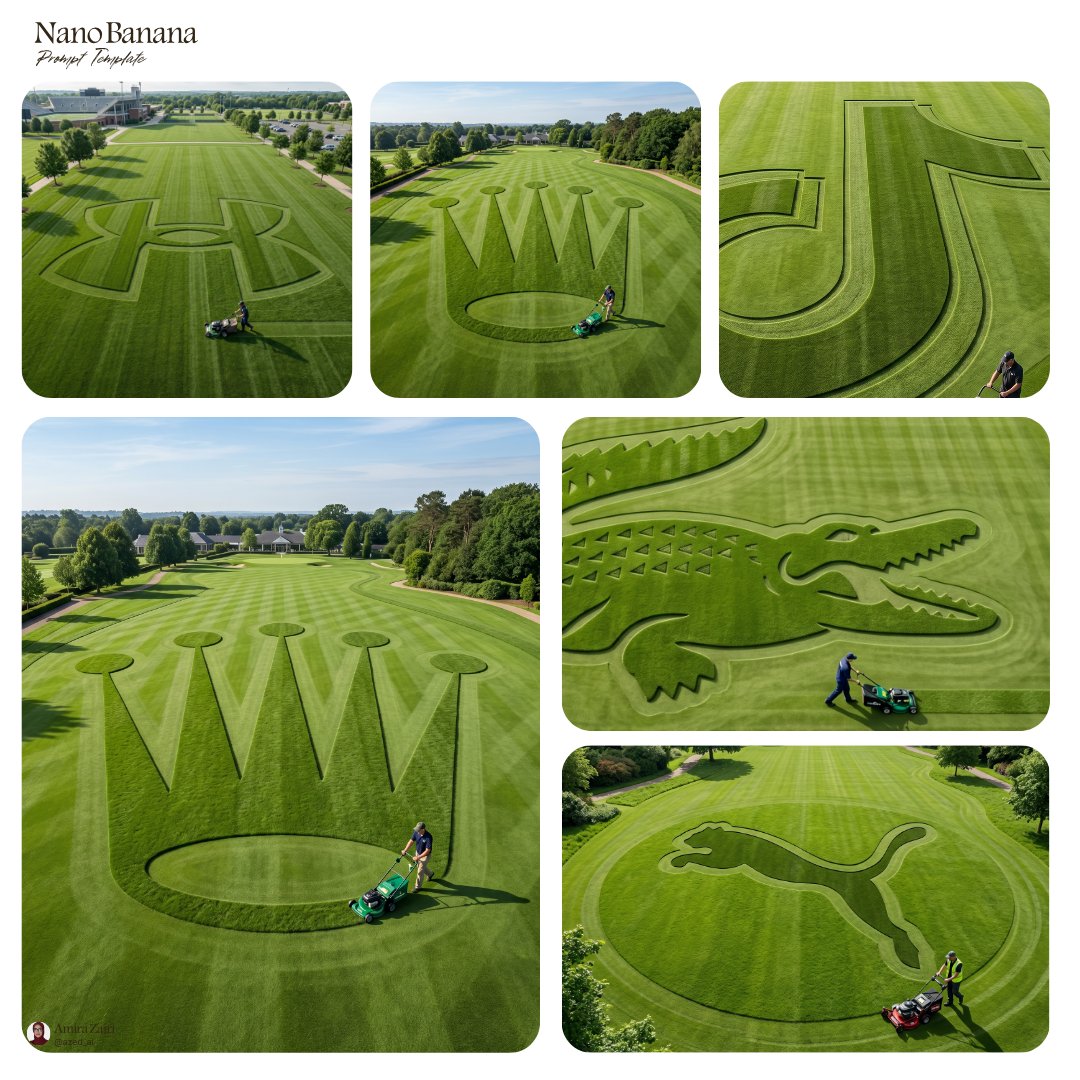
Lawn Logo Mowed Into Grass From Above
A top-down view of a large green lawn where a logo has been cut into the grass through parallel mowing stripes. Light and shadow pick out the difference between raised blades and shaved rows, with a groundskeeper beside it to show the scale.

- Model
- GPT Image 2
- Type
- Image
- Aspect ratio
- 1:1
- Shared
- 16 Jun 2026
- Likes on X
- 178
Logo / symbol / icon / shape
Image prompt
677 charactersCreate an ultra-detailed hyper-realistic aerial landscape photograph of an expansive green lawn featuring a giant [logo / symbol / icon / shape] sculpted through precise mowing patterns, sharp parallel cut stripes, neatly trimmed edges, rich natural grass texture, subtle tonal contrast between raised and shaved sections, land-art style composition, a single groundskeeper with a lawn mower positioned near the design for scale and storytelling, long directional shadow, minimalist environmental framing, clean overhead perspective, soft daylight, realistic outdoor shadows, premium editorial photography aesthetic, sharp focus, photorealistic, 8k, no watermark, no extra text
How to use it
Replace the bracketed placeholder with your own logo, symbol or shape, and keep it simple and bold, since fine detail disappears at lawn scale. Keep the mowing, shadow and aerial wording, because those details are what make it read as real land art. It was shared as a GPT Image 2 prompt, and the result works well as a brand reveal or a hero image for an outdoor company's site.
Shared publicly on X on 16 Jun 2026. All credit for this prompt and its result goes to its creator. Is this yours? Ask for an update or removal.