Image prompt Product & Ads Customizable
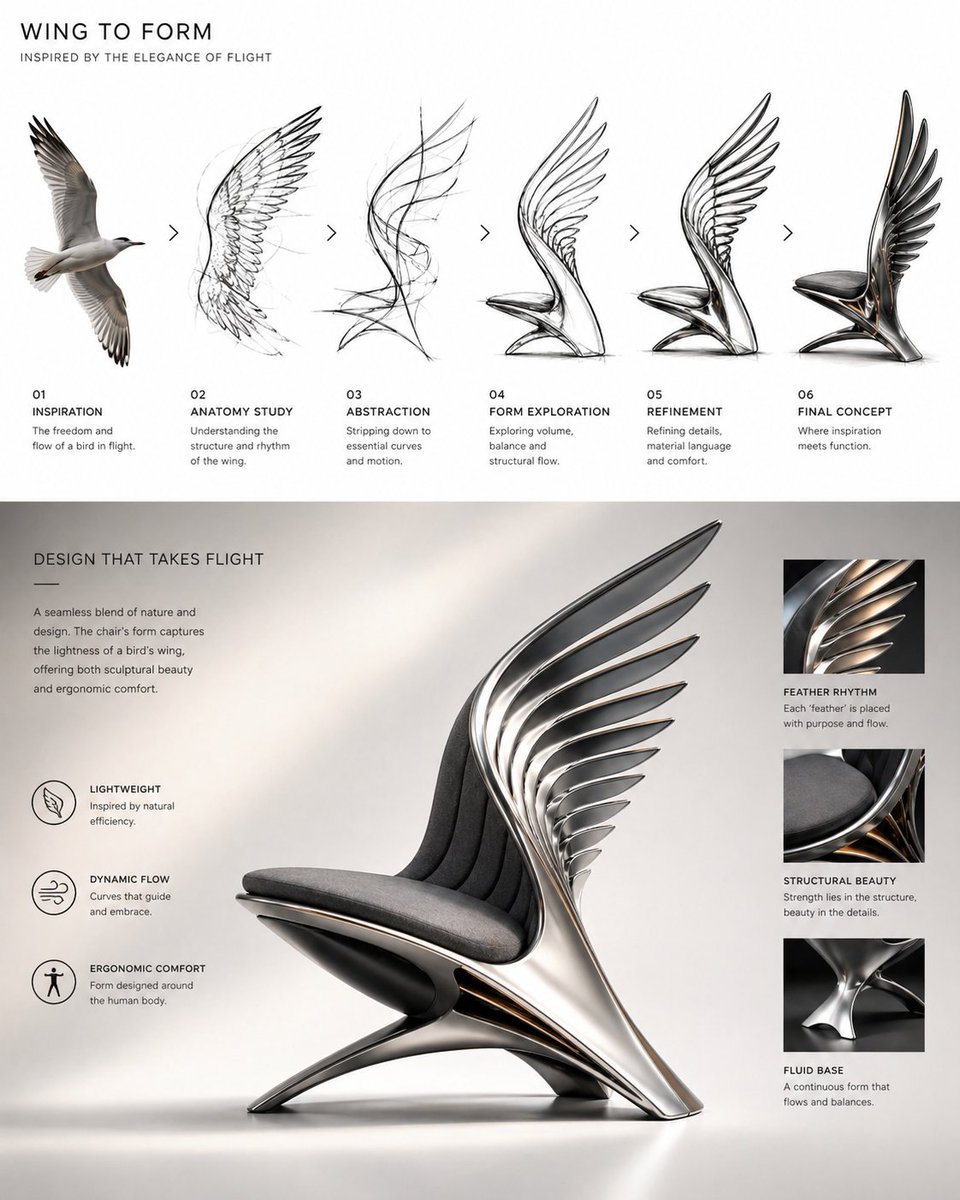
Bird Wing Sculptural Chair Design Evolution
A four-step design sequence turns a bird wing into a sculptural chair, moving from a realistic reference to pencil sketches and then to a finished product. Flight curves become the backrest, and the photorealistic result sits in a clean studio setting.

- Model
- GPT Image 2
- Type
- Image
- Aspect ratio
- 4:5
- Shared
- 26 Apr 2026
- Likes on X
- 2,724
MaterialsColour paletteSource object
Image prompt
671 charactersconceptual design evolution, bird wing motion transformed into a futuristic chair design, sequential process from realistic wing reference to anatomical sketch to abstract flowing lines to final product form, feather structure and flight curves shaping the chair silhouette, layered wing elements forming the backrest, elegant aerodynamic geometry, modern sculptural chair, brushed metal and soft fabric seat, dark metallic tones with warm gold accents, premium industrial design, clean white studio background, pencil sketch studies on the top row, photorealistic chair on the bottom row, soft cinematic lighting, refined product presentation layout, ultra detailed, 3:4
How to use it
Keep the step-by-step structure and the phrase about feather structure and flight curves, since those details drive the transformation. To make it yours, swap the brushed metal and gold accents for another material palette or change the seat from soft fabric to leather or wood. It was shared as a GPT Image 2 prompt, and the result works well as a product concept slide for a pitch or portfolio.
Shared publicly on X on 26 Apr 2026. All credit for this prompt and its result goes to its creator. Is this yours? Ask for an update or removal.