Image prompt Product & Ads Customizable
Exploded View Object Diagram for Product Ads
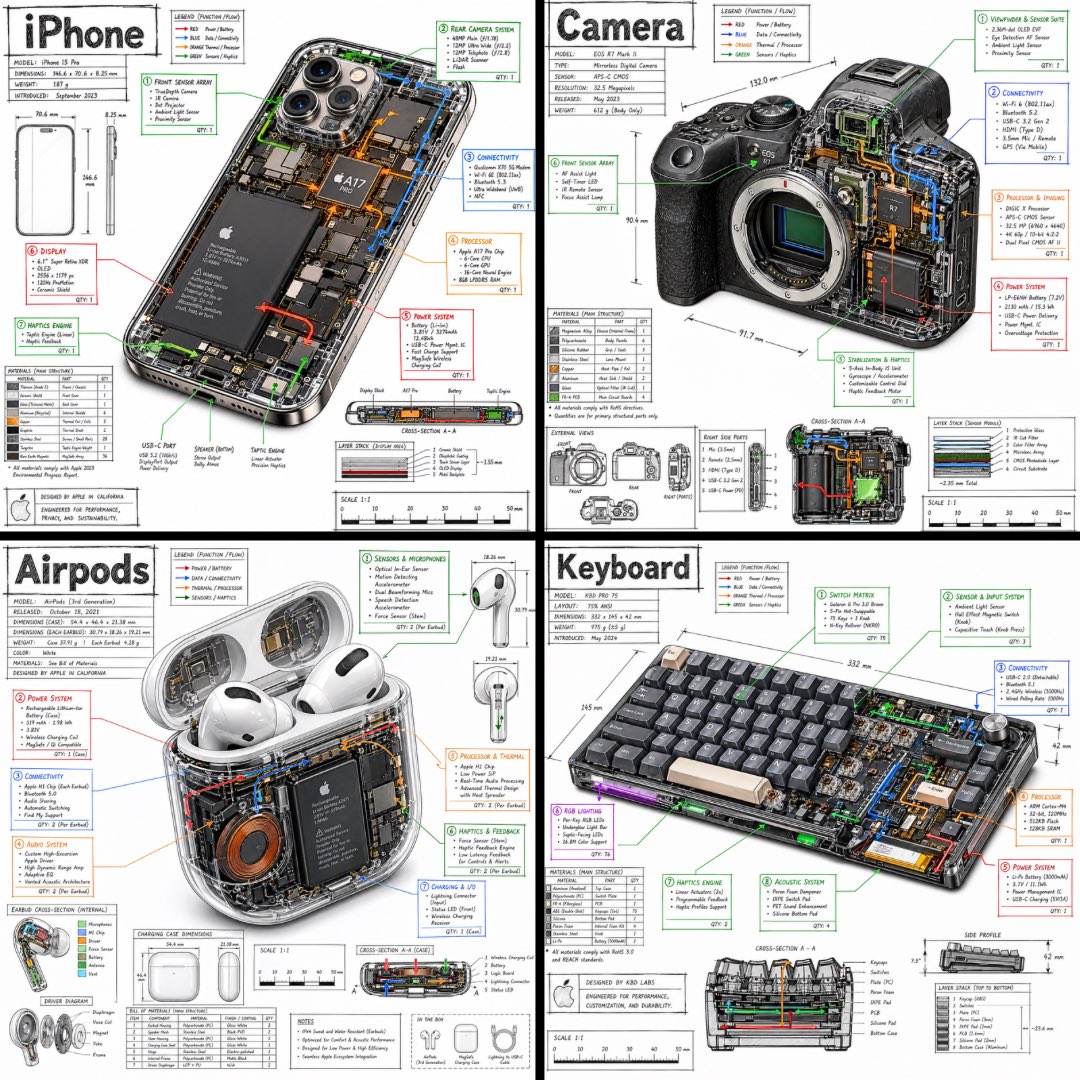
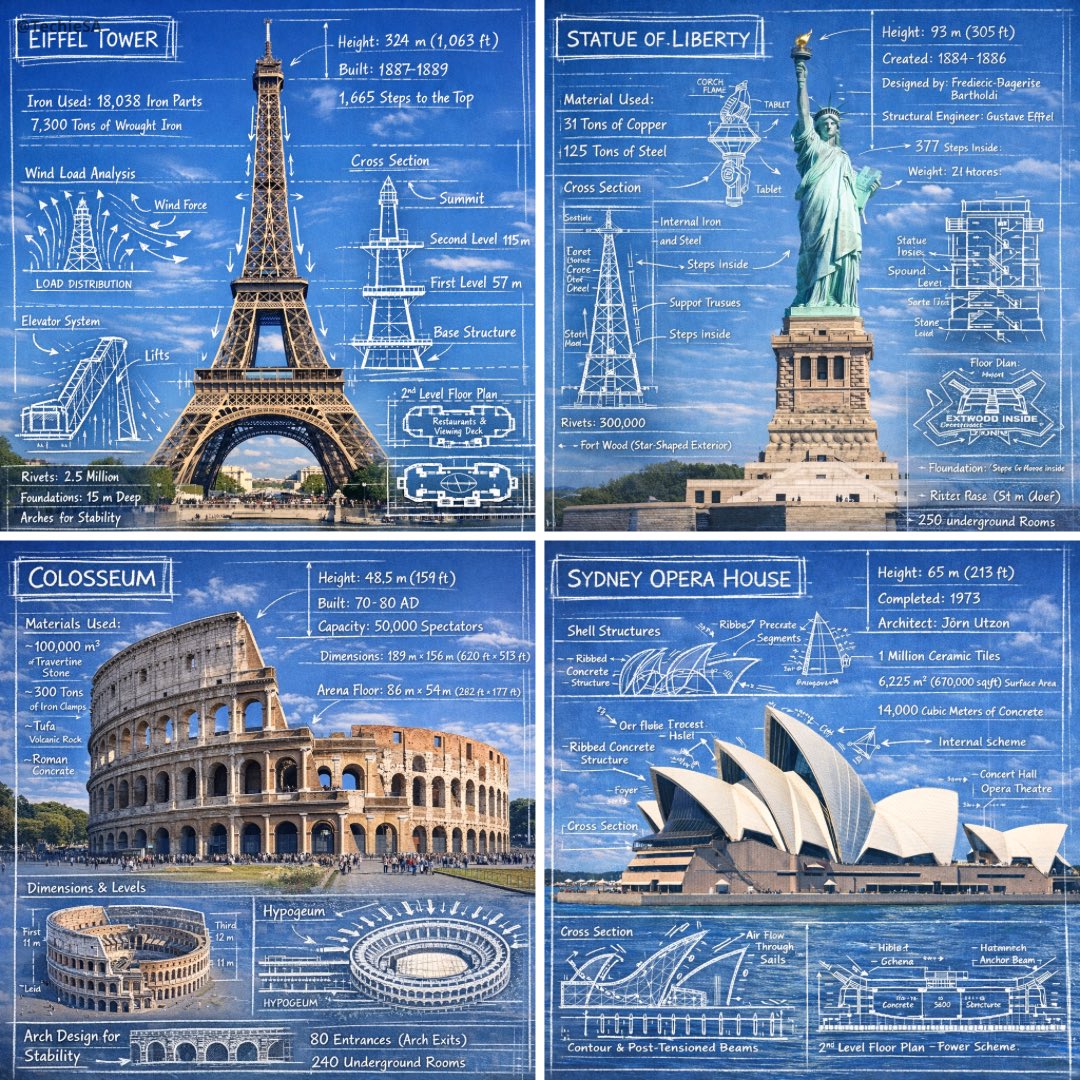
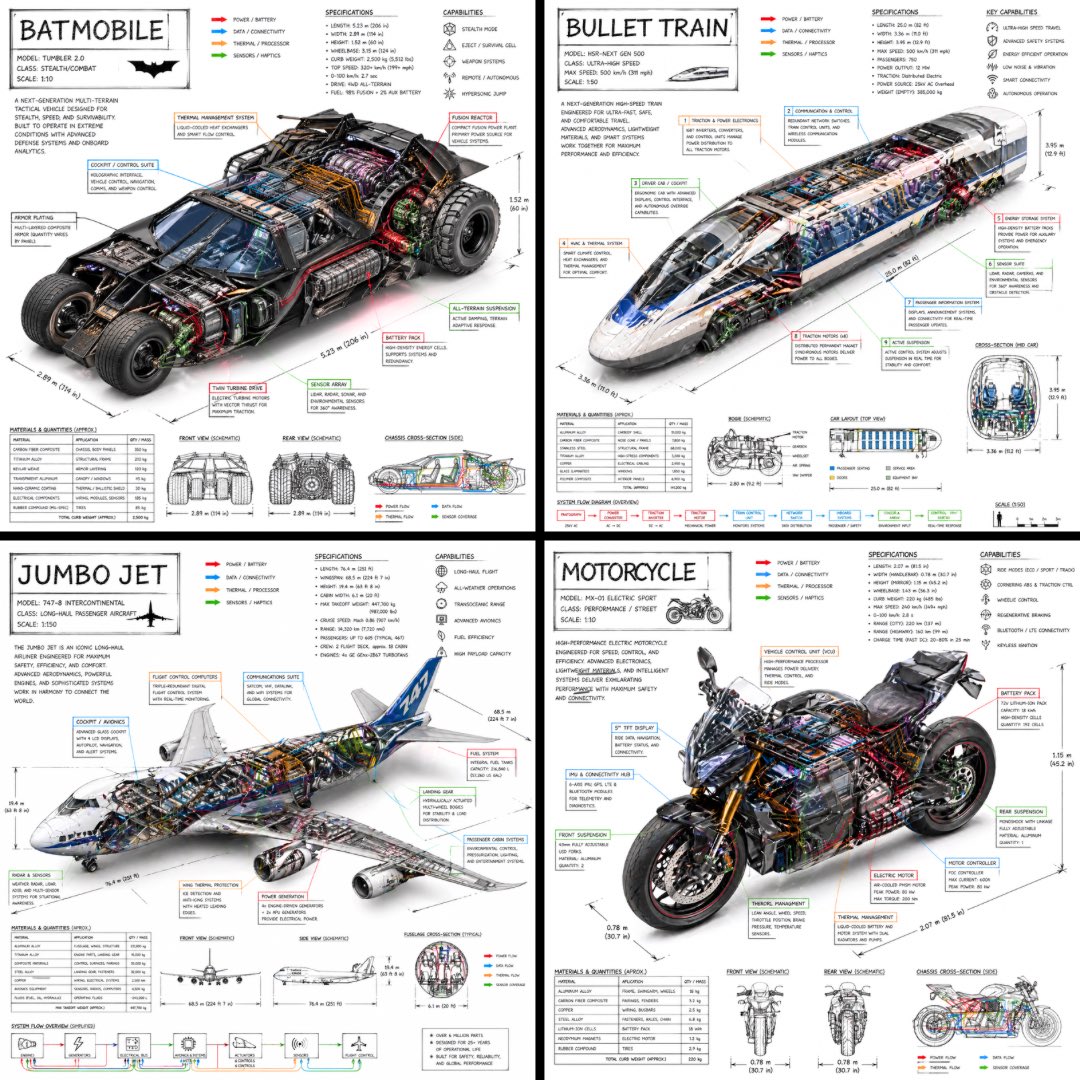
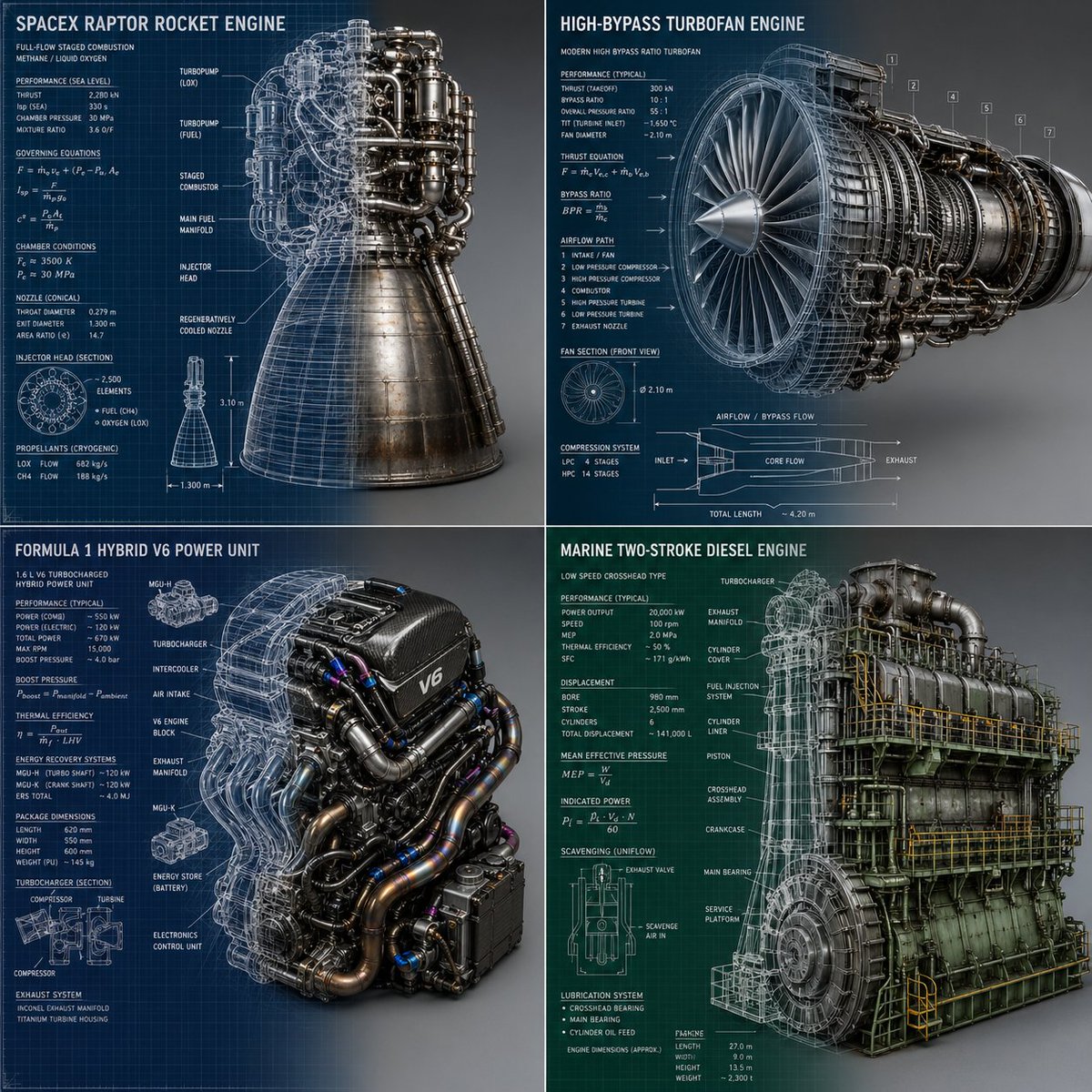
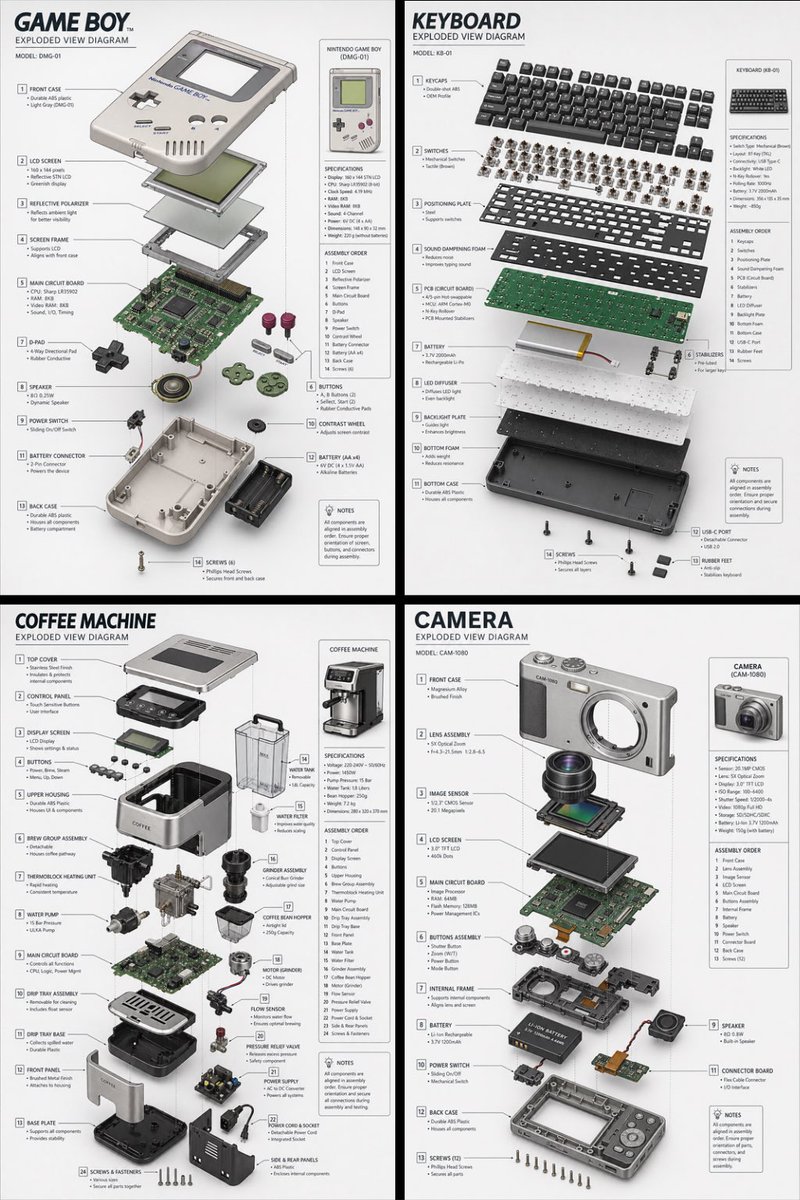
A clean isometric exploded diagram where every component of a device floats apart on a light grey backdrop, each part tagged with a thin leader line. It reads like an engineering drawing and gives a product a precise, explanatory look.

- Model
- GPT Image 2
- Type
- Image
- Aspect ratio
- 2:3
- Shared
- 28 Apr 2026
- Likes on X
- 349
Image prompt
612 charactersCreate a technical exploded view diagram of a [OBJECT]. The device is deconstructed showing all individual components floating in space, separated from each other to reveal internal parts. Each major component is labeled with clean lines pointing to parts like screen, circuit board, battery, casing, buttons, etc. Isometric perspective, technical illustration style with soft shadows between parts. Light grey/white clean background. Educational infographic aesthetic similar to engineering blueprints or patent drawings. All parts aligned in logical assembly order showing how they fit together. 2:3 dimension.
How to use it
Swap the bracketed [OBJECT] for any device you want to show, such as a watch, speaker or camera. Keep the isometric angle, the soft shadows and the light background, since those details make it read as a technical drawing rather than a photo. It was shared as a GPT Image 2 prompt, and the 2:3 frame suits a tall poster or a product feature panel.
Featured inInfographic AI prompts
Shared publicly on X on 28 Apr 2026. All credit for this prompt and its result goes to its creator. Is this yours? Ask for an update or removal.