
Shortwave
AI email client for Gmail accounts that organises the inbox, drafts replies, searches mail and schedules by prompt.
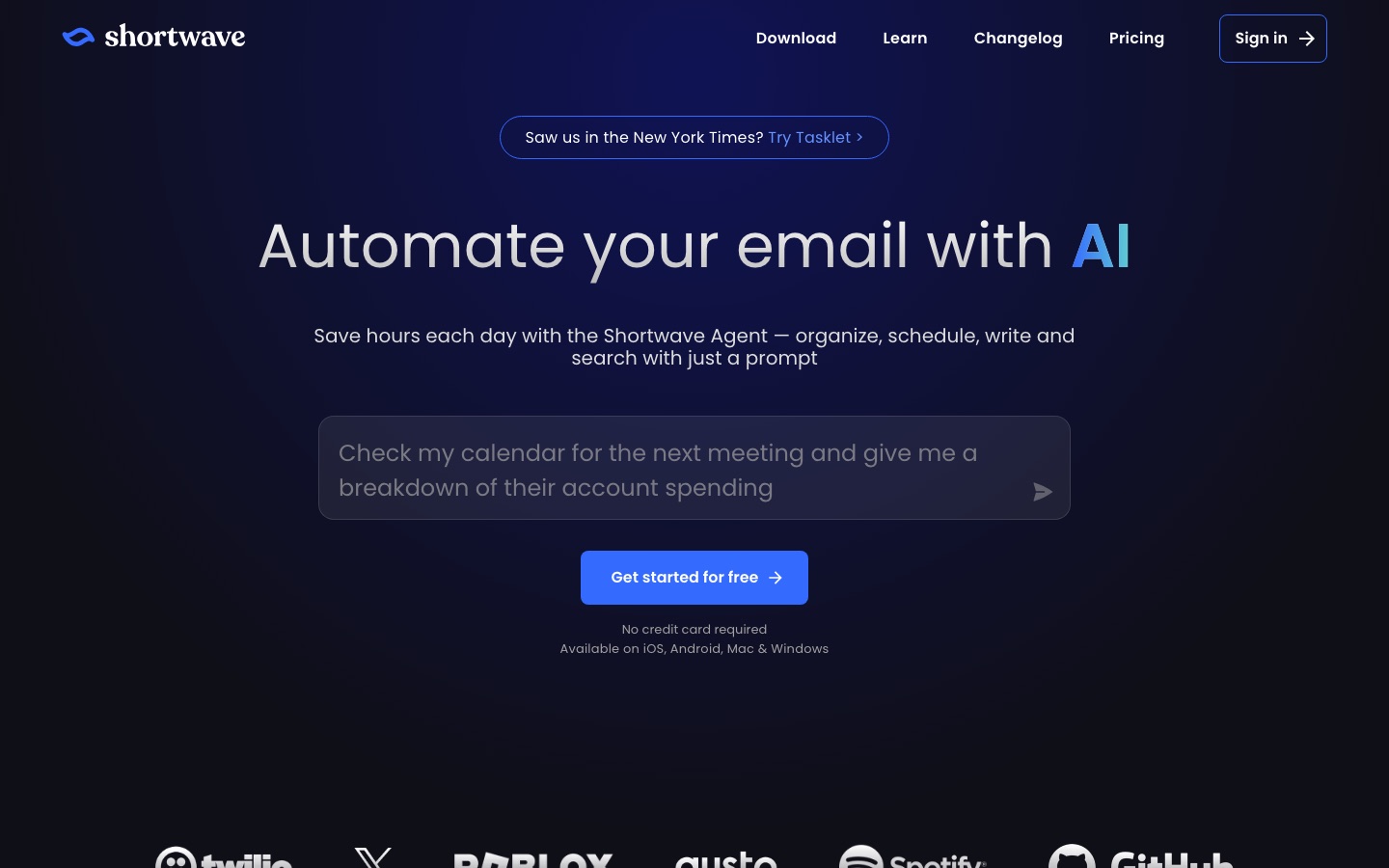
Shortwave is an AI email client. Shortwave's assistant accepts typed prompts to organise an inbox, draft replies in the user's style, search past mail and attachments, and set up meetings. It also offers split inboxes, todos and shared threads for teams, runs on iOS, Android, Mac and Windows, and starts with a 14-day trial.
Best for Professionals and teams with heavy Gmail inboxes who want an assistant to triage, draft and search email for them.
- Listed in
- EmailProductivity & Team Work
- Platforms
- iOS, Android, macOS, Windows
- Pricing model
- Subscription
- Free trial
- Yes
- Made by
- Shortwave Communications, Inc.
- Added
Last verified: . Information taken from shortwave.com.
What is Shortwave?
Shortwave is an email app with an AI assistant built into the inbox. The assistant takes written instructions and can sort mail, draft and improve messages, look through past email and attachments for an answer, and handle scheduling by checking a calendar and creating events. Filters written in plain English label, star or archive incoming mail automatically. The app learns a user's writing style from sent messages and offers autocomplete drawn from email history. Outside the AI features it works as a full client, with split inboxes, bundles for newsletters and promotions, todos, delivery schedules, read statuses and keyboard shortcuts. Teams can share live threads, comment privately, assign owners and share labels. The assistant connects to tools such as Slack, Notion, Asana and HubSpot. Apps are offered for iOS, Android, Mac and Windows, and paid plans begin with a 14-day trial.
Key Features
AI Assistant
Carries out inbox tasks from a typed prompt, including organising, searching, writing and scheduling.
AI Filters
Applies rules described in plain English to new mail, such as labelling, starring, archiving or deleting.
Personalised Writing
Drafts replies in a style learned from the emails you have sent and autocompletes sentences as you type.
AI Search
Finds messages from a description and answers questions using your own or your team's email and attachments.
Inbox Tools
Splits the inbox into tabs, bundles automated senders, converts emails to todos and delays delivery to set times.
Team Collaboration
Shares live threads with teammates, adds private comments, assigns owners and keeps shared labels.
Screenshots
Use Cases
- Clearing a Crowded Inbox
- Have the assistant archive low-priority mail and group what needs action.
- Scheduling Meetings
- Ask for available times and let the assistant write the scheduling email.
- Answering From Email History
- Look up a fact buried in old threads or attachments with a question.
- Shared Customer Threads
- Discuss an email with colleagues in comments and give it a clear owner.
- Follow-Up Tracking
- See when a message was read and get reminded if nobody replies.
Things to know
- Built around Gmail accounts
- The feature list describes switching between multiple Gmail accounts and Gmail-style search filters.
- AI usage has a daily quota
- The pricing page says the Business plan allows roughly 150 to 300 standard AI requests a day, with more on higher plans.
- Limits scale by plan
- AI search history, threads per AI search and the number of AI filters all increase from Business to Max.
- Security
- Shortwave states that it meets the requirements of CASA Tier 2 and blocks tracking pixels in incoming mail.
FAQs
What is Shortwave?
Shortwave is an AI email client. It combines an inbox app with an assistant that organises, writes, searches and schedules from typed prompts.
What is Shortwave used for?
Shortwave is used to manage email faster: triaging the inbox, drafting replies in your own style, finding information in past mail and coordinating with teammates on threads.
Is Shortwave free?
Shortwave lets you get started for free without a credit card, and its paid plans begin with a 14-day free trial. The pricing page lists three paid plans: Business, Premier and Max.
How much does Shortwave cost?
Shortwave sells Business, Premier and Max plans billed per seat each month, with separate options under an Individual tab. See the official pricing page for current figures.
Does Shortwave work on mobile?
Yes. Shortwave is available on iOS and Android, as well as on Mac and Windows.
Which AI models does Shortwave use?
Shortwave's pricing page describes four intelligence levels that run on Anthropic Claude models, from Claude Haiku at the basic level to Claude Opus at the expert level.
Does Shortwave integrate with other apps?
Yes. Shortwave's assistant connects to Slack, calendars, Notion, Asana and HubSpot, and the pricing page mentions built-in integrations and MCP.
Who makes Shortwave?
Shortwave is made by Shortwave Communications, Inc., which also offers a sister automation product called Tasklet.
Who it's for
- Professionals
- Founders
- Sales teams
- Support teams
- Small companies
Used in these workflows
- AI tools for automating business workflows, from process map to monitoringStage 5: Email and scheduling
Each guide lists the stages of one job and the tools that help at each stage. All guides
Comments
No comments yet. If you have used Shortwave, tell other readers how it went.
Alternatives to Shortwave
| Tool | Free plan | Starting price | API |
|---|---|---|---|
 ReaddleMaker of productivity apps for iPhone, iPad and Mac covering PDFs, email, scanning, calendars and file management. ReaddleMaker of productivity apps for iPhone, iPad and Mac covering PDFs, email, scanning, calendars and file management. |
— | — | — |
 Google WorkspaceGoogle's business suite of Gmail, Drive, Meet, Docs and other apps with Gemini AI assistance built in. Google WorkspaceGoogle's business suite of Gmail, Drive, Meet, Docs and other apps with Gemini AI assistance built in. |
— | — | — |
 AkiflowTime-blocking planner that merges tasks, calendars and an inbox, with an AI assistant called Aki. AkiflowTime-blocking planner that merges tasks, calendars and an inbox, with an AI assistant called Aki. |
No | — | — |
 CalendlyMeeting scheduling software with an AI email assistant, a notetaker, contact profiles and built-in payments. CalendlyMeeting scheduling software with an AI email assistant, a notetaker, contact profiles and built-in payments. |
Yes | $10/mo | Yes |
 CapacitiesNote-taking and knowledge management app that stores ideas as linked objects instead of files and folders. CapacitiesNote-taking and knowledge management app that stores ideas as linked objects instead of files and folders. |
Yes | — | Yes |
Listed in the same categories as Shortwave. A starting price appears only where we checked it on the maker’s pricing page; a dash means not checked or not published. All Email tools