
Town
Personal AI assistant that learns how you work and handles email, scheduling and recurring tasks across your tools.
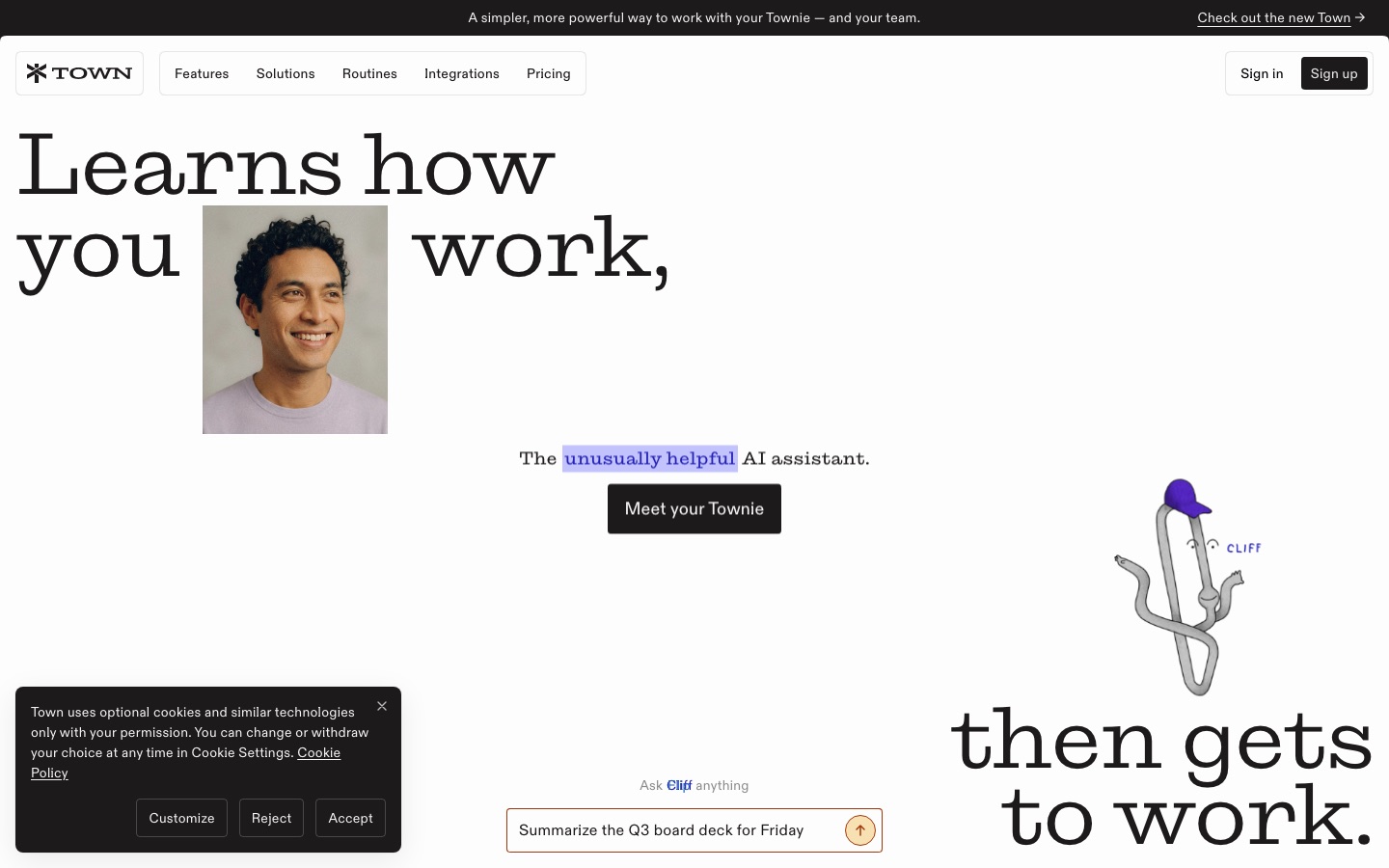
Town is a personal AI assistant, called a Townie, that manages email, calendars and repeat tasks for its user. Town keeps a wiki of how the user works, works from a to-do list and runs scheduled routines such as inbox triage and meeting briefings. It connects to more than 50 services and works over chat, email, Slack and messaging apps.
Best for Professionals and small teams who spend much of the day on email, scheduling and follow-ups and want an assistant that acts inside their existing tools.
- Platforms
- Web, macOS, iOS
- Pricing model
- Freemium
- Free plan
- Yes
- Free trial
- Yes
- Made by
- Town
- Added
Last verified: . Information taken from town.com.
What is Town?
Town is an AI assistant service in which every user gets a named assistant known as a Townie. Instead of relying on carefully written prompts, the Townie builds a wiki about how its owner works and uses it when drafting messages or making decisions. Tasks can be written on a to-do list, and the assistant carries them out and reports back, asking for a decision where one is needed. Recurring work is handled by Routines, which either come ready-made or are described by the user; examples include labelling and answering email, declining cold outreach, weekly calendar reviews, meeting research, a daily briefing and competitor monitoring. The service connects to more than 50 tools, among them Google Docs, Sheets and Drive, Slack, Outlook, Salesforce, HubSpot, Jira and QuickBooks Online. Team plans add shared workspaces, and assistants belonging to different people can coordinate with one another.
Key Features
Working Wiki
Keeps notes on your preferences and habits so that drafts and actions follow your usual way of doing things.
To-Do List Execution
Takes tasks written in plain language, completes them and flags the ones that need your decision.
Routines
Runs scheduled jobs such as inbox labelling, newsletter digests, weekly calendar analysis and competitor briefings.
Inbox Triage and Drafting
Sorts incoming email by type and prepares replies in your voice when a response is clearly called for.
Meeting and Daily Briefings
Researches upcoming meetings and emails a summary of the day's schedule and urgent items, with an audio version.
Integrations
Works inside more than 50 services including Google Docs, Sheets and Drive, Slack, CRMs, project trackers and finance tools.
Screenshots
Use Cases
- Clearing a Crowded Inbox
- Have routine messages labelled and answered while you review only the drafts that matter.
- Preparing for Meetings
- Receive background on attendees and topics before each call.
- Weekly Client Summaries
- Get an account-by-account recap of client threads without compiling it yourself.
- Rescheduling and Coordination
- Let the assistant settle a new time with another person's assistant.
- Keeping Up with Competitors
- Receive a structured briefing on rival launches and news on a set schedule.
Things to know
- Messaging channels are inbound-only
- On WhatsApp and Telegram you can message your Townie, but it cannot read or send messages there for you.
- Credits and overage
- Paid plans include monthly credits; use beyond the allowance is billed per credit, and a monthly spend cap can be set.
- Data handling
- The site says data is encrypted in transit and at rest, hosted in the United States and covered by SOC 2 Type 2 compliance.
- Free plan allowance
- The Free plan is limited to 30 chat messages a month and a weekly, not daily, briefing.
FAQs
What is Town?
Town is a personal AI assistant that manages your inbox, schedules meetings and handles routine work in the background.
What is Town used for?
Town is used to triage and draft email, organise calendars, prepare meeting briefings, run recurring routines and complete tasks from a to-do list.
Is Town free?
Yes. Town has a permanent Free plan that needs no credit card and includes 30 chat messages per month, all integrations and a weekly briefing. New accounts begin with a 7-day Pro trial.
How much does Town cost?
Town sells individual plans named Starter, Pro, Power and Power Plus above its Free plan, plus Team, Team Plus and Enterprise options. See the official pricing page for current prices.
Does Town work on mobile?
Yes. Town has an iPhone app and a macOS app, and the assistant can also be messaged over text, WhatsApp and Telegram.
Which tools does Town integrate with?
Town connects to more than 50 services, including Google Docs, Google Sheets, Slack, Outlook, Salesforce, HubSpot, Jira, GitLab, Stripe and QuickBooks Online.
Does Town train AI models on my data?
No, not by default. Town says model training on a user's data happens only if that user opts in.
Does Town have team plans?
Yes. Town's team plans cover several seats that draw on one credit pool and share a workspace, workflows and skills, with central admin billing.
Who it's for
- Executives
- Founders
- Sales teams
- Recruiters
- Busy professionals
- Small teams
Used in these workflows
- AI tools for automating business workflows, from process map to monitoringStage 5: Email and scheduling
Each guide lists the stages of one job and the tools that help at each stage. All guides
Comments
No comments yet. If you have used Town, tell other readers how it went.
Alternatives to Town
| Tool | Free plan | Starting price | API |
|---|---|---|---|
 PokeAI assistant you text in Apple Messages, WhatsApp or Telegram that connects to your apps and acts proactively. |
Yes | — | — |
 MakeVisual automation platform for building workflows and AI agents across 3,000+ app integrations. |
Yes | — | Yes |
 n8nWorkflow automation platform for building AI agents and automations visually, with code steps and self-hosting. |
— | — | — |
 AjelixAgentic AI workspace that turns uploaded data into Excel files, dashboards, slide decks and other deliverables. |
Yes | — | — |
 BuzzAI sales development platform that finds prospects and runs email, LinkedIn, call and voicemail outreach from a prompt. |
— | — | — |
Listed in the same categories as Town. A starting price appears only where we checked it on the maker’s pricing page; a dash means not checked or not published. All Productivity & Team Work tools