
ponytail
Open-source ruleset that steers AI coding agents toward the smallest working change, with review commands.
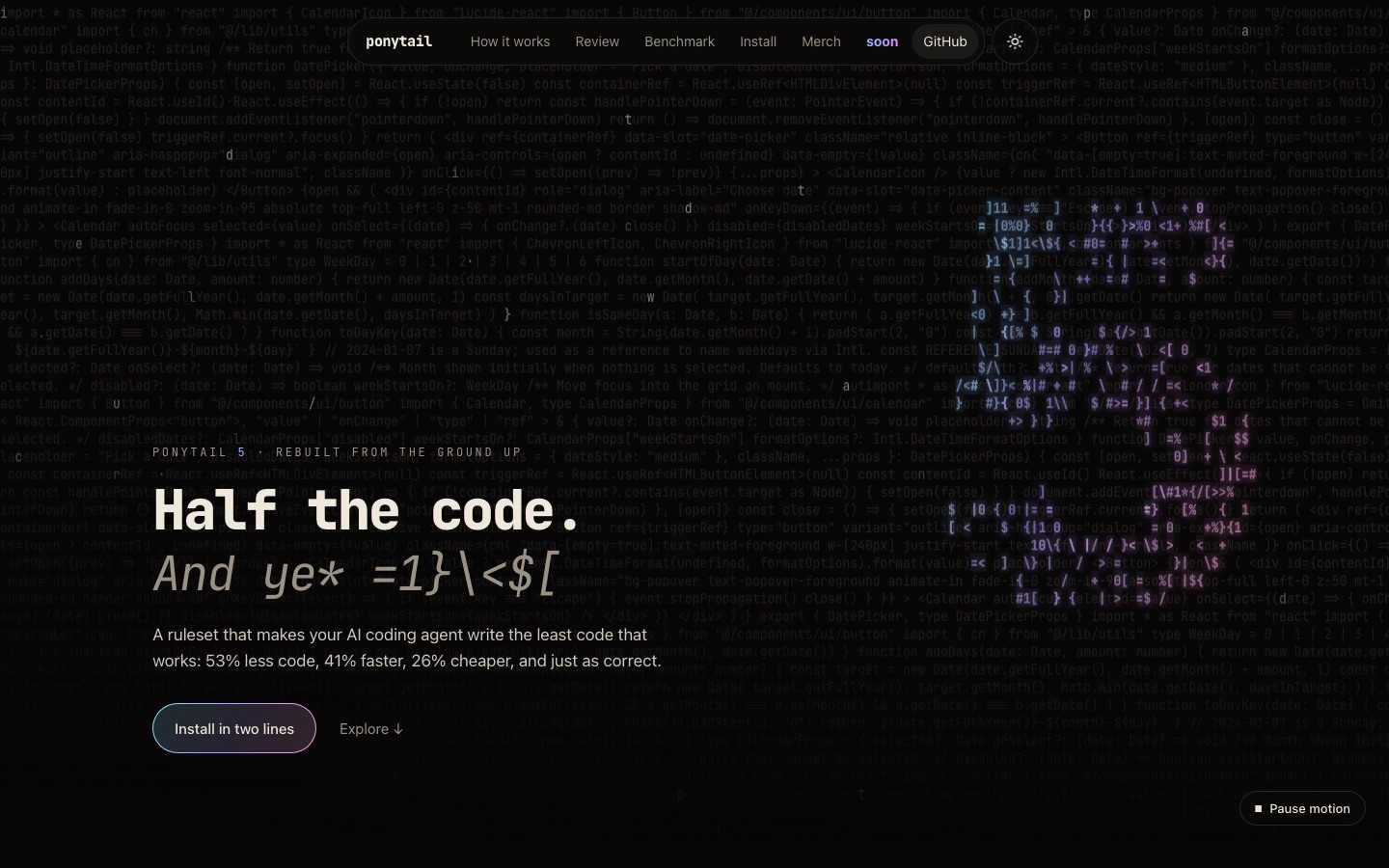
ponytail is an open-source ruleset that plugs into AI coding agents such as Claude Code, Codex and Gemini CLI. With ponytail active, the agent checks whether existing code, the standard library or the platform already solves a request before writing anything new, adds tests to risky logic, and lists what it skipped.
Best for Developers who use AI coding agents daily and want smaller diffs, fewer added dependencies and a built-in review step.
- Listed in
- AI Code Assistant
- Platforms
- Plugin
- Pricing model
- Free
- Added
Last verified: . Information taken from ponytail.dev.
What is ponytail?
ponytail is an MIT-licensed ruleset and plugin that changes how an AI coding agent approaches a task, pushing it to write as little code as the job needs. Before producing anything, the agent reads the existing code and walks a fixed sequence of questions: whether the feature needs to exist at all, whether the codebase already contains it, whether the standard library, the platform or an installed dependency covers it, and whether one line would do. Only after those checks does it write a minimal implementation, adding a small test wherever the change contains logic such as a branch, a loop, a parser, money handling or security. Each reply closes with a note on what was skipped. Version 5 also ships review and audit commands. It installs into Claude Code, Codex, Copilot CLI, Gemini CLI and other agents.
Key Features
Decision Ladder
Makes the agent check for reuse in the codebase, standard library, platform and dependencies before writing new code.
Targeted Tests
Adds one small test to changes that carry risk, while leaving trivial edits untested.
Skipped-Work Notes
Ends every answer with a list of what was left out or not verified and any related risk.
Change Review
Runs `/ponytail-review` to inspect the code a diff touches for bugs, security issues, missing tests and removable code.
Repository Audit
Applies the same review to an entire repository with `/ponytail-audit` and tracks deferred shortcuts with `/ponytail-debt`.
Intensity Modes
Switches between lite, full and ultra levels, or off, through the `/ponytail` command.
How ponytail works
Install the plugin
Run the two install commands for your agent.
Work as usual
The ruleset stays active and the agent reads the code and follows the reuse checks on each request.
Review or audit
Call the review command on a change or the audit command on the repository.
Use Cases
- Keeping Agent Output Small
- Stop an agent from hand-building a component when a native browser element already does the job.
- Reviewing a Pull Request
- Get findings that state what the code does, what can go wrong and how to fix it.
- Auditing a Legacy Repo
- Scan a whole codebase for risky logic without tests and code that could be removed.
- Tracking Technical Debt
- Keep a ledger of shortcuts the agent deferred so they can be revisited.
- Reducing Token Spend
- Cut the volume of generated code, and with it output tokens, on routine feature tickets.
Things to know
- Install from the named source only
- The site instructs users to install only from the DietrichGebert/ponytail repository or the @dietrichgebert/ponytail npm package.
- Benchmark scope
- The published figures come from the project's own benchmark on a fixed task set and a single model, with method and limits documented by the author.
- Full mode is the default
- The intensity setting starts at full and can be lowered, raised or switched off.
FAQs
What is ponytail?
ponytail is an open-source ruleset for AI coding agents that directs them to produce the least code that solves a task, and it includes commands for reviewing changes and auditing repositories.
Is ponytail free?
Yes, ponytail is released under the MIT license and is installed from its GitHub repository or npm package at no charge.
Which coding agents does ponytail support?
ponytail supports Claude Code, Codex, Copilot CLI, Gemini CLI and pi with install commands on its site, and documents setup for Cursor, Windsurf, Cline, Kiro, OpenCode and Zed.
How do I install ponytail?
ponytail is installed with two commands in the agent's plugin system, for example adding the DietrichGebert/ponytail marketplace in Claude Code and then installing the plugin.
Does ponytail remove validation or security code?
No. ponytail's site states that validation, error handling, security and accessibility are not simplified away.
What benchmark does ponytail publish?
ponytail reports results from 39 tasks run five times each with one model, comparing output with and without the ruleset; the site links to its method and limits.
What does /ponytail-review do?
The ponytail review command examines the code affected by a change, not only the diff, and reports bugs, security problems, load concerns, missing tests and code that can be cut.
Who it's for
- Software developers
- Engineering teams
- AI coding agent users
- Tech leads
Read about it
Comments
No comments yet. If you have used ponytail, tell other readers how it went.
Alternatives to ponytail
| Tool | Free plan | Starting price | API |
|---|---|---|---|
 FactoryAgent-native software development platform whose Droids plan, build, review and ship code across desktop, CLI and web. |
— | — | — |
 Chat2DBAI SQL client that converts plain-language questions into queries and manages many database types in one place. |
Yes | — | Yes |
 CodeRabbitAI code review that comments on every pull request, with PR triage, change explanations and security monitoring. |
Yes | — | Yes |
 CursorAI coding agent and editor that plans, writes and reviews code on the desktop, in the terminal and in the cloud. |
Yes | — | — |
 DevinAutonomous AI software engineer from Cognition that plans, writes, tests and reviews code and opens pull requests. |
Yes | — | Yes |
Listed in the same category as ponytail. A starting price appears only where we checked it on the maker’s pricing page; a dash means not checked or not published. All AI Code Assistant tools