
Poke
AI assistant you text in Apple Messages, WhatsApp or Telegram that connects to your apps and acts proactively.
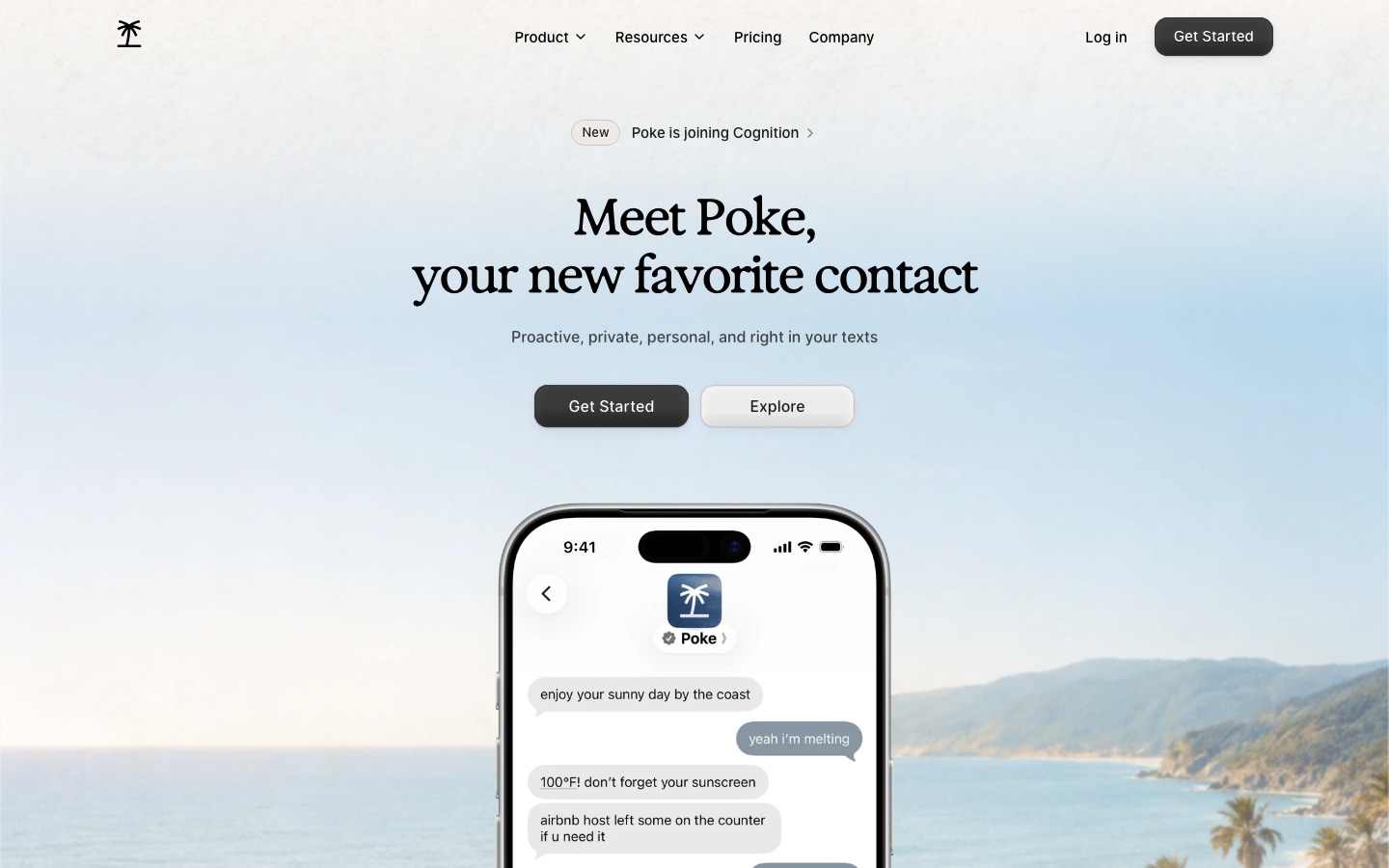
Poke is a personal AI assistant that works inside ordinary messaging apps. Users text Poke in Apple Messages, WhatsApp or Telegram, connect services such as email, calendar and Notion, and ask for reminders, drafts or automations. Poke also sends updates on its own initiative, drawing on those connected services and on what it remembers.
Best for People who would rather manage email, calendar and routine tasks by texting an assistant than by opening another app.
- Pricing model
- Freemium
- Free plan
- Yes
- Added
Last verified: . Information taken from poke.com.
What is Poke?
Poke is an AI assistant that is reached like a contact in a messaging app instead of through its own interface. Conversations take place in Apple Messages, WhatsApp or Telegram, by text or voice message. Once a user links services, the assistant can search and draft email in Gmail, organise Notion pages, read sleep and activity data from an Oura ring, and work with a calendar. Integrations and automations are packaged as recipes, which can be shared with other people, and developers can build their own with custom integrations in a tool called Poke Kitchen. The assistant is designed to be proactive: it uses memory and connected accounts to send reminders or get ahead on tasks without being asked. Three plans are offered, Free, Pro and Ultra, and the site announces that Poke is joining Cognition.
Key Features
Messaging Interface
Runs inside Apple Messages, WhatsApp and Telegram, so requests are sent as normal texts or voice messages.
App Integrations
Connects to services including Gmail, Notion, Oura, email and calendar to read and act on your data.
Recipes
Bundles an integration set and automation into a reusable setup that can be installed or shared.
Reminders and Scheduled Tasks
Creates reminders and starts on tasks at the time you specify.
Proactive Updates
Uses memory and linked services to message you when something needs attention.
Poke Kitchen
Gives developers a place to create, publish and track recipes with custom integrations.
Screenshots
Use Cases
- Inbox Triage by Text
- Receive a message about important email instead of checking the inbox.
- Meeting Follow-Ups
- Have action items from a notes tool added to the calendar.
- Daily Reminders
- Text a request and get nudged at the right moment.
- Health Data Summaries
- Ask about sleep and readiness figures from a connected ring.
- Custom Automations
- Build a recipe that links an internal service to the assistant.
Things to know
- Joining Cognition
- A banner on the home page says Poke is joining Cognition; the page gives no further detail.
- All plans share the same product
- The pricing page says every plan includes all of Poke, with paid tiers differing in model strength, rate limits and support priority.
- No standalone app required
- Poke is used through existing messaging apps, so the conversation sits beside your other chats.
FAQs
What is Poke?
Poke is an AI assistant that you talk to through messaging apps and that connects to your email, calendar and other services.
What is Poke used for?
Poke is used for reminders, email search and drafting, calendar tasks and background automations, all requested by text.
Is Poke free?
Yes. Poke has a Free plan described as free forever, with no credit card required, that lets you connect your apps, email and calendar.
How much does Poke cost?
Poke lists Free, Pro and Ultra plans with monthly or yearly billing; see the official pricing page for the current rates.
Which messaging apps does Poke work with?
Poke works in Apple Messages, WhatsApp and Telegram, and the site says more are supported.
What are Poke recipes?
Poke recipes are packaged setups that configure integrations and automations and can be shared; developers create them in Poke Kitchen.
What is the difference between Poke Pro and Ultra?
Poke Pro adds frontier models for complex tasks, background automations and higher rate limits; Ultra applies frontier models to every action, raises limits further and allows pay-as-you-go usage beyond included credits.
Who it's for
- Busy professionals
- Founders
- Developers
- People managing email overload
Comments
No comments yet. If you have used Poke, tell other readers how it went.
Alternatives to Poke
| Tool | Free plan | Starting price | API |
|---|---|---|---|
 TownPersonal AI assistant that learns how you work and handles email, scheduling and recurring tasks across your tools. |
Yes | — | — |
 MakeVisual automation platform for building workflows and AI agents across 3,000+ app integrations. |
Yes | — | Yes |
 ZapierAutomation platform that connects 9,000+ apps and lets teams build AI workflows, agents and chatbots without code. |
Yes | — | Yes |
 monday.comWork management platform where teams run projects on boards and assign tasks to configurable AI agents. |
Yes | — | Yes |
 n8nWorkflow automation platform for building AI agents and automations visually, with code steps and self-hosting. |
— | — | — |
Listed in the same categories as Poke. A starting price appears only where we checked it on the maker’s pricing page; a dash means not checked or not published. All Productivity & Team Work tools