
mymind
Private bookmarking and note-saving app that uses AI to tag, sort and search everything you save.
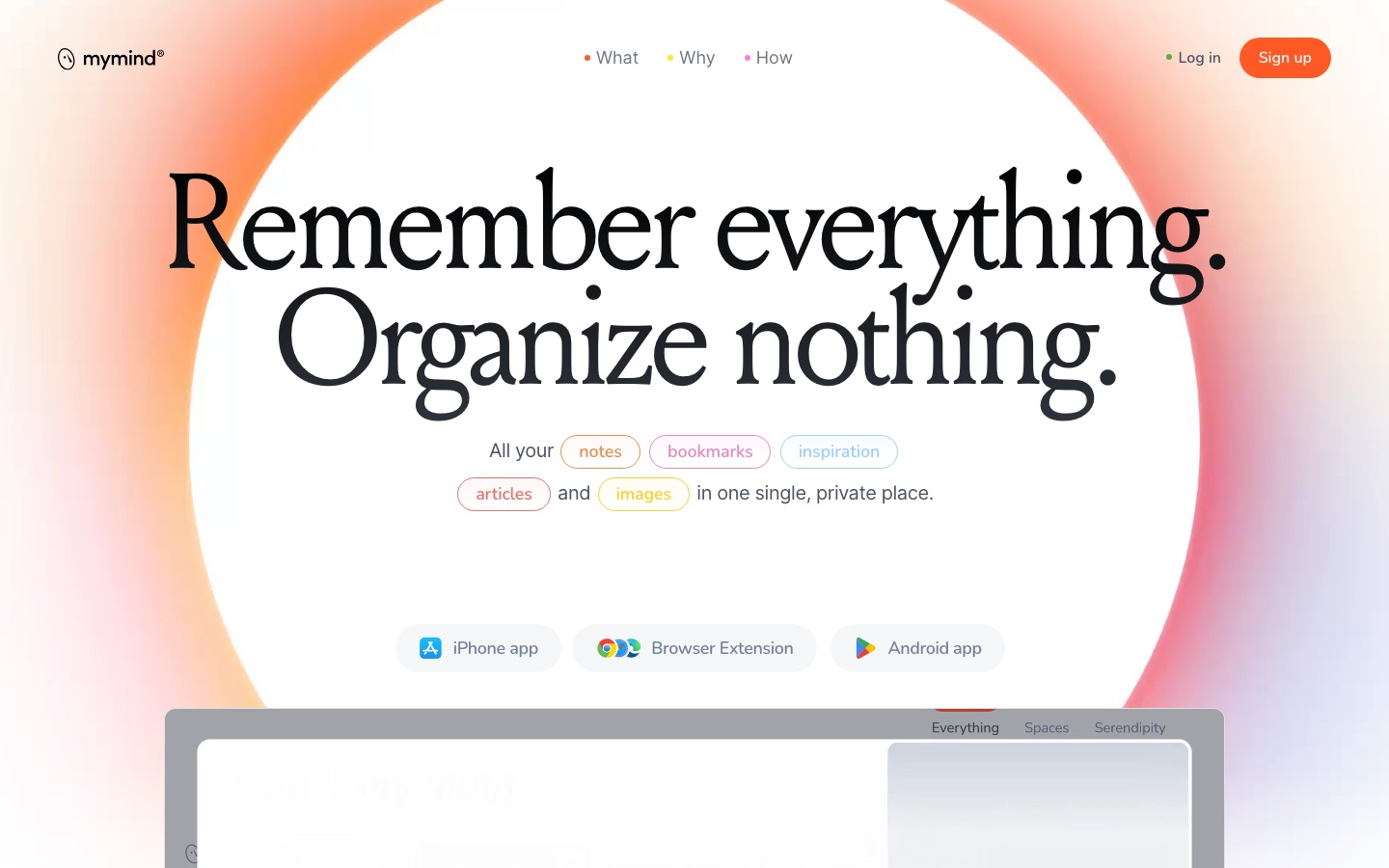
mymind is a private app for saving notes, bookmarks, images, quotes and articles in one place. A user saves an item with a click, and mymind works out what it is, tags it with AI and makes it searchable by keyword, colour, brand or date, so no folders or manual labels are needed.
Best for Visually minded people, such as designers and writers, who collect references and ideas and prefer searching to maintaining folders.
- Platforms
- iOS, Android, macOS, Browser extension
- Pricing model
- Subscription
- Added
Last verified: . Information taken from mymind.com.
What is mymind?
mymind is a personal saving tool that replaces folders and manual tagging with automatic organisation. Anything saved, whether a link, image, note, highlight or video, becomes a card; the service recognises whether a link is an article, product, book or recipe and displays it accordingly. Images are tagged by AI and any text inside them is read, so a screenshot can be found by a word it contains. Search accepts keywords, colours, brands and dates. Other functions include a distraction-free reading mode that keeps a full copy of saved articles, short AI summaries of pages and PDFs, Smart Spaces that group related items, bidirectional links between notes and a Serendipity view that resurfaces older saves. Content syncs between the browser, macOS, iOS and Android apps. The company runs no ads and relies on paid memberships.
Key Features
One-Click Saving
Captures pages, images, quotes and notes from the browser or phone without asking where to file them.
AI Image Tagging
Labels every saved picture automatically and lets you search by object, colour, style or detail.
Image Text Recognition
Reads words in screenshots, memes and handwriting so they turn up in search results.
Reading Mode and Article Backup
Strips ads and clutter from articles and stores the complete text in case the source disappears.
Smart Spaces
Builds collections that fill themselves around a search, theme or tag you define.
AI Summaries
Writes a short paragraph describing saved web pages and PDFs.
Use Cases
- Design Mood Boards
- Gather visual references and pull up others with a similar look.
- Research Collections
- Save articles and link related notes while exploring a topic.
- Read-Later Queue
- Keep long articles for reading without adverts or pop-ups.
- Quick Idea Capture
- Jot a note on the go and expand it later in Focus Mode.
- Finding Old Screenshots
- Locate an image by typing a word that appears inside it.
Things to know
- Member-funded
- The team describes itself as small and independent with no outside funding, paid for by memberships rather than ads.
- Some features are plan-specific
- Video uploads up to 500 MB, article backup and the more advanced AI system are listed under the Mastermind plan.
- A plan without AI exists
- The basic bookmarking plan saves items visually but leaves out the AI features.
- One plan is not yet available
- The pricing page shows a further high-end plan that is still in development.
FAQs
What is mymind?
mymind is a private app that stores notes, bookmarks, images and articles and organises them automatically with AI.
What is mymind used for?
mymind is used to save things found online or thought of during the day and to find them again later by search instead of folders.
Is mymind free?
mymind is supported by paid memberships and shows no ads. Its pricing page presents membership plans; see the official page for current terms.
How much does mymind cost?
mymind's pricing page lists the Student of Life and Mastermind memberships plus a simpler bookmarking plan. See the official pricing page for current prices.
Does mymind work on mobile?
Yes. mymind has iOS and Android apps that sync with the browser and macOS versions.
Is mymind private?
Yes. mymind states that nobody else can see what you save and that it does not track or sell user data.
Can mymind search inside images?
Yes. mymind recognises text in images and tags their contents, so a picture can be found by a word or object in it.
Who it's for
- Designers
- Writers
- Researchers
- Students
- Creative professionals
Used in these workflows
- Organizing notes and knowledge with AI, from capture to recallStage 1: Capturing ideas
- How a newsletter issue gets made, and where AI tools helpStage 1: Finding stories and sources
- Organizing notes and knowledge with AI, from capture to recallStage 3: Saving articles, PDFs and videos
Each guide lists the stages of one job and the tools that help at each stage. All guides
Comments
No comments yet. If you have used mymind, tell other readers how it went.
Alternatives to mymind
| Tool | Free plan | Starting price | API |
|---|---|---|---|
 NotionWorkspace for docs, databases and projects with built-in AI agents, meeting notes and cross-app search. |
Yes | — | Yes |
 AI Exporter HubChrome extension that bulk exports chats from six AI assistants to Notion, Markdown, Obsidian or PDF with media kept intact. |
— | — | — |
 CapacitiesNote-taking and knowledge management app that stores ideas as linked objects instead of files and folders. |
Yes | — | Yes |
 CraftNotes and documents app with tasks, calendar, whiteboards, an AI assistant and API and MCP connections. |
Yes | — | Yes |
 FabricAI workspace that keeps files, notes and meetings in one searchable place, with assistants that act on them. |
— | — | Yes |
Listed in the same categories as mymind. A starting price appears only where we checked it on the maker’s pricing page; a dash means not checked or not published. All Notes & Knowledge Management tools