
MiriCanvas
Template-based online design tool with AI helpers for slides, images, video and photo clean-up.
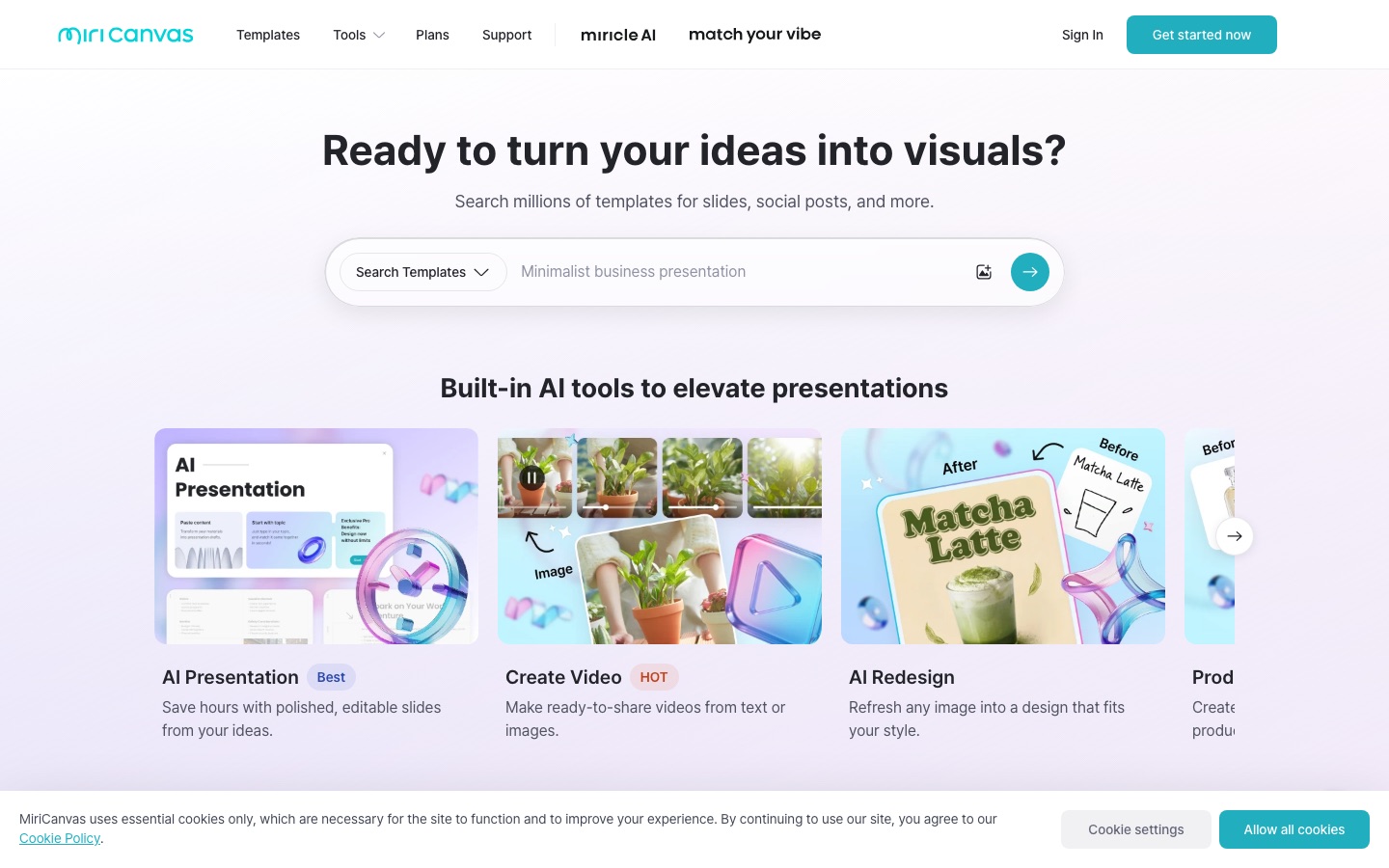
MiriCanvas is a browser-based design tool that starts projects from templates for presentations, social media posts, YouTube thumbnails and posters. MiriCanvas is used by choosing a template, or typing a topic into its AI presentation maker, and then editing the result with stock elements, AI image and text generation and photo tools such as background removal.
Best for Presenters, small businesses and social media managers who want template-based slides, thumbnails and posts and a free plan to begin with.
- Listed in
- Graphic DesignAI Image Generator
- Platforms
- Web
- Pricing model
- Freemium
- Free plan
- Yes
- Made by
- MIRI D.I.H Co., Ltd.
- Added
Last verified: . Information taken from miricanvas.com.
What is MiriCanvas?
MiriCanvas is a browser-based design tool from MIRI D.I.H Co., Ltd. that starts most projects from a template. Its library covers presentations, social media posts, YouTube thumbnails, posters, product detail pages and more, backed by a stock collection of photos, icons, video and audio. On top of the editor sit several AI functions: a presentation maker that drafts slides from a topic, image and text generation, video creation from text or pictures, a redesign tool, product photography, and photo utilities for removing backgrounds or objects and upscaling. Animation effects can be added to text and elements, and the editor works on desktop, tablet and mobile. Plans come in Free, Pro and Enterprise tiers.
Key Features
Template Library
Offers ready-made layouts for slides, thumbnails, posters, social posts and business documents such as resumes and invoices.
AI Presentation Maker
Produces an editable slide draft once you type in a topic.
AI Image and Writing
Generates pictures from a text prompt and drafts copy for a design.
Photo Tools
Removes backgrounds or unwanted objects and upscales images inside the editor.
Stock Elements
Supplies photos, icons, video clips and audio to drop into a design.
Animation and Video
Adds motion to text and elements and builds short videos from text or images.
Screenshots
Use Cases
- Presentation Decks
- Turn a topic into a first draft of slides and finish it in the editor.
- YouTube Thumbnails
- Build channel thumbnails from templates sized for the platform.
- Social Media Posts
- Produce on-brand posts for a business without starting from a blank page.
- Posters and Flyers
- Lay out printed or digital posters from a template.
- Product Detail Pages
- Assemble long-form product pages and product visuals for an online shop.
Things to know
- Free plan limits
- The Free plan is described as free for life and covers more than 50,000 templates, over 350,000 photos and graphics and 1 GB of storage.
- Pro price not listed here
- The plans page names a Pro tier with monthly and annual billing, but no figure for it could be read from the page text.
- Enterprise is quoted individually
- The Enterprise option is arranged with the company directly, with pricing that depends on the organisation.
FAQs
What is MiriCanvas?
MiriCanvas is an online design editor built around templates, stock elements and a set of AI tools.
What is MiriCanvas used for?
MiriCanvas is used to make presentations, YouTube thumbnails, social media posts, posters and product detail pages, usually starting from a template.
Is MiriCanvas free?
Yes, MiriCanvas has a Free plan described as free for life. It includes more than 50,000 templates, over 350,000 photos and graphics, and 1 GB of storage.
What does MiriCanvas Pro add?
MiriCanvas Pro adds unlimited premium templates, photos and graphics, 10 GB of storage, AI tools, unlimited background removal and a seven-day task history with restore.
Does MiriCanvas have a plan for companies?
Yes. MiriCanvas offers an Enterprise option for organisation-wide collaboration and asset management, with dedicated support and pricing arranged per company.
Does MiriCanvas work on mobile?
Yes. MiriCanvas says its editor runs on desktop computers, tablets and mobile devices.
What can the AI in MiriCanvas do?
The AI in MiriCanvas can draft presentations, generate images, write text, create videos, restyle an existing image and produce product photos.
Who makes MiriCanvas?
MiriCanvas is made by MIRI D.I.H Co., Ltd., the company named in the footer of its website.
Who it's for
- Presenters
- Small businesses
- Social media managers
- YouTubers
- Teams
Comments
No comments yet. If you have used MiriCanvas, tell other readers how it went.
Alternatives to MiriCanvas
| Tool | Free plan | Starting price | API |
|---|---|---|---|
 CanvaBrowser-based design suite for social posts, presentations, video and print, with built-in AI tools. |
Yes | — | — |
 Mew DesignAI design agent that creates editable posters, social posts, menus and other graphics from a text brief. |
Yes | — | — |
MolyPix.AIPrompt-based graphic design generator that outputs layered, editable posters, invitations, logos and images. |
Yes | — | — |
 PosterMyWallTemplate-based design tool with social scheduling, email campaigns, event pages and a set of AI helpers. |
Yes | — | — |
 Redesign With AIOnline AI design generator for icons, logos, stickers, posters, coloring pages, mockups and tattoo ideas. |
Yes | — | — |
Listed in the same categories as MiriCanvas. A starting price appears only where we checked it on the maker’s pricing page; a dash means not checked or not published. All Graphic Design tools