
Dubbing AI
Real-time AI voice changer and soundboard for games, streams and calls on desktop and mobile.
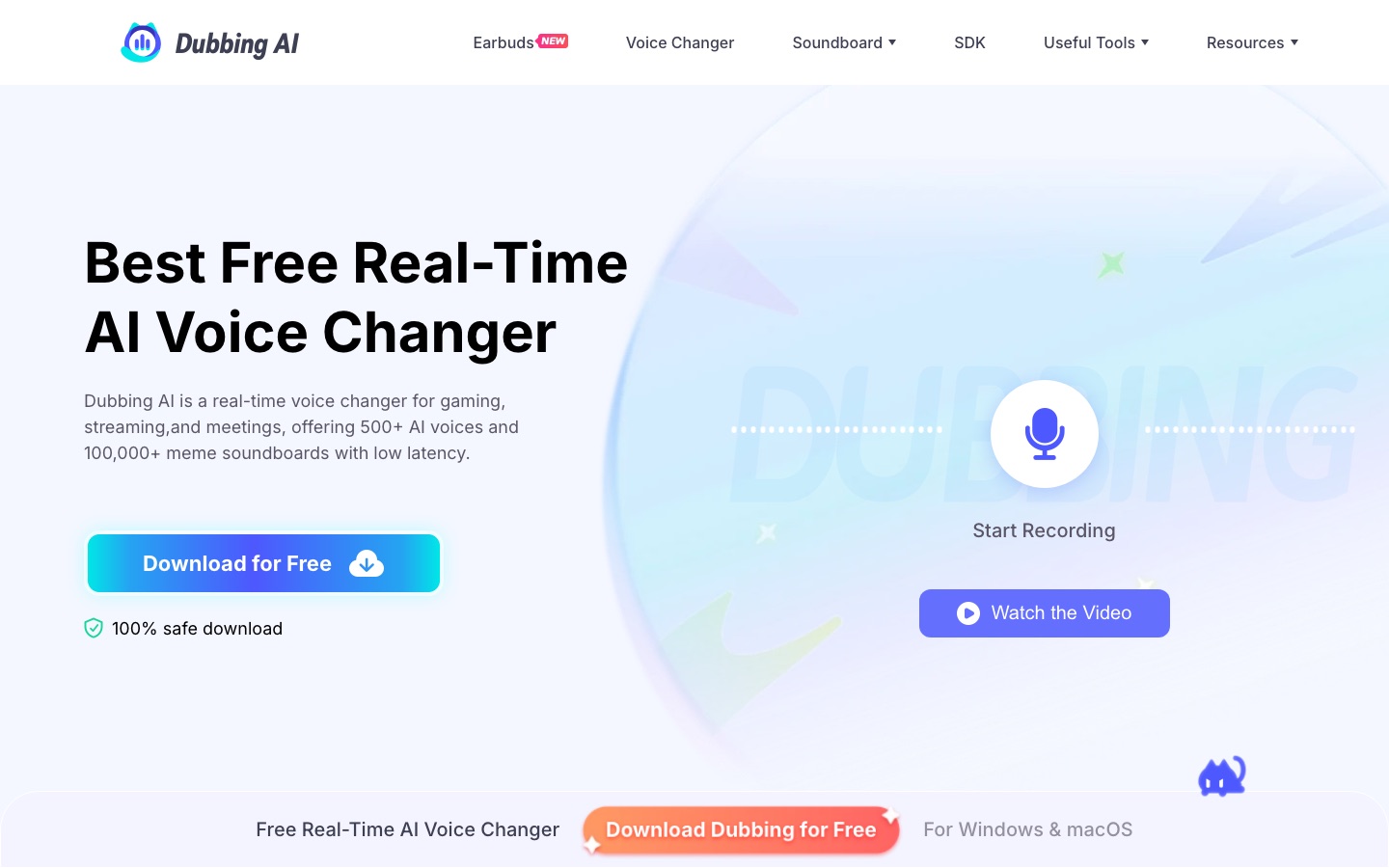
Dubbing AI is a voice changer that works live during games, streams and calls. Dubbing AI installs a virtual microphone on Windows or macOS; after you pick one of more than 500 voices and select that device in Discord, OBS, Zoom or a game, your speech is converted live. A soundboard and mobile apps are also offered.
Best for Gamers, streamers and VTubers who want to speak in a different voice live and play sound clips during sessions.
- Platforms
- Windows, macOS, iOS, Android, Web, API
- Pricing model
- Freemium
- Free plan
- Yes
- API
- Yes
- Made by
- Dubbing AI
- Added
Last verified: . Information taken from dubbingai.io.
What is Dubbing AI?
Dubbing AI is a voice changer that converts your speech into another voice while you talk. The desktop program for Windows and macOS installs a virtual microphone; once that device is chosen as the input in Discord, OBS, Zoom or a game, everything you say is passed through the selected voice. The library holds more than 500 voices, including game and anime characters and original ones, and the site quotes a delay of under 300 milliseconds with low CPU use. A soundboard with meme clips, a community library for uploading your own sounds and a sound effect generator sit alongside it. The site also lists browser tools such as an online voice changer, vocal and instrumental removers, a recorder and an audio converter, plus mobile apps, earbuds hardware and an SDK and API for developers.
Key Features
Live Voice Conversion
Changes your voice as you speak, with a stated latency below 300 milliseconds.
Voice Library
Offers over 500 selectable voices that can be previewed, favourited and switched without restarting.
Virtual Microphone
Routes the altered voice into any app that accepts a microphone input, such as Discord, OBS or Zoom.
Soundboard
Plays meme and effect clips during a session and accepts clips uploaded through the community library.
Browser Audio Tools
Includes an online voice changer, vocal and instrumental removal, a recorder and a format converter.
SDK and API
Provides developer services for building voice changing into other products.
How Dubbing AI works
Install and choose a microphone
Download the desktop app for Windows or macOS and set your main microphone as the input.
Switch the changer on
Enable the Voice Changer toggle so audio is processed through the virtual device.
Pick a voice
Browse the Voice Box, preview characters and favourite the ones you use often.
Monitor yourself
Turn on the Hear Myself option to check the result in headphones.
Select the virtual device
In Discord, OBS, Zoom or a game, choose the Dubbing Virtual Device as the microphone.
Use Cases
- In-Game Voice Chat
- Speak to teammates in a character voice during multiplayer matches.
- Live Streaming
- Switch voices mid-broadcast and trigger sound clips on Twitch, YouTube or Kick.
- VTuber Avatars
- Pair a virtual avatar with a voice that suits its appearance.
- Privacy on Voice Chat
- Mask your natural voice when talking with strangers online.
- Solo Audio Production
- Record several distinct speakers for a podcast or audio drama alone.
Things to know
- Headphones are required
- The site says speakers cause an echo because the output is picked up again by the microphone.
- Free voices rotate
- Only a changing set of voices is free at any time; the complete library needs a subscription.
- Voices of real people
- The site promotes celebrity-style voices among its presets; no usage conditions for imitating real people appear on the home page.
- Custom voices are by request
- A personal or cloned voice is arranged by contacting the company rather than through a self-service step.
FAQs
What is Dubbing AI?
Dubbing AI is desktop and mobile software that alters your voice live and adds a soundboard, aimed at gamers, streamers and people on online calls.
Is Dubbing AI free?
Dubbing AI can be downloaded and used at no charge with a rotating selection of at least 10 free voices each day. A subscription unlocks the full voice library.
Which platforms does Dubbing AI run on?
Dubbing AI says it supports Windows, Mac, Android and iOS, and also offers browser tools and VR/AR compatibility.
Which apps does Dubbing AI work with?
Dubbing AI works with apps that take a microphone input, including Discord, Zoom, OBS, Twitch, WhatsApp, Steam and many popular games.
How many languages does Dubbing AI support?
Dubbing AI states that it supports more than 40 languages, among them English, German, Arabic, Hindi, Japanese, Korean, French and Spanish.
Does Dubbing AI have an API?
Yes. Dubbing AI lists SDK and API services for developers.
Do I need an account to use Dubbing AI?
Yes. Dubbing AI requires registration before use, and sign-up is done by email.
Who it's for
- Gamers
- Streamers
- VTubers
- Content creators
- Developers
Comments
No comments yet. If you have used Dubbing AI, tell other readers how it went.
Alternatives to Dubbing AI
| Tool | Free plan | Starting price | API |
|---|---|---|---|
 EchoReal-time AI voice changer and soundboard app for PC and Mac that works with any program using a microphone. |
Yes | — | — |
 LALAL.AIAI audio tools that split songs into vocal and instrument stems and clean, change or clone voices. |
Yes | — | Yes |
 AudimeeVocal conversion tool for music producers with royalty-free AI voices, custom voice training and stem tools. |
Yes | — | — |
 Kits AIAI audio tools for music producers: voice cloning, singing voice conversion, stem splitting and mastering. |
Yes | — | Yes |
 LamucalAI tool that generates chords, tabs, beats and lyrics for any song, with vocal removal and practice features. |
— | — | — |
Listed in the same categories as Dubbing AI. A starting price appears only where we checked it on the maker’s pricing page; a dash means not checked or not published. All Voice Cloning & Voice Changer tools