
Deepfakes Web
Cloud face swap service that places a face from one photo into an uploaded video, on the web and in mobile apps.
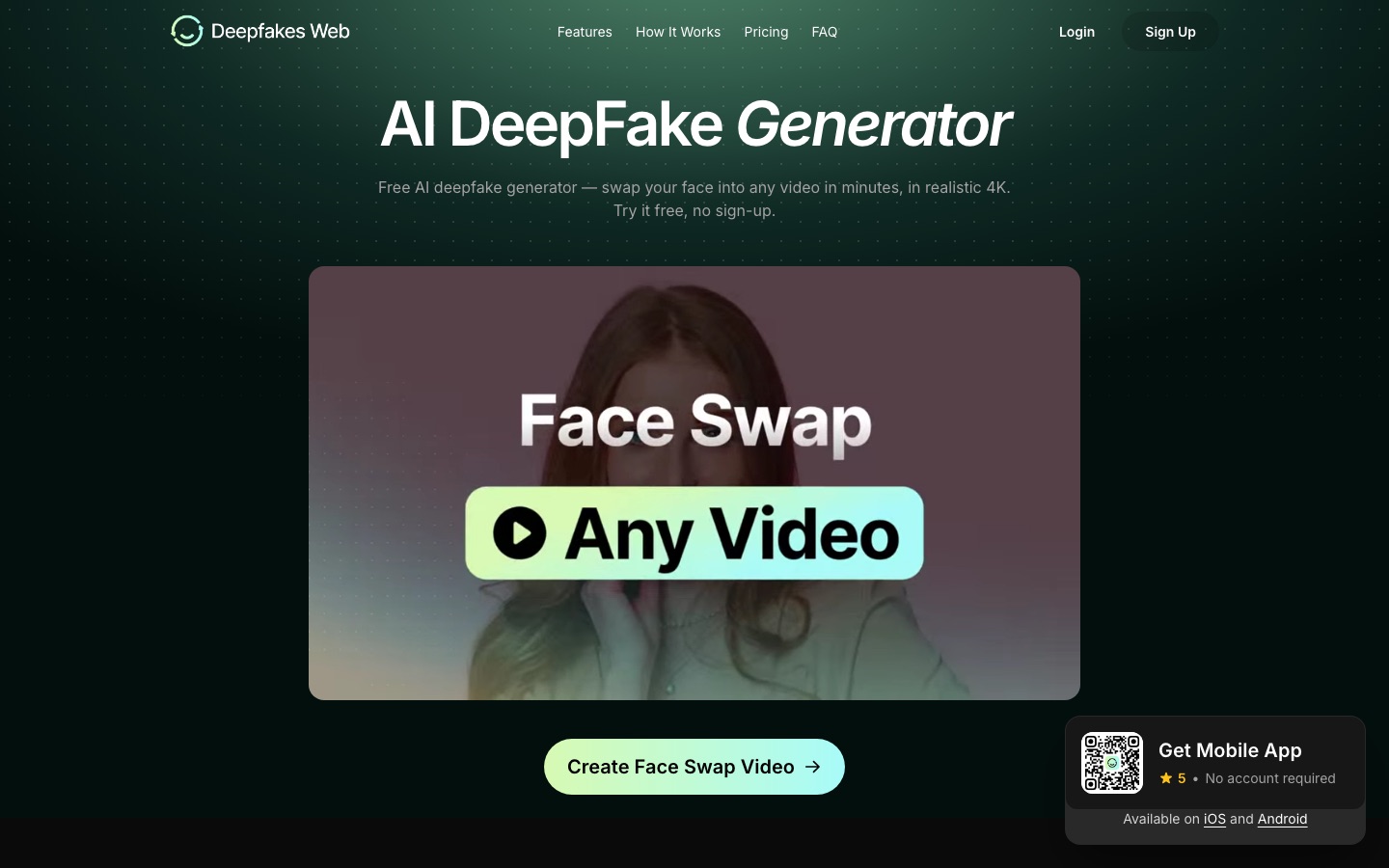
Deepfakes Web is a cloud-based face swap service. Deepfakes Web takes one clear photo of a face and an MP4 video, then replaces a face in the video and returns a new MP4 within minutes. Template swaps in the browser are free, uploads are paid per video, and every result carries an invisible AI watermark.
Best for People making parody, meme or role-play videos with their own face or with the face of someone who has given consent.
- Listed in
- AI Video GeneratorVideo Editing
- Platforms
- Web, iOS, Android
- Pricing model
- Credits
- Free plan
- Yes
- Made by
- Deepfakes Inc.
- Added
Last verified: . Information taken from deepfakesweb.com.
What is Deepfakes Web?
Deepfakes Web is a cloud service that swaps a face from a single photo into a video. You supply a clear, front-facing picture and an MP4 clip; the service then finds the faces, carries out the swap and rebuilds the footage on its own GPUs, so no software is installed locally. Uploaded clips can run to three minutes, 200 MB and 4K resolution, and results arrive as MP4 files. When several people appear in a clip, you decide which face is replaced. Swapping a face into the site's template videos costs nothing and needs no account, while your own uploads are paid for per video and not by subscription. A companion DeepFake App for iOS and Android runs on the same engine. Every output carries an invisible watermark identifying it as AI-generated, and the terms forbid using the service to deceive or harm people.
Key Features
One-Photo Face Swap
Maps a face from a single front-facing photo onto a person in the target video.
Cloud GPU Rendering
Handles extraction, swapping and assembly on remote servers, so the page can be closed while a job runs.
Long, High-Resolution Clips
Accepts uploads of up to three minutes and 200 MB at resolutions as high as 4K.
Face Selection
Shows the faces detected in a group shot and replaces only the one you choose.
Invisible Watermark
Embeds a hidden marker in each video so detection tools can recognise it as synthetic.
Mobile App
Offers the same swap engine on iOS and Android with card or in-app payment and no account.
How Deepfakes Web works
Upload a face and a video
Add a face image and an MP4 clip of up to 200 MB.
Let the AI process it
Face extraction, swapping and video assembly run automatically in the cloud.
Preview the result
Watch the finished video in the browser and download it.
Use Cases
- Parody and Memes
- Put your own face into a familiar clip for a joke shared with friends or followers.
- Movie Scene Role-Play
- Insert yourself into a film scene you have uploaded.
- Short Vertical Videos
- Prepare face-swapped clips sized for TikTok or Reels.
- Stream Highlights
- Swap a face into a game trailer or a recorded stream segment.
- Consented Creative Projects
- Test a casting or advertising idea with a participant's face, after that person has given permission.
Things to know
- Terms prohibit deception and harm
- The site's terms forbid using the service to deceive or harm others, and its FAQ notes that non-consensual intimate imagery, fraud and impersonation are crimes in a growing number of jurisdictions.
- Consent matters
- The legal guidance on the site treats swapping your own face, or that of a person who has agreed, differently from using someone's likeness without permission.
- All videos are watermarked
- An invisible AI watermark is embedded in every finished video, free or paid.
- Purchases are final
- Refunds are not given once processing has begun; credits are returned only if a job fails because of a technical fault on the service's side.
FAQs
What is Deepfakes Web?
Deepfakes Web is an online service that swaps a face from a photo into a video using AI running on cloud GPUs.
Is Deepfakes Web free?
Partly. Deepfakes Web lets you swap your face into its template videos for free without signing up, while swapping into a video you upload is charged per video.
Do I need an account to use Deepfakes Web?
Not for template swaps. Deepfakes Web asks for an account when you upload your own video on the website, and its mobile app works without one.
How long does Deepfakes Web take to make a video?
Deepfakes Web says most videos are ready within minutes. Its FAQ breaks the job into face extraction, swapping and rendering stages that each take from a couple of minutes upward depending on length and quality.
What video formats does Deepfakes Web support?
Deepfakes Web takes MP4 input of up to 200 MB and 4K resolution and returns an MP4 file.
Are Deepfakes Web videos watermarked?
Yes. Deepfakes Web embeds an invisible digital watermark in every video so that detection tools can flag it as AI-generated; the mark does not alter how the video looks.
Is there a Deepfakes Web mobile app?
Yes. The DeepFake App is available for iOS and Android and uses the same AI as the website.
Is it legal to make a video with Deepfakes Web?
It depends on where you live and how the video is used. Deepfakes Web advises checking local law, points to consent and intent as the deciding factors, and prohibits deceptive or harmful use in its terms.
Who it's for
- Meme creators
- Social media creators
- Streamers
- Video hobbyists
- Marketers
Comments
No comments yet. If you have used Deepfakes Web, tell other readers how it went.
Alternatives to Deepfakes Web
| Tool | Free plan | Starting price | API |
|---|---|---|---|
 FlixierBrowser-based video editor with cloud rendering, automatic subtitles and an AI assistant that cuts or generates videos. |
Yes | — | — |
 GoEnhance AIAI video and image platform that gathers many generation models and tools such as video-to-video, face swap and lip sync. |
Yes | — | Yes |
 AnimakerOnline animation maker that generates and edits animated videos with AI voices, subtitles and a character builder. |
Yes | — | — |
 CrayoWeb-based AI editor for short-form video with auto clipping, voiceovers, subtitles and story video generators. |
— | — | Yes |
 DomoAIAI video studio that generates clips from text, images or footage and restyles existing video into other looks. |
Yes | — | Yes |
Listed in the same categories as Deepfakes Web. A starting price appears only where we checked it on the maker’s pricing page; a dash means not checked or not published. All AI Video Generator tools