
Cartoonize.net
Browser-based photo editor that turns pictures into cartoons, sketches and paintings and adds AI retouching tools.
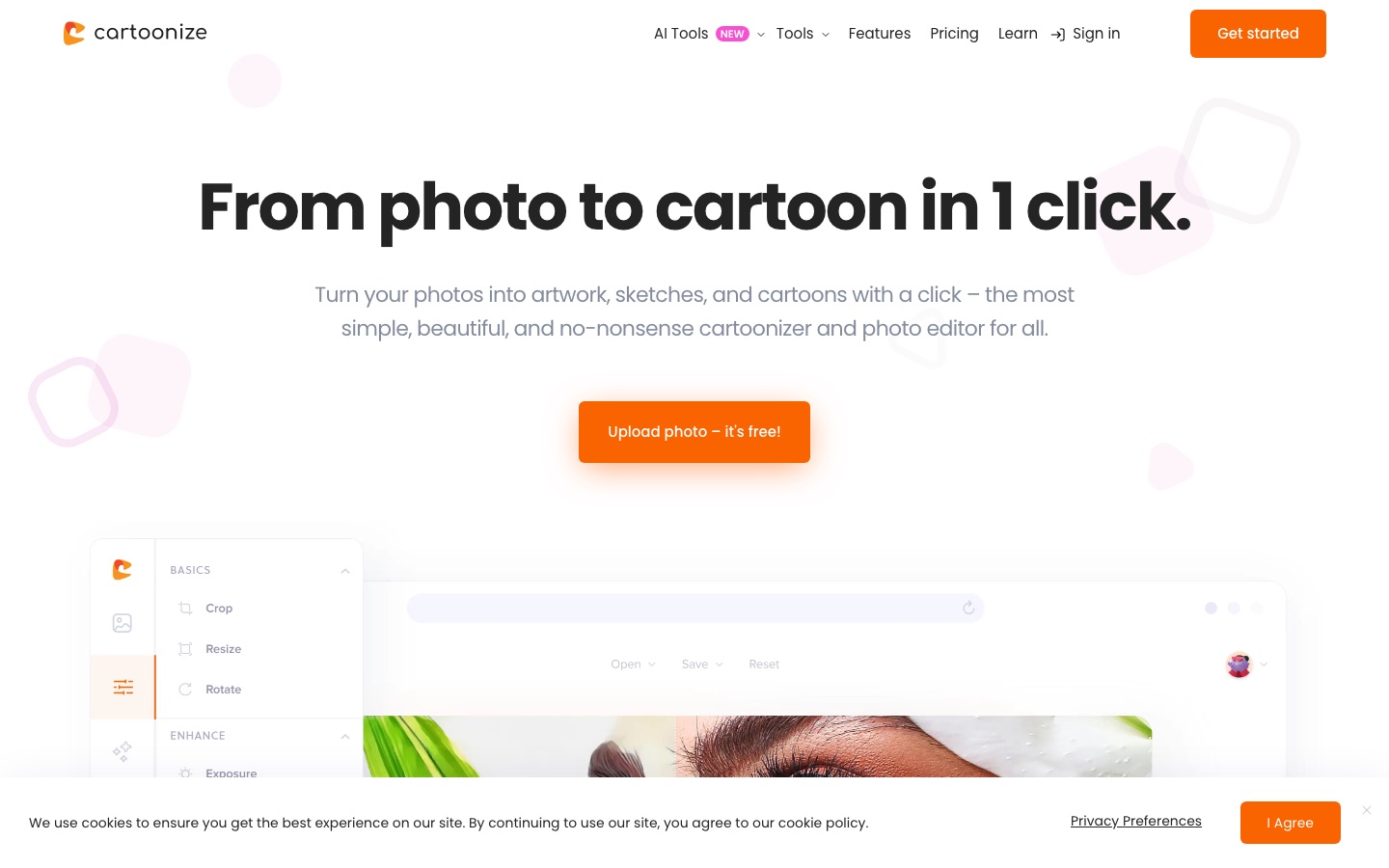
Cartoonize.net is a browser-based photo editor that converts photos into cartoons, sketches, drawings and paintings in one click. Cartoonize.net also offers standard editing tools, overlays, a stock library and AI functions such as background removal and upscaling. Cartoonize.net is used by uploading a photo, applying an effect and exporting the result.
Best for People who want cartoon or art-style versions of their photos and a simple editor for everyday retouching, without installing software.
- Listed in
- Anime & Comic ArtImage Editing
- Platforms
- Web, iOS, Android
- Pricing model
- Freemium
- Free plan
- Yes
- Made by
- eVeek, LLC
- Added
Last verified: . Information taken from cartoonize.net.
What is Cartoonize.net?
Cartoonize.net is an online photo editor centred on converting photographs into cartoon, sketch, drawing and painting styles. The conversion takes a single click and the strength of each effect can be adjusted afterwards. Around that sits a general editor with cropping, resizing, colour replacement, text, layers, frames, masks and overlays such as rain, snow, fog and light leaks, plus converters between JPG, PNG and PDF. A group of AI tools handles face restoration, inpainting and object removal, background removal, upscaling, colourising old photos, stickers from faces and photo-to-anime. The service also bundles a library of over four million stock photos, graphics and icons. A free Basic tier works without registration, while the paid Pro tier unlocks every effect and higher-resolution export. Mobile apps exist for iOS and Android, and the product belongs to eVeek, LLC.
Key Features
One-Click Cartoonizer
Converts an uploaded photo into a cartoon and lets you tune the effect afterwards.
Art Style Filters
Renders pictures as sketches, drawings or paintings, alongside posterize, sepia, grayscale and pixel effects.
AI Retouching Tools
Restores faces, removes objects by inpainting, upscales images and adds colour to old black-and-white photos.
Background Remover
Cuts the subject out of a photo in one step using AI, with a separate tool to swap in a new backdrop.
Layers, Masks and Overlays
Organises a project in a layers panel and adds frames, text masks, bokeh, glitch or weather overlays.
Print-Ready Export
Saves work at up to 400 DPI through an adjustable export control and converts between JPG, PNG and PDF.
How Cartoonize.net works
Upload a photo
Open the editor in the browser and add a picture; the Basic tier does not ask for an account.
Apply an effect
Choose the cartoonizer or another filter and adjust how strong it is.
Refine the image
Use the editing tools to crop, change colours, add text, frames or overlays.
Export
Download the finished picture, choosing format and resolution.
Use Cases
- Cartoon Profile Pictures
- Turn a selfie into a cartoon avatar for social accounts.
- Stream Branding
- Build a Twitch banner or channel artwork from your own photos.
- Reviving Old Photos
- Colourise and sharpen a faded family picture with the de-oldify and face restoration tools.
- Product Cut-Outs
- Remove the background from an item photo before placing it on a new scene.
- Memes and Collages
- Combine several pictures, add captions and export the result for sharing.
Things to know
- Refund terms
- The pricing FAQ says monthly subscriptions are not refunded, and annual ones only in limited cases within the first 30 days after switching to monthly billing.
- Cancelling deletes data
- Deactivating a Pro account ends the subscription at once and removes saved projects and personal information.
- Card payments only
- Payments are taken by credit or debit card through Stripe.
- No account sharing
- Commercial use is allowed, but one account may not be used by several people.
FAQs
What is Cartoonize.net?
Cartoonize.net is a web-based photo editor that converts photos into cartoons, sketches and paintings and includes editing and AI retouching tools.
Is Cartoonize.net free?
Yes, partly. Cartoonize.net has a free Basic tier that needs no registration, and a paid Pro tier that opens all premium effects, graphics and higher-resolution export.
How much does Cartoonize Pro cost?
Cartoonize Pro is sold as a monthly or an annual subscription. See the official pricing page for current figures.
Do I need to install anything to use Cartoonize.net?
No. Cartoonize.net runs in the browser on Mac, Windows and Linux computers, and separate mobile apps are offered for iOS and Android.
Can I use Cartoonize.net images commercially?
Yes. Cartoonize.net permits commercial use of work made with Basic and Pro accounts, but forbids sharing one account between several people.
Can I cancel Cartoonize Pro?
Yes. Cartoonize Pro can be cancelled at any time from the account, although deactivating closes the account and permanently deletes saved projects.
Who makes Cartoonize.net?
Cartoonize.net is a product of eVeek, LLC.
Who it's for
- Hobby photographers
- Social media users
- Content creators
- Streamers
- Small business owners
Comments
No comments yet. If you have used Cartoonize.net, tell other readers how it went.
Alternatives to Cartoonize.net
| Tool | Free plan | Starting price | API |
|---|---|---|---|
 ImagetoCartoonFree browser tool that converts photos into cartoon, anime, comic, clay and 3D-style images with AI. ImagetoCartoonFree browser tool that converts photos into cartoon, anime, comic, clay and 3D-style images with AI. |
Yes | — | — |
 Torii Image TranslatorAI translator for manga, manhwa and webtoons that redraws the page with translated lettering, as a browser extension and web app. Torii Image TranslatorAI translator for manga, manhwa and webtoons that redraws the page with translated lettering, as a browser extension and web app. |
— | — | Yes |
 BeFunkyOnline photo editor, collage maker and graphic design tool with AI editing and batch processing. BeFunkyOnline photo editor, collage maker and graphic design tool with AI editing and batch processing. |
Yes | — | — |
 CanvaBrowser-based design suite for social posts, presentations, video and print, with built-in AI tools. CanvaBrowser-based design suite for social posts, presentations, video and print, with built-in AI tools. |
Yes | — | — |
 IdeogramImage models known for accurate text rendering, with task-focused apps and a unified API. IdeogramImage models known for accurate text rendering, with task-focused apps and a unified API. |
— | — | Yes |
Listed in the same categories as Cartoonize.net. A starting price appears only where we checked it on the maker’s pricing page; a dash means not checked or not published. All Anime & Comic Art tools