
ImagetoCartoon
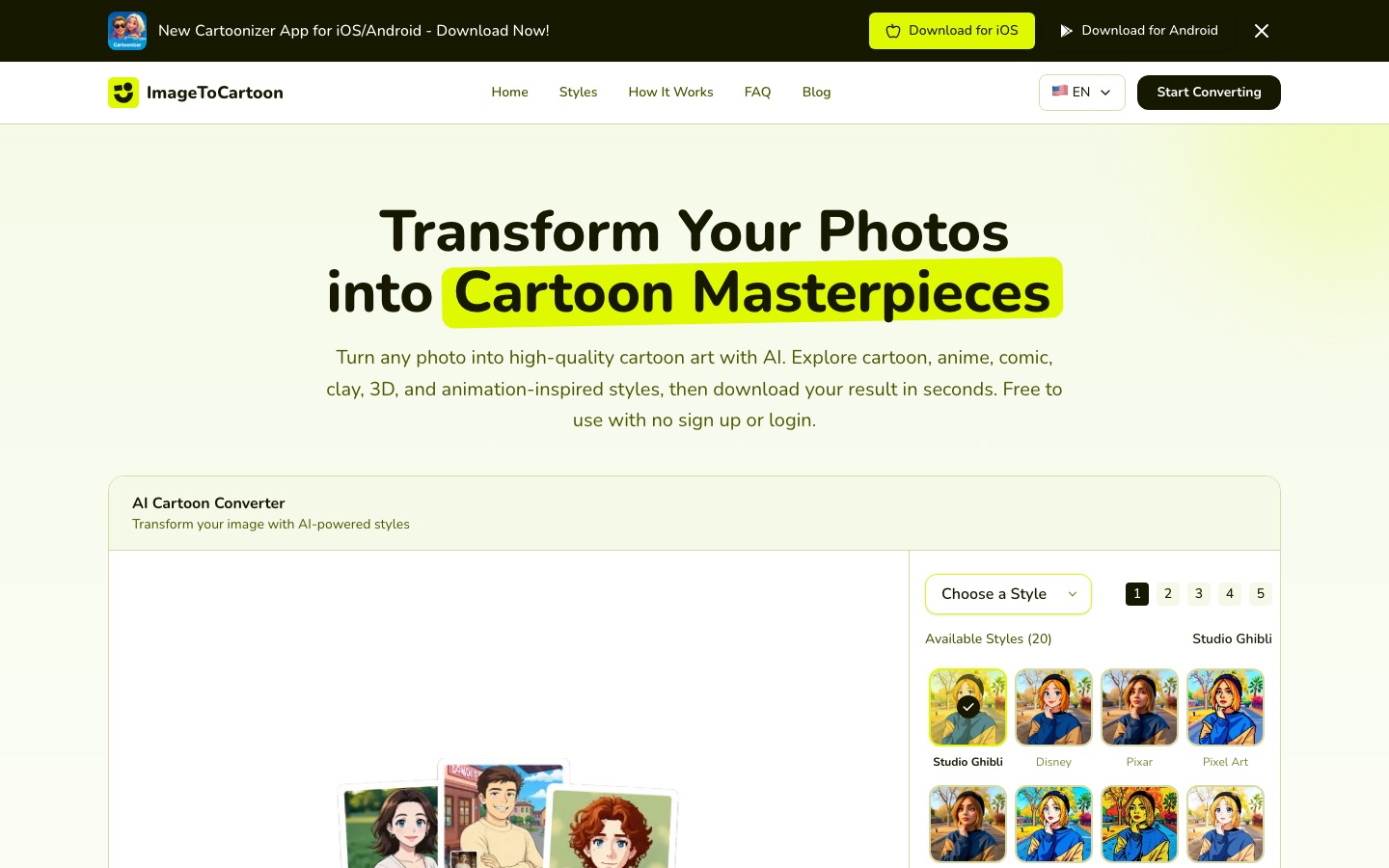
Free browser tool that converts photos into cartoon, anime, comic, clay and 3D-style images with AI.
ImagetoCartoon is a free online converter that uses AI to redraw a photo as a cartoon. ImagetoCartoon is used by uploading a JPG, PNG or WebP image, choosing one of more than 80 styles such as anime, manga, comic, claymation or 3D animation, and downloading the result. No account, login or payment is needed.
Best for People who want a quick cartoon avatar, pet portrait or stylised social post from an existing photo without creating an account.
- Listed in
- Anime & Comic ArtImage Editing
- Platforms
- Web, iOS, Android
- Pricing model
- Free
- Free plan
- Yes
- Added
Last verified: . Information taken from imagetocartoon.com.
What is ImagetoCartoon?
ImagetoCartoon is a web-based AI cartoonizer that restyles ordinary photos as illustrated artwork. The converter on the home page takes an upload, a pasted image or an image URL, then applies a style chosen from a library the site puts at more than 80 options, ranging from anime, manga and comic looks to pixel art, ukiyo-e, children's book, doodle, claymation and 3D animation. You can also set the output aspect ratio or keep the proportions of the input. The site says it works on portraits, group shots, full-body pictures and pet photos, and that no software has to be installed because everything runs in the browser on desktop and mobile. Use is free with no registration, and uploaded images and results are deleted within two hours. Separate iOS and Android apps are advertised.
Key Features
Large Style Library
Offers more than 80 looks, including anime, manga, comic book, pop art, pixel art, flat illustration and claymation.
Flexible Image Input
Takes a file upload, a drag-and-drop, a clipboard paste or a link to an online image.
Aspect Ratio Control
Outputs in the input's proportions or in fixed ratios such as 1:1, 9:16 and 16:9.
Custom Styles
Includes a mode for using your own styles alongside the preset list.
Group and Full-Body Support
Detects several faces in one picture and handles full-length shots as well as close portraits.
No Account Needed
Runs without registration, login or payment details, directly in the browser.
How ImagetoCartoon works
Upload a photo
Add a JPG, PNG or WebP file, paste an image, or provide an image URL.
Choose a style
Browse the style library and select the look you want.
Let the AI convert it
The image is processed and redrawn in the chosen style within seconds.
Download the result
Save the cartoon version for sharing or printing.
Use Cases
- Profile Pictures
- Turn a selfie into a cartoon avatar for social or messaging accounts.
- Pet Portraits
- Convert a photo of a cat or dog into an illustrated image for a gift or print.
- Social Posts
- Give holiday or event photos an anime or comic look before sharing them.
- Creative Projects
- Produce stylised artwork for cards, posters or a personal blog.
- Group Keepsakes
- Restyle a family or team photo as a single cartoon image.
Things to know
- Files are removed after two hours
- The site says the original photo and the generated image are deleted automatically within two hours.
- Upload limits
- Accepted formats are JPG, PNG and WebP, up to 10 MB.
- Rights to the source photo matter
- Commercial use is allowed only if you own or have permission for the original image and respect third-party rights.
FAQs
What is ImagetoCartoon?
ImagetoCartoon is an online AI tool that converts photos into cartoon-style images in styles such as anime, comic, clay and 3D animation.
Is ImagetoCartoon free?
Yes. ImagetoCartoon says the converter is free to use and needs no sign-up, login or payment details.
What file formats does ImagetoCartoon support?
ImagetoCartoon accepts JPG, PNG and WebP images, with a stated size limit of 10 MB per file.
Does ImagetoCartoon work on mobile?
Yes. ImagetoCartoon runs in the browser on phones, tablets and computers, and the site also promotes apps for iOS and Android.
Is it safe to upload photos to ImagetoCartoon?
ImagetoCartoon states that uploads are used only to create the result and that both the original and the output are deleted from its systems within two hours.
Can I use ImagetoCartoon images commercially?
ImagetoCartoon permits both private and business use of the results, provided the source photo is yours or you hold permission for it and your use respects the law and other people's rights.
Does ImagetoCartoon work with pet or group photos?
Yes. ImagetoCartoon says it handles pet pictures, group photos with several faces and full-body shots.
Who it's for
- Social media users
- Pet owners
- Content creators
- Hobby artists
- Gift makers
Comments
No comments yet. If you have used ImagetoCartoon, tell other readers how it went.
Alternatives to ImagetoCartoon
| Tool | Free plan | Starting price | API |
|---|---|---|---|
 Torii Image TranslatorAI translator for manga, manhwa and webtoons that redraws the page with translated lettering, as a browser extension and web app. Torii Image TranslatorAI translator for manga, manhwa and webtoons that redraws the page with translated lettering, as a browser extension and web app. |
— | — | Yes |
 DomoAIAI video studio that generates clips from text, images or footage and restyles existing video into other looks. DomoAIAI video studio that generates clips from text, images or footage and restyles existing video into other looks. |
Yes | — | Yes |
 AVCLabs AIAI software and online tools for upscaling, restoring, blurring and editing videos and photos. AVCLabs AIAI software and online tools for upscaling, restoring, blurring and editing videos and photos. |
— | — | — |
 AffinityFree desktop app that combines vector design, photo editing and page layout in a single document format. AffinityFree desktop app that combines vector design, photo editing and page layout in a single document format. |
Yes | — | — |
 AirbrushAI photo editor for portrait retouching, object erasing and background changes on web, desktop and mobile. AirbrushAI photo editor for portrait retouching, object erasing and background changes on web, desktop and mobile. |
Yes | — | — |
Listed in the same categories as ImagetoCartoon. A starting price appears only where we checked it on the maker’s pricing page; a dash means not checked or not published. All Anime & Comic Art tools