Image prompt Branding & UI Customizable
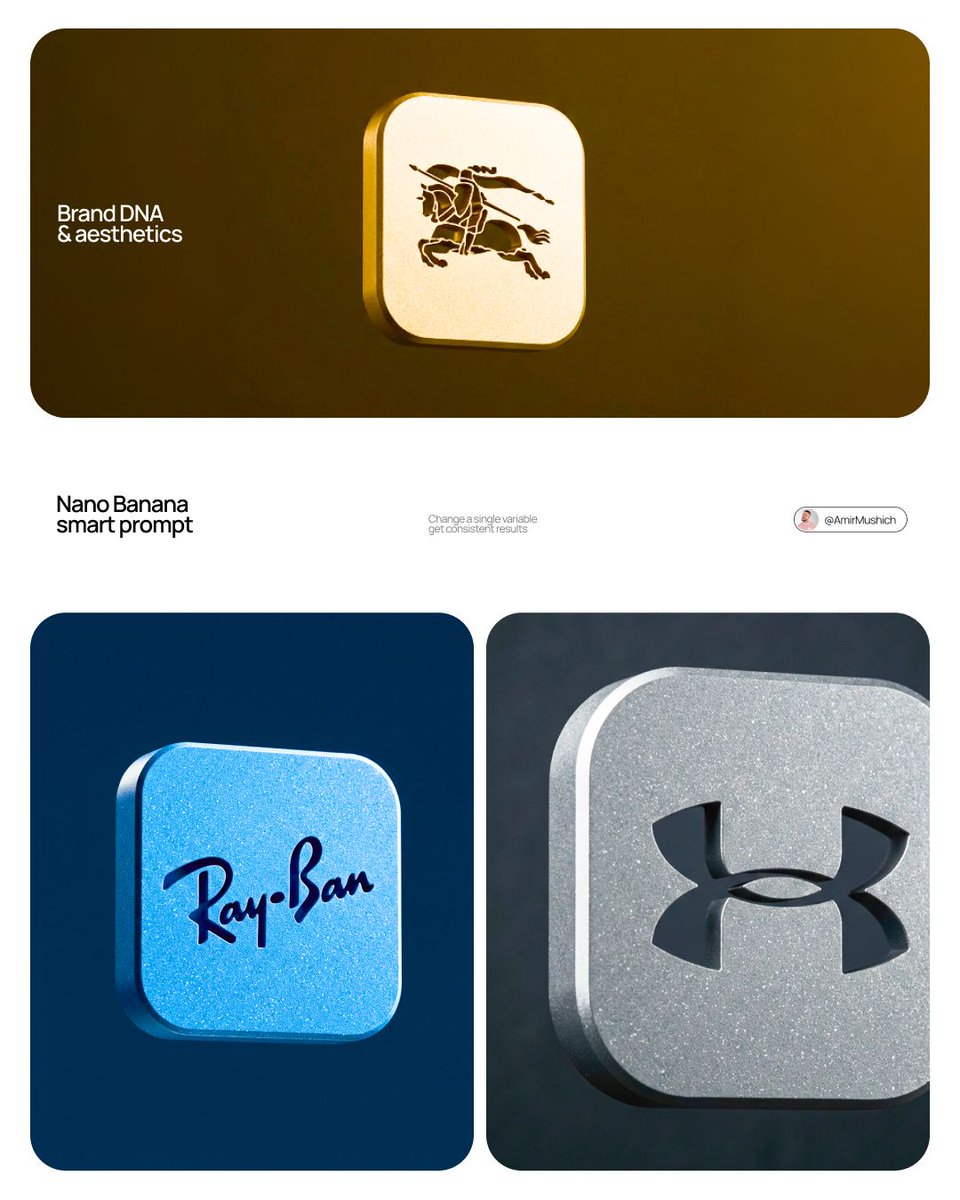
Negative Space Brand Block Cutout in 3D Render
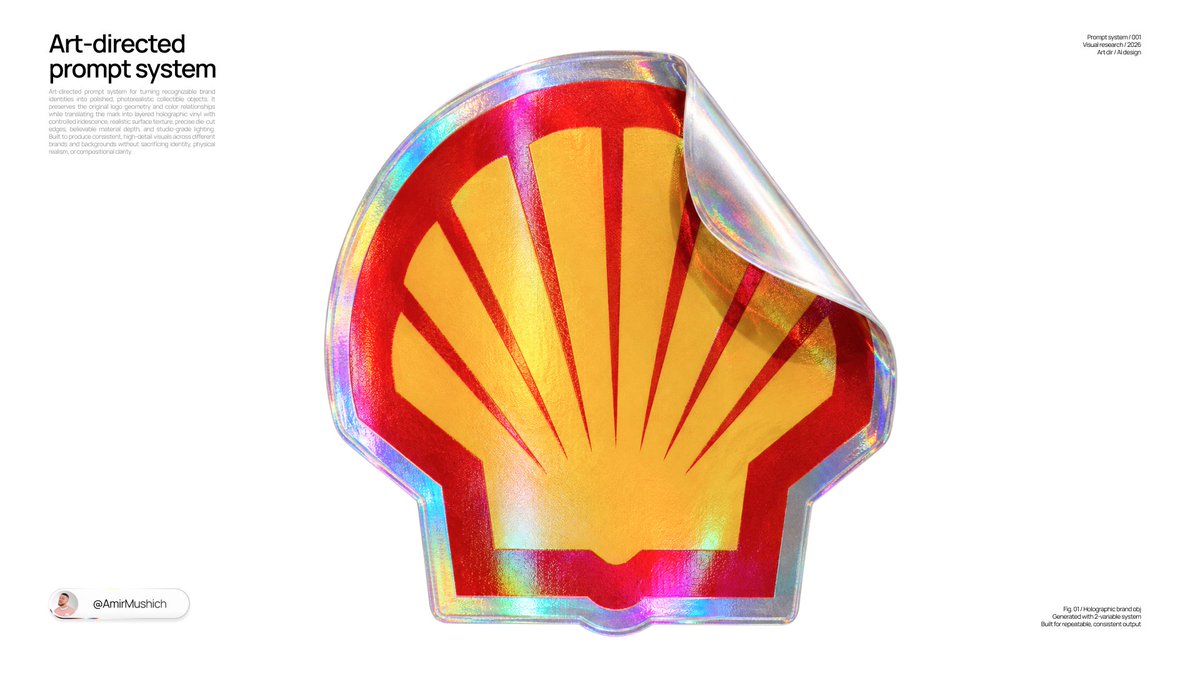
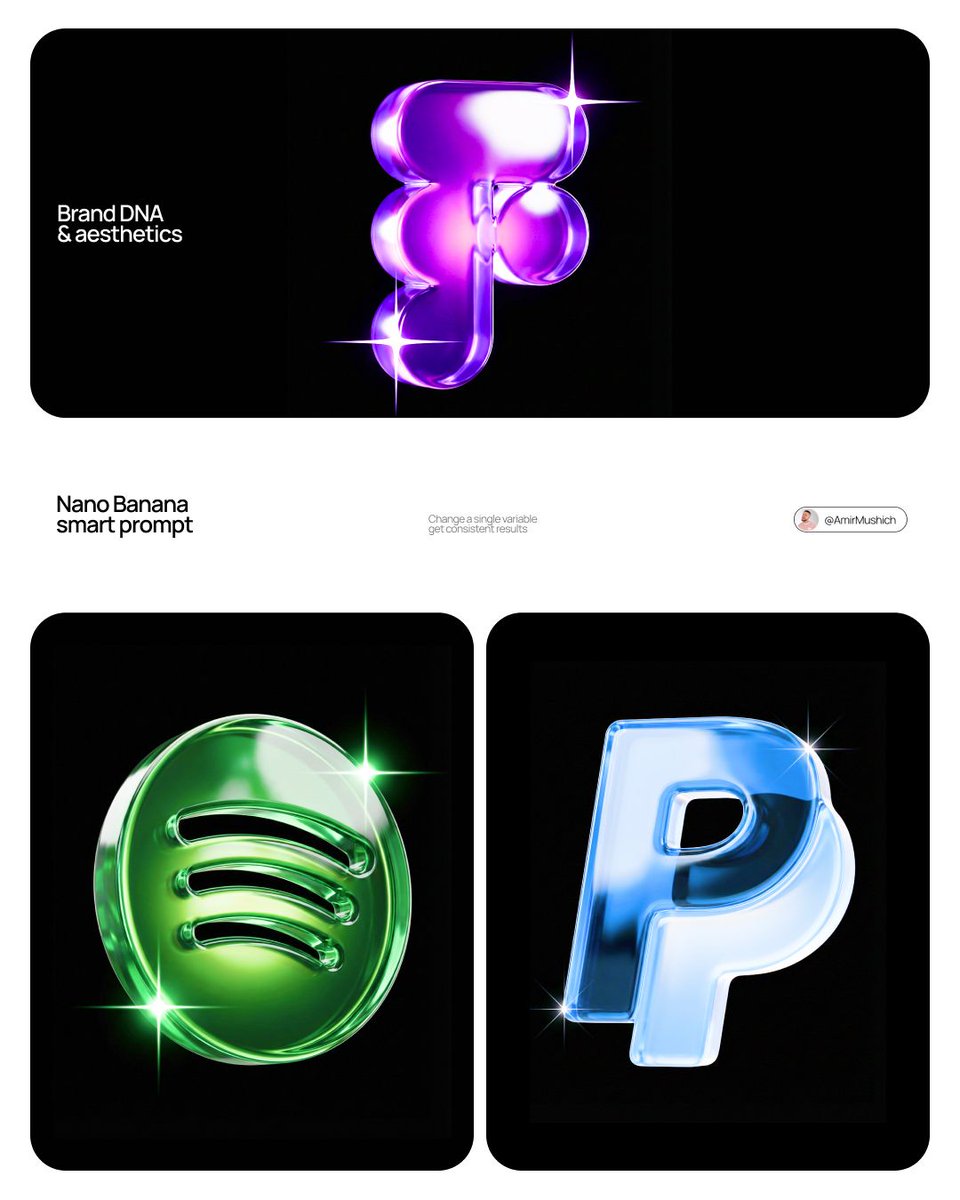
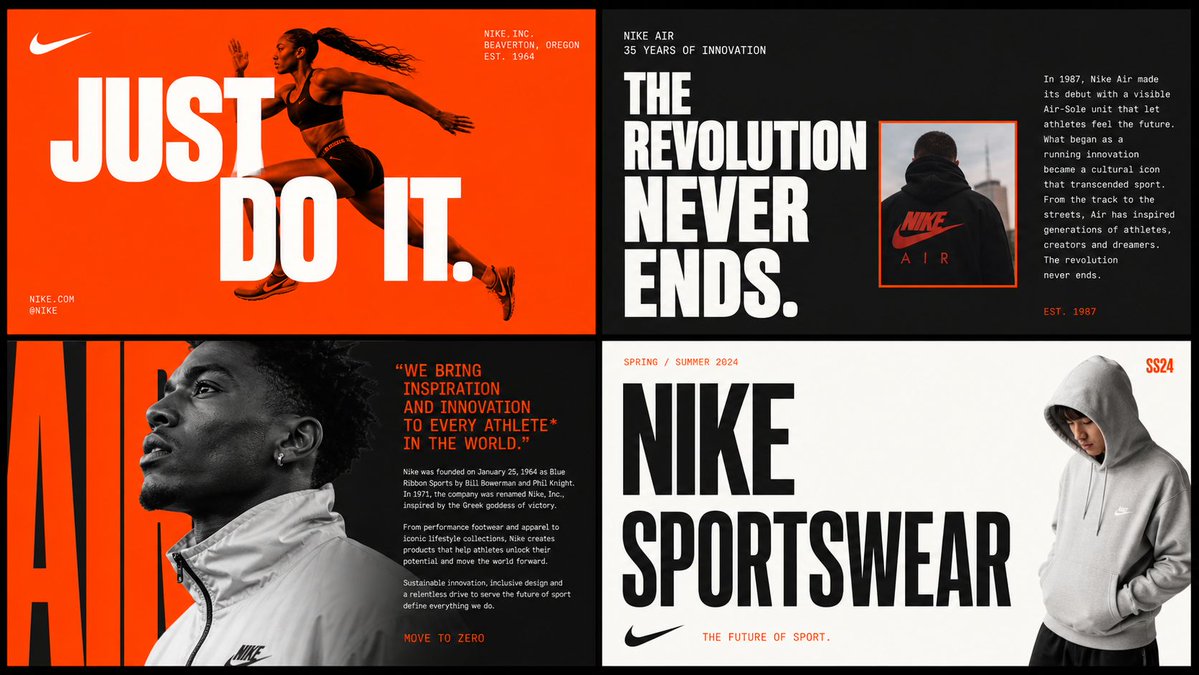
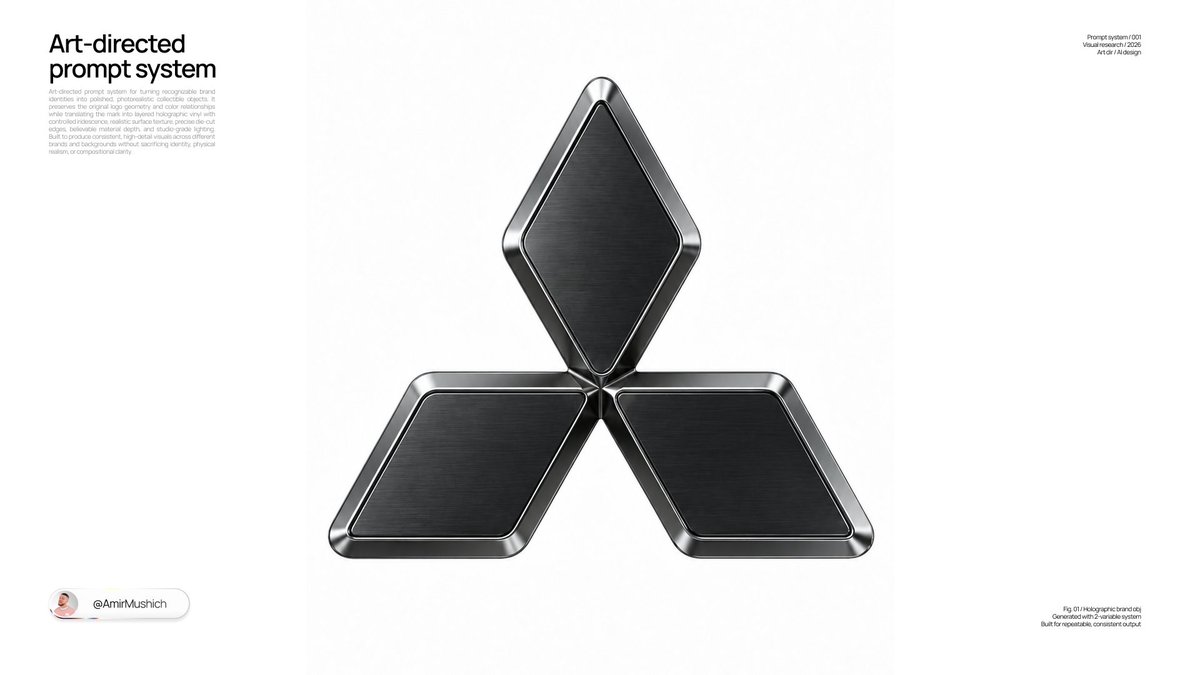
A small squircle block of matte, mineral-flecked material floats in a dark field, its logo cut clean through so the void behind shows in the holes. The sense of a precious, machined object comes from the scale and quiet lighting.

- Model
- GPT Image 2
- Type
- Image
- Aspect ratio
- 4:5
- Shared
- 22 Apr 2026
- Likes on X
- 544
Image prompt
4,938 characters[BRAND NAME] | [COLOR] Act as a CGI Product Photographer and Industrial Design Art Director creating a hero macro shot of a precision-manufactured physical brand object for a tech or design brand campaign. References: Apple product photography, Nothing Phone material campaigns, Bang & Olufsen object photography, Teenage Engineering product shots. PHASE 0: BRAND LOGO INTELLIGENCE Retrieve the canonical logo mark of [BRAND NAME] from training data. Identify the primary symbol or icon — the most reduced, geometric version of the brand mark. If [BRAND NAME] uses a wordmark only — take the first letter or most iconic letterform as the cut-through element. If [BRAND NAME] uses an app icon or symbol — use that symbol geometry exactly. The logo must be translated into a cut-through form: the brand mark is realized as negative space — precision-machined holes cut completely through the block, revealing pure void behind. Every element of the logo that would normally be a positive form becomes a through-hole. The logo must be recognizable in its negative-space cutout form. PHASE 1: SCALE & SPATIAL INTENT — CRITICAL The block is a small precious object — think coin, medallion, hardware token, or collectible pin. It is NOT a large slab. It is NOT a dominant form. CRITICAL SCALE RULE: the block width occupies exactly 35 to 40% of the total frame width — no more under any circumstances. The surrounding void occupies more than 60% of the total frame area. The object is a centered island of material floating in a sea of darkness. At least 30% of empty space exists on every side — left, right, top, bottom. If the object appears larger than 40% of frame width the image is wrong. The object is discovered within the void — it is not presented, it is found. PHASE 2: PHYSICAL OBJECT CONSTRUCTION The hero object is a solid physical block in the form of a rounded square — superellipse / squircle form with corner radius approximately 22 to 25% of total side width. Block thickness: 8 to 14mm — substantial physical depth visible along the right and bottom edges. The block is viewed from a slightly elevated frontal angle — approximately 10 to 15° above perpendicular to the face — revealing the full front face and a sliver of the top edge and right side edge simultaneously. This angle confirms three-dimensionality — it is clearly a solid block, not a flat tile. Edge geometry: front face transitions to side edges via a very subtle chamfer or micro-bevel — 0.5 to 1mm — catching a thin specular line along the illuminated edges. PHASE 3: COLOR SEPARATION SYSTEM Object color: [COLOR] — applied as the primary surface material of the block. Background color: autonomously determine a version of [COLOR] that is 2 to 3 full stops darker — deep enough to create clear visual separation while remaining in the same color family. Separation logic: if [COLOR] is dark (black, navy, charcoal) — background shifts toward absolute darkness #000000 to #050505, object surface is lifted 2 stops lighter. If [COLOR] is mid-tone (red, blue, purple, teal) — background is the deepest darkest version of that hue, object is the pure or slightly lighter version. If [COLOR] is light (white, cream, pastel) — background shifts to deep neutral #0A0A0A, object retains its light value for maximum contrast. The cutout through-holes reveal the background color — they are the darkest zone in the image, darker than the object surface, confirming depth and separation. PHASE 4: MATERIAL SYSTEM The block material is a matte substance in [COLOR] with a fine mineral speckle texture — powder-coated cast metal, ceramic composite, or engineering polymer with mineral filler. Base tone: [COLOR] at its most saturated and material-accurate value. The material is not flat — it has micro-texture of lighter mineral particles distributed evenly across the entire surface. Speckle properties: individual particles 0.3 to 0.8mm equivalent, color ranging from [COLOR] lightened 40% to near-white. Particle density: moderate — visible at macro distance, not overwhelming. The speckle catches raking light as bright micro-highlights. Surface finish: matte — roughness 0.4 to 0.6, no broad specular reflectivity on face surfaces. Edge finish: the chamfered micro-bevel along illuminated edges has roughness 0.1 to 0.15 — catching the primary light as a thin bright specular line tracing the illuminated perimeter. PHASE 5: LOGO CUTOUT SYSTEM The brand mark of [BRAND NAME] is precision-machined through the full block thickness — every positive element of the logo is a through-hole. Cutout precision: edges are razor-sharp — zero-radius tolerance, perfect 90° angle from block face to cutout interior. Cutout interior: the background color from PHASE 3 — darker than the object surface, creating the primary visual tension of the image. The contrast between the [COLOR] object surface and the darker background visible through the cutouts is what
How to use it
Swap [BRAND NAME] for your company and [COLOR] for the material you want, then keep the sizing rules, since a small object in a large dark field is what makes it read as a hero shot. The speckle texture and the thin specular edge carry the premium feel, so keep those lines. It works well as a splash image for a product launch or a brand page header. It was shared as a GPT Image 2 prompt.
Shared publicly on X on 22 Apr 2026. All credit for this prompt and its result goes to its creator. Is this yours? Ask for an update or removal.