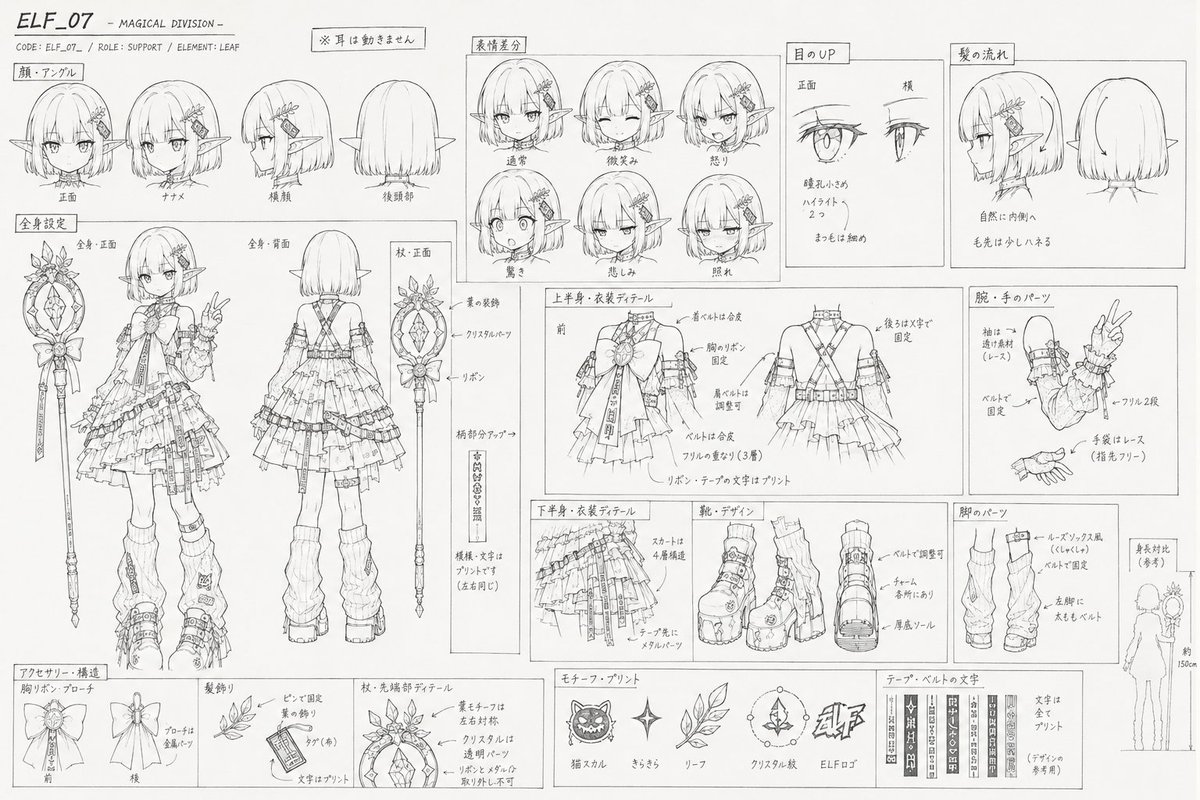
Image prompt Branding & UI Customizable
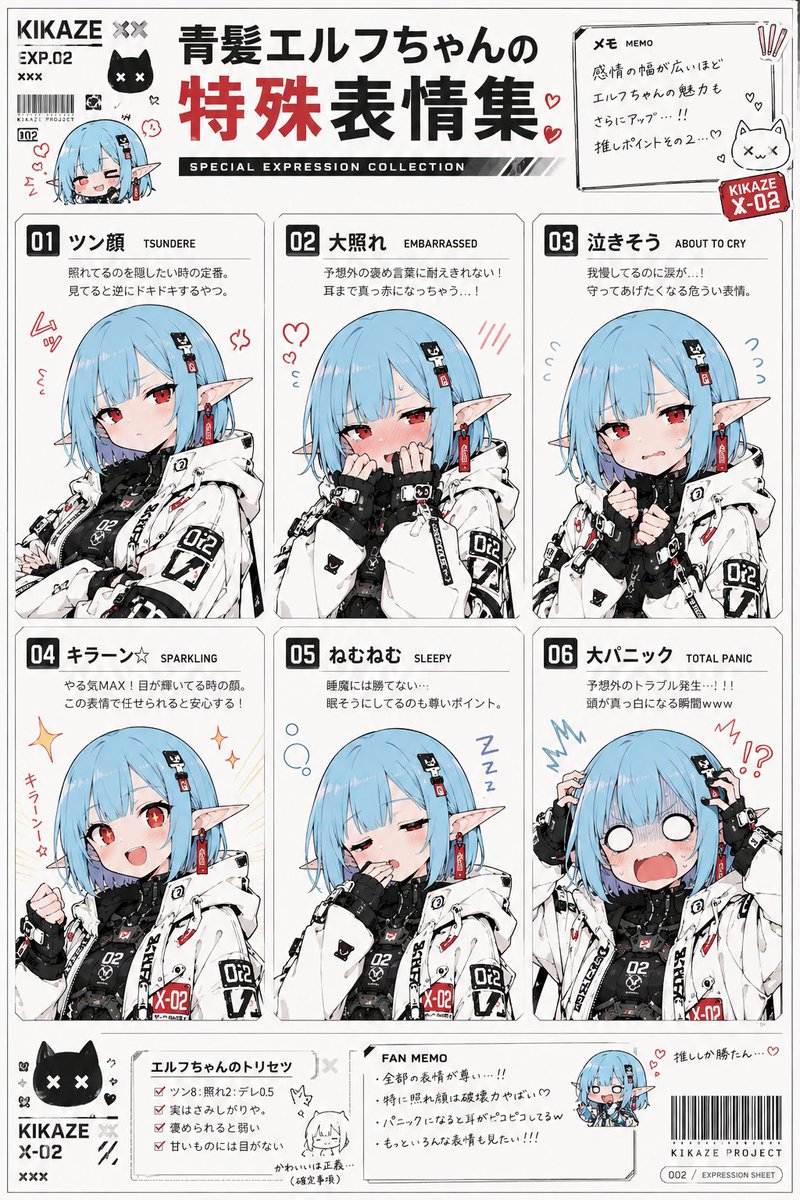
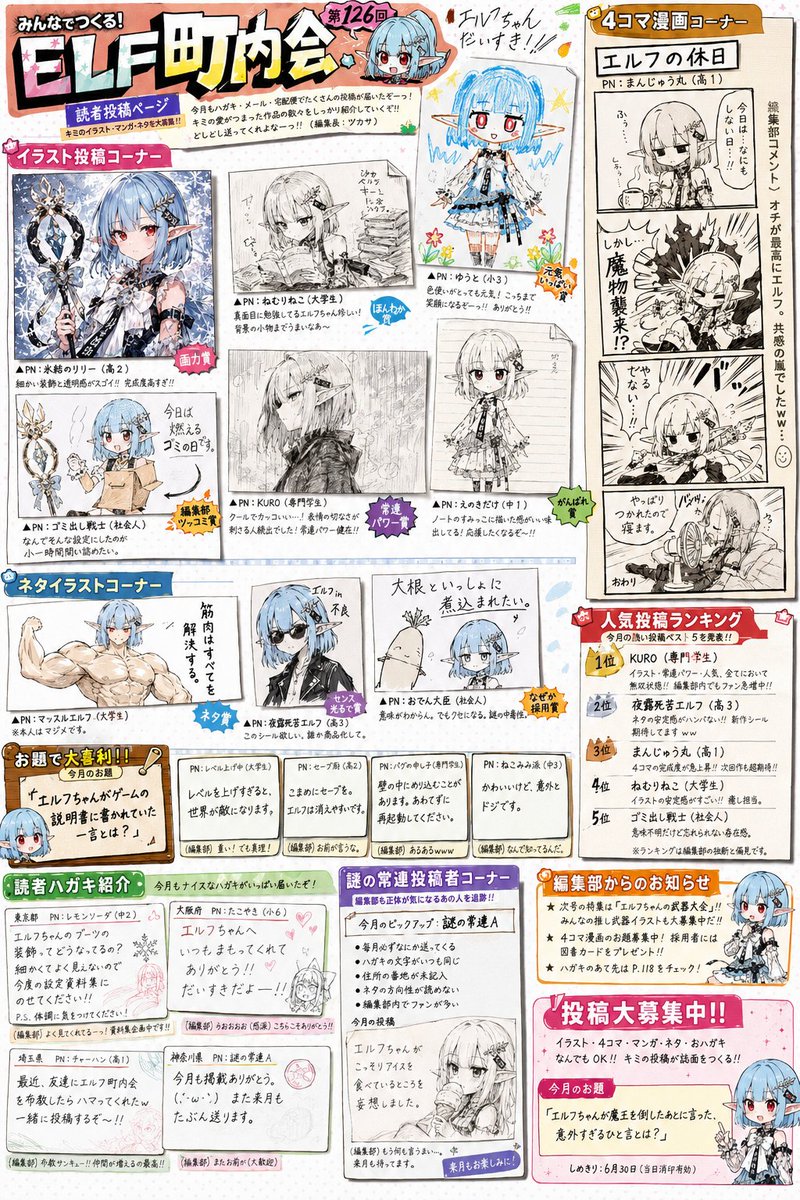
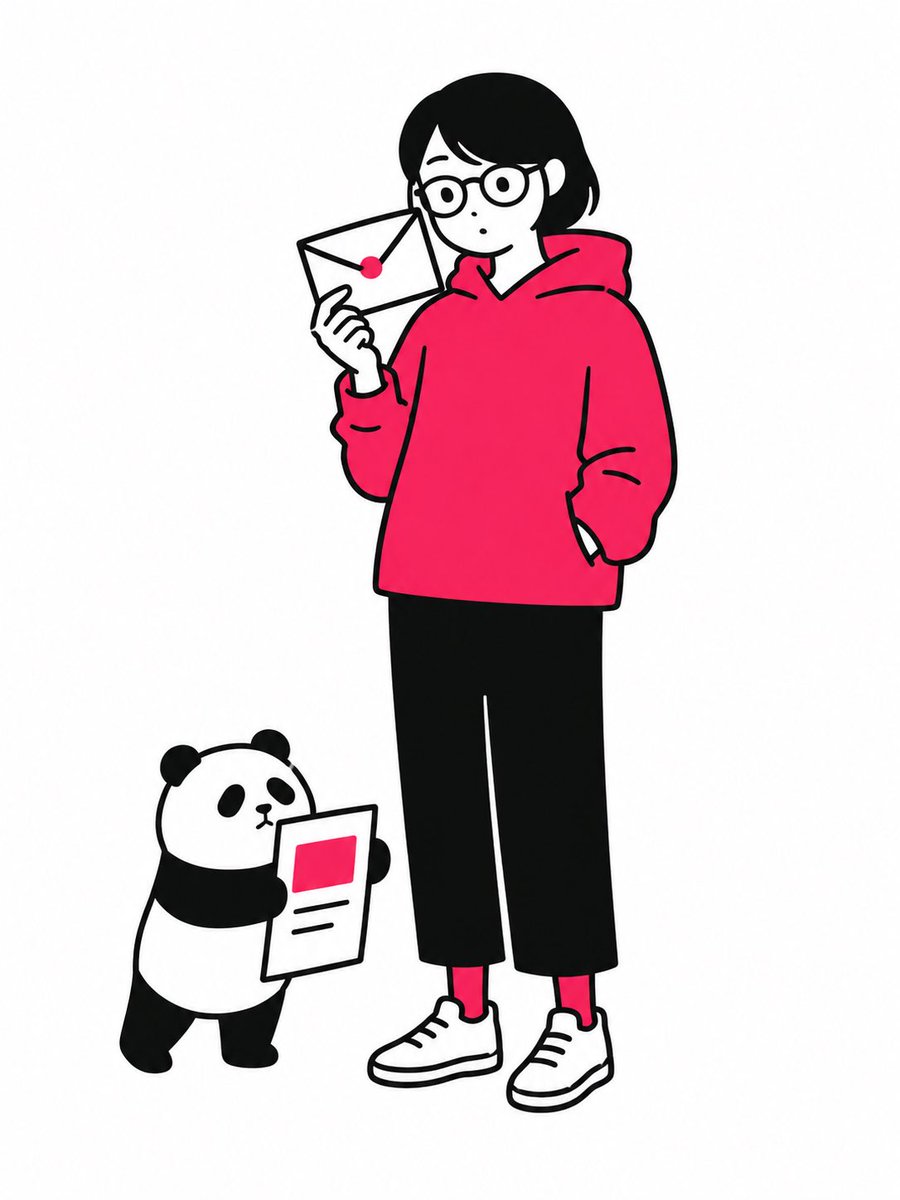
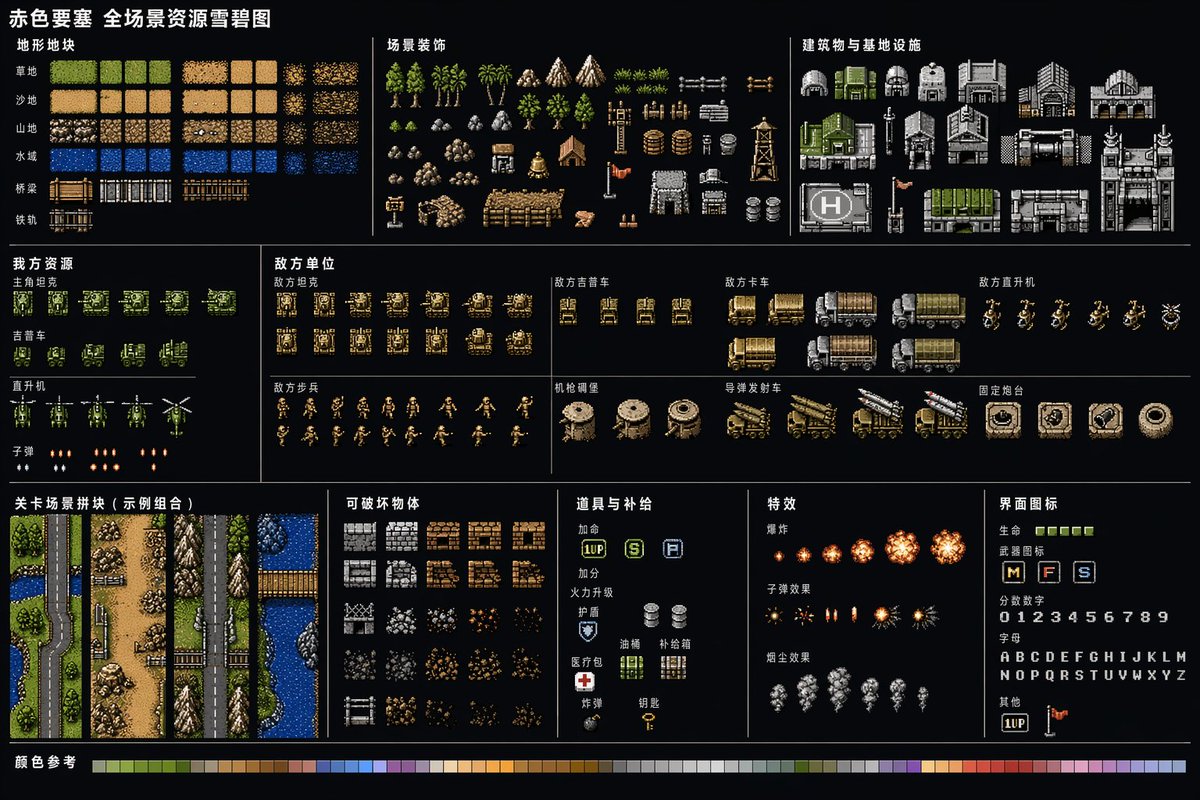
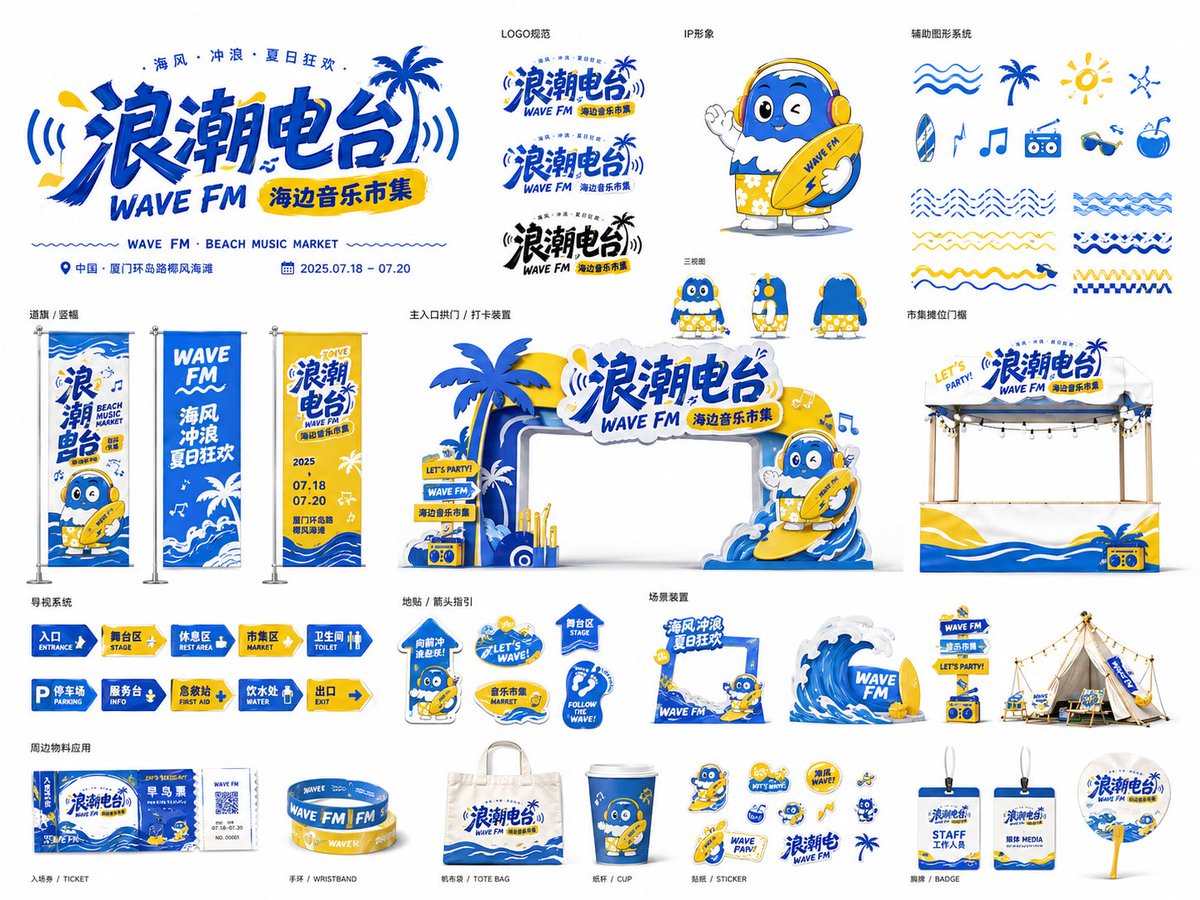
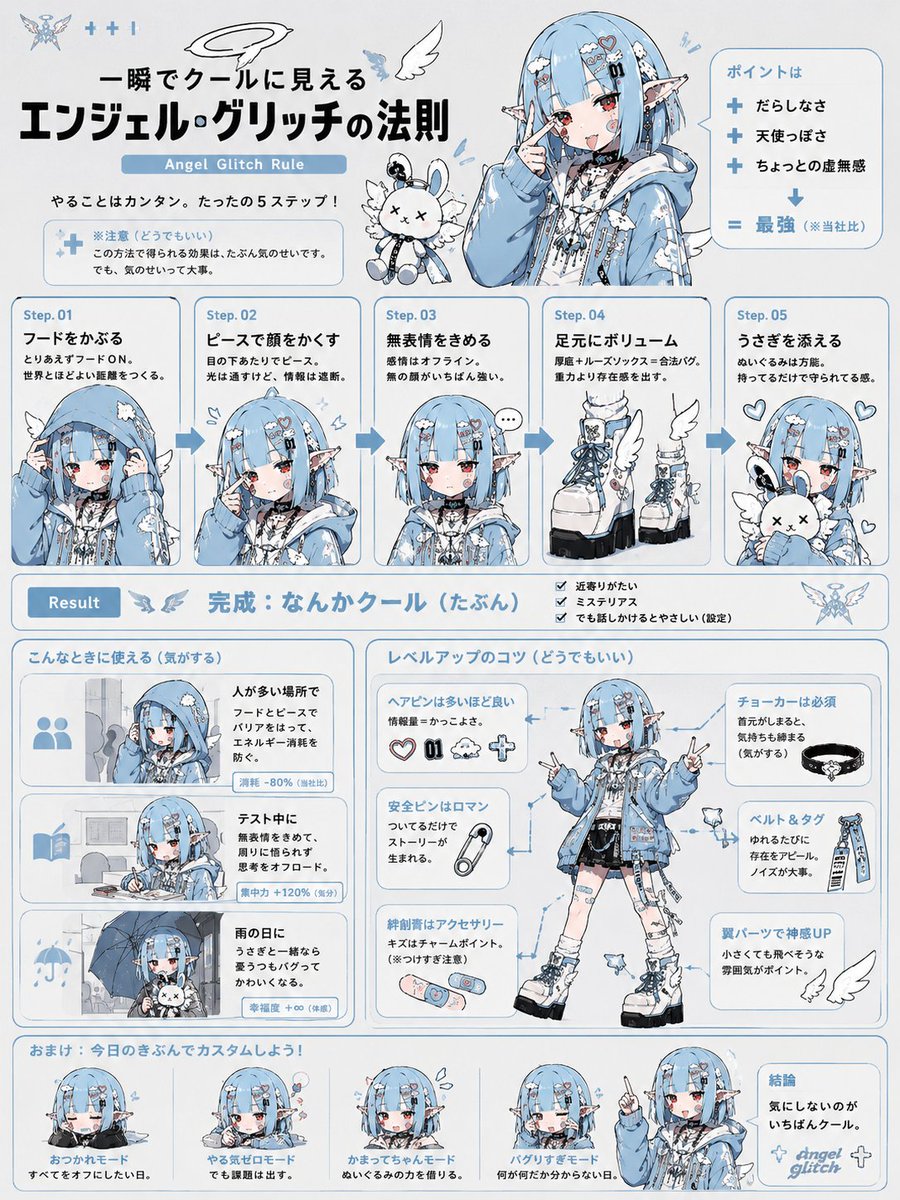
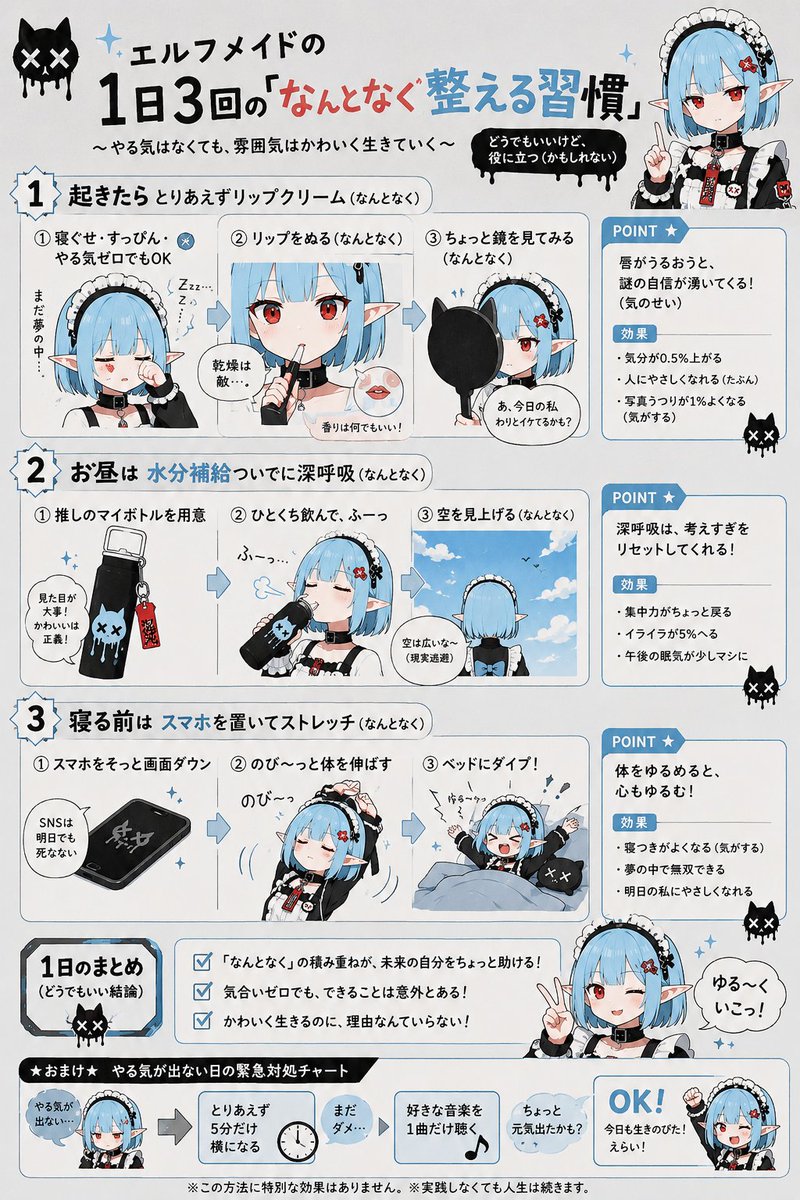
Tongue-in-Cheek Infographic Character Sheet
A character is placed at the center of a clean, instructional-style layout with arrows, numbered callouts, and short captions. The text reads like useful information at a glance, but on closer look it says nothing of substance, which is where the humor lands.

- Model
- GPT Image 2
- Type
- 2 images
- Aspect ratio
- 3:4
- Shared
- 8 May 2026
- Likes on X
- 803
Image prompt
328 charactersUsing this character, draw a composition in the style of a diagram or explanatory illustration. Don't use the illustration as-is; adapt the situation and layout to match the explanatory content. Include arrows, labels, and brief explanatory text. Make the content look easy to understand but actually be utterly inconsequential.
How to use it
Upload a reference image of your character first, since the prompt asks the model to build around an existing figure. It was shared as a GPT Image 2 prompt. Keep the instruction to avoid copying the illustration as-is, because that's what gives the layout its explanatory feel, and keep the request for arrows and captions so the diagram structure stays intact. Swap the character to fit your brand or mascot and use the result as a playful slide or social post about your product.
Shared publicly on X on 8 May 2026. All credit for this prompt and its result goes to its creator. Is this yours? Ask for an update or removal.