Image prompt Branding & UI Customizable
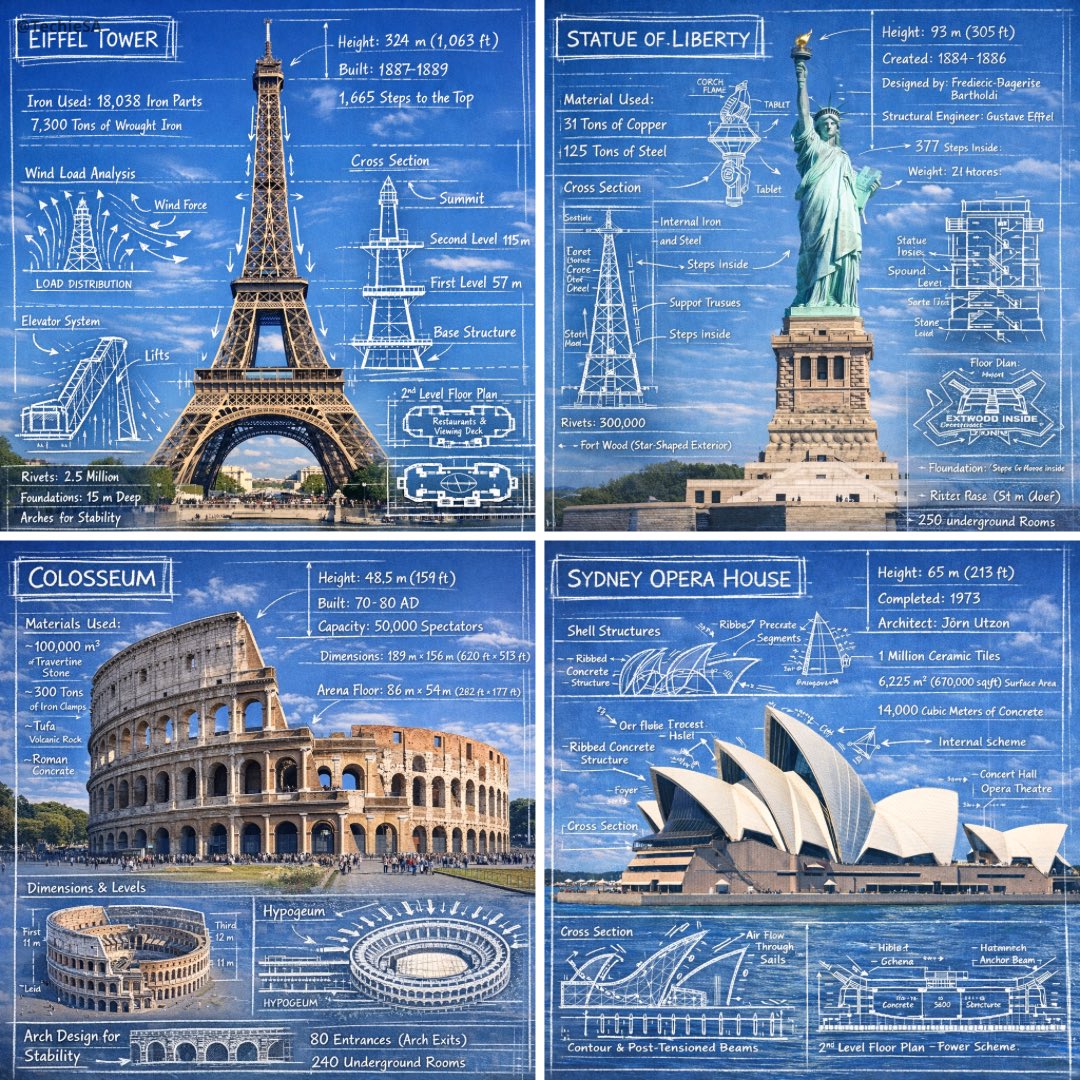
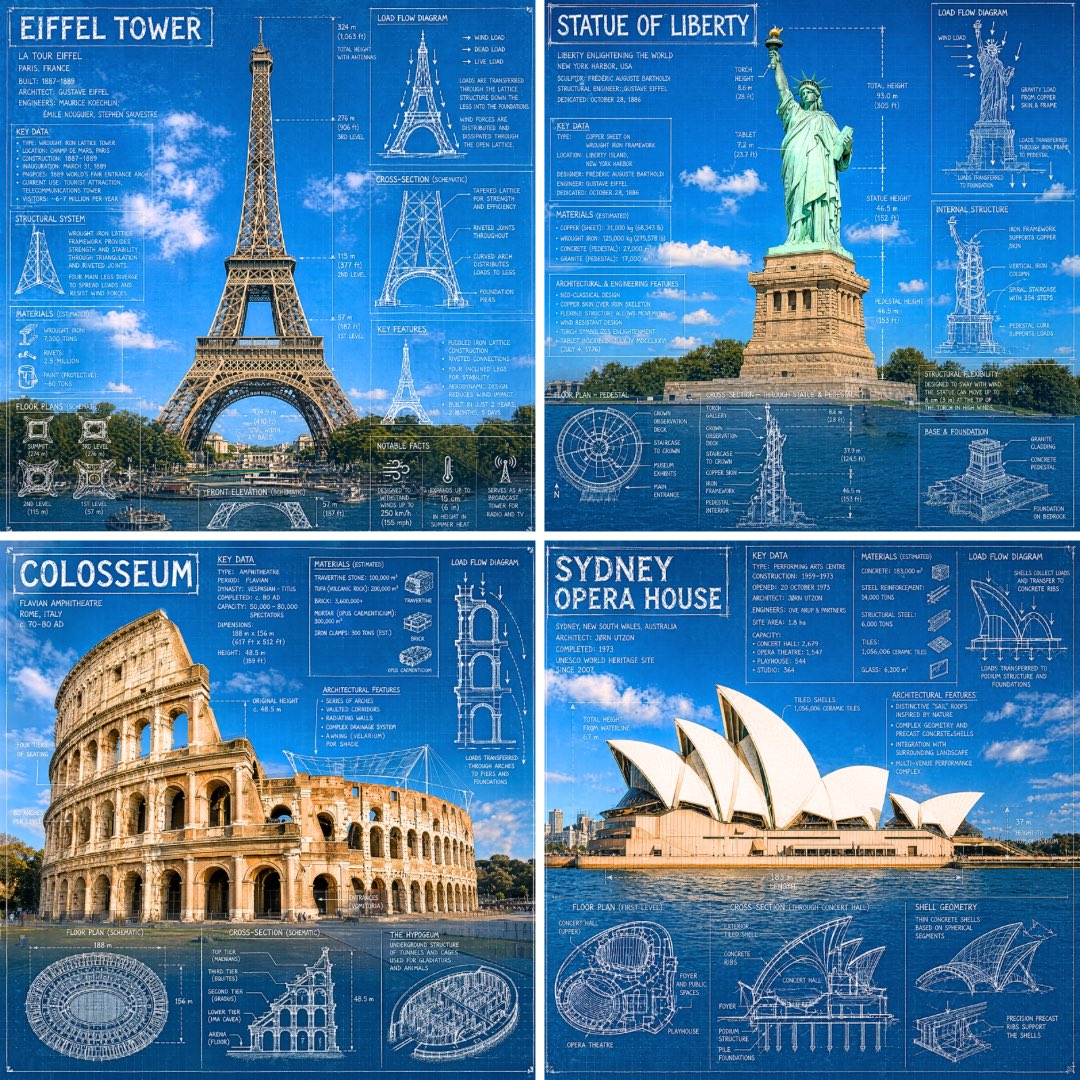
Landmark Blueprint Infographic With Chalk Annotations
A real photograph of a landmark is covered with white chalk-style blueprint marks: measurements, load arrows, cross-sections and floor plans. The building stays visible underneath, so it reads as an engineer's notes pinned over a real place.

- Model
- GPT Image 2
- Type
- Image
- Aspect ratio
- 1:1
- Shared
- 22 Apr 2026
- Likes on X
- 625
Image prompt
667 charactersCreate an infographic image of [LANDMARK], combining a real photograph of the landmark with blueprint-style technical annotations and diagrams overlaid on the image. Include the title "LANDMARK" in a hand-drawn box in the corner. Add white chalk-style sketches showing key structural data, important measurements, material quantities, internal diagrams, load-flow arrows, cross-sections, floor plans, and notable architectural or engineering features. Style: blueprint aesthetic with white line drawings on the photograph, technical/architectural annotation style, educational infographic feel, with the real environment visible behind the annotations. 1:1 dimension.
How to use it
Swap the bracketed landmark for the building you want to study, and pick a clear, well-lit photo of it if you are using a reference image, since the annotations sit directly on the picture. Keep the phrases about white chalk-style sketches, load-flow arrows and the blueprint aesthetic, because they carry the look. It was shared as a GPT Image 2 prompt, and the 1:1 square format suits social posts and profile-style graphics.
Shared publicly on X on 22 Apr 2026. All credit for this prompt and its result goes to its creator. Is this yours? Ask for an update or removal.