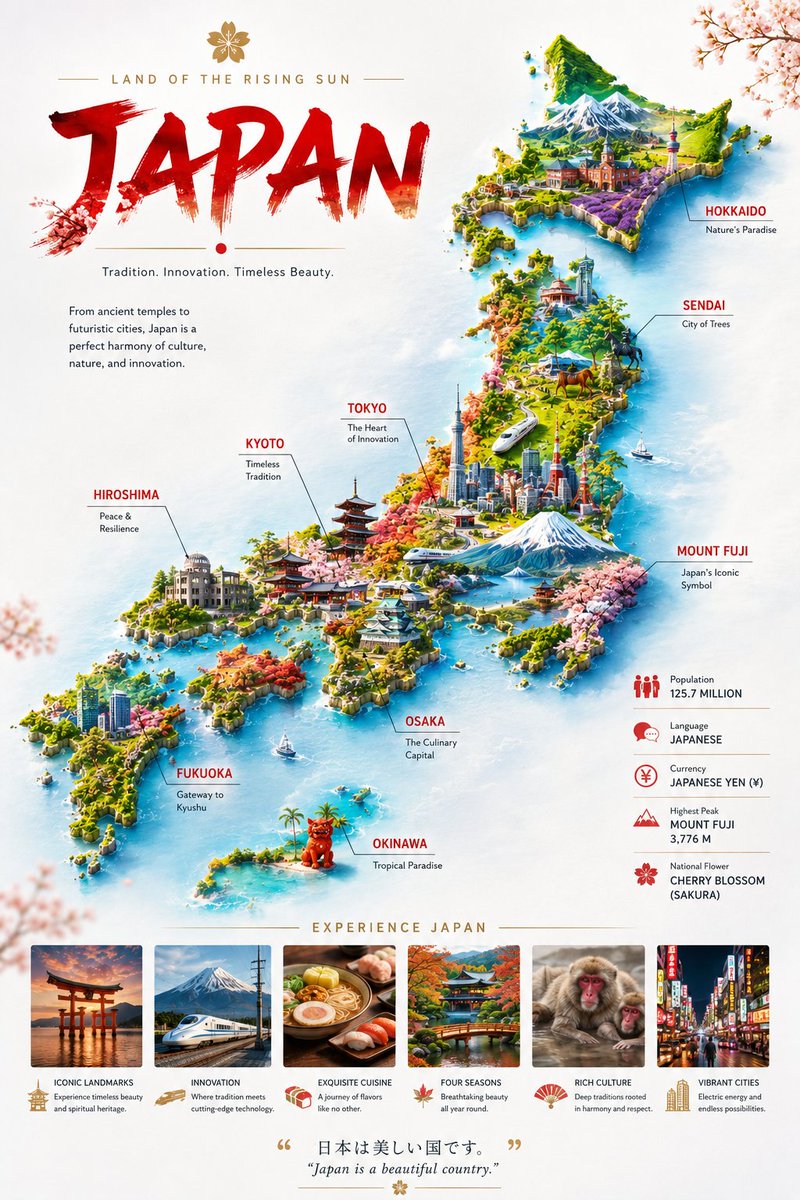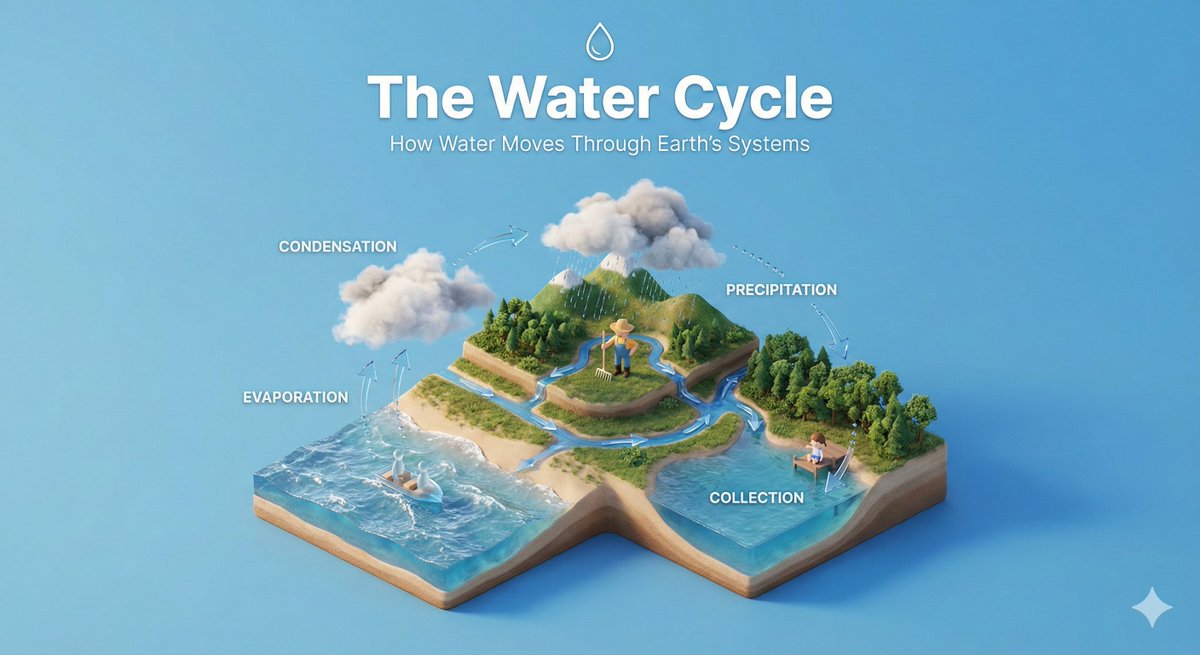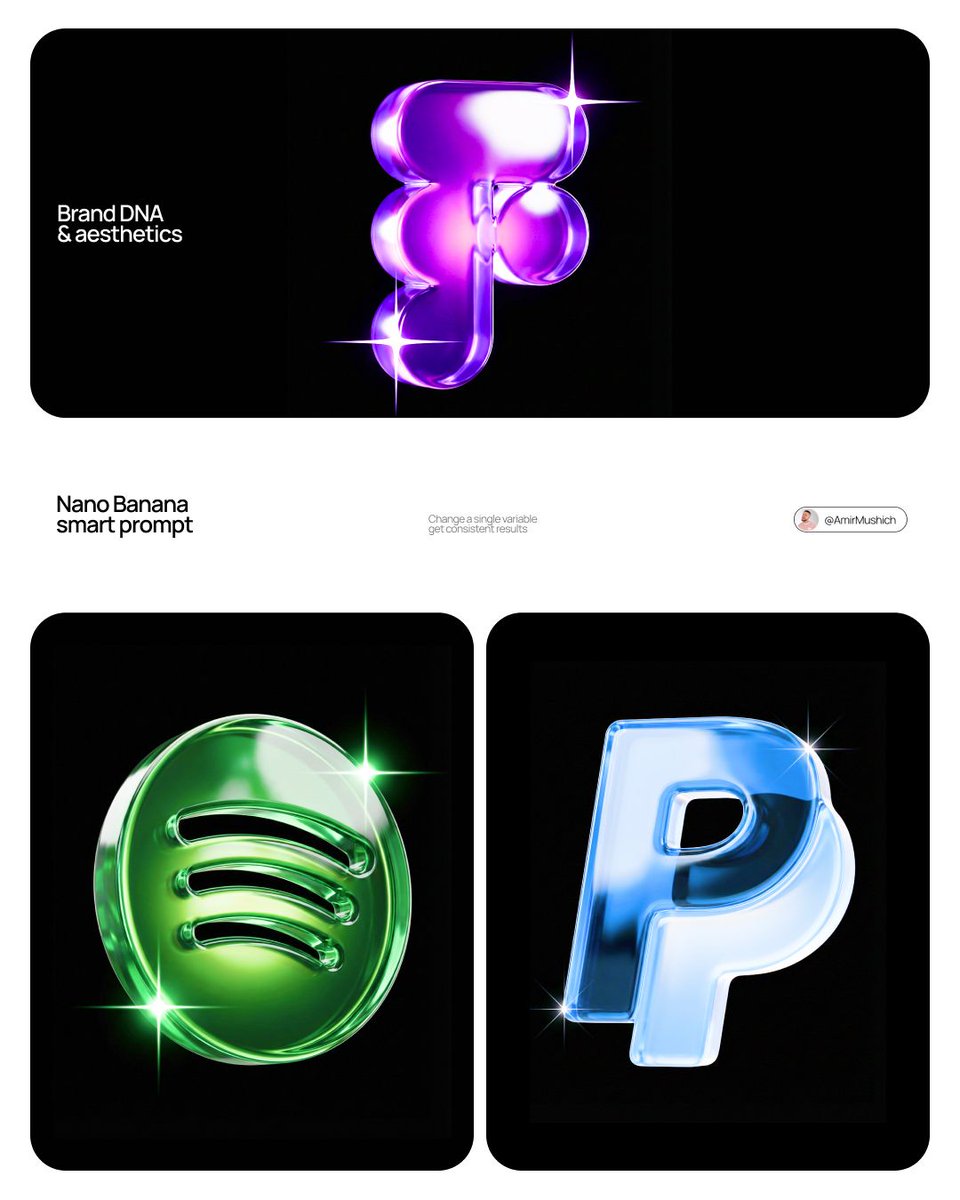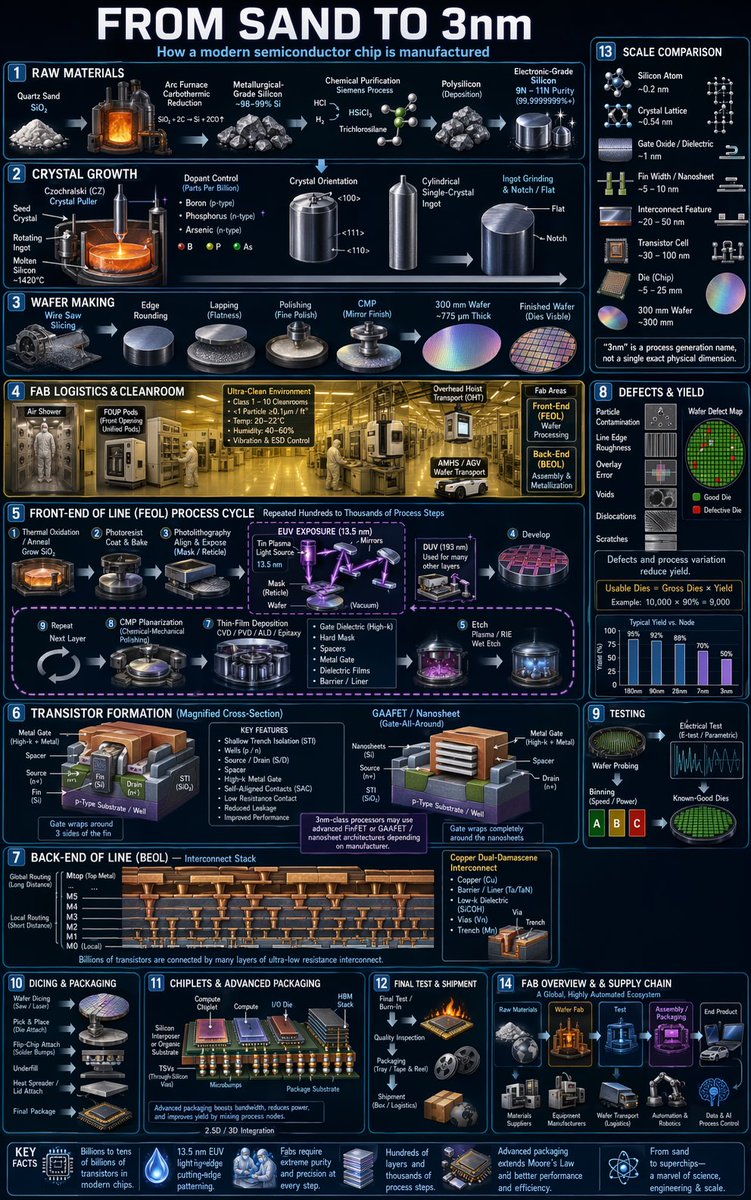
Image prompt Branding & UI Customizable
JSON Event Poster System With Fuzzy Mascots
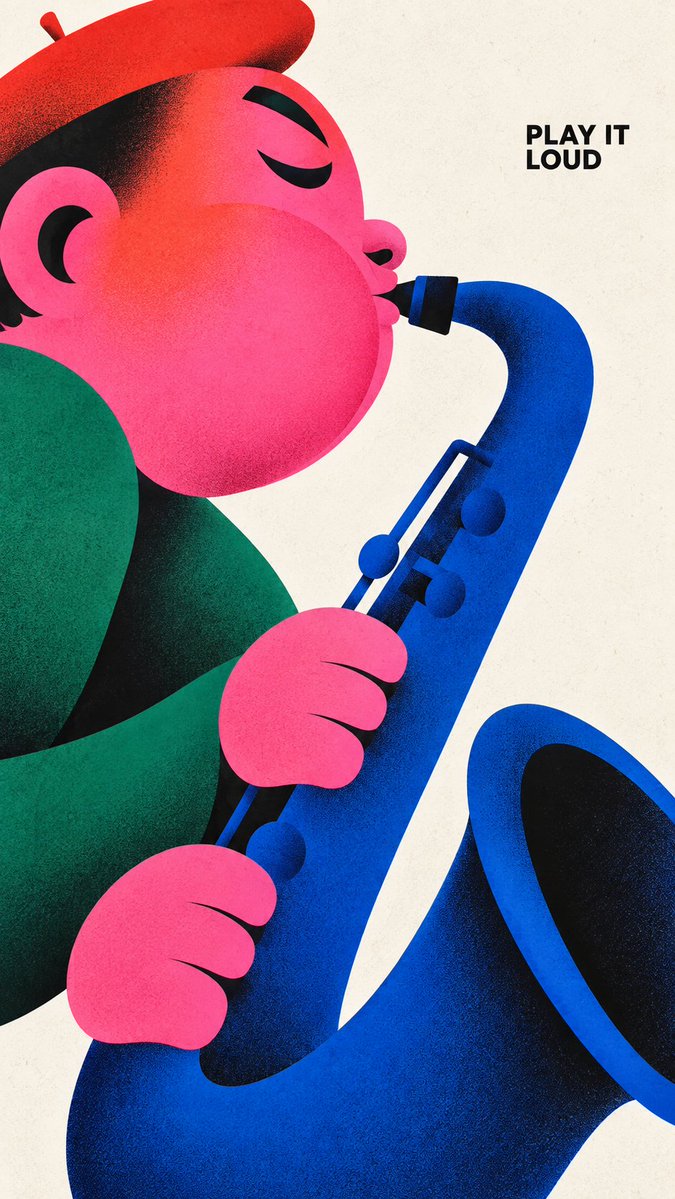
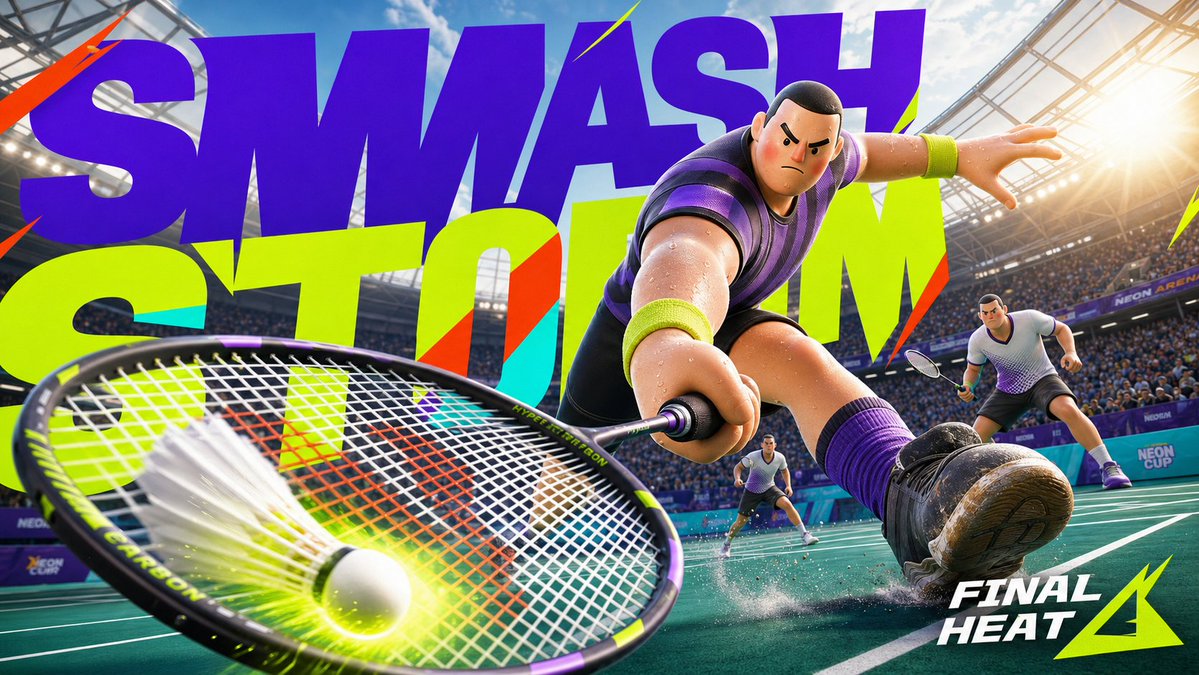
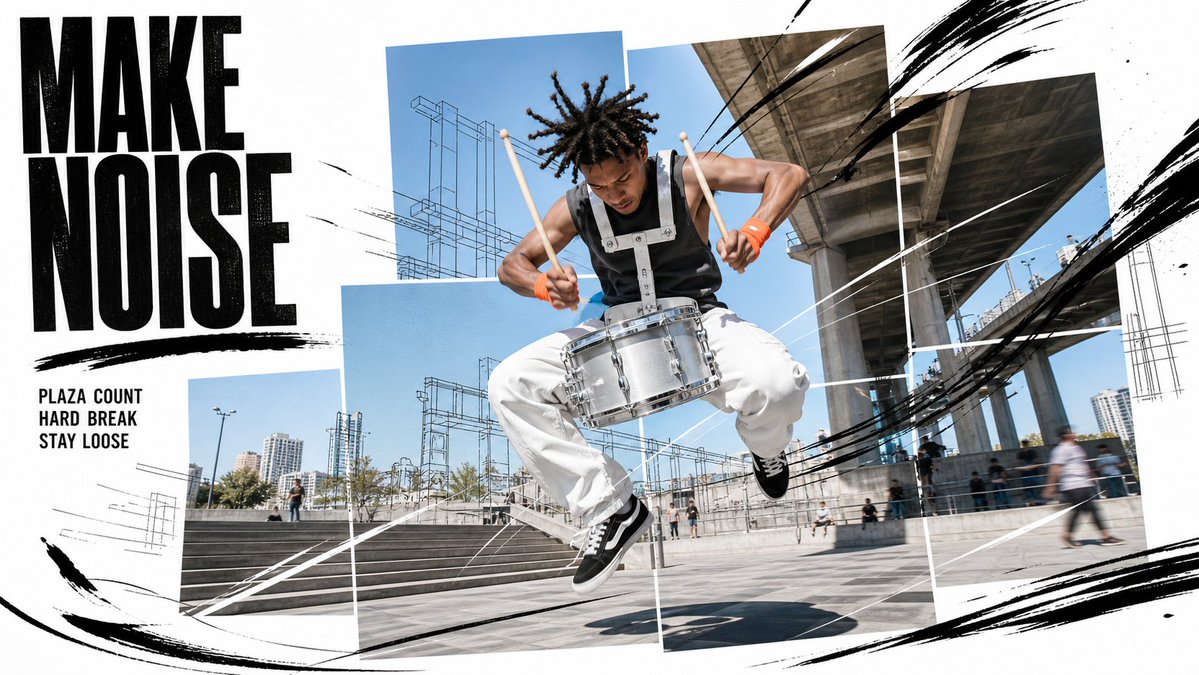
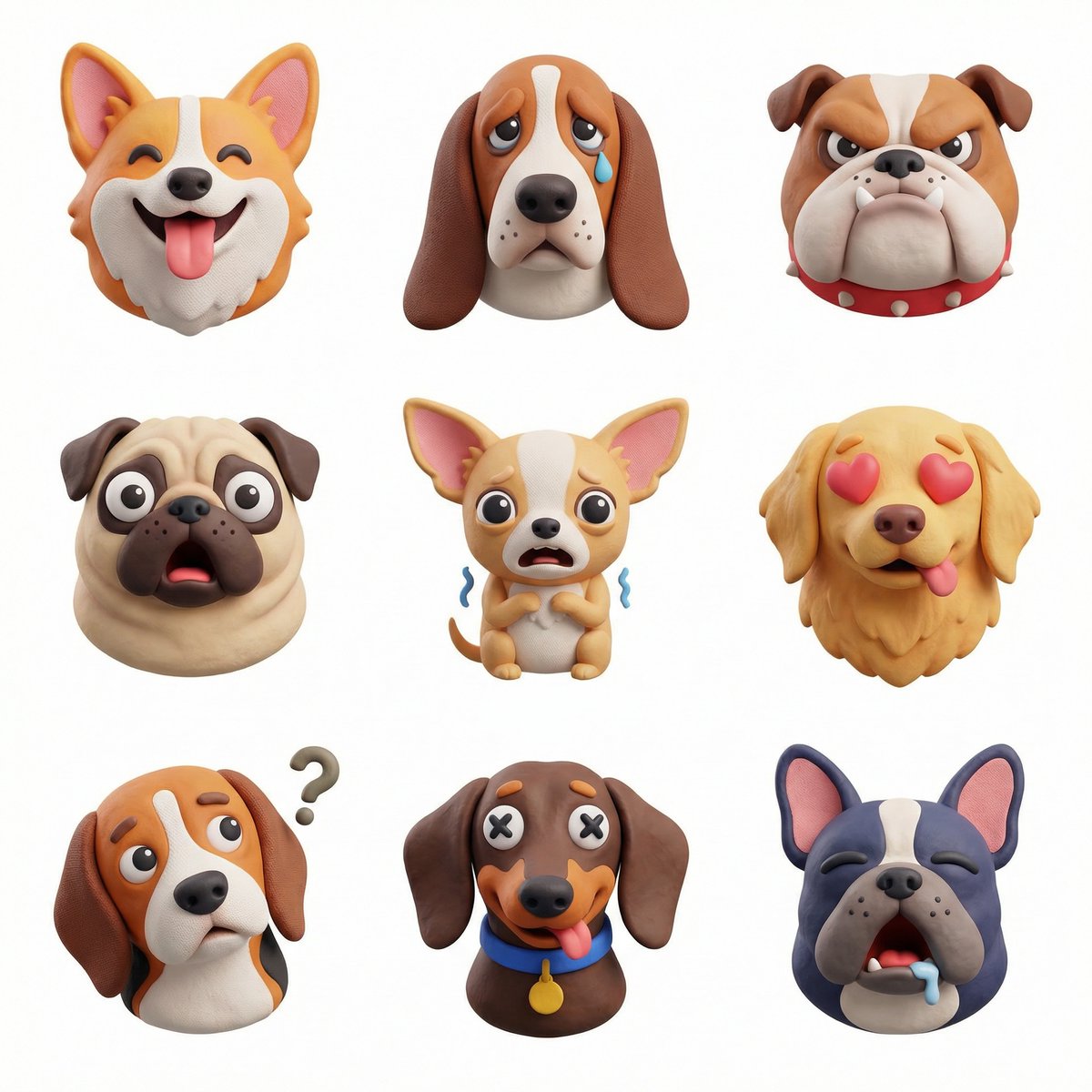
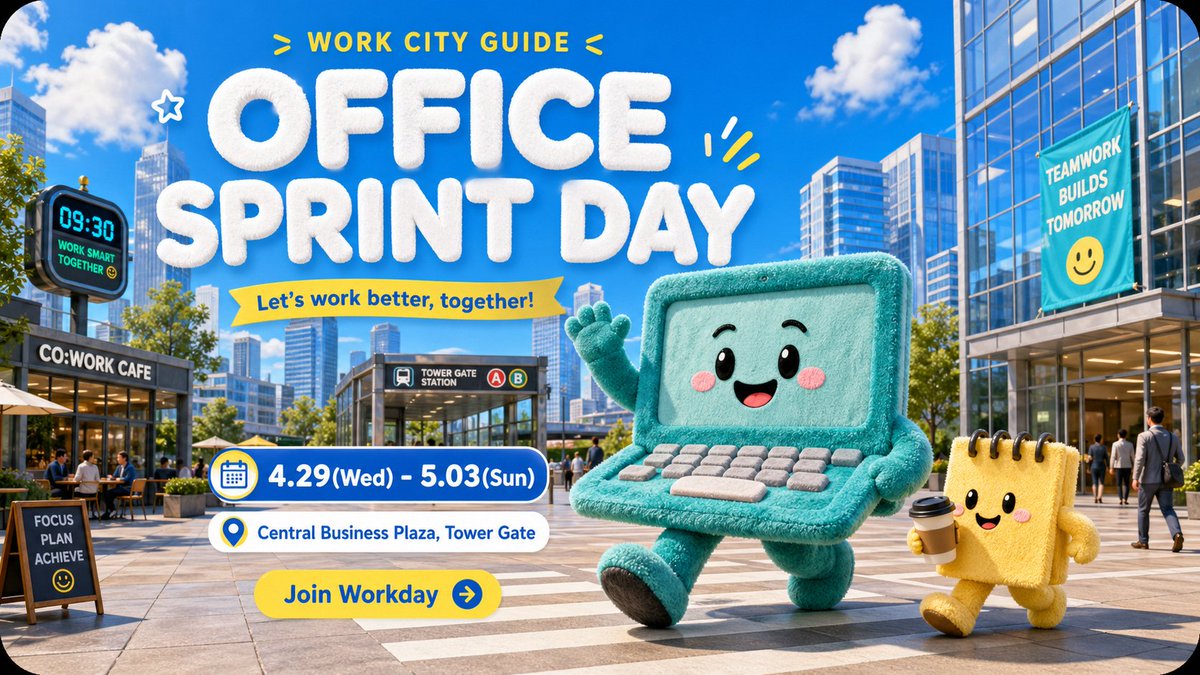
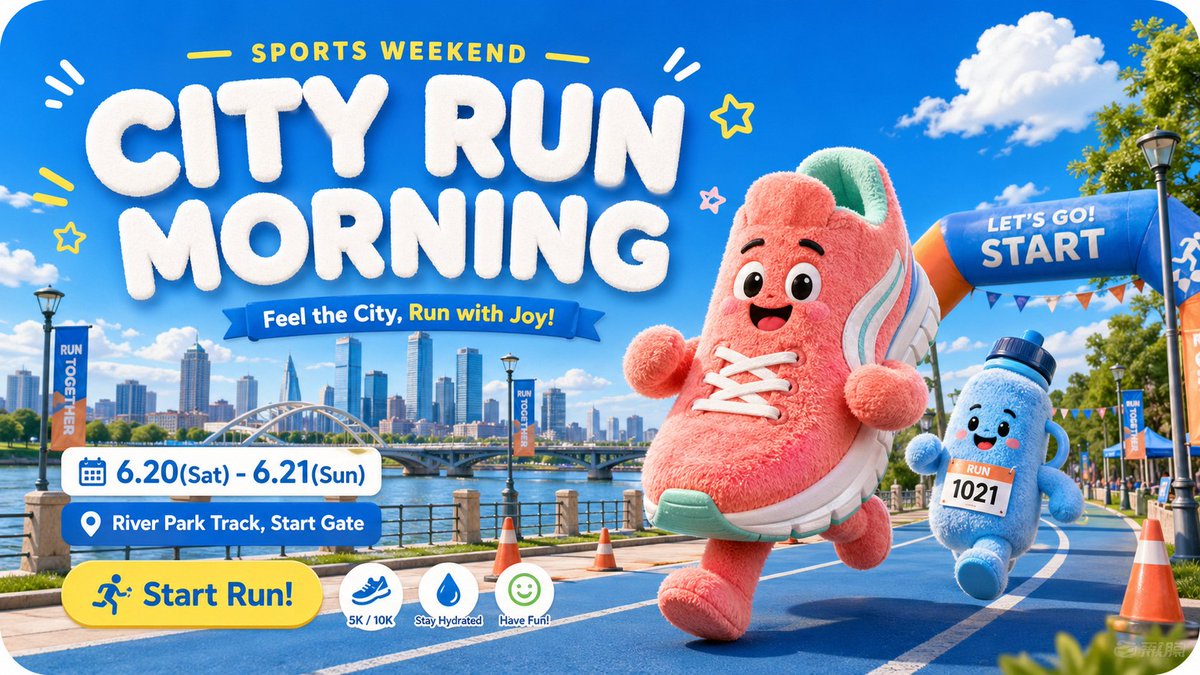
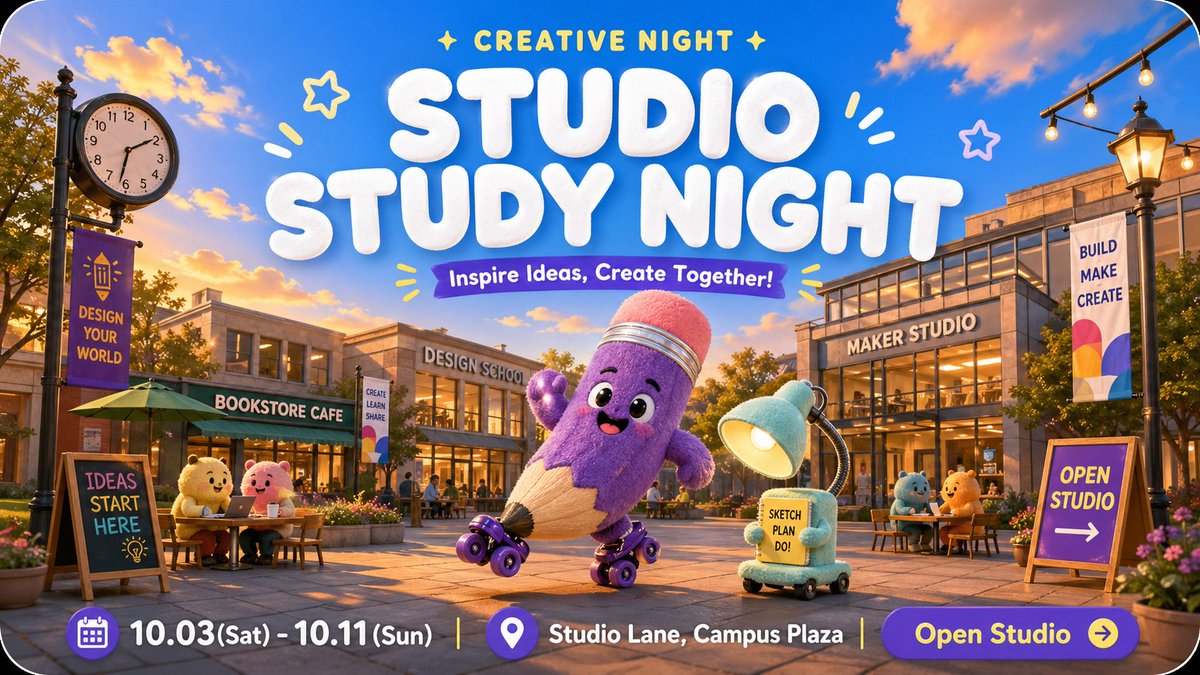
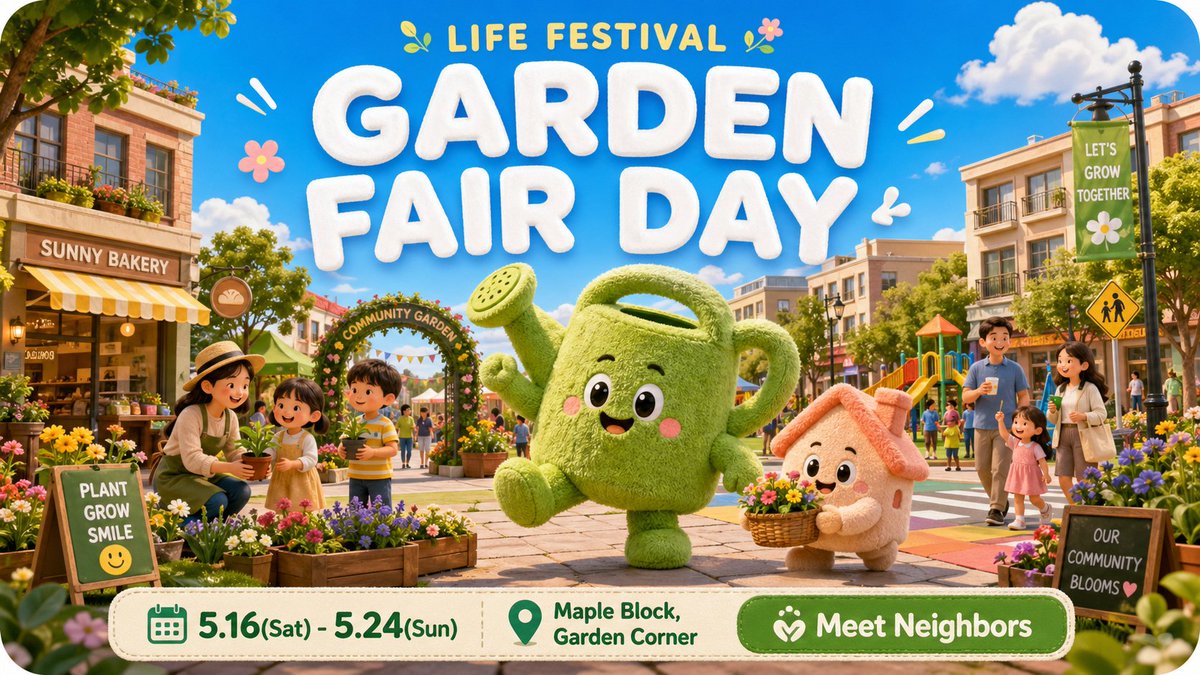
A set of four scene blocks that turn one JSON template into cheerful event posters, each with a giant fuzzy mascot in a different city setting. The shared fields keep the layout and palette steady from block to block.

- Model
- GPT Image 2
- Type
- 4 images
- Aspect ratio
- 16:9
- Shared
- 26 Apr 2026
- Likes on X
- 138
Event nameScene nameMascot names
Image prompt
447 charactersA JSON prompt system for generating event posters featuring giant fuzzy mascots. Each block defines a scene (Office Sprint Day, Neighborhood Garden Fair, City Run Morning, Studio Study Night) with fields for case name, event name, district, primary and secondary mascot, mascot action, landmarks, sky and weather, ground plane, date range, location text, CTA text, and top micro text. Keep values in English and the style consistent across scenes.
How to use it
This is a structured JSON prompt, so it works best when you keep the key names and swap only the values. It was shared as a GPT Image 2 prompt, which reads the JSON layout closely, so keep the braces and field order intact. Replace the event name, district and mascot names with your own community details, and keep the ground plane and sky fields so the scenes stay consistent. Use the output as a 16:9 header or a social event announcement.
Featured inEvent and concert poster prompts
Shared publicly on X on 26 Apr 2026. All credit for this prompt and its result goes to its creator. Is this yours? Ask for an update or removal.