Image prompt Branding & UI Customizable
Encyclopedia Infographic Poster With 3D Subject Callouts
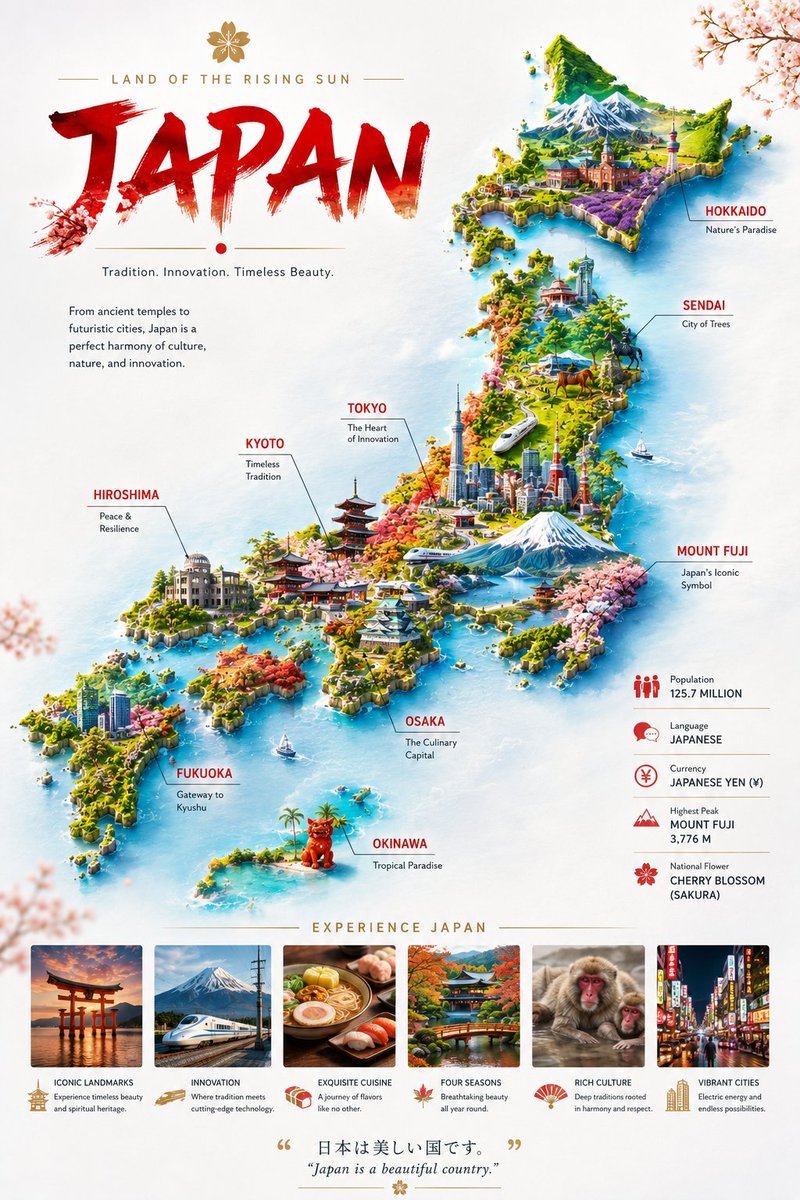
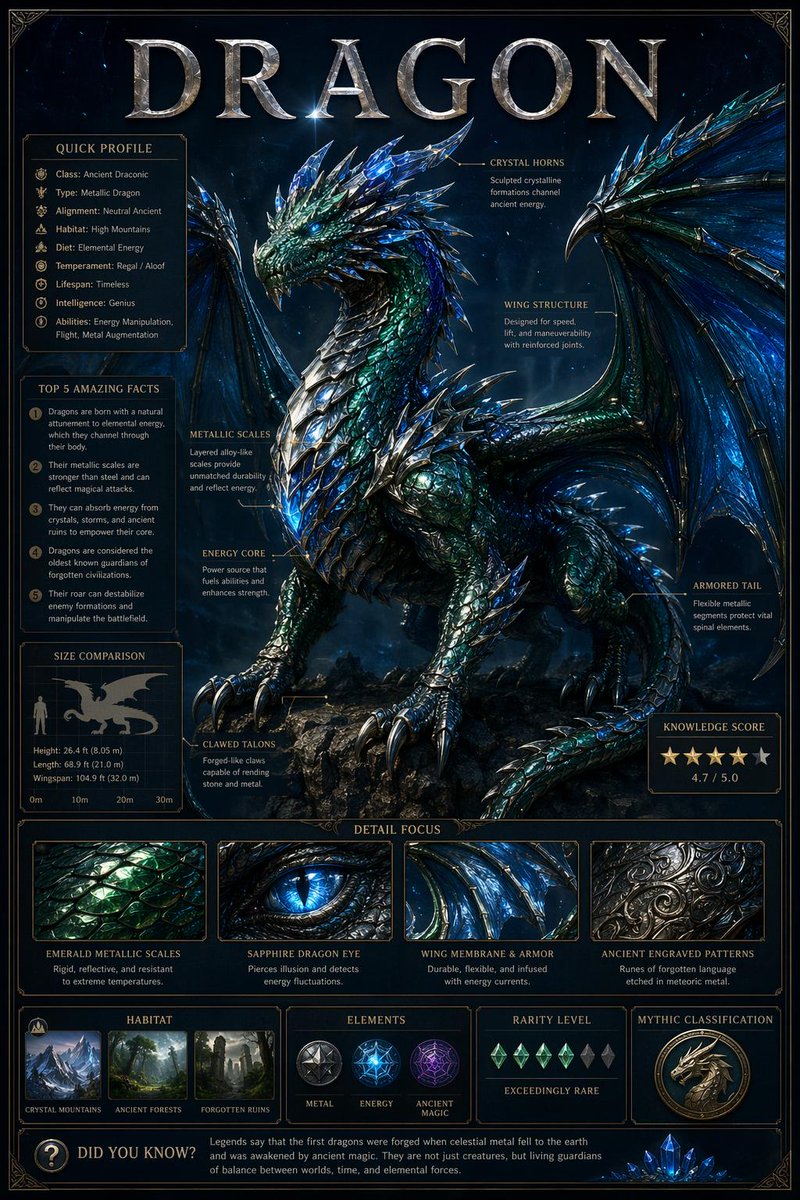
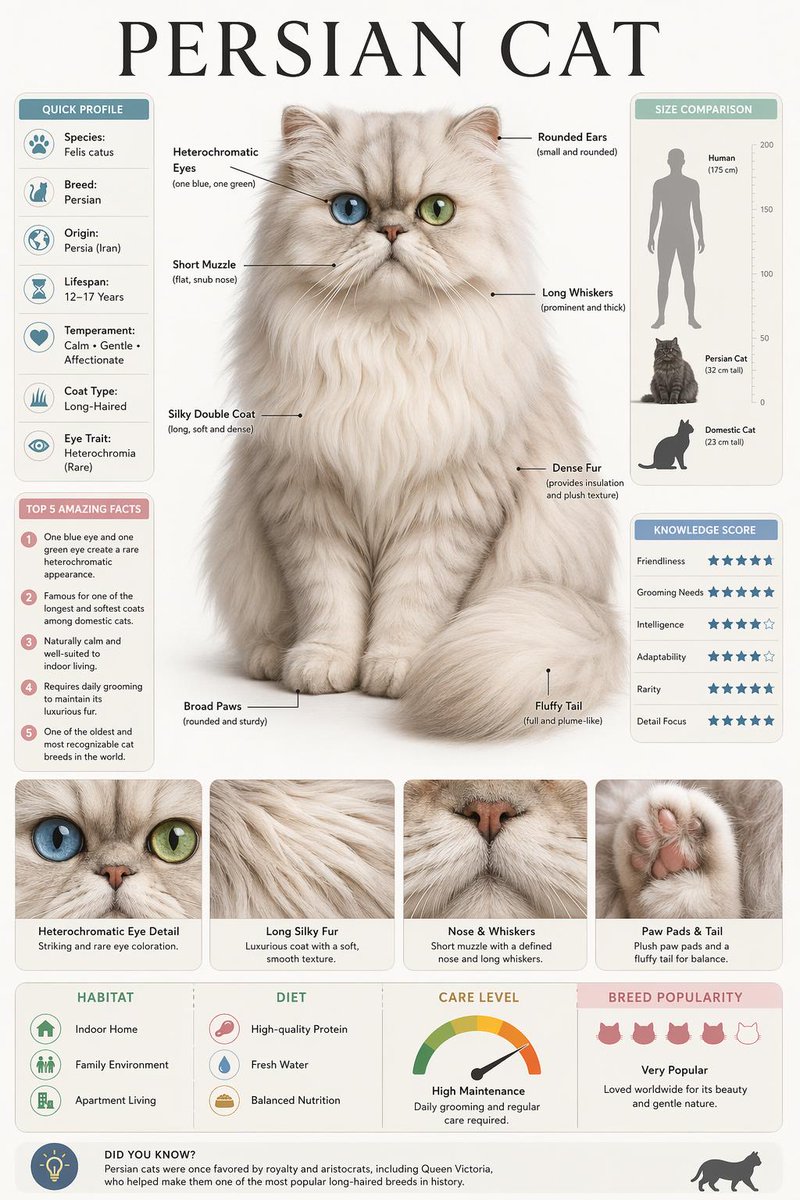
A vertical museum-style poster with a large realistic 3D subject at the centre, pointer-line callouts, and tidy information panels. Four macro close-ups and a size comparison give it the feel of a printed exhibit card.

- Model
- GPT Image 2
- Type
- 2 images
- Aspect ratio
- 2:3
- Shared
- 12 Jul 2026
- Likes on X
- 65
Image prompt
1,810 charactersCreate a high-quality vertical encyclopedia-style educational infographic poster featuring {YOUR SUBJECT} as the central focus. Design the layout in a premium museum-quality educational style with a large, ultra-realistic 3D illustration of the subject placed prominently in the center. Surround the subject with clean anatomical or structural callout labels connected by thin pointer lines, highlighting its most distinctive features. Use a balanced, professional layout with a refined color palette that complements the subject while maintaining a clean editorial aesthetic. Include multiple infographic modules such as: Quick Profile panel with essential information Top 5 Interesting Facts Size Comparison chart against a familiar reference Knowledge Score or attribute rating system Detail Focus section containing four macro close-up panels showcasing important textures or features Habitat, Origin, or Category icons Additional informative sections relevant to the subject A small "Did You Know?" fact box at the bottom The composition should feature premium typography, clean grid alignment, subtle dividing lines, elegant spacing, realistic shadows, and a polished editorial layout suitable for a high-end encyclopedia or museum exhibit. Use cinematic lighting, realistic textures, crisp details, balanced contrast, professional infographic design, ultra-realistic rendering, high-resolution 8K quality, premium magazine aesthetics, and a visually engaging educational presentation. Important: Display only one large title at the top representing the subject's name. Keep all other labels, captions, and information secondary and neatly organized. Avoid clutter, overlapping elements, excessive decorations, watermarks, logos, unreadable text, blurry details, distorted anatomy, or AI artifacts.
How to use it
It was shared as a GPT Image 2 prompt. Replace the placeholder in the first line with the subject you want, such as a shell, a bird, or a vintage engine, then keep the module list so the layout stays organised. The panels, the four macro close-ups and the Did You Know box are what give the poster its editorial structure. Print the result at poster size for a classroom display or a museum-style wall piece.
Shared publicly on X on 12 Jul 2026. All credit for this prompt and its result goes to its creator. Is this yours? Ask for an update or removal.