

Image prompt Portraits & Fashion Customizable
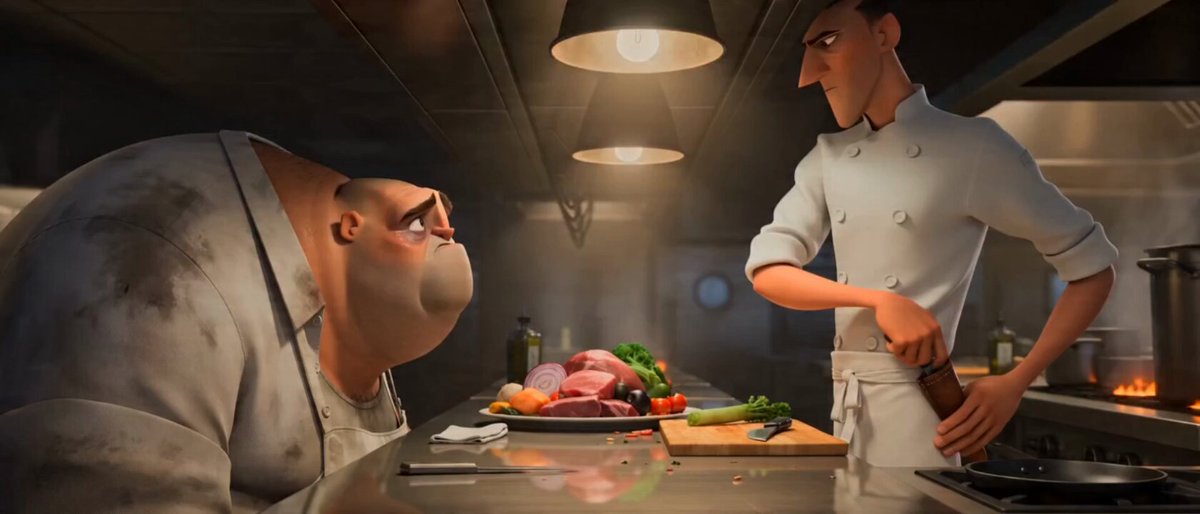
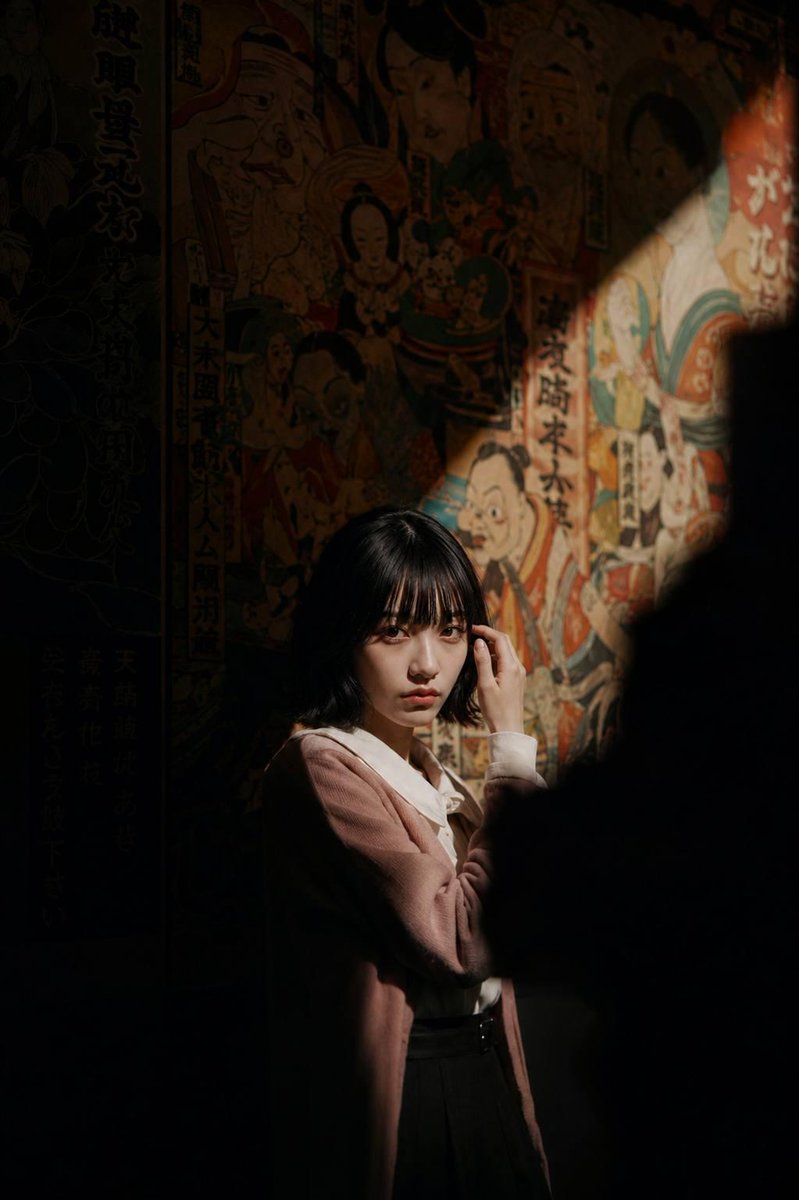
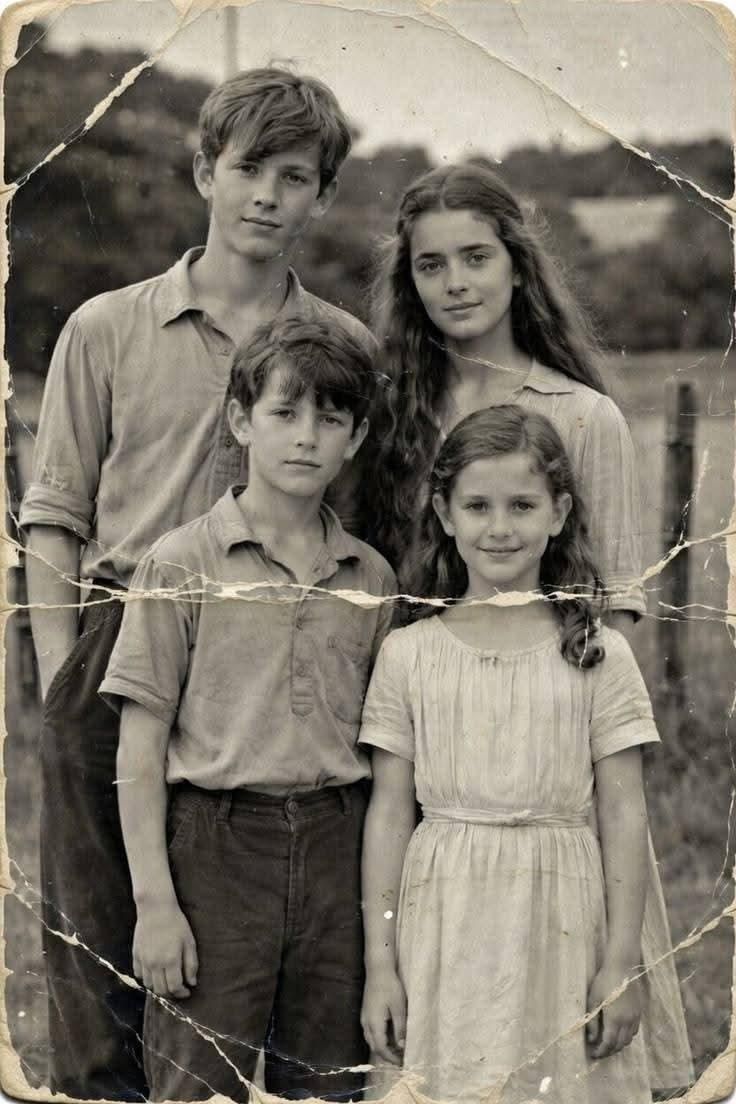
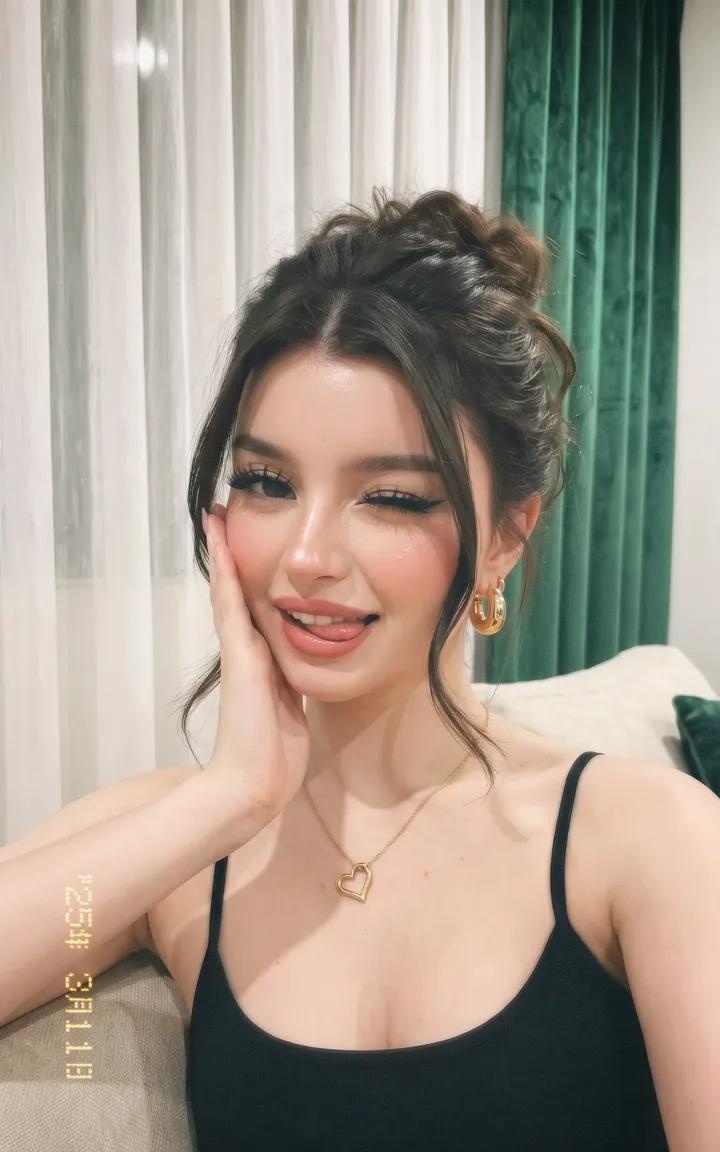
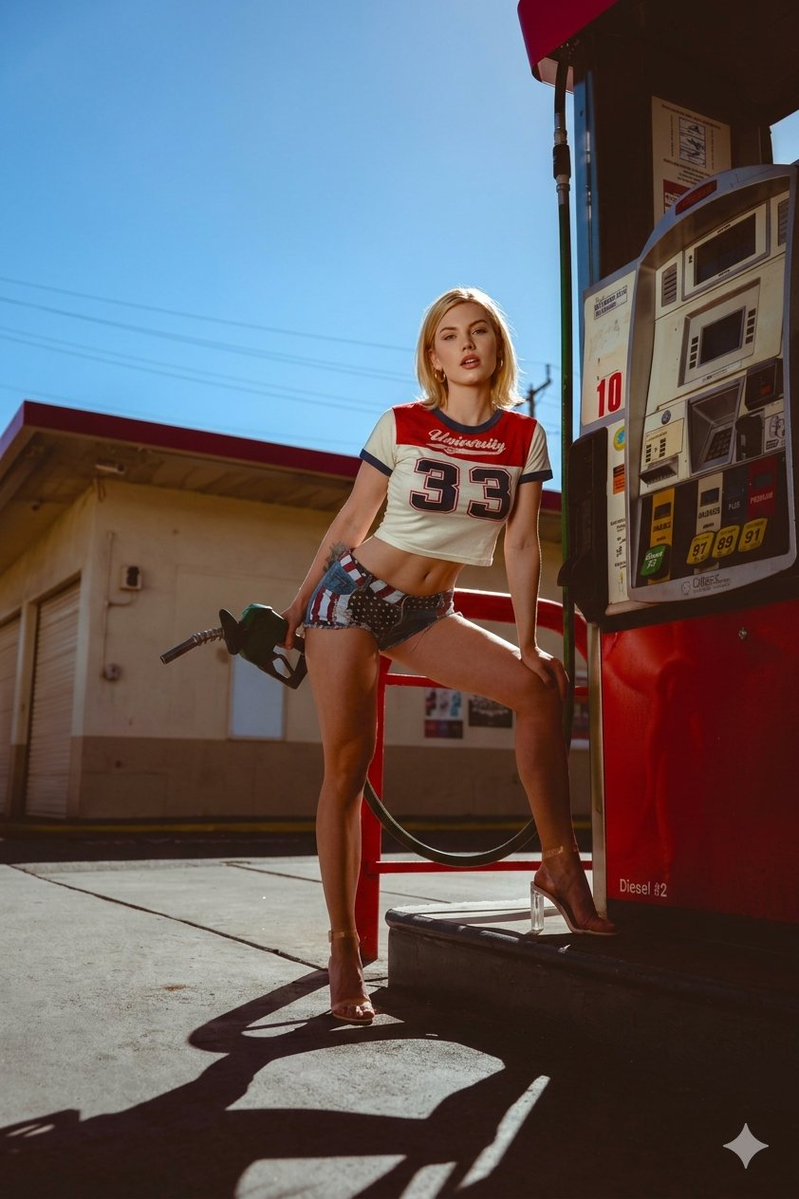
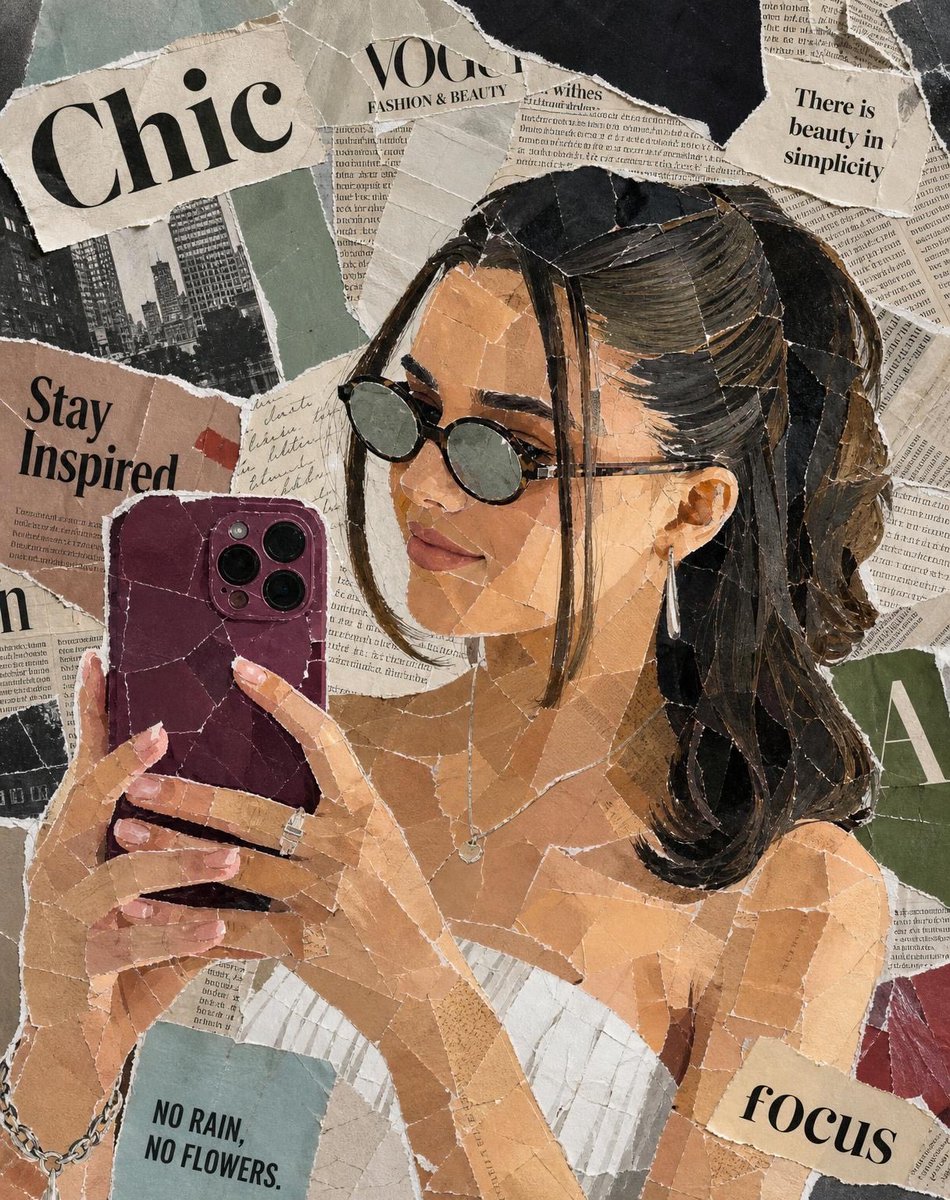
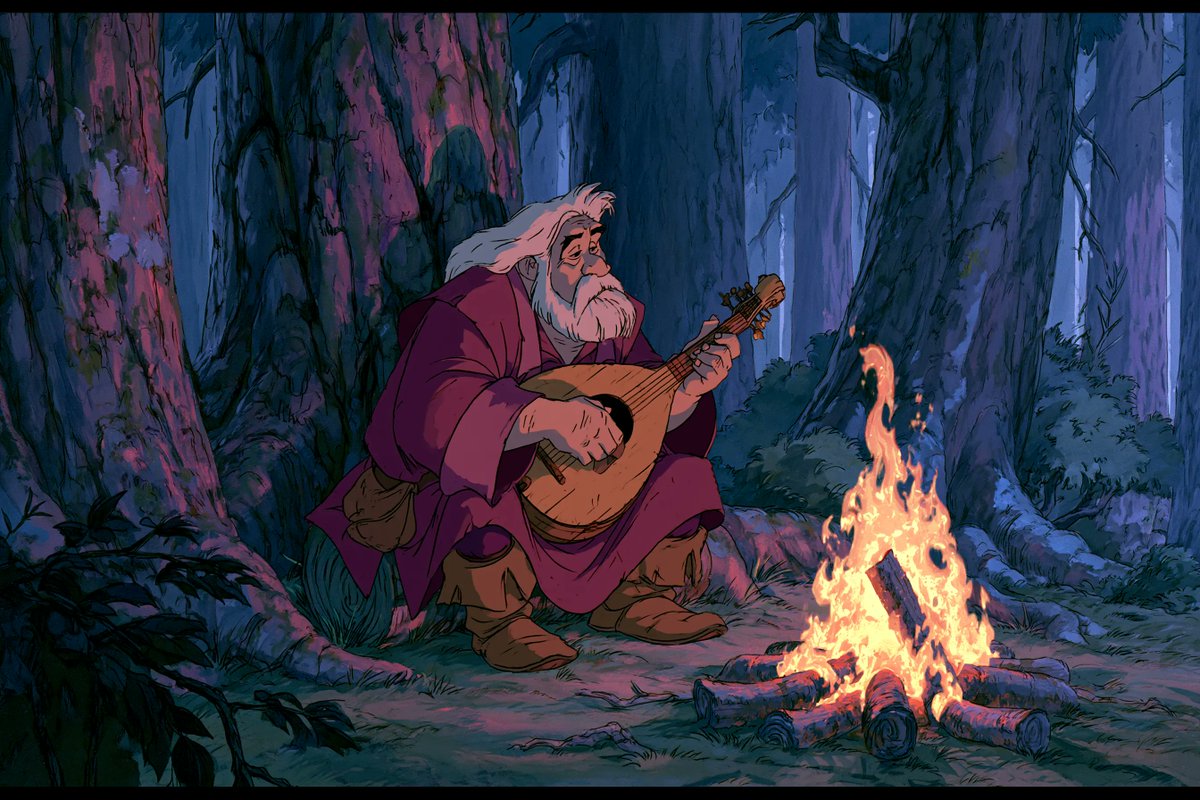
Dusky Cel Animation Portrait With Grainy Film Look
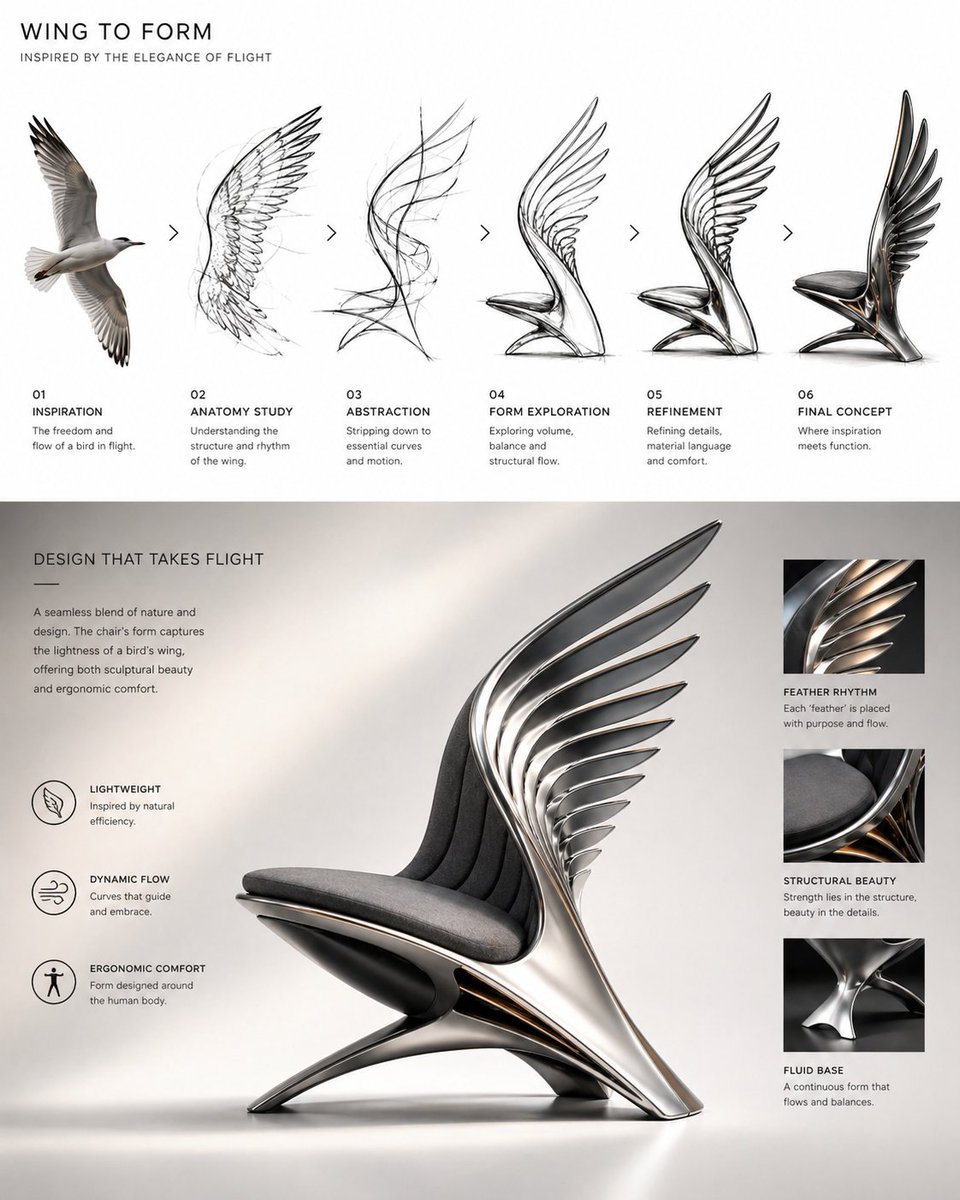
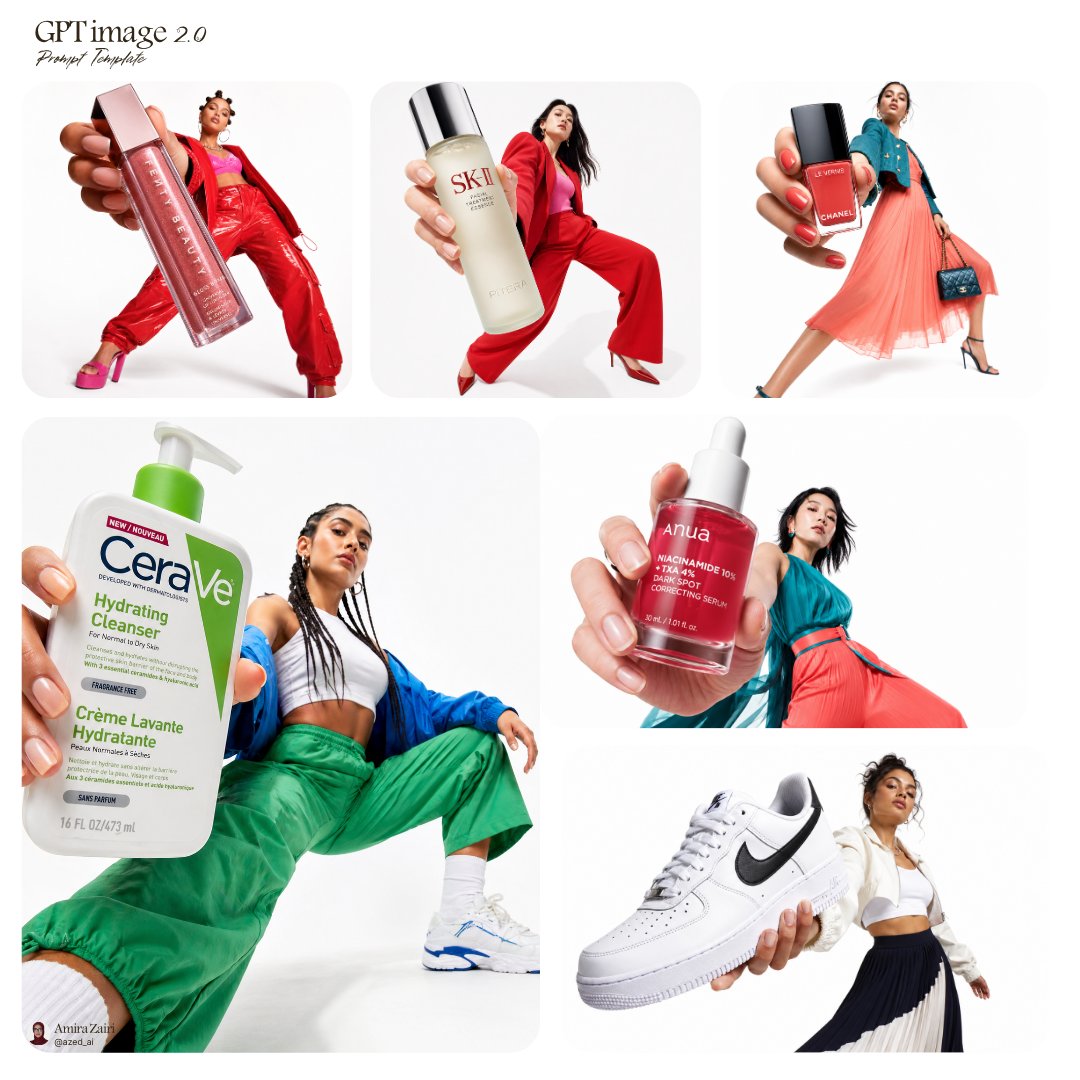
A figure rendered like a frame from a late-night animated feature, with soft grain over flat painted color and a muted, moody palette. The result reads as a quiet, restrained scene rather than a polished hero shot.

- Model
- GPT Image 2
- Type
- 4 images
- Aspect ratio
- 3:2
- Shared
- 7 Jun 2026
- Likes on X
- 169
SubjectObjectEnvironmentColorMood
Image prompt
320 characters1980s American fantasy animation style, a [subject] holding a [object], in a [environment]. [color] outfit. Atmosphere: [mood]. Slightly grainy cel-animation aesthetic, grounded dark fantasy, hand-painted backgrounds, Panavision framing, muted colors, cinematic lighting, restrained emotional tone, not overly idealized.
How to use it
Swap the bracketed subject, object, environment, outfit color, and mood to set your own scene, keeping the animation and grain wording so the cel texture holds. The restrained tone and muted colors carry the look, so avoid bright palette words if you want the same feel. It works well as a moody social post or a cover-style image for a fantasy story. It was shared as a GPT Image 2 prompt.
Shared publicly on X on 7 Jun 2026. All credit for this prompt and its result goes to its creator. Is this yours? Ask for an update or removal.