
YouTube Transcript
Extracts transcripts from public YouTube videos, with bulk channel and playlist export, AI summaries and an API.
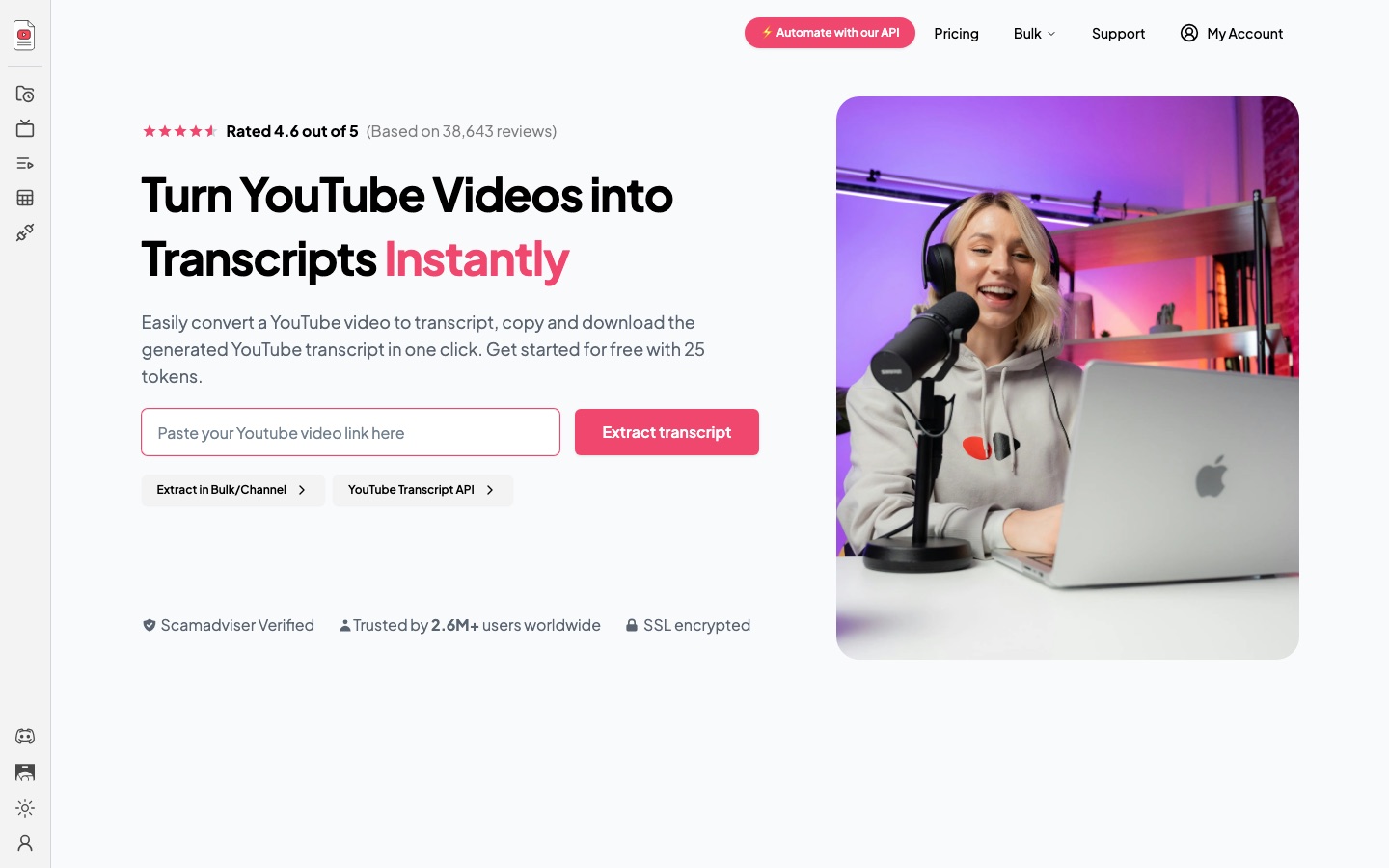
YouTube Transcript is a web tool that extracts the transcript of a public YouTube video. To use YouTube Transcript, paste a video link, press extract, then copy or download the text. YouTube Transcript also handles whole channels, playlists and CSV lists in bulk, produces AI summaries, and offers an API and a Chrome extension.
Best for Marketers, researchers and creators who need the text of YouTube videos, one at a time or in bulk, for analysis or repurposing.
- Platforms
- Web, API, Browser extension
- Pricing model
- Freemium
- Free plan
- Yes
- API
- Yes
- Made by
- Ripple Consulting BV
- Added
Last verified: . Information taken from youtube-transcript.io.
What is YouTube Transcript?
YouTube Transcript is an online service that converts YouTube videos into text. A user pastes the address of any publicly available video and receives a formatted transcript that can be copied or downloaded. Beyond single videos, the tool can pull transcripts for an entire channel, a full playlist or a list of links supplied as a CSV file, and it keeps a history of past extractions. An AI feature condenses a long transcript into a short summary, and paid plans add a chat-with-transcript option. Developers can call an API that takes a set of video IDs and returns their transcripts, with workflow templates provided for n8n and Make. Access is metered in tokens: a free plan includes 25 a month, and Plus, Pro and Enterprise plans raise the monthly allowance. The operator is Ripple Consulting BV.
Key Features
Single-Video Extraction
Returns the transcript of a public video from its link.
Bulk and Channel Export
Collects transcripts for a channel, a playlist or a CSV list of videos in one job.
AI Summaries
Shortens a lengthy transcript into a concise overview.
Copy and Download
Lets you copy the text or save it as a file with a single click.
Transcript API
Accepts up to 50 video IDs per call and returns their transcripts for use in other software.
Chrome Extension
Brings transcript extraction into the browser.
How YouTube Transcript works
Paste a video link
Enter the address of a YouTube video in the box on the home page.
Extract the transcript
Press the extract button to generate the text.
Copy or download
Take the transcript away with one click, or run an AI summary on it.
Screenshots
Use Cases
- Competitor Research
- Read what rival channels say and pull out recurring topics.
- Repurposing Videos
- Turn a recorded video into a blog post or social copy.
- Quoting Sources
- Find and cite exact wording from interviews or talks.
- Study Notes
- Summarise lectures into reviewable notes.
- Datasets for Analysis
- Gather transcripts in bulk through the API for AI or research pipelines.
Things to know
- Public videos only
- The tool works on videos that are publicly available on YouTube.
- Usage is counted in tokens
- The free plan includes 25 tokens a month; paid plans are sized by transcripts per month.
- API is rate limited
- The API allows five requests per ten seconds and up to 50 video IDs in a single call.
- Independent service
- The site is run by Ripple Consulting BV; it does not present itself as a YouTube or Google product.
FAQs
What is YouTube Transcript?
YouTube Transcript is a tool that extracts the transcript of a public YouTube video so the text can be copied, downloaded or summarised.
Is YouTube Transcript free?
YouTube Transcript has a free plan with 25 tokens per month. Higher volumes need a paid Plus, Pro or Enterprise plan.
How much does YouTube Transcript cost?
YouTube Transcript sells Plus, Pro and Enterprise plans with monthly or yearly billing. Figures are not quoted here; see the official pricing page for current prices.
Does YouTube Transcript have an API?
Yes. YouTube Transcript provides an API that fetches transcripts for a list of video IDs, with a rate limit of five requests every ten seconds.
Can YouTube Transcript summarise a video?
Yes. YouTube Transcript includes an AI summary feature that turns a long transcript into a short digest.
Can I extract transcripts in bulk with YouTube Transcript?
Yes. YouTube Transcript can process an entire channel, a playlist or a CSV file of links.
Who makes YouTube Transcript?
YouTube Transcript is operated by Ripple Consulting BV, the company named in the site footer.
Who it's for
- Marketers
- Content creators
- Podcasters
- Journalists
- Researchers
- Students
Comments
No comments yet. If you have used YouTube Transcript, tell other readers how it went.
Alternatives to YouTube Transcript
| Tool | Free plan | Starting price | API |
|---|---|---|---|
 NottaAI meeting notetaker that records, transcribes, translates and summarises conversations in 58 languages. NottaAI meeting notetaker that records, transcribes, translates and summarises conversations in 58 languages. |
Yes | $8.17/mo | — |
 TactiqBrowser extension that transcribes Google Meet, Zoom and Teams calls live and writes AI summaries without a bot. TactiqBrowser extension that transcribes Google Meet, Zoom and Teams calls live and writes AI summaries without a bot. |
Yes | — | — |
 LilysAIAI assistant that summarises YouTube videos, audio, PDFs, websites and text into reports you can chat with. LilysAIAI assistant that summarises YouTube videos, audio, PDFs, websites and text into reports you can chat with. |
Yes | — | — |
 ScreenAppAI notetaker that records, transcribes and summarises meetings, lectures and any audio or video file. ScreenAppAI notetaker that records, transcribes and summarises meetings, lectures and any audio or video file. |
Yes | — | Yes |
 BigjpgAI image enlarger that upscales artwork and photos up to 16x while reducing noise and jagged edges. BigjpgAI image enlarger that upscales artwork and photos up to 16x while reducing noise and jagged edges. |
Yes | $6 | Yes |
Listed in the same categories as YouTube Transcript. A starting price appears only where we checked it on the maker’s pricing page; a dash means not checked or not published. All Transcription & Captions tools