
Voicv
AI voice platform for cloning a voice from a short sample, turning text into speech and transcribing audio.
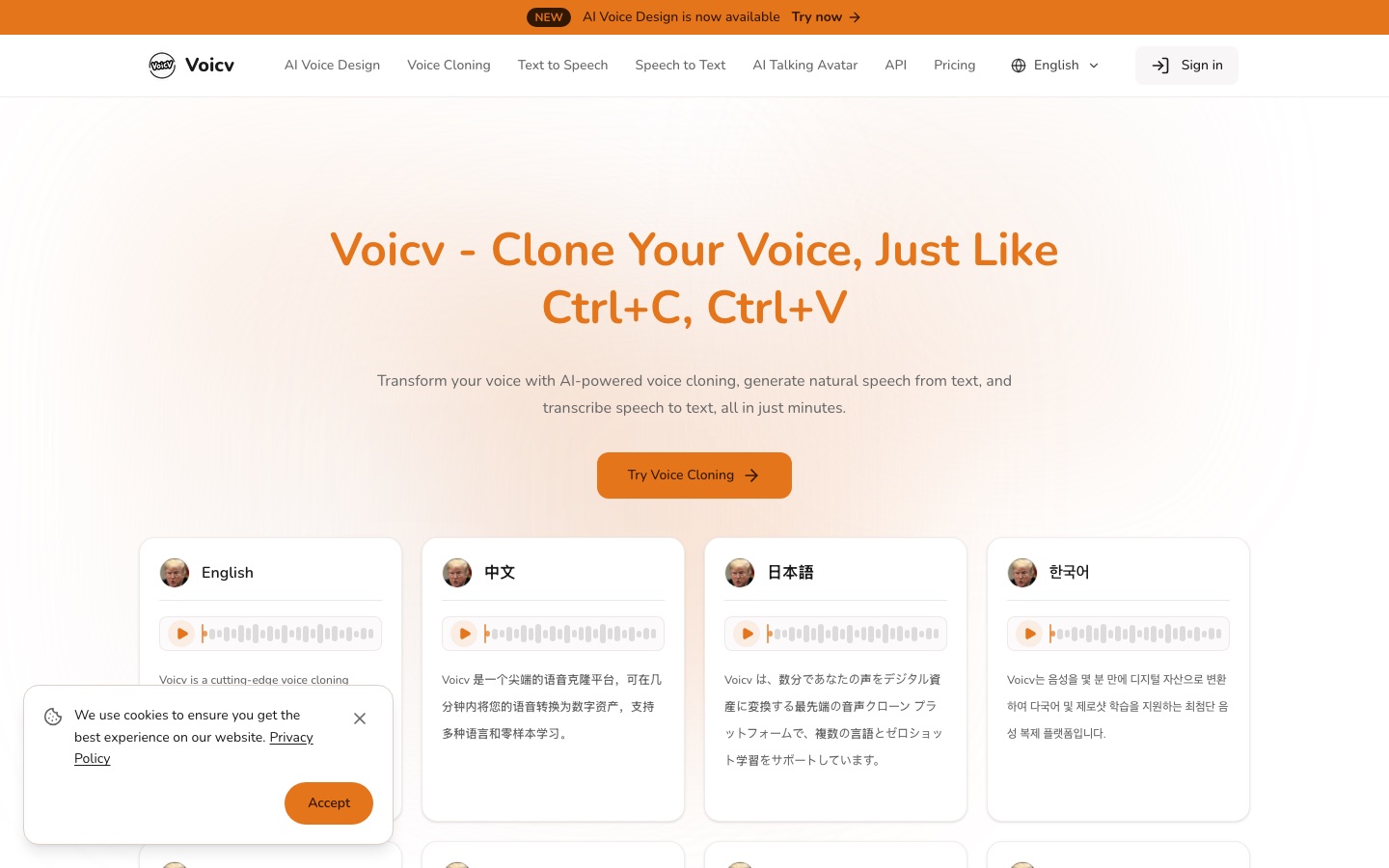
Voicv is an online AI voice platform that copies a voice from a recording of 10 to 30 seconds, reads written text aloud in that voice or a stock one, and converts recordings into text. Voicv is used by uploading a sample, typing a script and downloading the audio, with credits spent per conversion.
Best for Creators and businesses that want narration in their own voice across several languages, with an API for building it into products.
- Platforms
- Web, API
- Pricing model
- Freemium
- Free plan
- Yes
- API
- Yes
- Added
Last verified: . Information taken from voicv.com.
What is Voicv?
Voicv is a web-based voice platform built around three functions: copying a voice, reading written text aloud and transcribing recordings. Cloning is zero-shot, meaning the model needs only a sample of ten to thirty seconds rather than a long training session, and the resulting voice can then speak eight languages: English, Chinese, Japanese, Korean, German, Spanish, French and Arabic. The speech engine accepts cues for pauses, breathing and laughter, and lets you change pitch, speed and mood. Two newer tools sit beside these: AI Voice Design, and a talking avatar maker that pairs a still image with an audio track. Developers can request API access through an application form. Usage is metered in credits, sold either as monthly subscriptions or as one-off packs that do not expire.
Key Features
Zero-shot cloning
Builds a reusable voice model from a recording as short as ten seconds, without a separate training step.
Text to speech
Reads up to 5,000 characters per conversion in a cloned or preset voice.
Speech to text
Transcribes uploaded recordings so meetings and spoken content become searchable text.
Emotion cues
Lets you insert pauses, breaths and laughter and adjust pitch, speed and mood such as happy, sad or angry.
Talking avatar
Combines an uploaded portrait with generated or uploaded audio to produce a speaking video.
Developer API
Offers programmatic access after an application describing the use case and expected volume.
How Voicv works
Upload a sample
Provide a recording of 10 to 30 seconds of the voice to be cloned.
Let the model analyse it
The system extracts traits such as pitch, tone and rhythm and builds a voice model within minutes.
Generate speech
Type the text and choose the language and emotional settings to produce new audio in that voice.
Use Cases
- Localising videos
- Release the same video in several languages while keeping the presenter's own voice.
- Audiobook narration
- Turn a manuscript into narrated chapters without booking studio time.
- Podcast production
- Patch or extend an episode from a script instead of re-recording.
- Meeting notes
- Convert a recorded call into text that can be searched and reused.
- Voice preservation
- Keep a usable copy of a voice for someone whose speech is affected by a health condition.
Things to know
- Consent is required
- The site says the owner of a voice must explicitly agree to cloning, that deceptive use is prohibited and that output is watermarked.
- No refunds
- Subscriptions can be cancelled at any time, but neither past usage nor Flex credit packs are refunded.
- Free tier is non-commercial
- Commercial usage rights come only with paid subscriptions and Flex credits.
- Adult content is banned
- NSFW material is prohibited on every plan and may be removed.
FAQs
What is Voicv?
Voicv is an AI voice platform that combines a voice cloner, a speech generator, a transcription tool and a talking avatar maker in one web app.
What is Voicv used for?
Voicv is used to create narration in a cloned or preset voice, for example for localised videos, audiobooks and podcasts, and to transcribe recordings.
Is Voicv free?
Voicv has a free plan, but it excludes commercial usage rights. Commercial use is covered by the paid subscriptions and by one-time Flex credit packs.
How much does Voicv cost?
Voicv: a free plan is available. Paid plan rates are published on voicv.com. Check the official pricing page for current amounts.
How much audio does Voicv need to clone a voice?
Voicv asks for a sample of 10 to 30 seconds. Processing usually finishes within a few minutes of the upload.
Which languages does Voicv support?
Voicv generates speech in eight languages: Arabic, Chinese, English, French, German, Japanese, Korean and Spanish.
Does Voicv have an API?
Yes. Voicv has an API, and access is granted after you submit a form describing your integration and expected request volume.
Can I get a refund from Voicv?
No. Voicv states that it does not refund past subscription usage or Flex credit purchases, although a subscription can be cancelled at any time.
Who it's for
- Content creators
- Podcasters
- Voice actors
- Businesses
- Developers
Used in these workflows
- Producing an audiobook with AI narration, from manuscript to releaseStage 2: Choosing or cloning a voice
Each guide lists the stages of one job and the tools that help at each stage. All guides
Comments
No comments yet. If you have used Voicv, tell other readers how it went.
Alternatives to Voicv
| Tool | Free plan | Starting price | API |
|---|---|---|---|
 ElevenLabsAI audio platform for text to speech, voice cloning, transcription, dubbing, music and conversational voice agents. |
Yes | — | Yes |
 Fish AudioAI voice platform for text to speech and voice cloning with emotion tags, a large voice library and a developer API. |
Yes | — | Yes |
 LazybirdAI voiceover generator that turns scripts into downloadable speech with 200+ voices, voice cloning and an API. |
Yes | — | Yes |
 ListnrAI voice generator for text to speech, voice cloning and narration in a browser-based studio. |
Yes | — | Yes |
 MaestraAI media localisation platform for transcription, subtitles, translation and dubbing in 125+ languages, on files or live. |
— | — | Yes |
Listed in the same categories as Voicv. A starting price appears only where we checked it on the maker’s pricing page; a dash means not checked or not published. All Voice Cloning & Voice Changer tools