
Videotto
Prompt-based AI video editor whose agent, Otto, clips, captions and adds motion graphics to your footage.
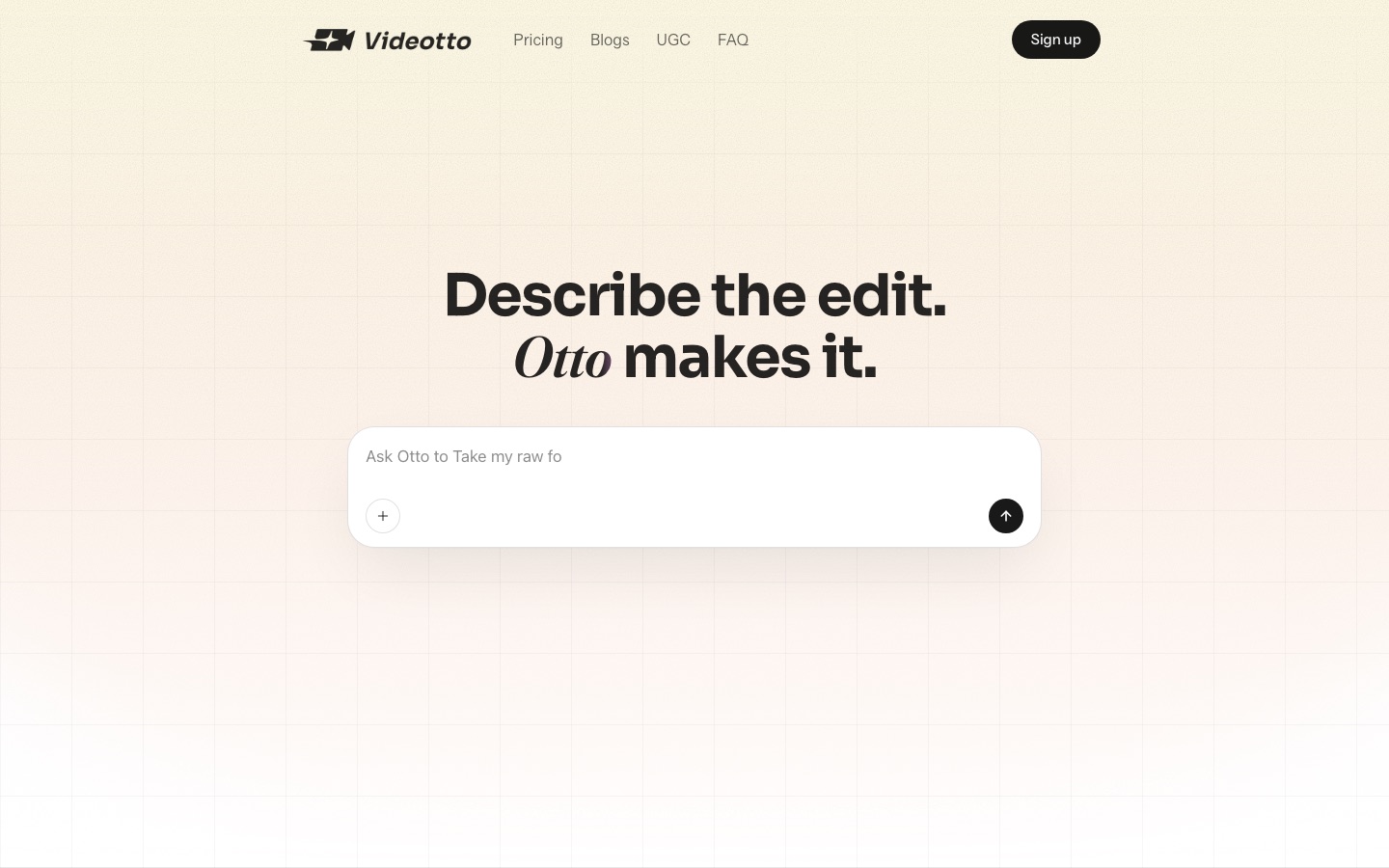
Videotto is an AI video editor driven by text prompts. You add a video, describe the result you want, and its agent Otto cuts clips, adds captions and motion graphics and exports the files. Videotto is used mainly to turn long recordings such as podcasts into short vertical videos and to schedule them to social networks.
Best for Creators and social teams who publish short-form video regularly and want to turn long recordings into captioned clips by describing the edit.
- Listed in
- Video EditingSocial Media
- Platforms
- Web
- Pricing model
- Subscription
- Starting price
- $12 per month Pro plan with yearly billing ($144 billed annually); $20 per month with monthly billing
- Made by
- Videotto
- Added
Last verified: . Information taken from videotto.com.
What is Videotto?
Videotto is an AI video editor that works from written instructions. You upload a video or paste a link, tell its agent, called Otto, what you want, and the edited result appears next to the conversation. Otto can watch a long recording such as a podcast, suggest the passages that work as standalone clips and cut them into vertical shorts with captions, or tighten the full video instead. It also builds motion graphics timed to what is being said, and accepts sketches drawn on a frame as guidance for a graphic or an edit. Up to ten versions of one video can be produced in parallel. Finished videos can be scheduled to social networks, with automatic replies to comments and direct messages. Plans are subscription-based and metered in credits.
Key Features
Prompt Editing
Carries out edits you describe in plain language and shows the cut beside the chat.
AI Clipping
Scans a full recording, proposes self-contained moments and exports them as vertical clips.
Motion Graphics
Designs animated callouts, number reveals and charts for the specific point in the video where they appear.
Draw and Label
Reads strokes you sketch on a frame or a blank canvas and turns them into a graphic or an edit.
Batch Variations
Produces as many as ten versions of the same video in one run.
Social Scheduling and Auto-Reply
Publishes to social platforms on a schedule and can answer comments and DMs automatically.
How Videotto works
Add a video
Upload a file or paste a link, for example a YouTube address.
Describe the edit
Type what you want, such as vertical shorts with captions switched on.
Review Otto's proposal
Otto reports which candidate moments it found and returns the cut next to the chat.
Refine and export
Ask for changes such as a different clip length, then export or schedule the post.
Screenshots
Videos
Use Cases
- Podcast Shorts
- Cut an hour-long episode into captioned vertical clips.
- Launch Videos
- Add animated graphics to a product announcement.
- Tightening Talking-Head Footage
- Remove pauses with automatic jump cuts.
- Multi-Format Publishing
- Export one recording in the formats different networks need.
- Testing Variations
- Generate several versions of the same clip and compare how they perform.
Pricing
Pro
$20$12
per month, $144.00 billed annually
2,400 credits per year
- AI Clipping and AI Motion
- Multiple languages
- Auto posting to socials
- Dropbox and Google Drive
Plus
$95$57
per month, $684.00 billed annually
12,000 credits per year
- Everything in Pro
- Priority support
- Advanced analytics
Enterprise
Custom
contact sales, custom
Custom
- Everything in Plus
- Enterprise security
- Custom API integrations
- Dedicated account manager
Prices as displayed on the official pricing page with yearly billing selected; the page labels them in USD. The struck figure is the per-month price shown for monthly billing. The Plus price applies to the 12,000-credit option shown. Checked 9 Oct 2026 at videotto.com.
Things to know
- Yearly credits arrive at once
- On yearly billing the Pro plan's 2,400 credits are available immediately, and the quota resets each year on the subscription date.
- No overage billing
- Running out of credits does not trigger extra charges; you either buy more credits or move to a higher plan.
- API access is an Enterprise item
- Custom API integrations, enterprise security and an account manager appear only in the Enterprise tier.
FAQs
What is Videotto?
Videotto is an AI video editor in which you describe an edit in text and an agent named Otto performs it.
What is Videotto used for?
Videotto is used to cut long videos into short clips, add captions and motion graphics, and schedule the results to social media.
How much does Videotto cost?
With yearly billing, Videotto lists Pro at $12 USD per month ($144 billed annually) and Plus at $57 USD per month ($684 billed annually). The monthly-billing prices shown are $20 and $95, and Enterprise is custom.
How do Videotto credits work?
Videotto credits form one shared balance that can be spent on any tool, with different tools and models using different amounts. When the balance runs out you can buy extra credits or upgrade; the page says there are no overage charges.
Can Videotto post to social media?
Yes. Videotto can schedule videos to social platforms and includes an auto-reply option for comments and direct messages.
Does Videotto work on mobile?
Yes. The Videotto site says videos can be managed on both mobile and desktop.
Does Videotto have an API?
Videotto lists custom API integrations only under its Enterprise plan; no public API is described on the pages reviewed.
Who it's for
- Content creators
- Podcasters
- Social media managers
- Marketing teams
- Video editors
Comments
No comments yet. If you have used Videotto, tell other readers how it went.
Alternatives to Videotto
| Tool | Free plan | Starting price | API |
|---|---|---|---|
 VizardAI video clipping tool that finds highlights in long videos and turns them into captioned short clips for social media. |
Yes | — | Yes |
 AI Video CutPrompt-driven tool that cuts long videos into captioned short clips for Shorts, TikTok, Reels and ads. |
Yes | — | — |
 AutoCaptionAI caption generator that adds animated, styled subtitles to short videos and resizes them for each platform. |
Yes | — | Yes |
 ChoppityAI video editor that cuts podcasts and long videos into captioned short clips for TikTok, Reels and Shorts. |
Yes | — | Yes |
 GlingAI video editor for YouTube creators that cuts bad takes, silences and filler words from raw footage. |
Yes | — | — |
Listed in the same categories as Videotto. A starting price appears only where we checked it on the maker’s pricing page; a dash means not checked or not published. All Video Editing tools