
AnimateAI
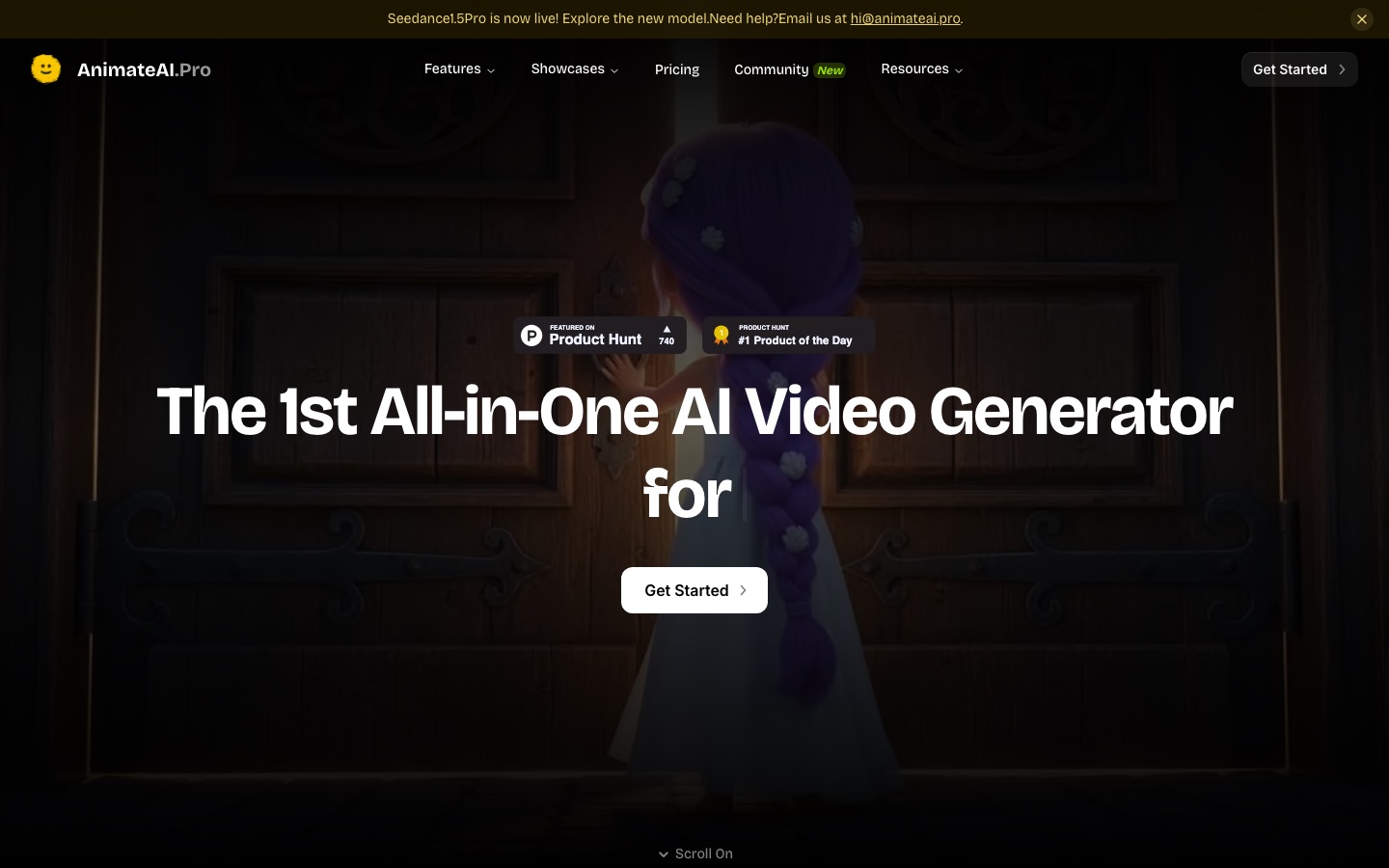
AI video generator for animated stories that handles characters, storyboards and video scenes in one workflow.
AnimateAI is an AI video generator for animated stories. AnimateAI is used by describing a story, selecting or generating characters, turning the script into a storyboard and then generating and joining the video scenes. Characters can be saved and reused, which keeps them consistent across the episodes of a series.
Best for Creators who want to produce animated story videos or series with recurring characters without animation experience.
- Listed in
- AI Video GeneratorAnime & Comic Art
- Platforms
- Web
- Pricing model
- Subscription
- Added
Last verified: . Information taken from animateai.pro.
What is AnimateAI?
AnimateAI is a video generator built around animated storytelling, combining character creation, storyboarding and video production in a single workflow. You begin with a story idea; the tool proposes characters to match it, and each one can be customised with a style, outfit and voice and then saved for reuse so that it looks the same across episodes. Scripts are converted into editable storyboards containing scene descriptions, images, narration and voiceover. From there the system generates the video scenes and joins them into a finished clip. Third-party models are integrated for each step, among them Kling, Runway, Luma and Minimax for video, FLUX and Midjourney for images, ElevenLabs for voice and Suno for music. A prompt enhancer rewrites inputs automatically, and community templates can be regenerated in your own style. Paid plans work on monthly credits.
Key Features
AI character generation
Designs characters from a story idea and stores them so the same figure can appear consistently in later episodes.
Storyboard generator
Turns a script into an editable sequence of scenes with visuals, narration and voiceover.
Text-to-video generation
Creates customisable videos of about 30 seconds from a text prompt.
Integrated AI models
Combines text, image, voice, music and video models from several providers inside one tool.
Prompt enhancement
Optimises text, image and video prompts automatically, so no prompt-writing skill is required.
Community templates
Provides ready-made projects in many genres that can be personalised with one click, crediting the original creator.
How AnimateAI works
Select or generate characters
Share the story idea and choose main and background characters, or create new ones.
Generate storyboards
Convert the script into scenes with descriptions, images and narration, and edit them as needed.
Generate videos
Produce a video clip for each scene.
Concatenate the clips
Join the scenes into the final video.
Use Cases
- Animated series
- A creator produces multi-episode stories in which the main characters keep the same appearance.
- Children's bedtime stories
- A parent or channel owner generates short narrated story videos for kids.
- Movie-style trailers
- A writer visualises a story concept as a short trailer.
- Lofi music clips
- A music channel makes looping animated visuals to accompany relaxing tracks.
- Motivational shorts
- A social media creator turns a script into a narrated motivational video.
Things to know
- The trial is paid and renews
- The 7-day trial carries a charge and converts automatically into the monthly Standard Plan unless cancelled.
- Credits and extras
- Standard includes 500 credits a month and Pro 2,000, and daily logins earn bonus credits.
- Add-on credits expire
- Credits bought through the One-Time Plan lapse 30 days after purchase.
- Model access differs by plan
- The Pro Plan adds newer Kling video models that the Standard Plan does not list.
FAQs
What is AnimateAI?
AnimateAI is an AI video generator for animated stories that brings character design, storyboard creation and video generation together in one place.
What is AnimateAI used for?
AnimateAI is used to make animated story series, trailers, kids' stories, lofi music videos and similar short videos from text ideas.
Which AI models does AnimateAI use?
AnimateAI integrates GPT-4, Claude and Gemini for text, FLUX and Midjourney for images, ElevenLabs for voiceover, Suno for music, and Runway, Kling, Minimax and Luma for video.
How much does AnimateAI cost?
AnimateAI sells a Standard Plan that begins with a paid 7-day trial, a Pro Plan, and one-time credit packs. For current amounts, see the official pricing page.
Is AnimateAI free?
AnimateAI's home page has a get-started-for-free button and free community templates, while the pricing page lists a paid 7-day trial that renews into the monthly Standard Plan.
Do AnimateAI videos have watermarks?
The AnimateAI Standard Plan is listed with no watermarks.
How long can an AnimateAI video be?
AnimateAI's Standard Plan permits as many as ten scenes per full-length video, and the video generator is described as producing clips of around 30 seconds.
Who it's for
- Animators
- YouTube creators
- Storytellers
- Marketers
- Beginners
Comments
No comments yet. If you have used AnimateAI, tell other readers how it went.
Alternatives to AnimateAI
| Tool | Free plan | Starting price | API |
|---|---|---|---|
 AnijamChat-based AI video agent for making animation, anime-style clips, ads and social videos from prompts. AnijamChat-based AI video agent for making animation, anime-style clips, ads and social videos from prompts. |
Yes | — | — |
AutodraftAI cartoon animation tool that generates characters, backgrounds and voiceovers for story videos. |
Yes | — | — |
 DomoAIAI video studio that generates clips from text, images or footage and restyles existing video into other looks. DomoAIAI video studio that generates clips from text, images or footage and restyles existing video into other looks. |
Yes | — | Yes |
 Krikey AIBrowser-based AI animation tool that creates 3D character videos from text or video prompts. Krikey AIBrowser-based AI animation tool that creates 3D character videos from text or video prompts. |
Yes | — | — |
 OiiOii.aiAI animation workspace where agents turn an idea into characters, scenes, storyboards and short films. OiiOii.aiAI animation workspace where agents turn an idea into characters, scenes, storyboards and short films. |
— | — | — |
Listed in the same categories as AnimateAI. A starting price appears only where we checked it on the maker’s pricing page; a dash means not checked or not published. All AI Video Generator tools