
TimeSkip
Chrome extension that generates keyword-focused chapters and timestamps for YouTube videos inside the player.
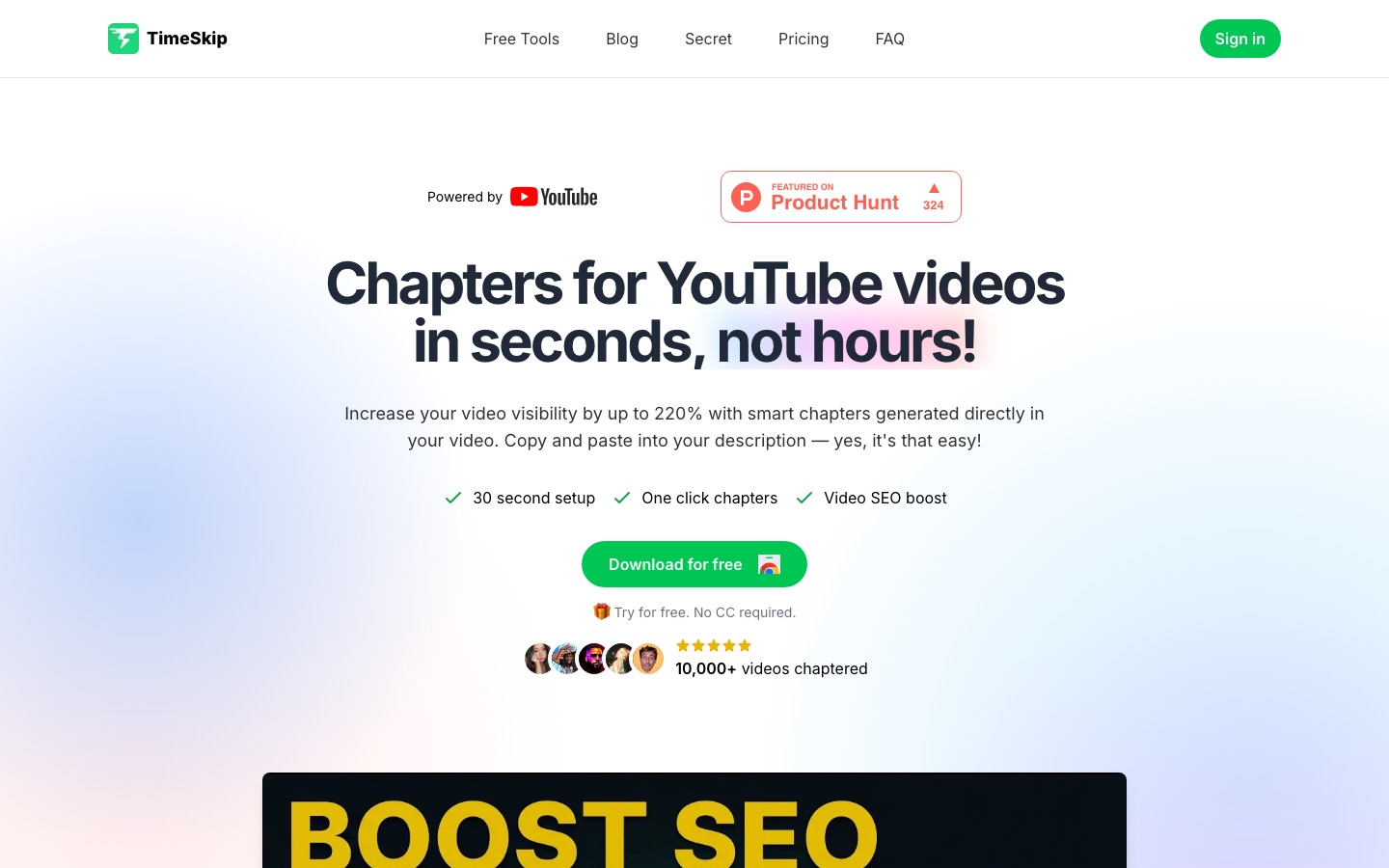
TimeSkip is a Chrome extension that creates chapters and timestamps for YouTube videos with AI. TimeSkip adds an icon to the YouTube player; clicking it produces a chapter list based on the video's captions, which the creator previews and then copies into the video description. Paid tiers also write titles, descriptions and tag suggestions.
Best for Podcasters, webinar hosts and other creators of long YouTube videos who want chapter lists without rewatching and annotating each recording.
- Listed in
- Social MediaSEO & AI Visibility
- Platforms
- Browser extension, Web
- Pricing model
- Subscription
- Free trial
- Yes
- Added
Last verified: . Information taken from timeskip.io.
What is TimeSkip?
TimeSkip is a Chrome extension that generates chapter lists for YouTube videos. After installation from the Chrome Web Store, an icon appears in the YouTube player; one click produces timestamped chapters whose headings are written around search keywords, and the creator can preview them, jump between them and copy the list into the description field. The site says a one-hour video is processed in roughly five seconds. It works on any public or private video that has closed captions and in every language YouTube captions cover. Paid tiers add title and description writing, tag suggestions and thumbnail download, with monthly limits on the number of videos and on video length, and there is also a one-off lifetime option. The website additionally hosts a set of free YouTube utilities such as tag, title and hashtag generators.
Key Features
In-Player Chapter Generation
Adds a button to the YouTube player that returns a timestamped chapter list for the video currently open.
Keyword-Oriented Headings
Words each chapter title around relevant search terms, including long-tail keywords, instead of generic labels.
Preview and Navigation
Shows the generated chapters before you use them and lets you jump to each point in the video to check it.
Copy to Description
Copies the full timestamp list so it can be pasted straight into the video description.
Title, Description and Tags
Writes a video title and description and proposes tags as part of the paid plans.
Free YouTube Tools
Offers browser-based helpers on the website, among them a tags generator, a hashtag generator and a thumbnail downloader.
How TimeSkip works
Install the extension
Add TimeSkip to Chrome from the Chrome Web Store.
Open your video
Load the YouTube video and click the TimeSkip icon in the player.
Preview the chapters
Check the generated list and move through the video to confirm the timestamps.
Paste into the description
Copy the chapters and add them to the description of the video on YouTube.
Use Cases
- Podcast Episodes
- Break a long conversation into labelled segments so listeners can find a topic.
- Webinar Recordings
- Add timestamps to a recorded session before sharing it with attendees.
- Tutorials and Lectures
- Mark each step or subject in an educational video for easier revision.
- Back-Catalogue Updates
- Go through older uploads and add chapters to descriptions that never had them.
- Agency Channel Management
- Prepare chapters, descriptions and tags for many client videos each month.
Things to know
- Captions are required
- Chapters are produced from closed captions, so a video without captions cannot be processed.
- Plans limit videos and length
- Pro allows 15 videos a month up to 90 minutes each; Studio allows 50 a month up to 10 hours each; Lifetime has no video cap.
- Seven-day refund policy
- Purchases can be refunded in full during the first seven days.
FAQs
What is TimeSkip?
TimeSkip is a Chrome extension that generates chapters and timestamps for YouTube videos directly in the YouTube player.
How do I add chapters to a YouTube video with TimeSkip?
Install the TimeSkip extension, open the video, click the TimeSkip icon in the player and copy the generated chapters. Then paste them into the video description.
Does TimeSkip work on any YouTube video?
Yes, provided the video has closed captions. TimeSkip handles public and private videos alike.
What languages does TimeSkip support?
TimeSkip supports every language that YouTube captions support, according to its FAQ.
Is TimeSkip free?
TimeSkip can be downloaded and tried without a credit card, and its website has a set of free YouTube tools. Ongoing use is sold as Pro and Studio subscriptions or a one-time Lifetime purchase; see the official site for current prices.
What is the difference between TimeSkip Pro and Studio?
TimeSkip Pro covers 15 videos per month with a 90-minute length limit. Studio covers 50 videos per month, raises the limit to 10 hours and adds priority support.
Can I get a refund from TimeSkip?
Yes. TimeSkip states that it gives a full refund within 7 days of purchase.
Who it's for
- YouTube creators
- Podcasters
- Webinar hosts
- Educators
- Marketing agencies
Used in these workflows
- The AI toolkit for running a YouTube channel, one upload at a timeStage 7: Captions, chapters and dubbing
Each guide lists the stages of one job and the tools that help at each stage. All guides
Comments
No comments yet. If you have used TimeSkip, tell other readers how it went.
Alternatives to TimeSkip
| Tool | Free plan | Starting price | API |
|---|---|---|---|
 MaekersuiteVideo pre-production suite that researches topics and competitors, then helps write and optimise video scripts. |
— | — | — |
TubeBuddyYouTube optimisation toolkit with keyword research, SEO scoring, thumbnail and title A/B testing and channel analytics. |
Yes | — | — |
vidIQYouTube growth toolkit with AI video ideas, keyword research, title and thumbnail optimisation and an AI coach. |
Yes | — | — |
AuthoredUpLinkedIn content tool for writing, formatting, scheduling and analysing posts via a web app and Chrome extension. |
— | — | Yes |
 AI Video CutPrompt-driven tool that cuts long videos into captioned short clips for Shorts, TikTok, Reels and ads. |
Yes | — | — |
Listed in the same categories as TimeSkip. A starting price appears only where we checked it on the maker’s pricing page; a dash means not checked or not published. All Social Media tools