
Stanley
AI content assistant that drafts, schedules and posts social media content through a messaging thread.
Stanley is an AI content assistant from Stan Store that helps creators grow a social media audience. Stanley is used by messaging it on iMessage, Telegram, WhatsApp or the web: it suggests ideas, writes drafts in the creator's voice, schedules and publishes posts, and reports how each one performed.
Best for Creators and busy professionals who want to keep posting on social media by exchanging short messages instead of managing a content tool.
- Listed in
- Social MediaAI Agents & Automation
- Platforms
- Web
- Made by
- Stan Store
- Added
Last verified: . Information taken from getstanley.ai.
What is Stanley?
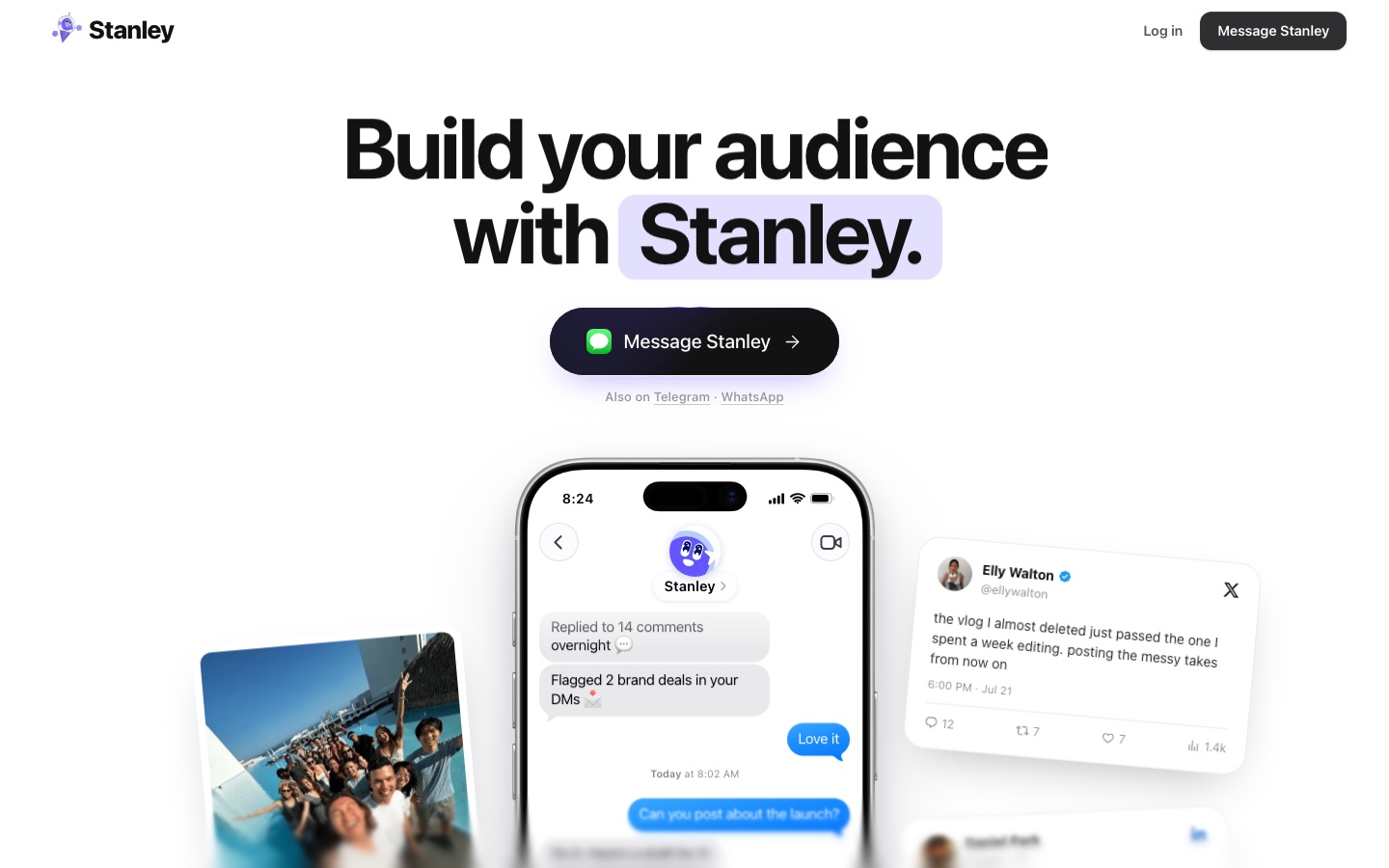
Stanley is an AI assistant for social media that works through a chat thread rather than a dashboard. The site presents it as an AI head of content: you message it by iMessage, Telegram, WhatsApp or the web, and it replies with post ideas, drafts and scheduling confirmations. Stanley studies your earlier posts and voice notes so that drafts follow the way you speak, and it sends ideas on its own initiative instead of waiting for a request. A content calendar fills the week, publishes at a chosen time on each platform and shifts items when plans change. After a post goes out, Stanley reports the numbers, explains why a strong post worked and bases the next drafts on the same structure. The footer notes that Stanley is part of Stan Store.
Key Features
Messaging Interface
Runs the whole workflow inside one conversation on iMessage, Telegram, WhatsApp or the web.
Voice-Matched Drafts
Learns phrasing from your past posts and voice notes and writes drafts in that style.
Proactive Ideas
Sends post ideas and draft concepts without being asked, for example based on recent comments.
Content Calendar
Plans the week, posts at set times per platform and reschedules when your day shifts.
Performance Feedback
Reports views and likes after publishing and explains what made a post do well.
Approve by Reply
Lets you approve, tweak or schedule a draft by answering the message.
How Stanley works
Message Stanley
Start a thread by scanning the QR code, texting the number or signing up with email.
Share your material
Send voice notes or let Stanley read your existing posts so it can learn your style.
Review the draft
Stanley sends a draft and a proposed time; approve it or ask for changes by replying.
Let it post
Stanley publishes at the scheduled time and texts you the link.
Read the results
Stanley follows up with the numbers and prepares further drafts.
Use Cases
- Posting Consistently
- Keep a daily or weekly rhythm without planning each post from scratch.
- Turning Voice Notes into Posts
- Record a thought and receive a draft for X or LinkedIn.
- Scheduling a Week of Clips
- Ask for clips to be queued on set days and times.
- Repeating What Worked
- Get new drafts built on the framework of a post that performed well.
- Marketing a Local Business
- Let a busy professional such as a realtor keep a social presence going from short messages.
Things to know
- Chat-first product
- The workflow happens in a message thread on iMessage, Telegram, WhatsApp or the web rather than in a traditional app interface.
- Part of Stan Store
- The website identifies Stanley as belonging to Stan Store.
- No public pricing
- The page reviewed here does not list plans or prices.
FAQs
What is Stanley?
Stanley is an AI content assistant that plans, drafts, schedules and posts social media content through a messaging conversation.
What is Stanley used for?
Stanley is used to build an audience on social media by keeping a creator posting regularly, with ideas, drafts and performance updates delivered as messages.
How do I talk to Stanley?
Stanley is reached through iMessage, and it is also available on Telegram, WhatsApp and the web. The site offers a QR code, a phone number to text and an email sign-up.
Does Stanley write in my own voice?
Stanley learns how you talk from your existing posts and voice notes and uses that to shape each draft.
Can Stanley schedule and publish posts?
Yes. Stanley schedules posts on a content calendar, publishes them at the chosen time and then sends back the link and the results.
Who makes Stanley?
Stanley is part of Stan Store, according to the footer of its website.
Who it's for
- Creators
- Solo professionals
- Realtors
- Small business owners
Comments
No comments yet. If you have used Stanley, tell other readers how it went.
Alternatives to Stanley
| Tool | Free plan | Starting price | API |
|---|---|---|---|
 BooSendInstagram DM automation tool with AI agents that reply to comments and messages, qualify leads and book calls. |
— | — | — |
 Enrich LabsMaker of Helena, an AI marketing agent that plans and runs SEO, social, email and ad work across your tools. |
— | — | — |
 InrōInstagram DM automation with an AI agent, comment-to-DM replies, DM campaigns and a contact inbox. |
Yes | — | Yes |
 RepostitAutomatically republishes your TikTok videos and image posts to other social apps without the TikTok watermark. |
— | — | — |
 AI Video CutPrompt-driven tool that cuts long videos into captioned short clips for Shorts, TikTok, Reels and ads. |
Yes | — | — |
Listed in the same categories as Stanley. A starting price appears only where we checked it on the maker’s pricing page; a dash means not checked or not published. All Social Media tools