
Recall.ai
Developer API and SDKs for recording meetings and retrieving transcripts, audio, video and participant metadata.
Recall.ai is a developer platform for capturing conversation data from meetings. Recall.ai provides a Meeting Bot API, a Desktop Recording SDK and a Calendar API that return recordings, transcripts and participant metadata from platforms such as Zoom, Google Meet and Microsoft Teams. Developers call the Recall.ai API from their own product and pay per recorded hour.
Best for Engineering teams that want to add meeting recording, transcription or notetaking to their own software without building the capture infrastructure.
- Platforms
- API
- Pricing model
- Credits
- Free trial
- Yes
- API
- Yes
- Made by
- Recall.ai
- Added
Last verified: . Information taken from recall.ai.
What is Recall.ai?
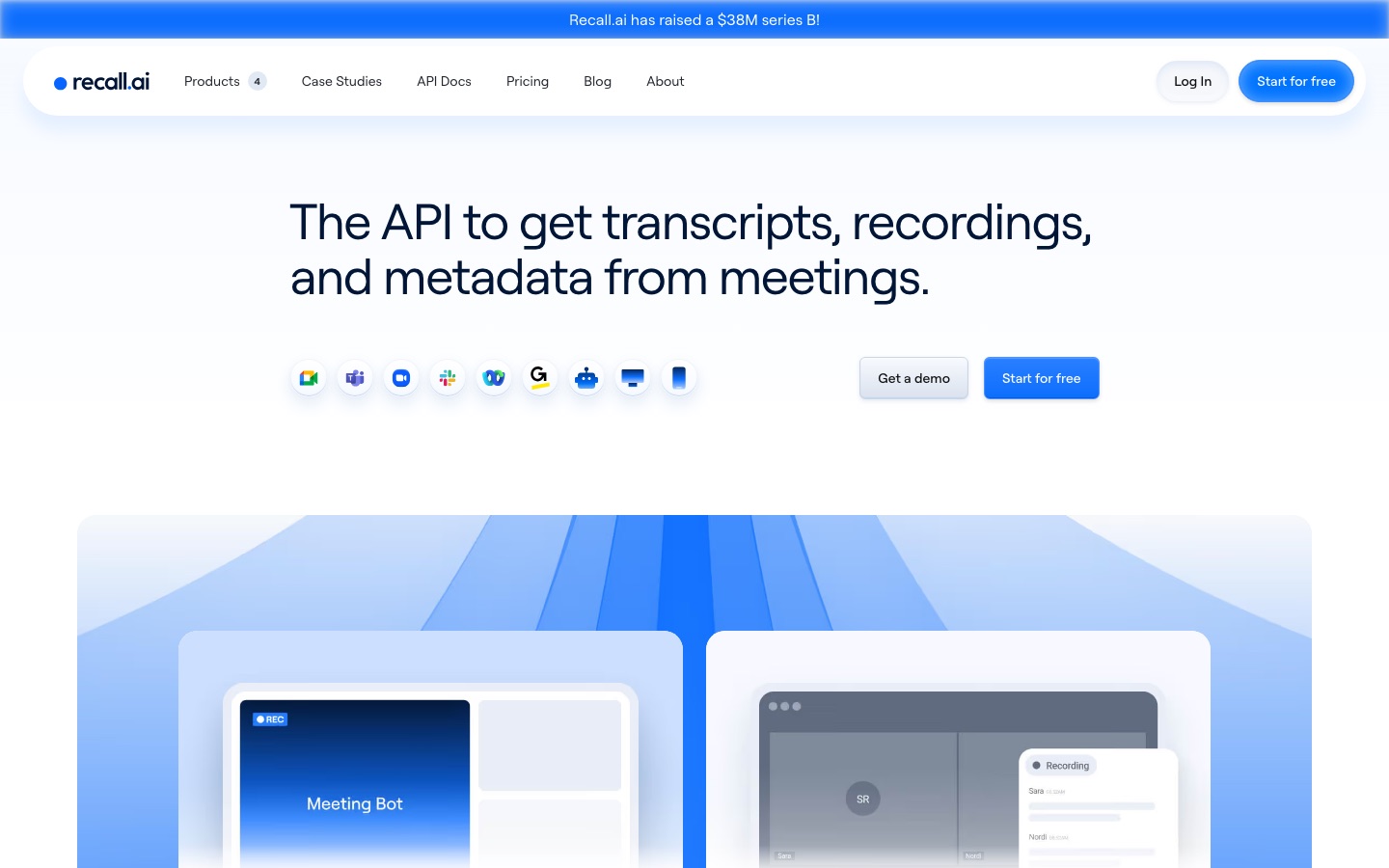
Recall.ai is an API platform that lets software companies add meeting recording and transcription to their own products. Its Meeting Bot API sends a bot into a video call to capture audio, video and transcripts, and works with Google Meet, Zoom, Microsoft Teams, Slack Huddles, Webex and GoTo Meeting. A Desktop Recording SDK records from the user's device without a visible bot, a Calendar API supplies event and attendee data, and a Mobile Recording SDK for phone calls and in-person meetings is announced as coming soon. Because each participant's audio is captured as a separate stream, transcripts can attribute speech to the right person. Output is available in real time or after the meeting. Billing is by recorded hour, and data can be kept in US, EU or Japanese regions.
Key Features
Meeting Bot API
Dispatches a bot that joins a video conference and returns recordings, transcripts and call metadata.
Desktop Recording SDK
Captures calls and in-person meetings from an app on the user's machine, with no bot present in the meeting.
Per-Speaker Audio
Records every participant on an individual stream so the transcript can label who said each line, even during overlap.
Real-Time and Async Data
Delivers transcripts, audio and video either live during the call or as files such as MP4 afterwards.
Calendar API
Reads Google and Microsoft calendars to add titles, attendee names and email addresses to a recording.
Interactive Bots
Lets a bot post and read chat messages, show images or video and play audio into the meeting, for building agents that take part.
Screenshots
Videos
Use Cases
- Building a Notetaker
- Add automatic meeting notes to a product without maintaining integrations for each conferencing platform.
- Sales Conversation Intelligence
- Feed recorded customer calls into analysis and coaching features.
- Clinical Scribe Tools
- Capture consultations as the input for an AI scribe, with a BAA available on the Enterprise plan.
- Interview Scorecards
- Record hiring interviews and generate structured evaluations from the transcript.
- Recorded Depositions
- Capture remote legal proceedings held on video conferencing platforms.
Things to know
- Storage is free for a week
- After the first 7 days, retaining a recording is charged per recorded hour for each further 30 days.
- Mobile SDK is not yet available
- The Mobile Recording SDK is labelled as coming soon on the site.
- Compliance listings
- The site footer lists SOC 2, ISO 27001, HIPAA, GDPR and CCPA under security.
FAQs
What is Recall.ai?
Recall.ai is an API platform for recording meetings. It gives developers transcripts, recordings and metadata from video calls through a Meeting Bot API, recording SDKs and a Calendar API.
What is Recall.ai used for?
Recall.ai is used by software companies to build meeting recording, transcription and notetaking features into their own applications.
Is Recall.ai free?
Recall.ai gives new Pay As You Go accounts their first 5 hours of recording at no charge. The Calendar API is free to use.
How much does Recall.ai cost?
Recall.ai: a free trial is offered. Paid plan rates are published on recall.ai. Check the official pricing page for current amounts.
Which meeting platforms does Recall.ai support?
Recall.ai lists integrations with Google Meet, Zoom, Microsoft Teams, Slack Huddles, Webex and GoTo Meeting.
Does the number of participants change the Recall.ai bill?
No. Recall.ai charges only for the length of the recording, so a one-hour call costs the same with one attendee or ten.
Who it's for
- Software developers
- Product teams building notetakers
- Sales intelligence vendors
- Health and legal tech companies
- Startups
Comments
No comments yet. If you have used Recall.ai, tell other readers how it went.
Alternatives to Recall.ai
| Tool | Free plan | Starting price | API |
|---|---|---|---|
 Fireflies.aiAI meeting assistant that records, transcribes, summarises and makes team conversations searchable. Fireflies.aiAI meeting assistant that records, transcribes, summarises and makes team conversations searchable. |
Yes | — | Yes |
 HappyScribeAI transcription, subtitling and meeting notetaker that works in 150+ languages, with optional human review. HappyScribeAI transcription, subtitling and meeting notetaker that works in 150+ languages, with optional human review. |
Yes | — | Yes |
 NottaAI meeting notetaker that records, transcribes, translates and summarises conversations in 58 languages. NottaAI meeting notetaker that records, transcribes, translates and summarises conversations in 58 languages. |
Yes | $8.17/mo | — |
 NylasDeveloper APIs for email, calendar, scheduling and meeting notes, plus hosted inboxes for AI agents. NylasDeveloper APIs for email, calendar, scheduling and meeting notes, plus hosted inboxes for AI agents. |
Yes | $15/mo | Yes |
 Otter.aiAI meeting notetaker that transcribes conversations live and produces summaries, action items and searchable notes. Otter.aiAI meeting notetaker that transcribes conversations live and produces summaries, action items and searchable notes. |
Yes | $16.99/mo | Yes |
Listed in the same categories as Recall.ai. A starting price appears only where we checked it on the maker’s pricing page; a dash means not checked or not published. All Meeting Assistants tools