Qovery
Self-service infrastructure platform for deploying to Kubernetes on your own cloud, with guardrails for AI agents.
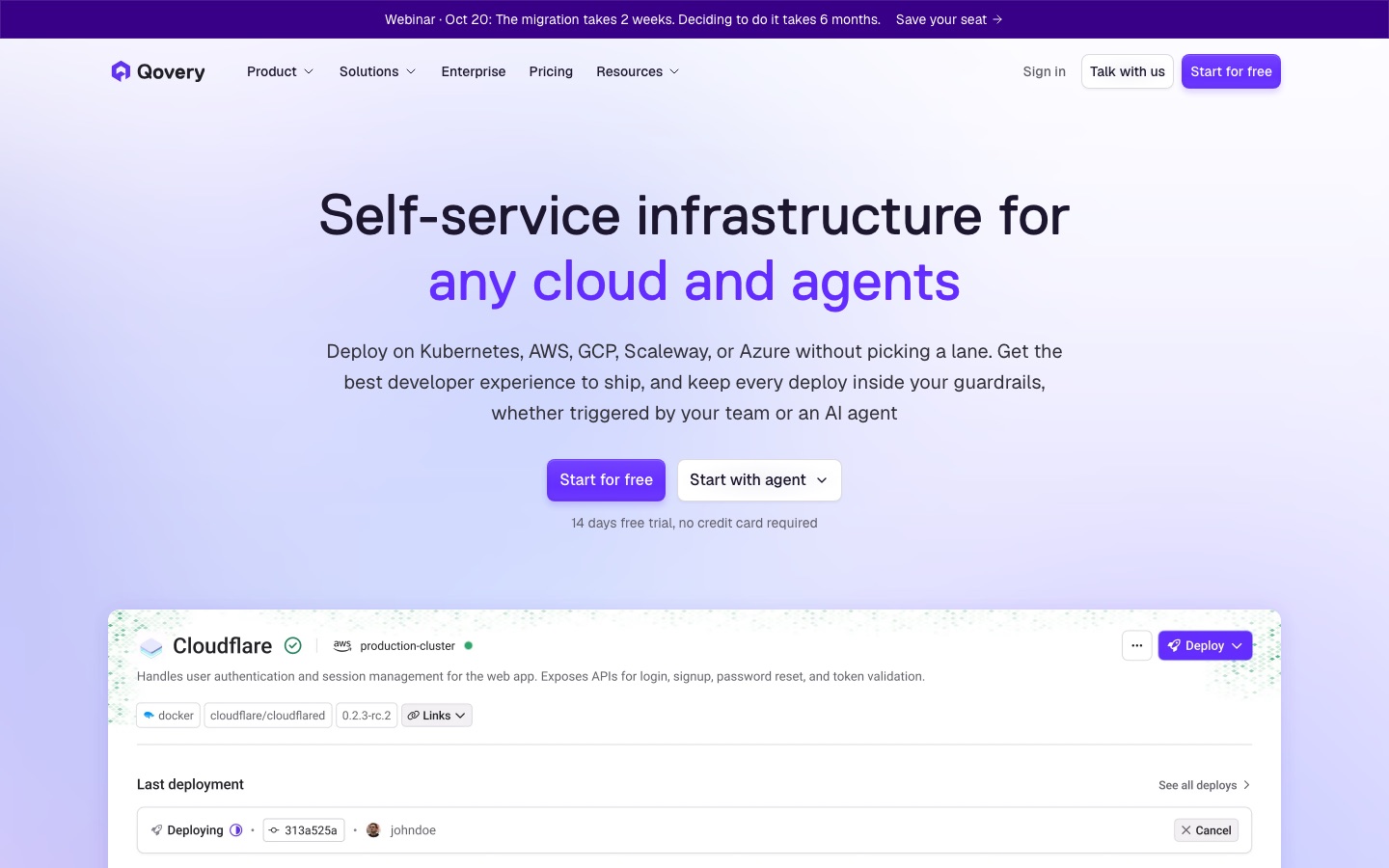
Qovery is a self-service infrastructure platform for deploying applications to Kubernetes in your own AWS, Google Cloud, Azure or Scaleway account. Qovery handles builds, deployments, preview environments and cluster upkeep, and lets AI coding agents act through an MCP server under the same permissions and audit logging as engineers.
Best for Engineering teams that want a managed deployment layer on their own cloud account and controlled access for AI coding agents.
- Platforms
- Web, API, MCP
- Pricing model
- Subscription
- Free trial
- Yes
- API
- Yes
- Made by
- Qovery
- Added
Last verified: . Information taken from qovery.com.
What is Qovery?
Qovery is an infrastructure platform that sits between an engineering team and its own cloud account, handling provisioning, deployments and ongoing cluster maintenance. Applications run on Kubernetes in the customer's AWS, Google Cloud, Azure or Scaleway account rather than on Qovery's servers. A team connects a git repository or container registry and the platform builds, deploys, creates environments and can roll back to an earlier release. It also provisions clusters with networking, access management, encryption and autoscaling configured, then keeps them upgraded and patched. Access rules, approvals and quotas act as guardrails for people and for AI coding agents, which can operate Qovery through an MCP server, skills, the CLI or the API using scoped tokens. Every action is logged for audits, and a built-in Copilot reads logs and configuration to explain failed deployments.
Key Features
Deployments
Builds and ships services from a connected repository or registry, with live logs and rollback to any earlier version.
Managed Clusters
Provisions Kubernetes on your cloud account with networking, IAM and autoscaling set up, and applies upgrades and patches.
Preview Environments
Creates a temporary environment for each pull request and removes it once it is no longer needed.
Guardrails and RBAC
Enforces approvals, quotas and environment restrictions, and assigns per-project access from read-only to full control.
Agent Access
Lets coding agents such as Claude Code or Codex deploy through an MCP server with their own policy-scoped API tokens.
Copilot Troubleshooting
Analyses logs, events and configuration to explain why a deployment failed.
Screenshots
Use Cases
- Leaving a PaaS
- Move applications off Heroku, Render or Elastic Beanstalk into your own cloud account without re-architecting.
- Self-Service for Developers
- Let engineers deploy approved service templates without filing tickets with a platform team.
- Per-Pull-Request Testing
- Spin up an isolated copy of the stack to review a change before merging.
- Governed AI Agent Deployments
- Allow an agent to ship code while its permissions are limited and its actions are recorded.
- Audit Preparation
- Use attributed logs of human and agent actions as evidence for SOC 2 or HIPAA reviews.
Things to know
- You supply the cloud account
- Workloads run on infrastructure in your own cloud account; Qovery operates that layer and does not host the applications.
- Team and Growth have fixed limits
- Team is capped at 3 users and 1 cluster and Growth at 10 users and 2 clusters; more requires the next plan.
- Deployment minutes do not roll over
- Each plan includes a monthly allowance of build and deploy time, and unused minutes expire.
- Self-hosting is Enterprise-only
- Running the control plane in your own cluster, including air-gapped, is offered on the Enterprise plan.
FAQs
What is Qovery?
Qovery is a self-service infrastructure platform. It lets teams and AI agents deploy applications to Kubernetes in the team's own cloud account.
Does Qovery host my applications?
No. Qovery orchestrates deployments, but workloads and data stay in your own AWS, Google Cloud, Azure or Scaleway account.
How much does Qovery cost?
Qovery: a free trial is offered. Paid plan rates are published on qovery.com. Check the official pricing page for current amounts.
Is there a free trial of Qovery?
Yes. Qovery offers a 14-day full-featured trial with no credit card required, and you can switch tiers during it.
Can AI coding agents use Qovery?
Yes. Agents connect to Qovery through its MCP server, CLI or API with their own tokens, inherit scoped permissions and have every action audited.
Do AI agents count as Qovery users?
No. Qovery counts anyone with console access as a user, including read-only viewers, but AI agents and bots do not take up seats.
Do I have to rewrite my app for Qovery?
No. Qovery says you connect an existing repository or registry and keep your Dockerfile or Procfile.
Is Qovery HIPAA compliant?
Qovery offers HIPAA with a signed BAA as a paid add-on on the Business plan and as part of the Enterprise compliance package.
Who it's for
- Platform engineers
- DevOps teams
- Developers
- Engineering leaders
- Startups
Comments
No comments yet. If you have used Qovery, tell other readers how it went.
Alternatives to Qovery
| Tool | Free plan | Starting price | API |
|---|---|---|---|
 GreptileAI code review agent that indexes a repository and comments on pull requests with whole-codebase context. |
Yes | — | — |
 Kong KonnectKong's unified platform for managing and governing API, AI, MCP and event traffic through gateways. |
No | $25/mo | Yes |
 PagerDutyIncident management and operations platform with AI agents that triage, diagnose and document incidents. |
Yes | — | Yes |
 CircleCICI/CD platform that builds, tests and deploys code, with an AI agent called Chunk and an MCP server for assistants. |
Yes | — | Yes |
 LangChainOpen source agent frameworks plus the LangSmith platform for tracing, evaluating and deploying AI agents. |
Yes | — | Yes |
Listed in the same categories as Qovery. A starting price appears only where we checked it on the maker’s pricing page; a dash means not checked or not published. All DevOps & Monitoring tools