
png.ai
Online text-to-image generator built on the Flux model that produces PNG images, remixes uploads and describes pictures.
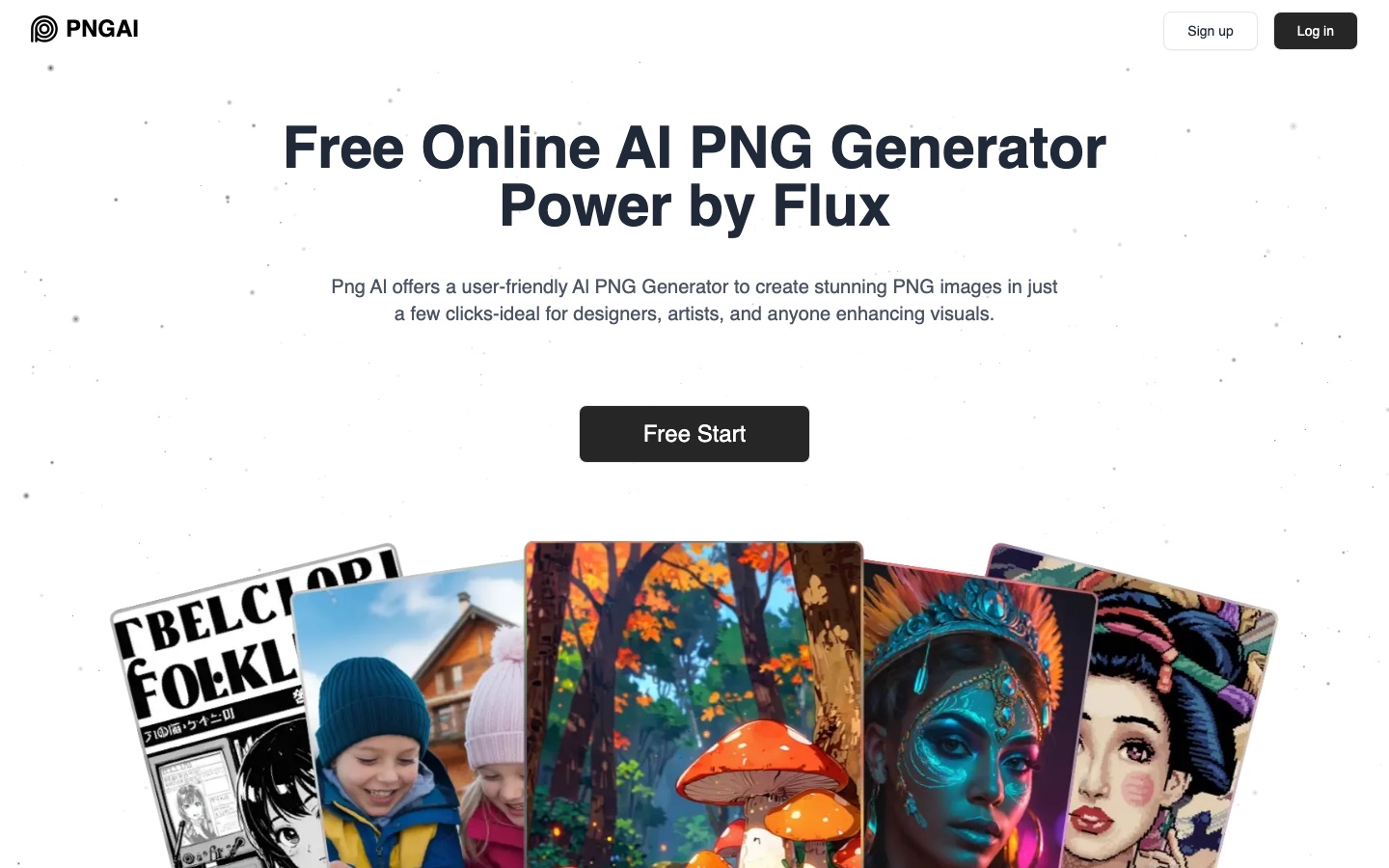
png.ai is an online AI image generator that outputs PNG files. png.ai uses the Flux model to turn a written description into a picture, can remix an uploaded image into a new one, and has a Describe function that converts a picture into prompt text. A free tier exists alongside paid Basic and Plus plans.
Best for Designers and content creators who want quick PNG illustrations, icons or concept images from a text prompt in the browser.
- Listed in
- AI Image Generator
- Platforms
- Web
- Pricing model
- Freemium
- Free plan
- Yes
- Added
Last verified: . Information taken from png.ai.
What is png.ai?
png.ai is a browser-based image generator focused on PNG output. It relies on several models, with Flux named as the main one, to convert a typed description into an image within seconds. Besides text-to-image, the tool includes Image Remix, which takes an uploaded or existing picture and reworks it into something new, and a Describe button that pulls the key details out of an image and returns them as a prompt. According to the site's FAQ, results can be illustrations, logos, icons or concept art, and they may be used commercially subject to the terms of service. Three plans are listed. Free covers Describe, the community gallery and compressed JPG downloads. Basic adds priority credits, original-quality PNG downloads, upscaling and advanced settings. Plus adds a larger credit allowance, image upload, private generation and image deletion.
Key Features
Text to PNG
Generates an image from a written description and delivers it as a PNG file.
Image Remix
Reworks an uploaded or existing picture into a new variation with different visual effects.
Describe
Extracts the main details of an image and turns them into prompt text for further generation.
Flux Model
Uses Flux as its principal generation model, alongside others the site does not name.
Upscale and Advanced Settings
Paid plans unlock upscaling, extra generation controls and original-quality downloads.
Private Generation
The Plus plan keeps generations private and lets users delete their images.
How png.ai works
Enter a description
Type a detailed account of the image you have in mind.
Wait a few seconds
The model processes the request and generates the picture.
Review and refine
Check the PNG; if it misses the mark, reword the prompt and run it again.
Use Cases
- Icons and Small Graphics
- Create a PNG icon for an app mock-up or presentation from a short prompt.
- Concept Art Drafts
- Sketch out an idea visually before committing to manual illustration.
- Reworking an Existing Picture
- Upload an image and remix it to explore alternative styles.
- Recovering a Prompt
- Use Describe on a reference image to obtain wording you can edit and reuse.
- Social Media Visuals
- Produce illustrations to accompany posts or articles.
Things to know
- Free downloads are compressed JPGs
- Original-quality PNG downloads begin with the Basic plan.
- Image upload is a Plus feature
- The plan list places image upload, private generation and image deletion in the Plus tier.
- Generation limits apply
- The FAQ notes that free generation may be limited and points to paid plans for more capacity.
FAQs
What is png.ai?
png.ai is an online AI image generator that creates PNG images from text descriptions using the Flux model.
What is png.ai used for?
png.ai is used to generate illustrations, logos, icons and concept art, to remix existing pictures and to turn images into prompts.
Is png.ai free?
png.ai has a Free plan that includes the Describe tool, the community gallery and compressed JPG downloads. Basic and Plus are paid plans with monthly priority credits.
How much does png.ai cost?
png.ai lists Basic and Plus plans with monthly or annual billing; see the pricing section on the official site for current figures.
Can I use png.ai images commercially?
Yes. The png.ai FAQ says generated images can be used commercially and refers users to the terms of service for the specific rules.
What file formats does png.ai produce?
png.ai outputs PNG as its primary format on paid plans, while the Free plan downloads are compressed JPGs.
Which model does png.ai use?
png.ai says it uses multiple models and names Flux as the leading one for image generation.
Who it's for
- Designers
- Artists
- Content creators
- Hobbyists
Comments
No comments yet. If you have used png.ai, tell other readers how it went.
Alternatives to png.ai
| Tool | Free plan | Starting price | API |
|---|---|---|---|
 CraiyonText-to-image generator with six style presets, an exclude field and credit-based image editing tools. |
Yes | — | No |
 Deep PixelsAI generator that turns text prompts into Minecraft item textures and small pixel-art images. |
Yes | — | — |
 A2EAI video and image toolset covering image to video, face and head swap, lip sync, voice cloning and avatars. |
Yes | — | Yes |
 AI Tattoo InkAI tattoo generator that creates custom design concepts from a description in eight tattoo styles. |
— | $5 | — |
 AI TwoLibrary of community-built AI tools for images, video, voice and home design, with a builder for creating your own. |
Yes | — | — |
Listed in the same category as png.ai. A starting price appears only where we checked it on the maker’s pricing page; a dash means not checked or not published. All AI Image Generator tools